
How to live stream on mobile devices
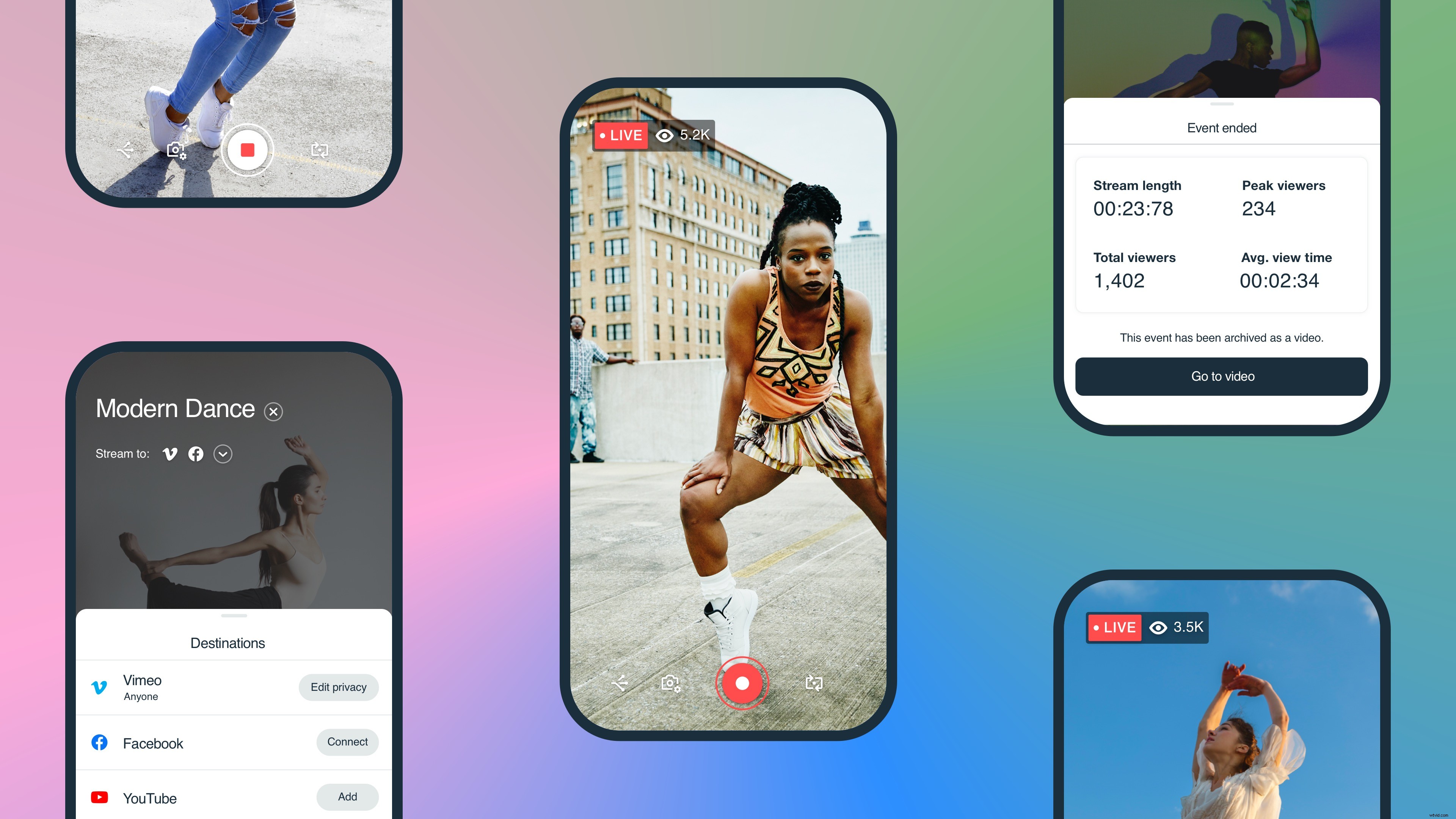 Chances are, you already have a live streaming platform on your phone. Facebook, Twitter, and Instagram all offer live streaming features directly in their mobile apps. Others, like the Vimeo mobile app, may be new to you, but offer more customization options to give your live stream a boost.
For instance, many people choose to live stream to social media because it gives access to an existing audience. That said, live streaming through native apps is limiting, because you can only stream to that social network. What do you do when you have an audience on Facebook and YouTube, for instance? Holding two phones and alternating eye contact between the two is not the way to go about it.
Fortunately, Vimeo’s live streaming app for iOS and Android allows you to simulcast your live stream to multiple social media destinations with just a few taps, and is available for Premium and Enterprise subscribers. With a little planning, you can even embed your mobile stream anywhere on the web in addition to your social networks of choice.
Chances are, you already have a live streaming platform on your phone. Facebook, Twitter, and Instagram all offer live streaming features directly in their mobile apps. Others, like the Vimeo mobile app, may be new to you, but offer more customization options to give your live stream a boost.
For instance, many people choose to live stream to social media because it gives access to an existing audience. That said, live streaming through native apps is limiting, because you can only stream to that social network. What do you do when you have an audience on Facebook and YouTube, for instance? Holding two phones and alternating eye contact between the two is not the way to go about it.
Fortunately, Vimeo’s live streaming app for iOS and Android allows you to simulcast your live stream to multiple social media destinations with just a few taps, and is available for Premium and Enterprise subscribers. With a little planning, you can even embed your mobile stream anywhere on the web in addition to your social networks of choice.
Create a pro look, straight from your phone
Live streaming on your phone is a pretty simple practice, but that doesn’t mean your streaming setup should be. There are some extra steps you can take to boost the quality and make your on-the-go live stream feel a bit more special.Find that sweet lighting spot.
The sun is your best lighting choice. And, you know… it’s free. Ideally, position your phone with a window facing you, with the sun washing over your face. Whatever you do, don’t sit with your back to a window, or else you’ll be in silhouette and might resemble an anonymous guest on Dateline.Set up your best shot.
Now that you’ve got your natural lighting, here are some simple tweaks you can make to perfect your phone’s setup:- Keep things at eye level. No high or low angles here, keep things head-on for an even look.
- Stay at arm’s length… with your camera, anyway. Adding some space between you and your phone will make for a better perspective. Better to be farther away than have a very, err, up close and personal look.
- Add some flair. Your background should add interest or show your personality. Posters, prints, blankets, plants, bookcases — any of these items can make your setup look even more inviting.
Ensure awesome audio.
Assuming that you follow our guidelines and stay at arm’s length, you probably won’t need any kind of external mic for your live stream — the mic on your device will do the job. That said, if you have AirPods or other Bluetooth, cordless earbuds at the ready, they can be a subtle way to amplify your voice. Earbuds with built-in mics are especially helpful if you need to step farther than an arm’s length away from your phone during your stream (like if you’re streaming a fitness class). Whatever you do, do your best to stream from a quiet location without much background noise, and stay as close to the device as you can to ensure your voice comes through clearly.For more recommendations on live streaming equipment, check out our gear guide →
Shore up your internet connection
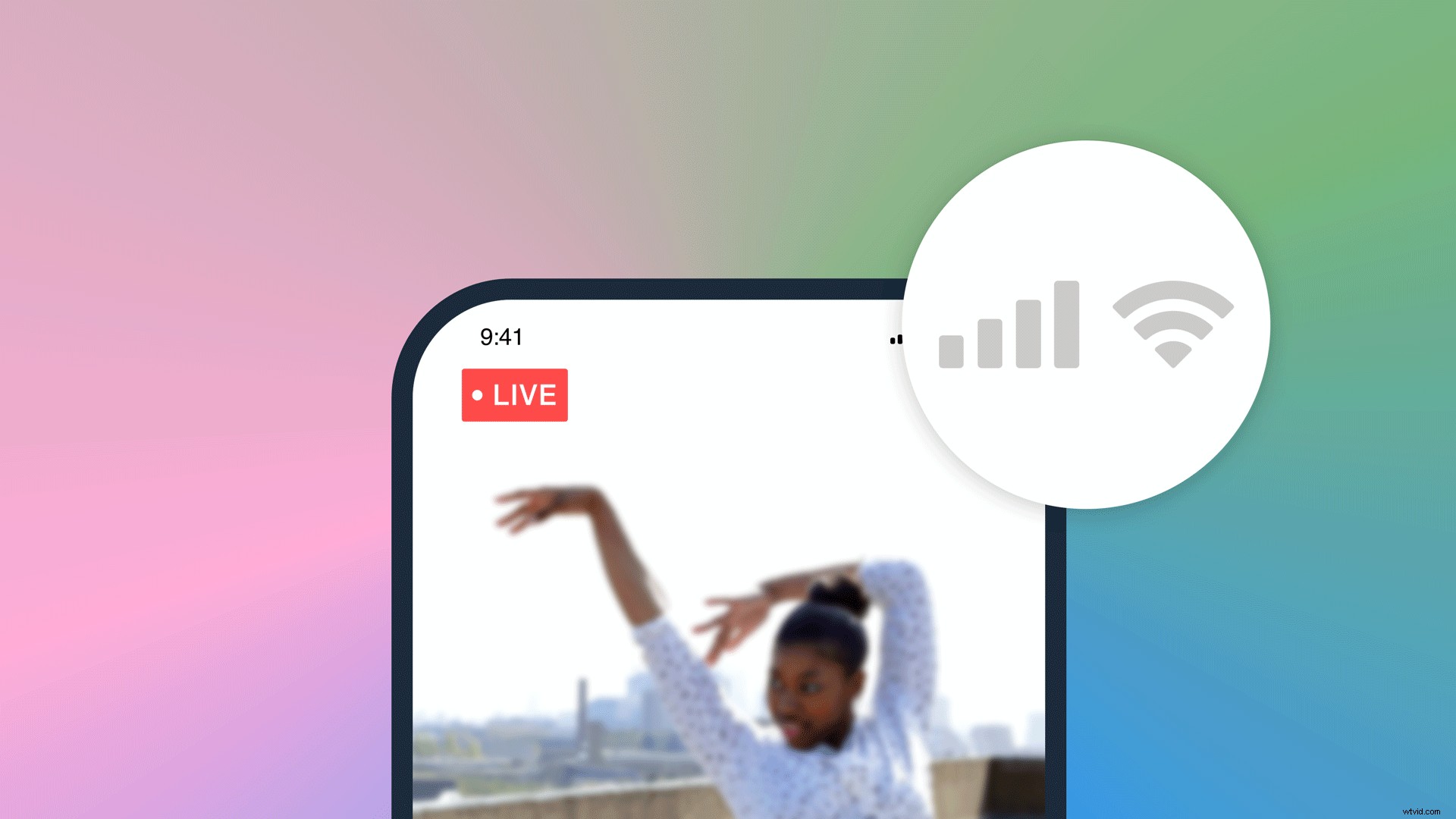 The beauty of live streaming from a mobile device is that you have the freedom to be, well, mobile. If you’re going to be streaming over your cellular network, make sure you’re in a spot that has full bars of service, along with LTE.
If you want to go above and beyond with the reliability of your stream, connecting your phone to the internet will help. Wi-Fi can work, just make sure you’re on a network that isn’t getting a ton of use from other folks, like your roommates watching Netflix, or strangers hogging the bandwidth on a public network.
The beauty of live streaming from a mobile device is that you have the freedom to be, well, mobile. If you’re going to be streaming over your cellular network, make sure you’re in a spot that has full bars of service, along with LTE.
If you want to go above and beyond with the reliability of your stream, connecting your phone to the internet will help. Wi-Fi can work, just make sure you’re on a network that isn’t getting a ton of use from other folks, like your roommates watching Netflix, or strangers hogging the bandwidth on a public network.
- Keep your setup close to the router. Being in the same room as your Wi-Fi router will also ensure a strong connection, as Wi-Fi can become unreliable at longer distances or when blocked by walls.
- Limit the number of devices using the same network while you stream. If other people in your home are using Wi-Fi for high-bandwidth activities like watching movies or playing video games, you’ll have a slower, more congested connection and slowing down the live stream from your phone.
- Upgrade your speed. You can always contact your local ISP to see if they have a higher bandwidth connection in your area.