
It’s no secret that most people consume a lot more video content these days. According to this survey, half of people under age 34 say they couldn’t live without video in their daily lives.This spike in video consumption makes video accessibility more important than ever before. Video accessibility refers to the ability of a person with a disability to understand and enjoy online video.
According to the World Health Organization, one in 10 people will have disabling hearing loss by 2050. Deaf and Hard-of-Hearing (HoH) people need closed-captions to enjoy video content.
Captions also make understanding video content easier for people with learning disabilities or attention deficits. In fact, 85 percent of video views on Facebook occur on mute.
Because most people are relying on remote technology, live video has taken center stage. Adding live closed captioning to your streams is a great way to increase your reach while making your content more accessible.
What is closed captioning?
Closed captioning is the process of converting spoken words and sounds to text. It’s how we make video accessible to people with diverse aural abilities. They help those with learning disabilities or attention deficits concentrate on a video’s dialogue.
The process of closed captioning works like this: transcript text is divided into captions frames, which are then time-coded to match a video’s audio. When the process is complete, viewers should be able to use both audio and captions to understand video dialogue.
They can be turned on and off, which is what sets them apart from open captions (open captions are burned into the video and can’t be removed).
Learn more about video captioningClosed captioning vs subtitles: what’s the difference?
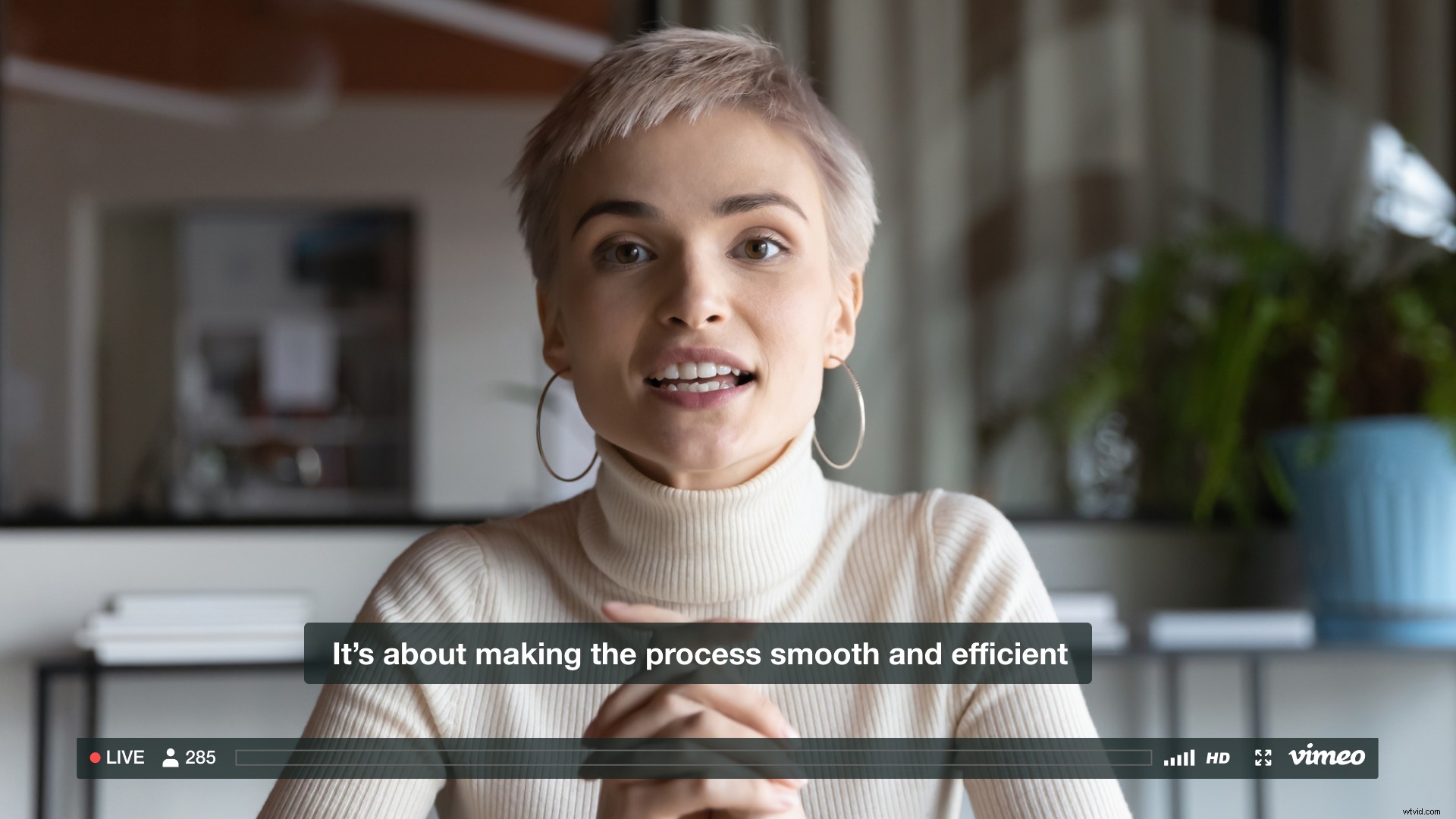
Closed captions are meant for people who cannot hear the audio, while subtitles are for people who can hear the audio but can’t understand the language. Closed-captions communicate words, sounds, and even speaker IDs. Subtitles translate spoken words but don’t communicate sounds or speaker IDs.
What is live closed captioning?
Considering live video is one of the most engaging social media features, it’s no surprise how it’s taken over the internet. When livestreams aren’t closed captioned, video creators neglect the portion of their audience that is Deaf, HoH, or that uses captions to better understand the content.
This accessibility issue can be fixed by live closed captioning. It’s a process where captions are added to the live video as it is streaming. On television, the audio is typically transcribed manually. A stenographer listens as the video streams, typing into a special computer program that sends captions to the TV signal.
This method doesn’t translate well to social media. To improve the accessibility of your livestreams, webinars, and other live video content, you’re going to need live closed captioning software.
Live closed captioning software
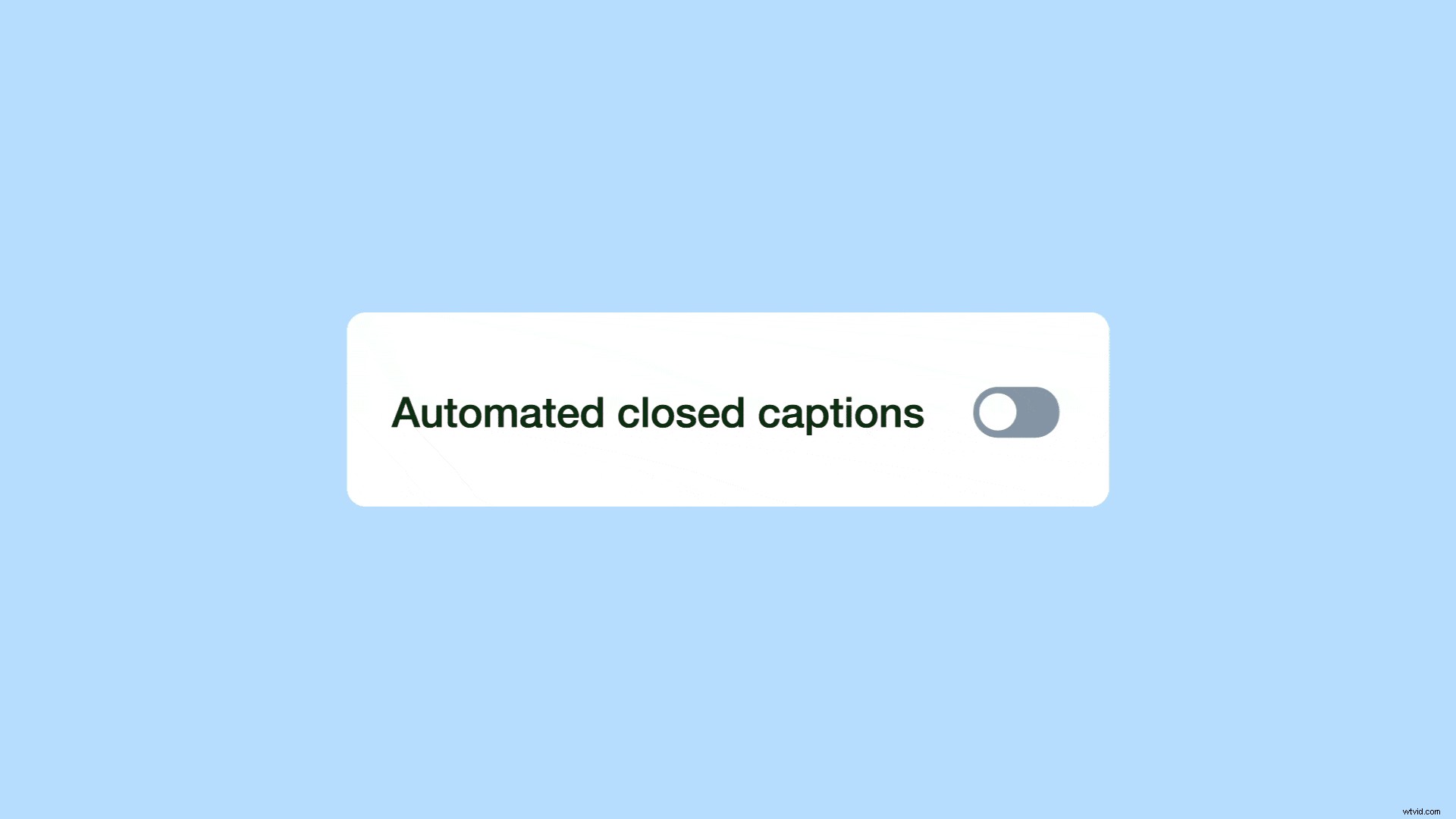
You can use live closed captioning software to caption your video content automatically, at the click of a button. It takes the hassle out of manually transcribing content by doing it for you in real time. You can even toggle the auto-CC tool on and off while your event is live.
Vimeo’s live closed captioning software uses Google’s API to deliver high quality transcriptions for your video content. You can even identify proper names and technical terms to improve speech detection and accuracy.
When your stream is over, the captions are saved with your video. You can even download the WebVTT tile of your captions. This comes in handy if you ever want to edit and re-upload them.
Launch your own live stream todayClosed captioning FAQs
Get the rundown on closed captioning with these FAQs:
Why is it called closed captioning?
It’s called closed captioning because the captions are hidden until they are opened by the viewer by clicking the “CC” button. They can be turned on and off according to the viewer’s preference, which comes in handy when the audio gets hard to understand.
What is the purpose of closed captioning?
The purpose of closed captioning is to make content more accessible to those with differing aural abilities, learning styles, and attention abilities. It also boosts video reach and SEO. Plus, many people prefer viewing content with subtitles and no audio when in public places.
What is the difference between closed and open captions?
Closed captions can be turned on and off by the user, while open captions are burned into the video and can’t be removed. Closed captions can also toggle between different languages, while open captions can only be viewed in their original language.
How does live closed captioning work?
For traditional live closed captioning, a stenographer listens to the audio and transcribes it into a special computer program which broadcasts it to the TV signal. Live closed captioning on social media uses software to add captions to video content automatically.
Current events have us all feeling isolated, and the feeling is only intensified for Deaf and HoH people who encounter un-captioned video content everywhere they look. This is why closed captioning for live video is so important. When you use live video to engage with your community, make sure you use closed captions so your engagement is inclusive.