
Wondershare Filmora remains a standout choice for video creators thanks to its intuitive interface and robust feature set. Yet, for newcomers and seasoned editors alike, exploring alternatives can unlock new workflows, advanced capabilities, and sometimes a more cost‑effective solution.
Below is a comprehensive guide to the best Filmora alternatives—both free and premium—across desktop, web, and mobile platforms.
Why Explore Filmora Alternatives?
While Filmora excels in ease of use and cross‑platform availability, it has limitations:
- Large, high‑resolution projects often trigger lag or crashes.
- There is no free tier—only a 30‑day trial.
- Workspace customization is minimal compared to competitors.
Alternatives frequently address these issues with faster performance, free plans, and richer customization options.
Top 8 Filmora Alternatives for Desktop (Windows & macOS)
1. Riverside
Pricing: Free version, $15 (Standard), $24 (Pro)
Platforms: Windows, macOS
Target users: Beginners to professionals
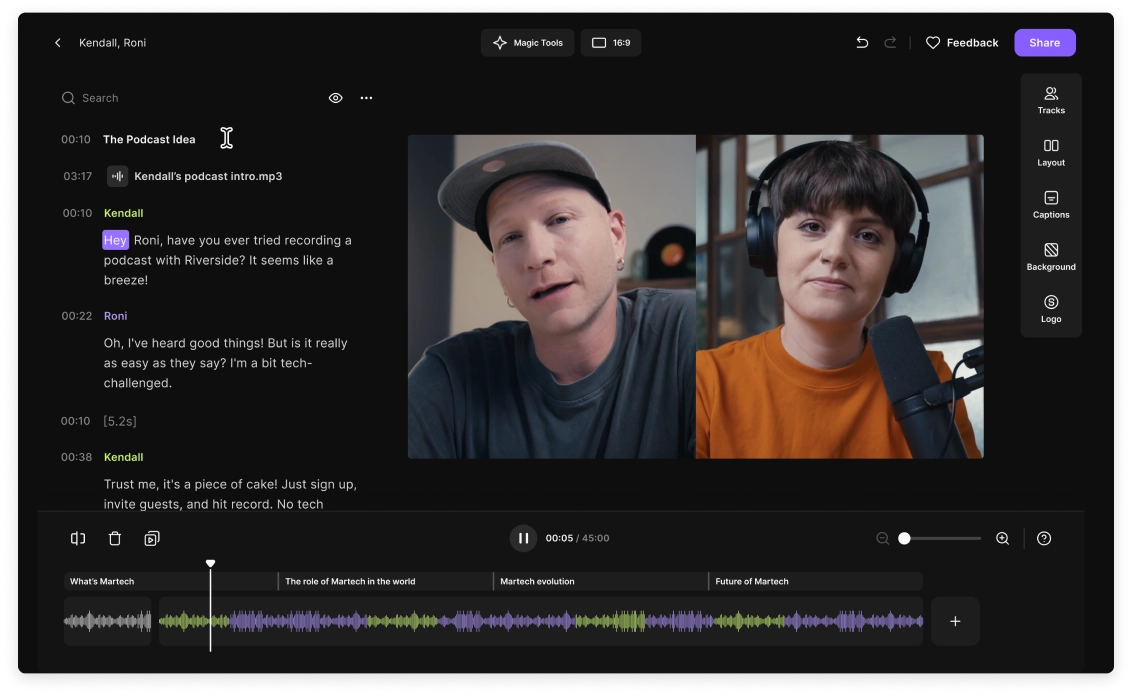
Riverside delivers an all‑in‑one solution: high‑resolution recording, AI‑powered editing, and live virtual studio features. The AI transcript lets you edit like a text document, while built‑in captions, overlays, and noise‑removal tools polish the final cut.
Key strengths include 4K video capture, separate track recording for guests, AI clip extraction, and multi‑language transcription. It’s ideal for creators who value speed and automation.
Riverside vs. Filmora
- AI tools like text‑based editing are exclusive to Riverside.
- Riverside is more beginner‑friendly, whereas Filmora may require a learning curve.
2. Adobe Premiere Pro
Pricing: $20.99/month (individual), $35.99/month/seat (teams)
Platforms: Windows, macOS
Target users: Intermediate to professional editors
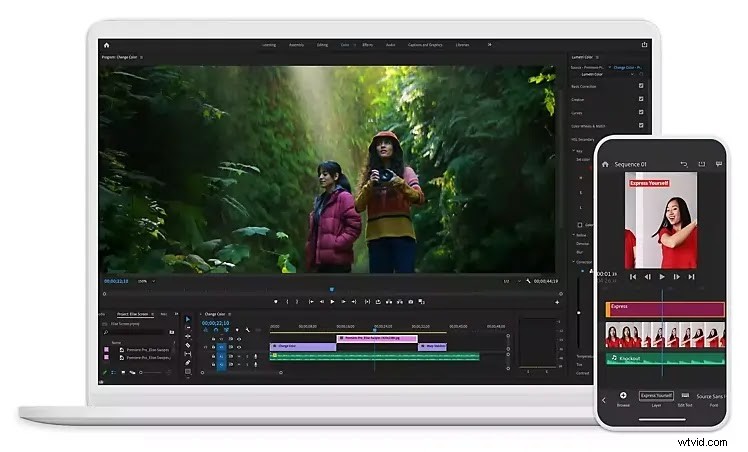
Premiere Pro offers a full spectrum of industry‑grade tools—motion graphics, advanced color grading, and robust audio editing—backed by Adobe Creative Cloud integration. It’s the benchmark for high‑end projects, though it demands a steeper learning curve.
Key strengths: non‑linear timeline, extensive template library, AI‑driven editing features, and seamless collaboration across Adobe apps.
Premiere Pro vs. Filmora
- Premiere Pro provides advanced tools that Filmora lacks.
- Premiere Pro is pricier; Filmora remains budget‑friendly.
3. Apple Final Cut Pro
Pricing: $299.99 (one‑time)
Platforms: macOS
Target users: Intermediate to professional Mac users
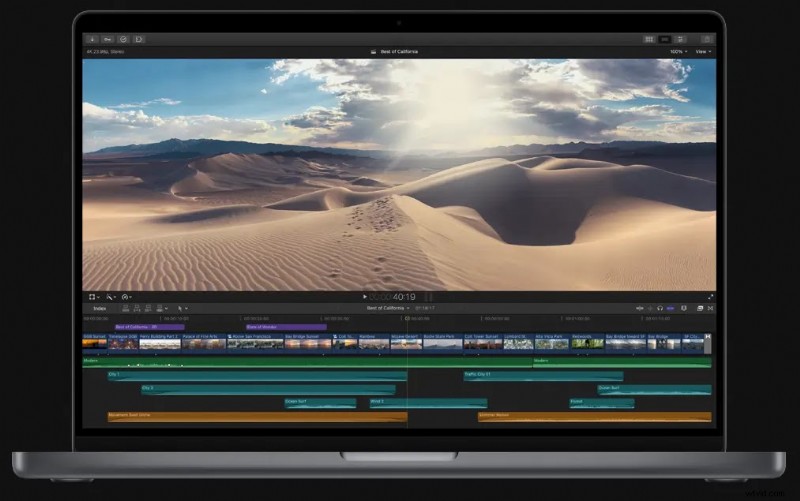
Final Cut Pro offers lightning‑fast performance on Macs, powerful color correction, and VR footage support. The one‑time purchase is a major draw for Mac users seeking a high‑performance editor.
Key strengths: smooth playback of 4K, 360° VR support, advanced library organization, multi‑camera editing.
Final Cut Pro vs. Filmora
- Final Cut Pro optimizes Mac workflows; Filmora is cross‑platform.
4. CyberLink PowerDirector
Pricing: Free plan; $4.58/month (Premium)
Platforms: Windows, macOS
Target users: Beginner‑friendly
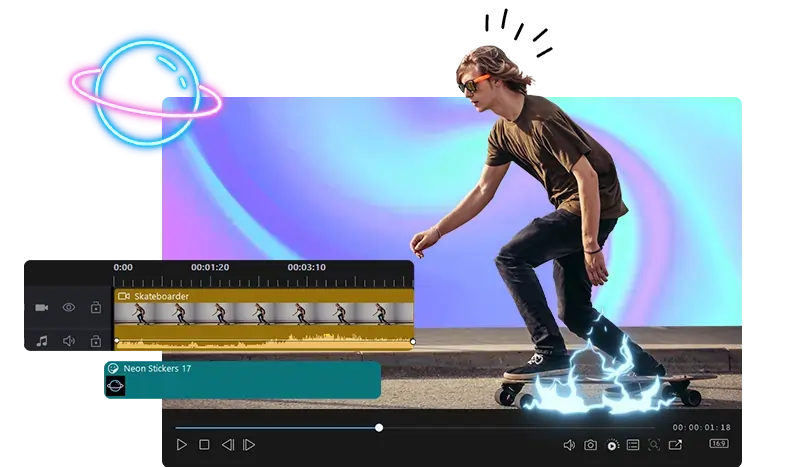
PowerDirector balances ease of use with a rich feature set, including over 40 motion graphics, a vast stock library, and 360° video support.
Key strengths: advanced effects, built‑in templates, cloud storage, and an intuitive interface that bridges amateur and intermediate editors.
PowerDirector vs. Filmora
- PowerDirector offers a smoother transition for users moving from basic to intermediate projects.
5. InVideo
Pricing: Free edition; $15/month (Business), $30/month (Unlimited)
Platforms: Windows, macOS
Target users: Beginner‑friendly, especially social‑media creators
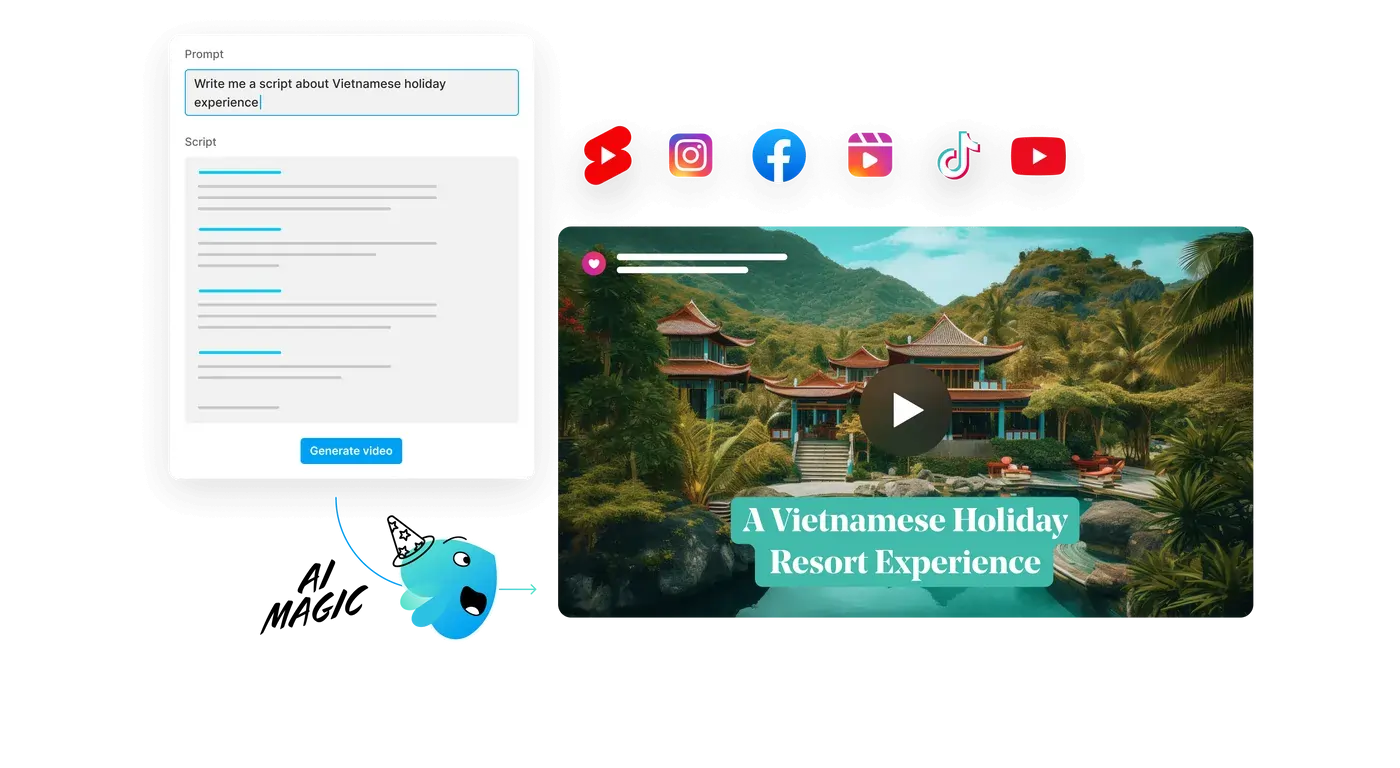
InVideo’s AI‑assisted workflow, drag‑and‑drop interface, and template library streamline quick content creation.
Key strengths: full template customization, AI video generation, 24/7 chat support, and human‑like AI voiceovers.
InVideo vs. Filmora
- InVideo excels at rapid social‑media editing; Filmora offers deeper control for offline projects.
6. DaVinci Resolve
Pricing: Free Studio; $295 (Resolve Studio)
Platforms: Windows, macOS, Linux
Target users: Beginner to intermediate, especially colorists
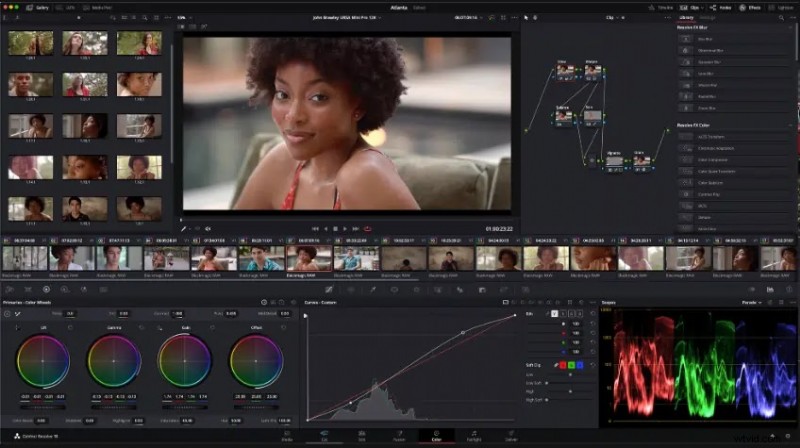
Resolve delivers professional‑grade color grading, multi‑camera editing, and VFX tools—all free in the standard version.
Key strengths: industry‑standard color tools, collaboration features, and broad format support.
Resolve vs. Filmora
- Resolve is ideal for budget‑conscious editors who need advanced color work.
7. Apple iMovie
Pricing: Free
Platforms: macOS, iOS, iPadOS
Target users: Absolute beginners on Apple devices
iMovie offers a clean, minimal interface with royalty‑free music and easy social‑media sharing.
Key strengths: intuitive editing, extensive stock library, and straightforward export options.
iMovie vs. Filmora
- iMovie is great for first‑time editors; Filmora supports a broader skill range.
8. Camtasia
Pricing: $299.99 per user
Platforms: Windows, macOS
Target users: Very beginner‑friendly, especially for screen‑recording projects
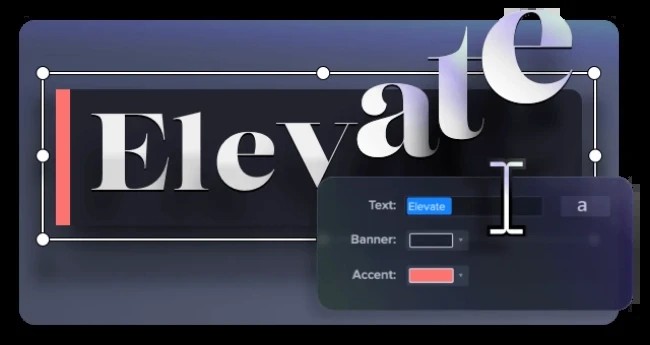
Camtasia shines in screen‑capture editing, offering advanced captioning, green‑screen tools, and a vast royalty‑free asset library.
Key strengths: voice‑over captioning, green‑screen flexibility, and an extensive media library.
Camtasia vs. Filmora
- Camtasia excels in screen‑recording workflows; Filmora is more suited for general video editing.
Top 3 Mobile Filmora Alternatives
1. KineMaster
Pricing: $4.99/month or $39.99/year
Platforms: iOS, Android
Target users: Beginner‑friendly on mobile
KineMaster offers professional features on a smartphone: multi‑track editing, green‑screen, precise trimming, and 4K export.
Key strengths: chroma key, multi‑track layers, 4K output, and built‑in screen‑recording.
KineMaster vs. Filmora
- KineMaster is ideal for Android editing; Filmora favors desktop workflows.
2. GoPro Quik
Pricing: Free, $1.99/month or $9.99/year (Quik Premium)
Platforms: iOS, Android
Target users: Action‑video enthusiasts
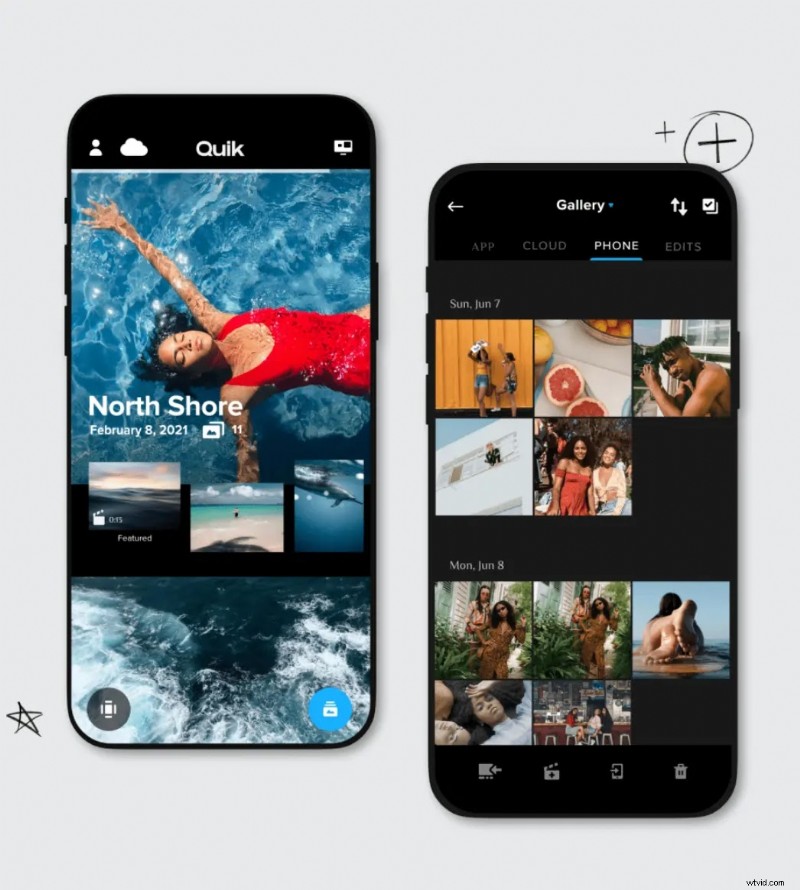
Quik auto‑imports GoPro footage, applies smart edits, and offers a library of royalty‑free music and customizable templates.
Key strengths: automatic footage import, diverse templates, extensive music library, and instant social‑media sharing.
Quik vs. Filmora
- Quik is perfect for quick GoPro edits; Filmora provides deeper creative control across all devices.
3. Adobe Premiere Rush
Pricing: Free, $9.99/month (Express plan)
Platforms: Android, iOS, Windows, macOS
Target users: Beginner‑friendly, cross‑platform
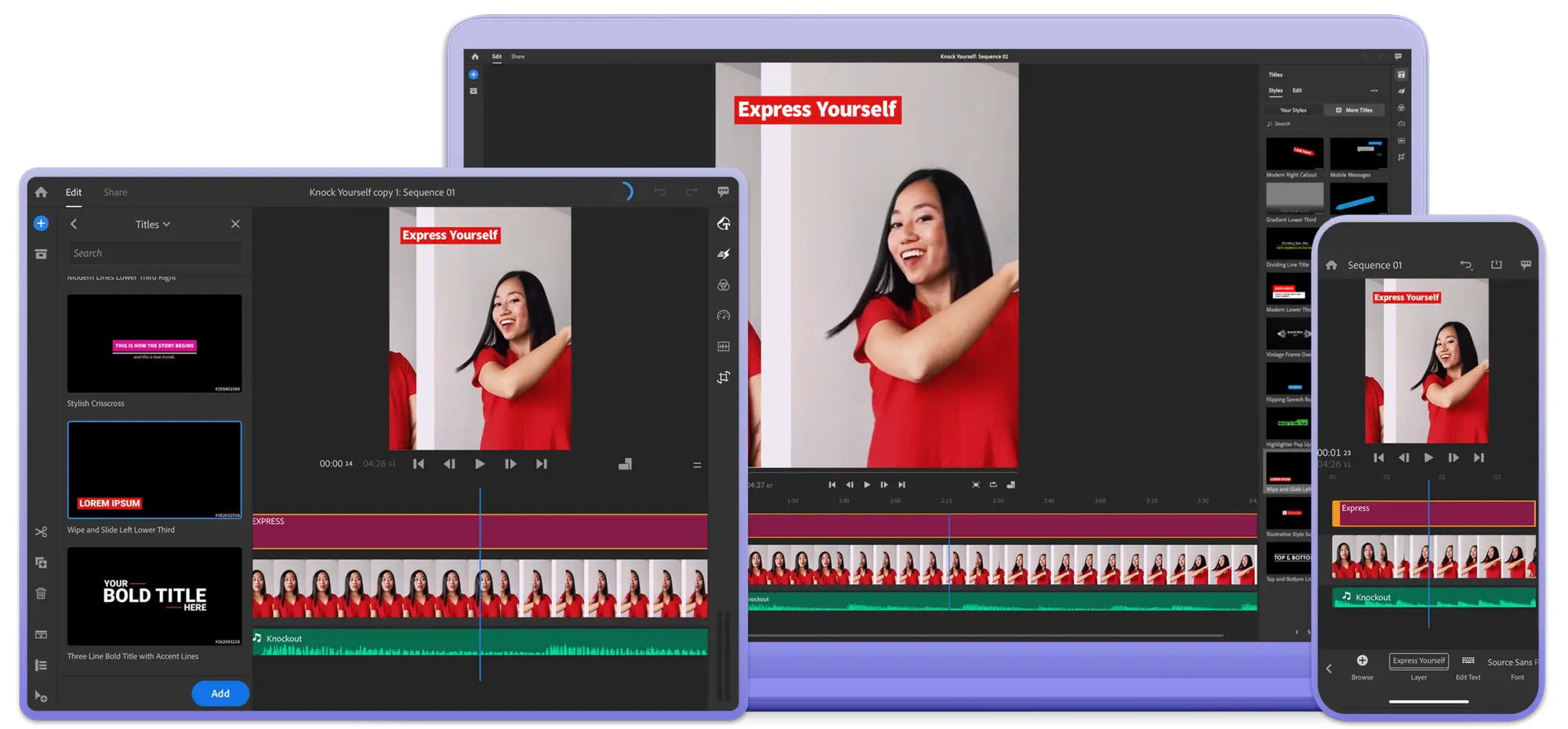
Rush combines drag‑and‑drop simplicity with advanced color correction, motion graphics, and cross‑platform syncing.
Key strengths: streamlined editing, advanced effects, easy export, and seamless workflow between devices.
Rush vs. Filmora
- Rush accelerates long‑form video editing; Filmora excels in quick, polished cuts.
Choosing the Right Alternative: 5 Key Considerations
When selecting a Filmora replacement, weigh these factors:
Project Complexity
Social‑media clips may only need trimming and titles, while documentaries demand color grading and multi‑track editing.
Platform Preference
Decide between desktop, web, or mobile, and ensure the software matches your operating system.
Budget
Free tiers are tempting, but they often limit features or export quality. Evaluate the value of paid plans against your needs.
Skill Level
Beginners benefit from simple UIs; professionals require advanced toolsets. Avoid over‑complicated editors if you’re still learning.
Specific Feature Needs
Screen recording, audio enhancement, stock media integration, or VR support may dictate your choice.
FAQs
What’s the best Filmora alternative?
Riverside stands out with AI‑powered editing, high‑resolution capture, and a unified workflow for both recording and editing.
Is CapCut better than Filmora?
CapCut excels at quick mobile edits, whereas Filmora offers richer editing control for offline projects. The best choice depends on your workflow.
Can I use Filmora for free?
Filmora offers a 30‑day trial but no permanent free version.