
TL;DR:
- Need more than basic tools or mobile editing? A Clipchamp alternative may be the right choice.
- Best PC options: Riverside, Adobe Express, Movavi, Synthesia, Filmora.
- Best mobile options: InShot, DaVinci Resolve, KineMaster, VN Video Editor, CapCut.
Clipchamp is a solid starting point for casual creators, but its feature set and pricing may not satisfy everyone. Whether you’re looking for advanced capabilities or a mobile‑friendly editor, the following alternatives cover a wide range of needs and budgets.
Table of contents:
- What is Clipchamp?
- 5 Best Clipchamp Alternatives for PC (Windows & Mac)
- 5 Best Clipchamp Alternatives for Android & iOS
- How to Choose a Clipchamp Alternative
- FAQs on Clipchamp Alternatives
- Final Thoughts
What is Clipchamp?
Clipchamp, now part of Microsoft 365, offers a cloud‑based video editor that balances simplicity with essential tools. It’s designed for creators who want quick, polished videos without a steep learning curve.
Key Features
- Templates: A library of customizable templates and stock media.
- Multi‑stream recording: Capture camera and screen footage simultaneously.
- Built‑in editor: Trim, crop, resize, and apply green‑screen effects.
- Voiceover & subtitles: Multilingual text‑to‑speech and auto‑captioning.
- Content customization: Adjust audio, remove silences, and brand your videos.
Why Consider an Alternative?
While Clipchamp excels at fast, basic edits, it falls short in advanced production quality, subscription cost, and mobile usability. For creators seeking richer features or tighter budgets, the following alternatives provide compelling options.
Clipchamp Pros
- Cost‑effective: Free tier with essential tools.
- Wide range of beginner features.
- User‑friendly interface.
- AI helpers: Auto‑video generation and captions.
Clipchamp Cons
- Limited production depth.
- Audio/video quality may lag behind premium tools.
- Paid subscription needed for full functionality.
- Mobile editing is constrained.
5 Best Clipchamp Alternatives for PC (Windows & Mac)
Here are the top five PC‑friendly editors that rival Clipchamp in capability and value.
1. Riverside
Price: Free to $24/month
Compatibility: Browser‑based
Ease of use: Beginner‑friendly
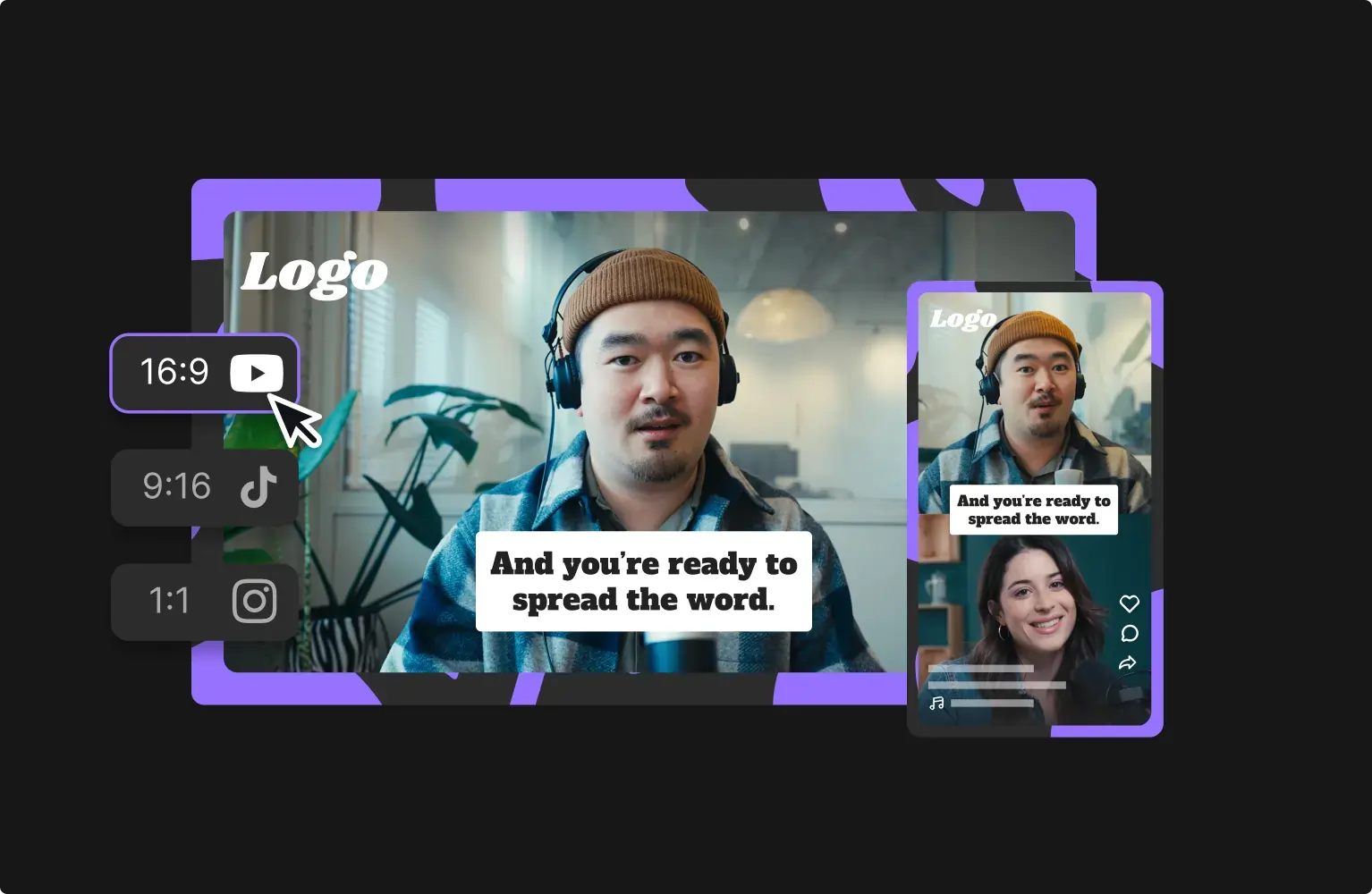
Riverside delivers studio‑quality recordings with AI‑powered editing. Its transcript‑based timeline lets you trim footage simply by editing the text. Additional features include dynamic captions, background layers, and AI‑enhanced audio cleanup.
- Intuitive drag‑and‑drop timeline.
- Text‑based editing via transcripts.
- AI audio cleanup and silence removal.
- Automatic speaker layout.
- Custom backgrounds, logos, and overlays.
- AI Magic Clips for instant short‑form highlights.
- Up to 4K video and 48kHz audio.
- Separate tracks for each participant.
- Transcriptions in 100+ languages.
Riverside vs Clipchamp
Riverside offers superior AI tools and higher recording fidelity, making it a stronger choice for content creators who demand professional quality.
2. Adobe Express
Price: Free
Compatibility: Browser‑based
Ease of use: Beginner‑friendly
Adobe Express brings Adobe’s creative heritage to the web, providing an extensive template library and straightforward editing controls. Trim, crop, adjust speed, and add animation effects—all without a steep learning curve.
- Native frames, filters, and templates.
- Simple animation effects for video elements.
- Built‑in social media scheduling.
Adobe Express vs Clipchamp
Adobe Express excels in rapid template customization for specific formats, offering a smoother workflow for creators targeting multiple distribution channels.
3. Movavi
Price: $23.95/month to $122.95/year
Compatibility: Windows or Mac
Ease of use: Intermediate
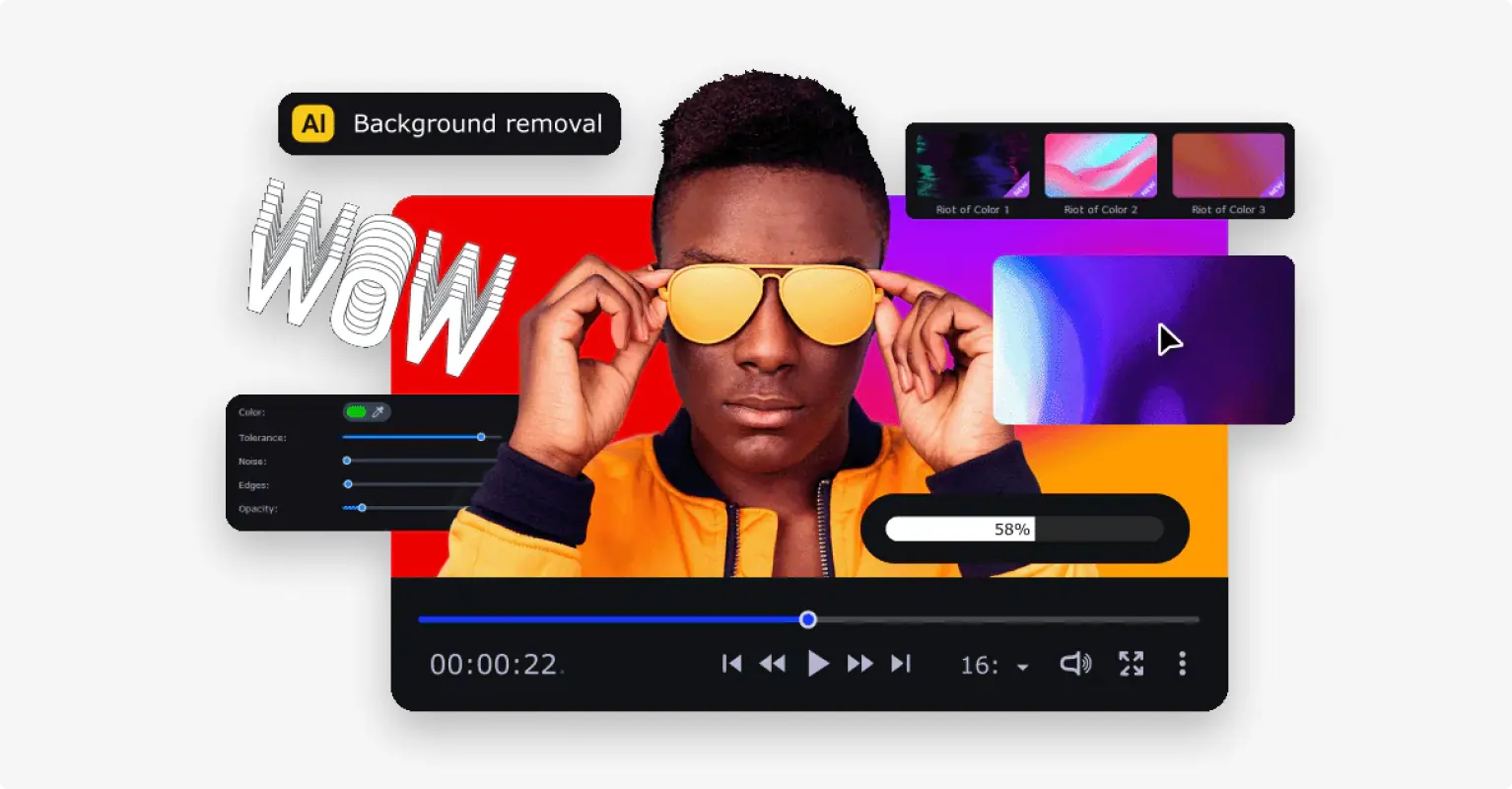
Movavi balances precision editing with AI automation. One‑click trimming, background removal, and motion‑tracking features let you produce polished videos efficiently.
- Automatic filters, transitions, and editing tools.
- Free music and sound library.
- Multi‑stream playback.
Movavi vs Clipchamp
Movavi expands beyond Clipchamp’s basics, providing richer creative control for emerging filmmakers and animators.
4. Synthesia
Price: Free to $89/month
Compatibility: Browser‑based
Ease of use: Intermediate
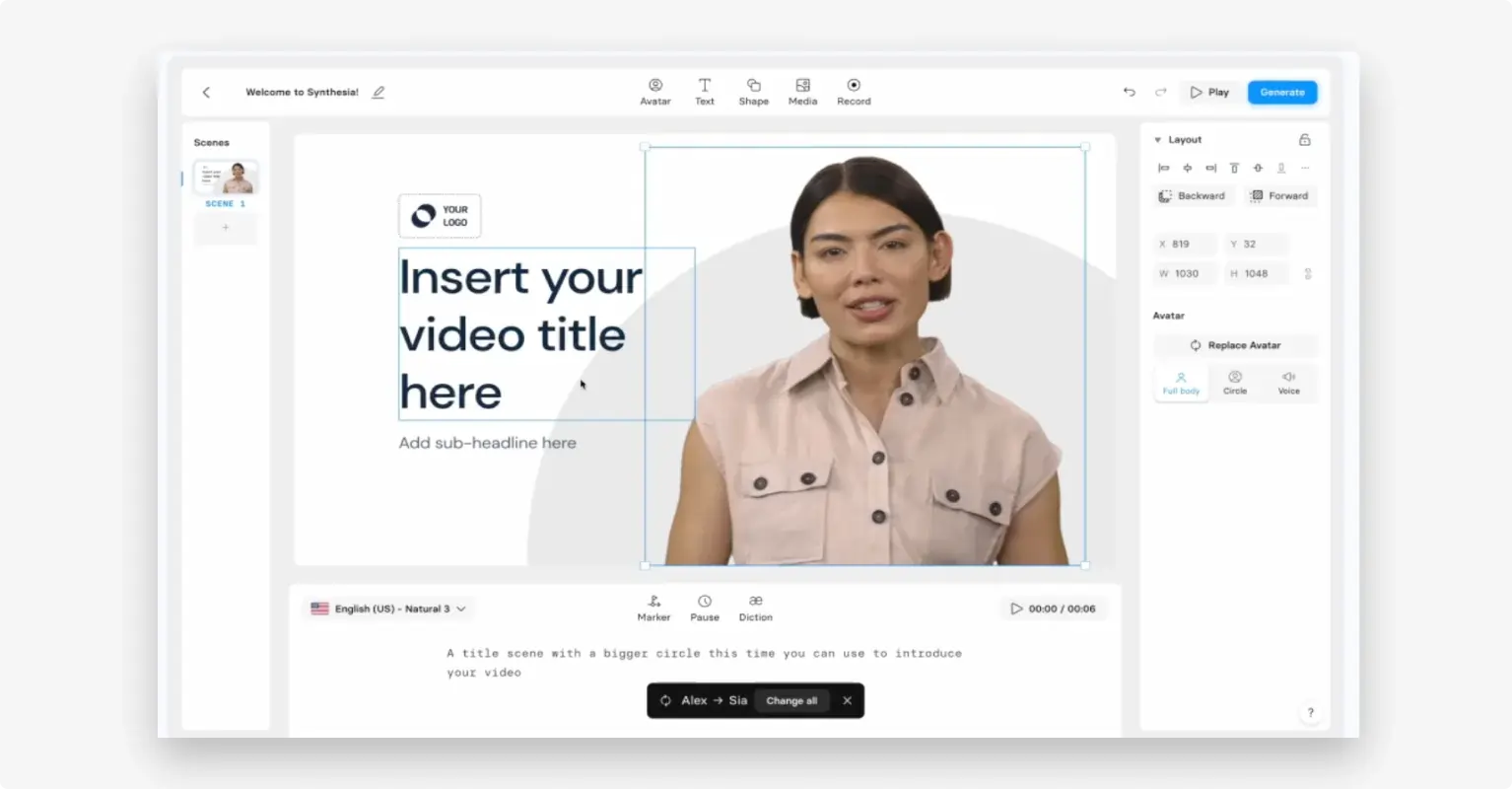
Synthesia turns scripts into AI‑generated avatar videos, featuring voice cloning and a vast library of royalty‑free assets.
- AI avatars and voices.
- 300+ editing templates.
- Collaborative editing tools.
Synthesia vs Clipchamp
While Clipchamp works with existing footage, Synthesia creates entirely new content from text, ideal for presenters who prefer not to appear on camera.
5. Filmora
Price: Free to $109.99/year
Compatibility: Windows or Mac
Ease of use: Beginner‑friendly
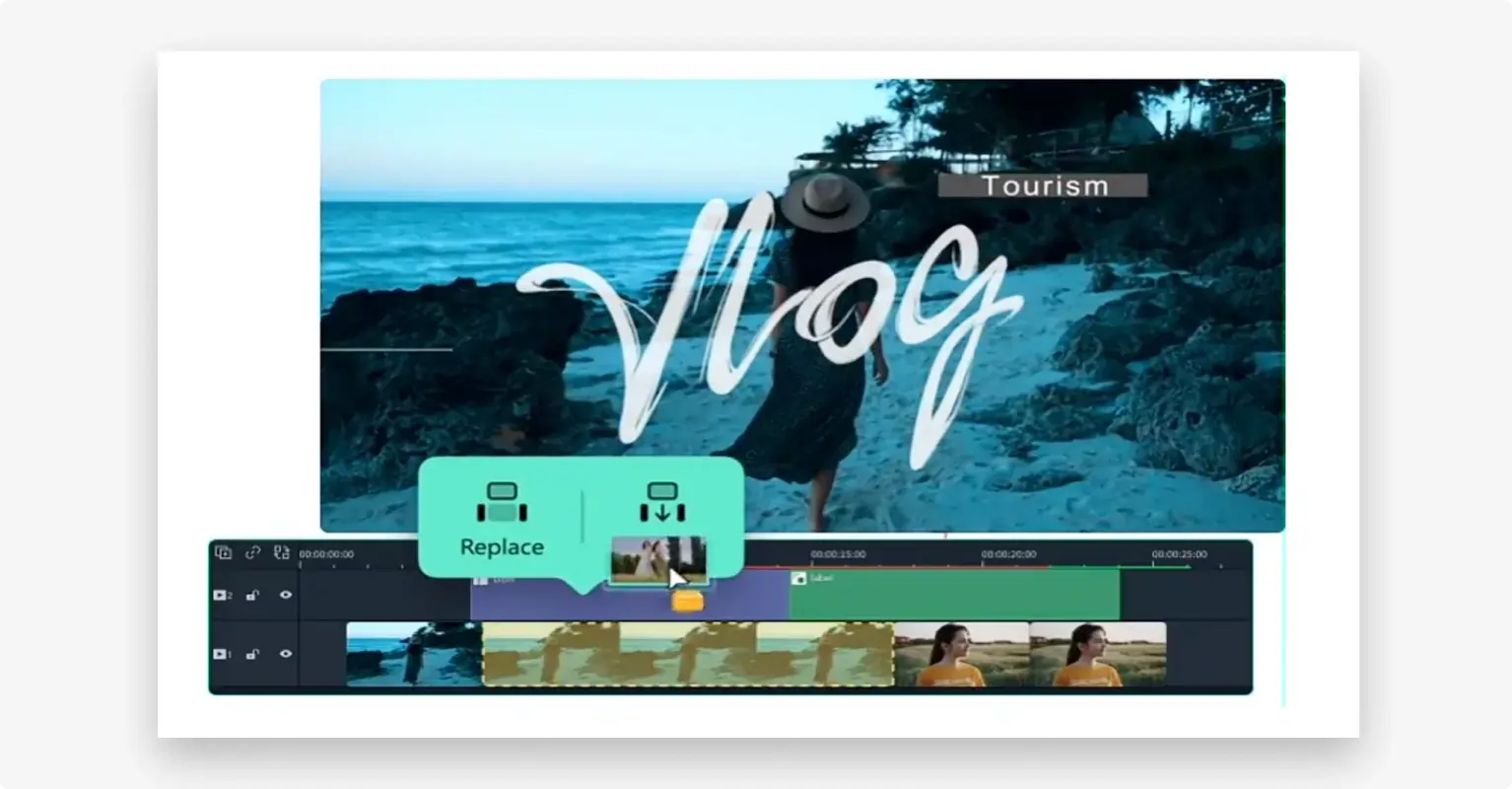
Filmora blends manual editing with AI tools like framing and noise cancellation, backed by a library of over 200 presets and billions of free stock assets.
- Manual editing with full customization.
- Extensive template and stock media libraries.
- AI content removal and cut‑out tools.
Filmora vs Clipchamp
Filmora offers a broader asset selection, allowing creators to craft highly personalized videos with greater flexibility.
5 Best Clipchamp Alternatives for Android & iOS Mobile Devices
Mobile creators need tools that combine portability with power. These five apps deliver robust editing capabilities on the go.
1. InShot
Price: Free to $39.99
Compatibility: Android or iOS
Ease of use: Beginner‑friendly
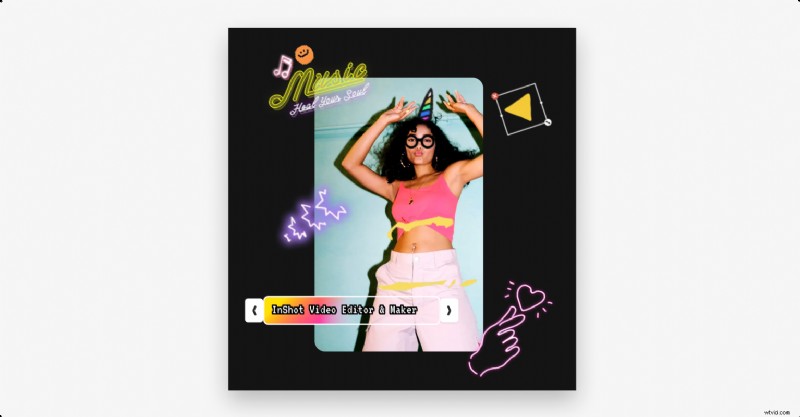
InShot is a go‑to app for novice editors, featuring intuitive trimming, merging, and reverse playback. AI captions, background removal, and auto‑adjustments streamline the workflow.
- Trim, merge, reverse clips.
- AI‑generated captions.
- Smart tracking for text and stickers.
InShot vs Clipchamp
Unlike Clipchamp’s limited iOS support, InShot offers a full‑featured, cross‑platform experience for beginners.
2. DaVinci Resolve (iPad)
Price: Free to $94.99
Compatibility: iOS (iPad)
Ease of use: Intermediate
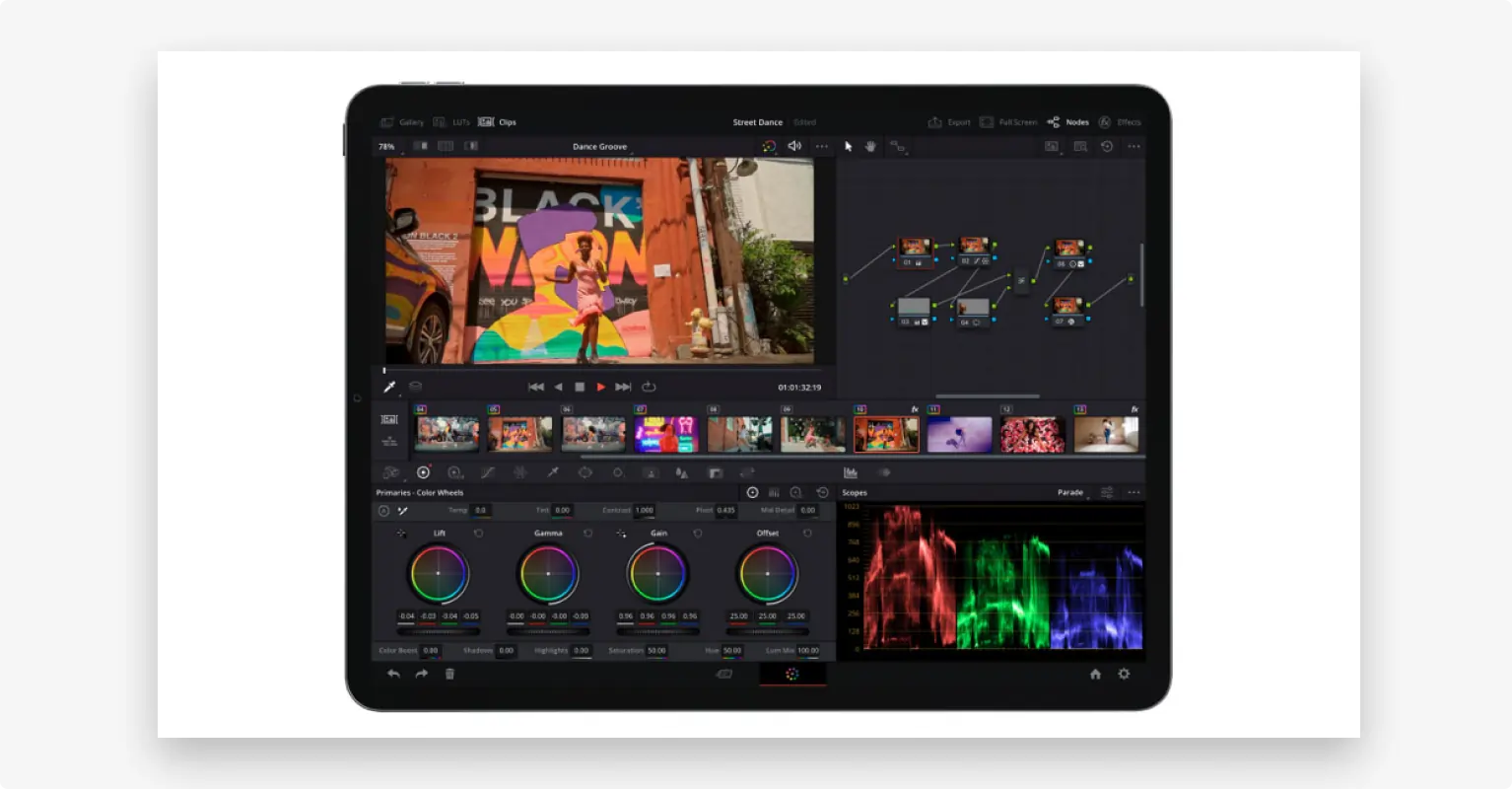
DaVinci Resolve brings professional‑grade color grading, AI masks, and cloud collaboration to the iPad. Its precision tools cater to seasoned editors who require depth on a mobile device.
- AI cropping and motion tracking.
- Automated editing shortcuts.
- Hollywood‑standard color correction.
DaVinci Resolve vs Clipchamp
DaVinci Resolve offers a comprehensive feature set for advanced users, whereas Clipchamp remains a simpler, entry‑level option.
3. KineMaster
Price: Free to $119.99/year
Compatibility: Android or iOS
Ease of use: Beginner‑friendly
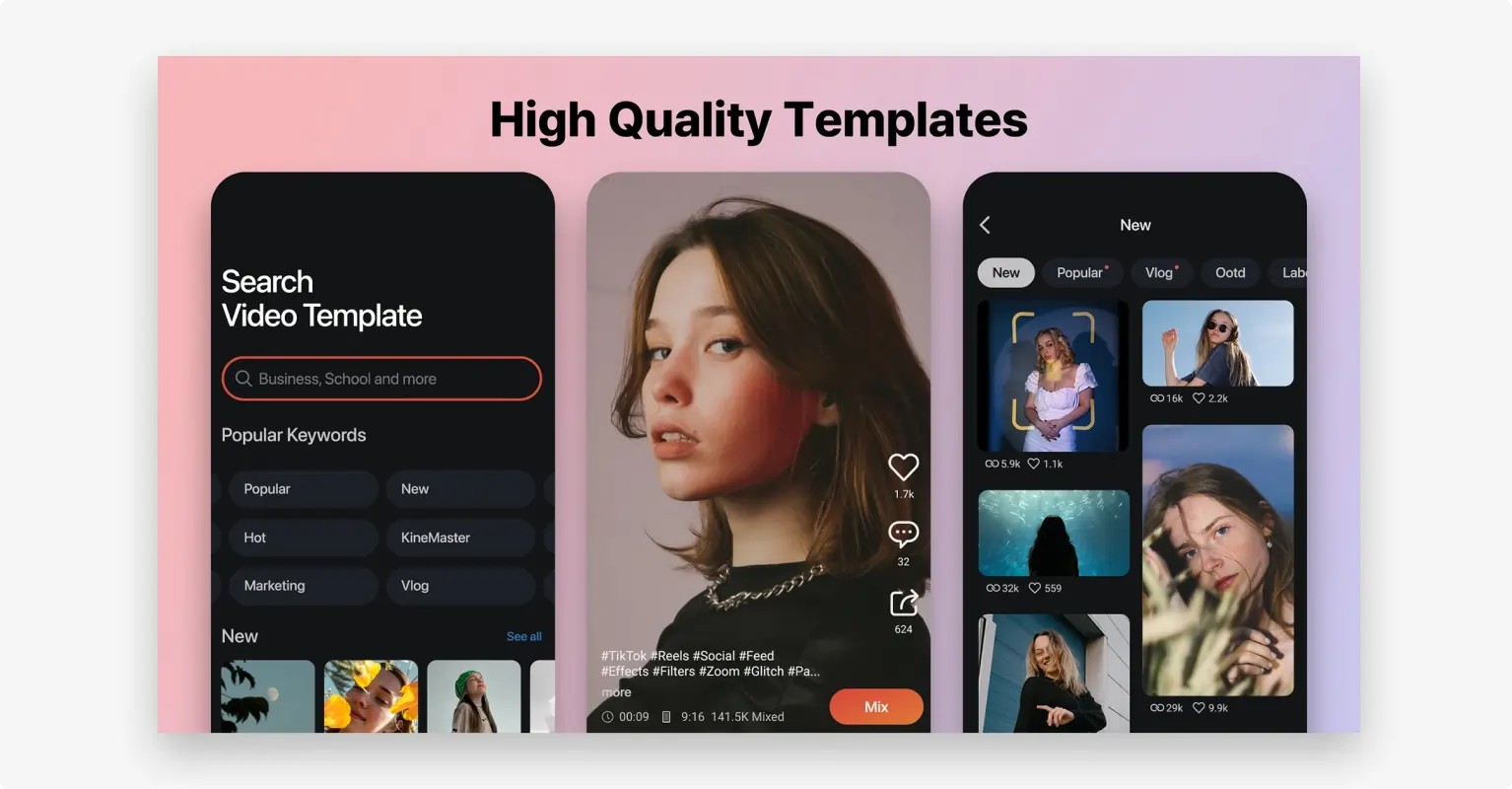
KineMaster provides layered editing, dynamic overlays, and auto‑captions, making it suitable for creators of all skill levels.
- Intuitive multi‑track editing.
- Auto‑captions.
- Background removal and reverse playback.
KineMaster vs Clipchamp
KineMaster supports both Android and iOS users, delivering a full‑featured mobile editing experience.
4. VN Video Editor
Price: Free to $106.99
Compatibility: Android or iOS
Ease of use: Intermediate
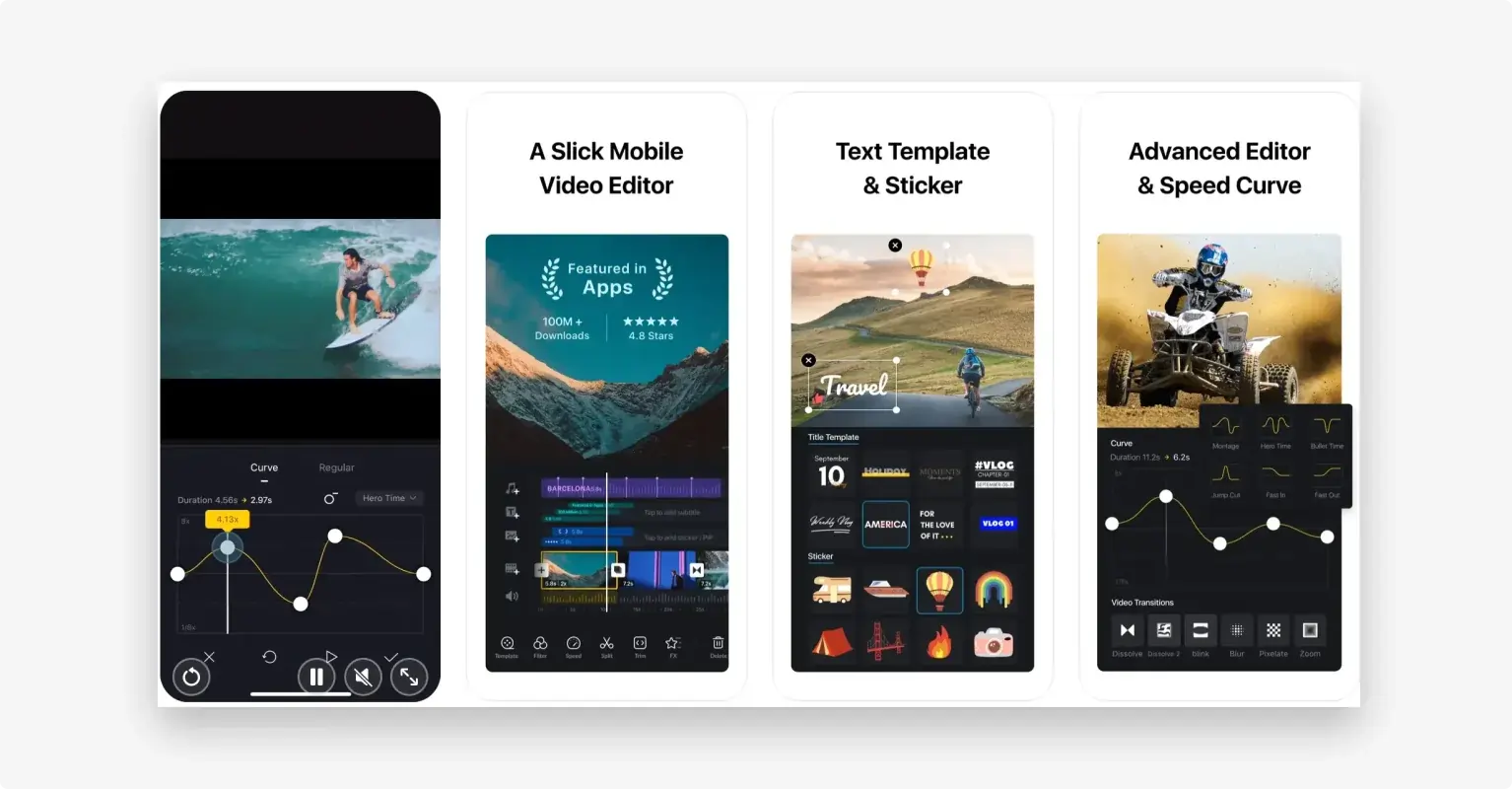
VN Video Editor offers multi‑track timelines, keyframe animation, and auto‑captioning, allowing creators to build complex stories on their phones.
- Multi‑track editing.
- Speech‑to‑text captions.
- Templates and stock assets.
VN Video Editor vs Clipchamp
VN surpasses Clipchamp in multi‑track editing and advanced templates, ideal for users who need deeper control.
5. CapCut
Price: Free to $12.99/month
Compatibility: Android or iOS
Ease of use: Beginner‑friendly
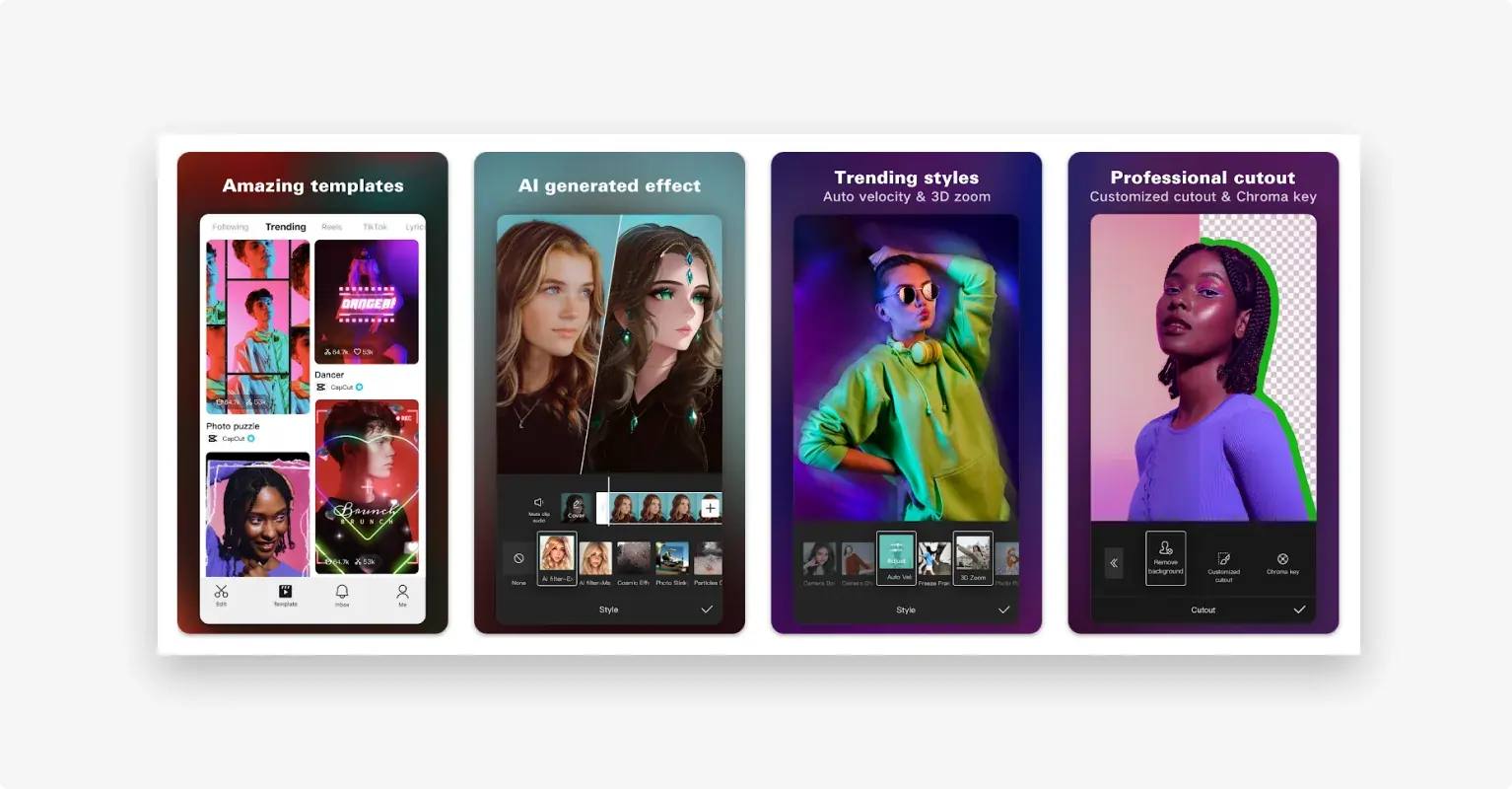
CapCut delivers a comprehensive suite of tools, from basic trimming to keyframe animation and footage stabilization, all powered by AI enhancements.
- Trim, splice, merge, cut.
- Slow‑motion curves.
- Text and animation design.
CapCut vs Clipchamp
CapCut offers advanced editing features at a fraction of the cost, making it a strong contender for budget‑conscious creators.
How to Choose a Clipchamp Alternative
Selecting the right editor depends on budget, skill level, and creative goals.
Know Your Budget
Free tools are ideal for beginners or those with limited funds. If you need more robust features, consider a paid subscription.
Understand Your Skills
Advanced editors can handle complex interfaces; novices should start with simplified tools.
Plan for Your Goals
Identify the video formats and impact you aim to achieve—this will guide your choice of platform.
FAQs on Clipchamp Alternatives
Best Clipchamp Alternative for Simple Editing on Windows?
For basic edits, Windows’ built‑in editor or lightweight tools like Footnote and Avidemux are viable options.
Maximum Length of a Free Clipchamp Video?
Clipchamp projects have no strict time limit, but Microsoft recommends under 10 minutes for optimal quality. Webcams and screen recordings are capped at 30 minutes.
Is Clipchamp Free with Office 365?
The standard plan is included in Microsoft 365, but higher tiers require a subscription.
Best Free Clipchamp Alternative?
Adobe Express offers free desktop use, while InShot delivers robust free features for mobile users.
Final Thoughts
Choosing the right video editor can transform your creative workflow. If you’re ready to elevate your content, Riverside provides studio‑quality recording and AI‑powered editing that can take your projects from draft to polished masterpiece.