
April fool's day is a day famous for making harmless pranks and jokes all around the world. This day is celebrated every year all around the world by playing tricks and practical jokes on their friends and family members by yelling April Fools at the end to make them realize that they have been Tricked and Joked.
Part1:Prank and record
In this digitalization world and Social Media, everyone wants to share their unique and unforgettable moments with their loved ones and friends. The same is the case with April fool's Pranks. To make these moments more remarkable and cool, we provide you the tools and thousands of elements in Filmora X. With these elements. You can make your videos humorous and stunning at the same time. Just put your camera or cell phone while having April fool's Prank, record those pranks and do the wonders with Filmora X. Following are some of the hilarious tricks that you can perform on your friends and Family Members:
- Attach an Airhorn to Their Seat
Shock your colleagues by attaching an Airhorn to their seats and record their awkward and surprised reactions and make these videos more exciting and even better with thousands of elements available in Filmora X. You can add video effects, funny clip arts, lighting effects, and motion control to make people burst into laughter out of control with your videos.
- Replace Air Freshener with Shrimp Scent
Have a horrible but amusing April fool's Prank with your friends and family by replacing Air Freshener with Shrimp scent. Record these funny reactions and make them more pleasant with thousands of elements available in Filmora X. With hundreds of pre-built effects and advanced editing tools make your videos stand out from thousands of other Prank Videos.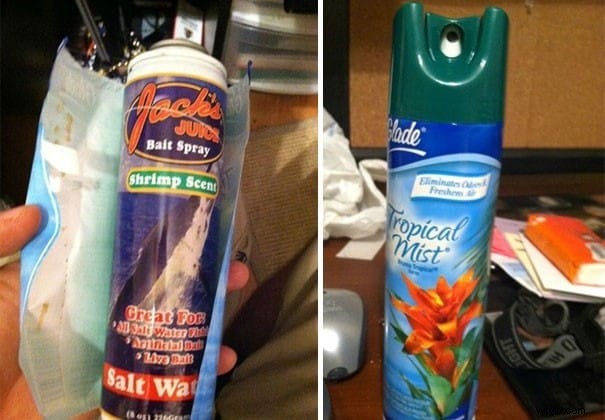
- Make Mentos Ice Bombs for Your Friends That Love Soda
Do you have friends that love soda? Want to take advantage of this? On this April fool's day, make your friends pranked and surprised at the same time by providing them Mentos inserted ice for their soda. Record this unique experience and edit it with Filmora X's tools and witty elements to have astounding outcomes.
Part 2: Just loop the video
Want to make funny videos the easiest possible?
In this difficult situation when we are bound to stay at home, how will we celebrate April's Fool's Day? Do you want to make your friend burst into waves of laughter without recording the Prank videos? Don't worry. We got you covered! With Filmora X, you can make the funniest video as easy as possible. Just select any part from a video, loop that part of the video, and match it with the music's beat to have hilarious results. You can create so many prank videos without even recording a Prank by following this process:
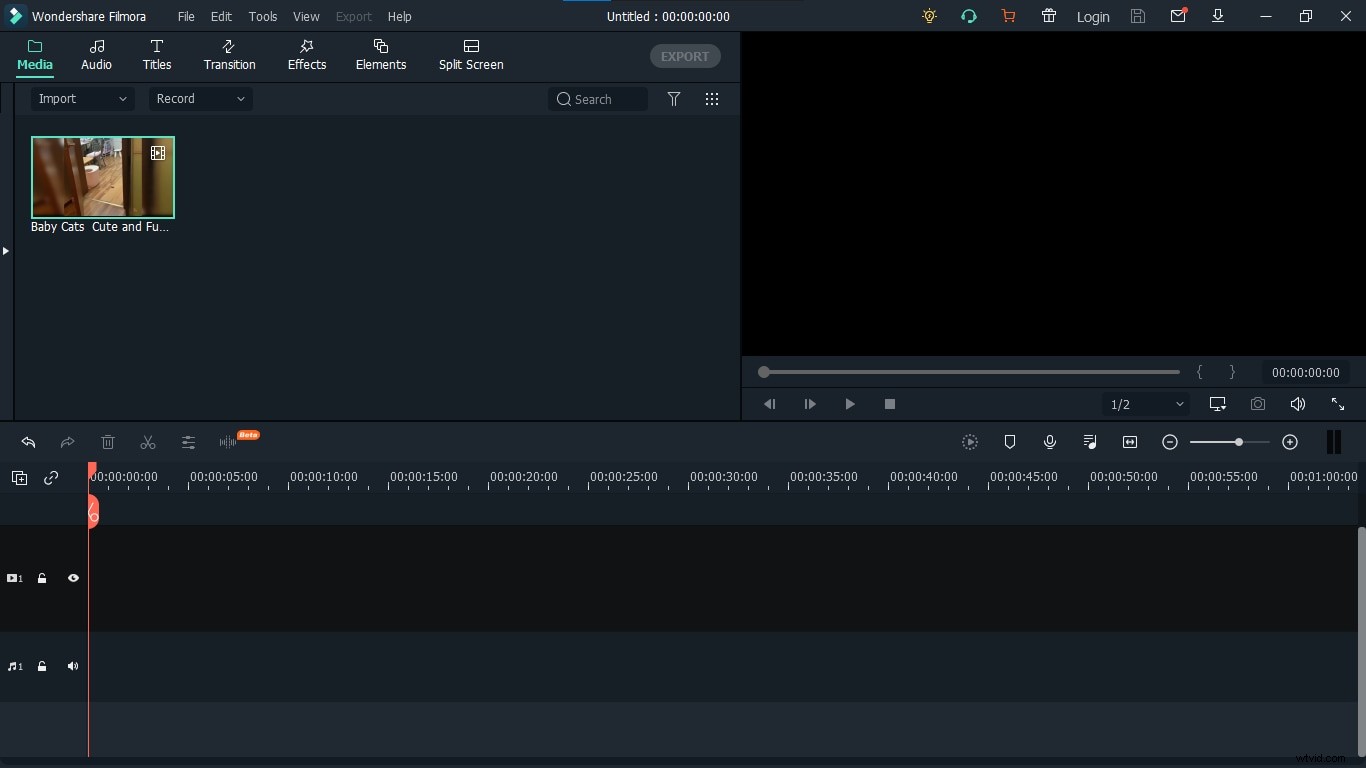
- Import the footages
To get started, import the footage you want to work on. Select the footage that contains an element of fun and laughter and think can be used to create the prank video.
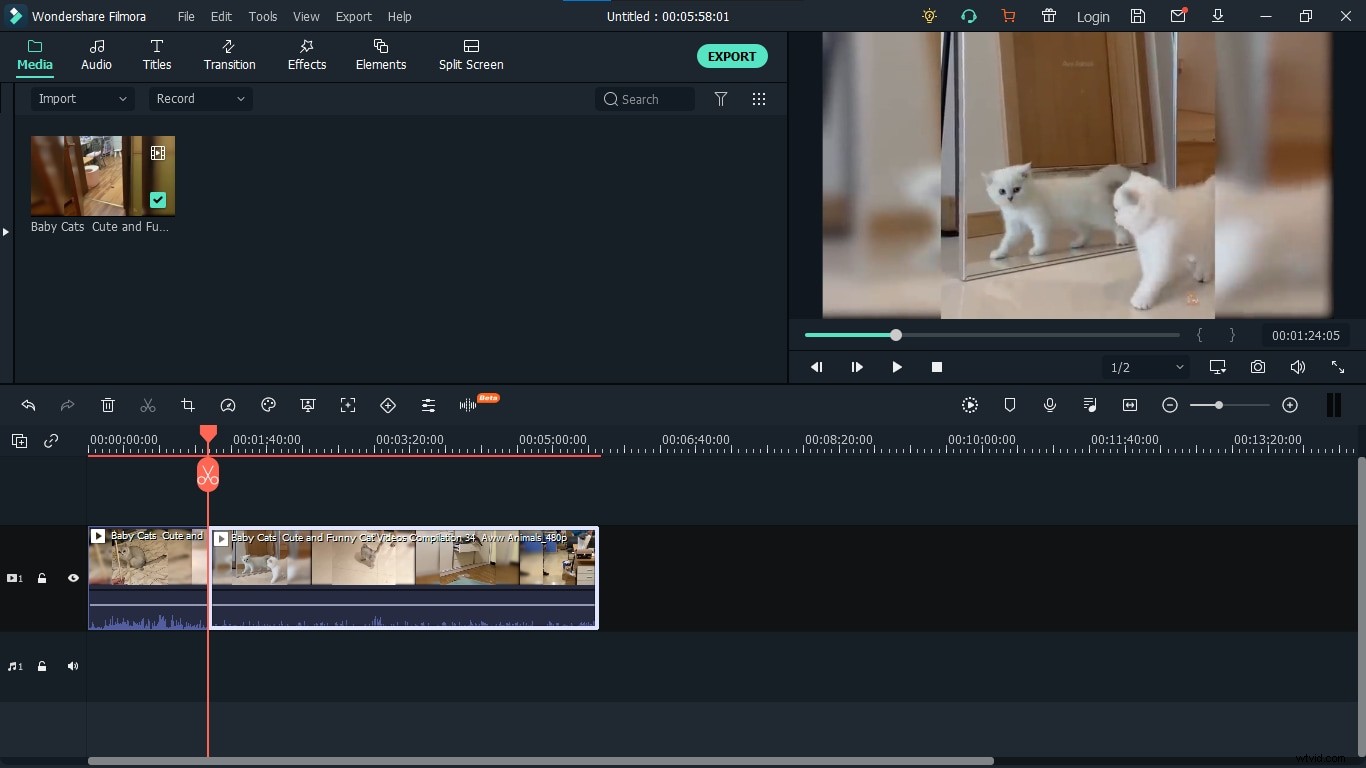
- Trim it
After you have successfully imported the footage, choose a part of the video you want to make fun of. Select a piece of footage that can be looped to make it funny and exciting. Now trim it out of the whole footage for further process.
- Create a loop
Once you have selected the portion of footage you want to use, you can copy and paste that portion in the timeline to create a loop as many times as you wish.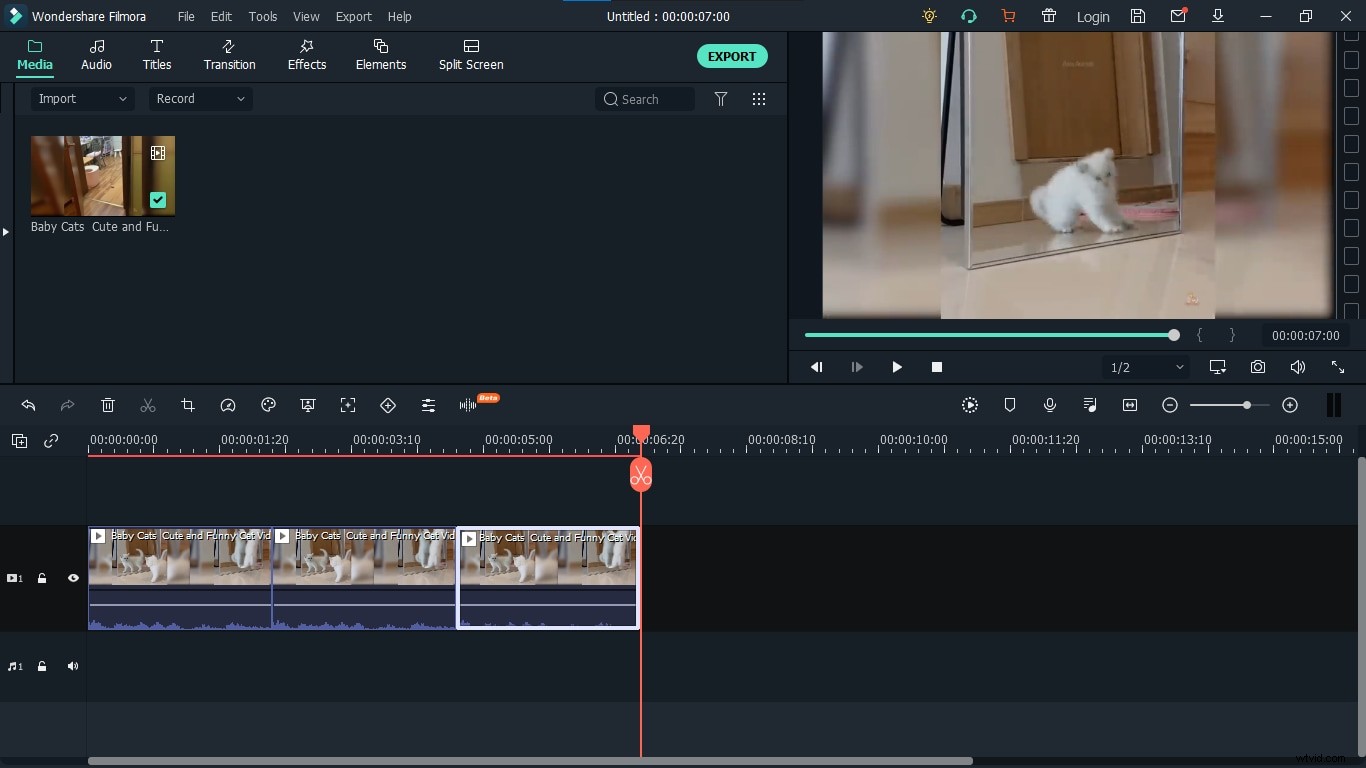
- Choose Sound Effects
Filmora comes with a wide variety of music and sound effects, if you don't have any music or sound to add to your video, you can choose any music or sound effect from Filmora's Audio Library.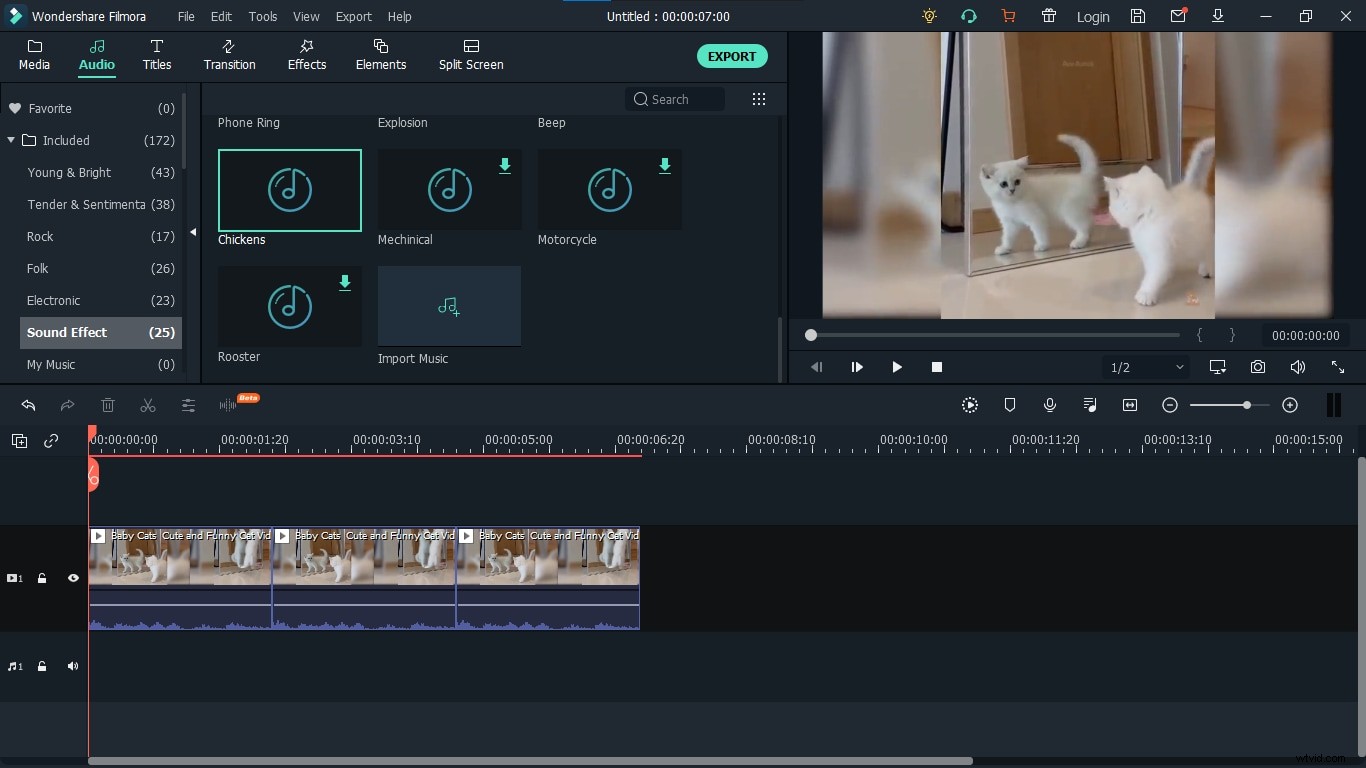
- Match the Beat
Having a video that loops is not fun. It will not have any impact. To make it impactful add a music track and match the loop with the beat of the music to have lively and humorous effects. 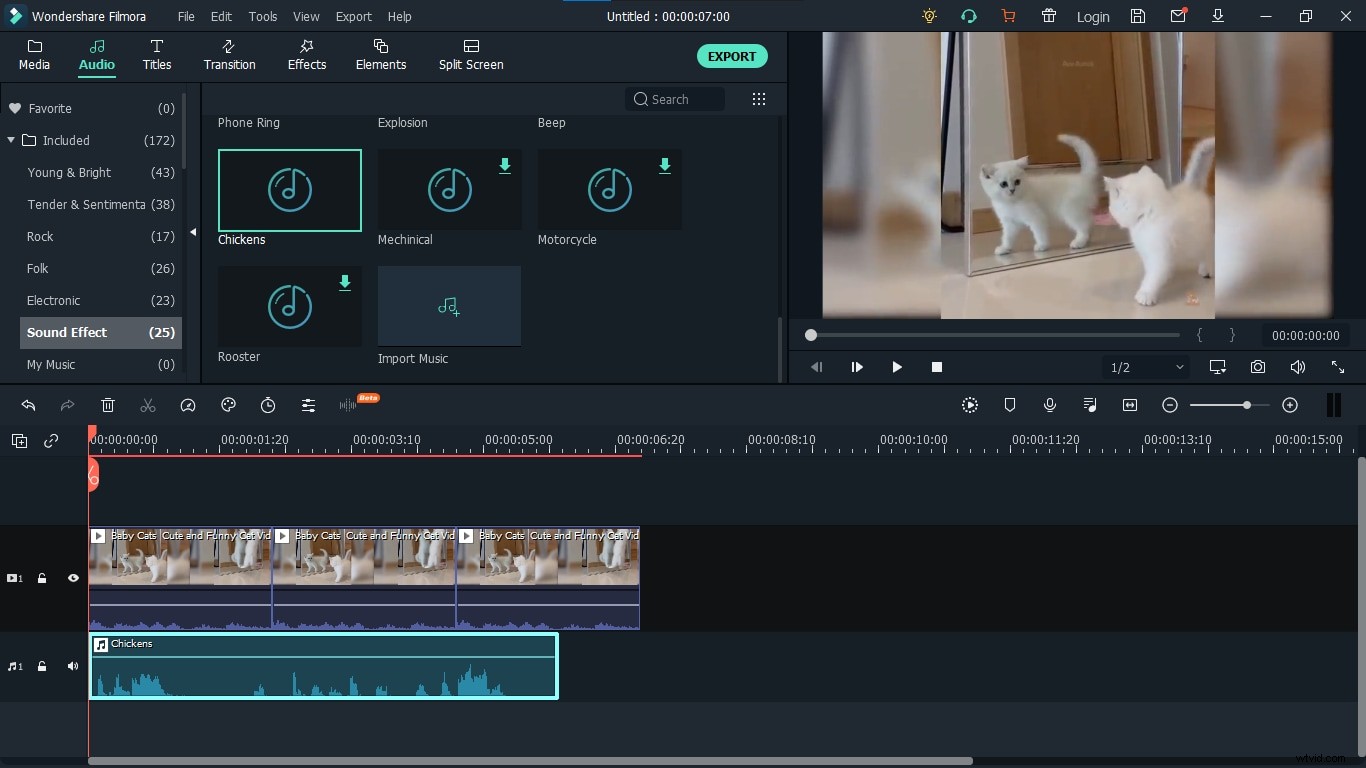
- Add Elements
Once your video is complete, add elements from a wide variety of 3D stickers, emojis, and icons to make it more sparkling and colorful. These elements will help you get amazing results by putting appropriate elements for an appropriate situation because we have elements for all situations and your needs.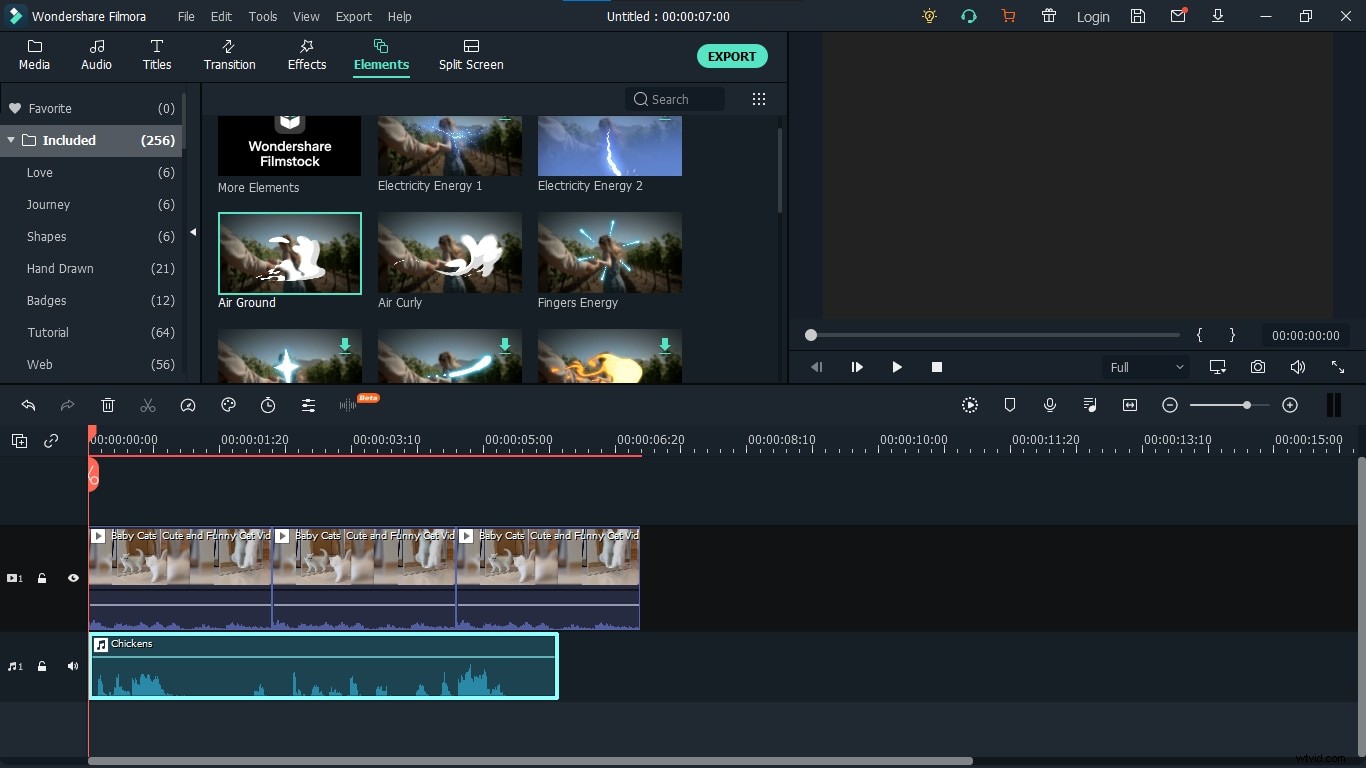
Here is the result!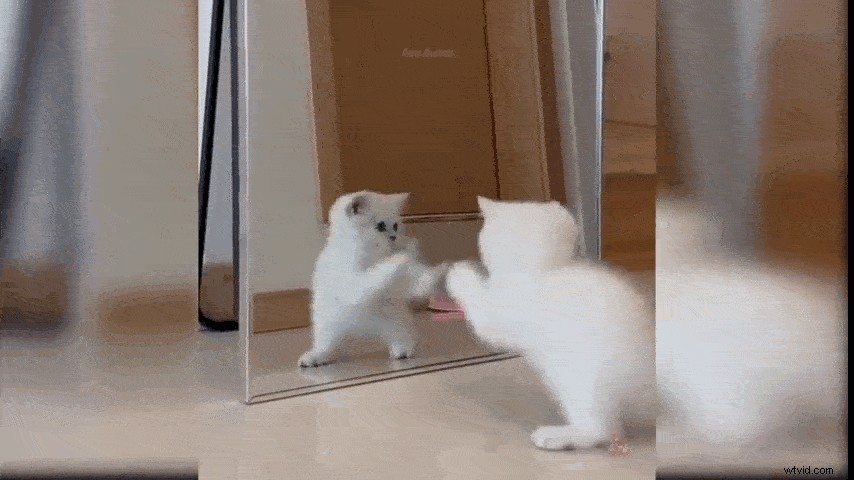
Part 3: Want something Special? Try this
Advanced Tips
In this world of digitalization, it is not difficult to record a video. Everyone has a cell phone to do that but if you want to take your videos to the next level and want to surprise and scare the viewers of your videos at the same time with the help of Filmora X. Here are some of the tips you can use to have an amazing April fool's Prank Videos:
Create a Ghost
Give your videos a scary touch! April fool's day is a great time to scare your colleagues by giving your subject the look of a ghost. You will need a Camera, Tripod, a Spooky figure, and Filmora. Create a scary prank video in Filmora and let's confuse the viewer by using features like Blending modes and shape masks.
Annoying Orange Effect (here is how to make it yourself)
Do you love to watch the videos of Annoying Orange? Have you ever wonder how they make such videos? Want to make your own? You can make the same videos using Filmora X and its features like Opacity, Image Mask, and Blending Modes. So, let's start creating these videos and make your friends and family burst into laughter.
With our Filmstock, you can make a funny video just like snapping your finger.