
Screen recording software has a number of important uses for business, teaching and play, including recording academic lessons, presentations, gameplay and more. Choosing the best video capture software for you depends on your needs. Do you require advanced functionality, editing and multiple format export options for professional use, or just a reliable screen recording tool that can accomplish the basics?
Here are the 5 best choices for video recording software for your computer, with both free and premium pay options:
- Part 1: Top 5 Best Video Recorders
Top 5 Best Video Recorders
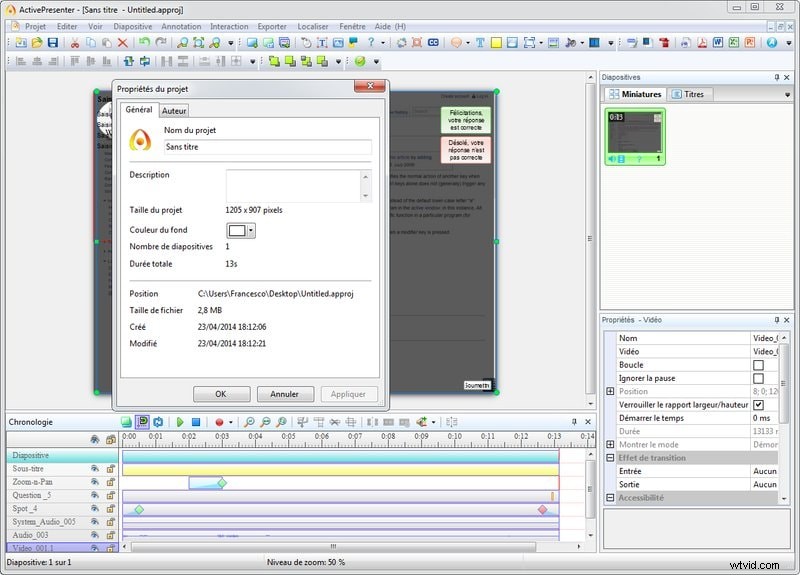
#1. ActivePresenterby Atomi Systems
Atomi is an experienced and respected developer, their proven quality shows through in ActivePresenter. Optimized for creating educational tools, learning courses and tutorials, ActivePresenter highlights interactivity tools that allow classroom and corporate audiences to engage with materials directly. Record screens with narration, capture screenshots with a simple click, automatically generate notations, and use the robust editing tools to polish and customize.
ActivePresenter Free offers performance superior to other free video recording software platforms. ActivePresenter Standard and ActivePresenter Professional include the additional features you would expect from a leading product, including a full portfolio of export format options. Only potential drawback is the rich list of features (even in ActivePresenter Free) creates a comparatively steep learning curve, due to expert level capabilities.
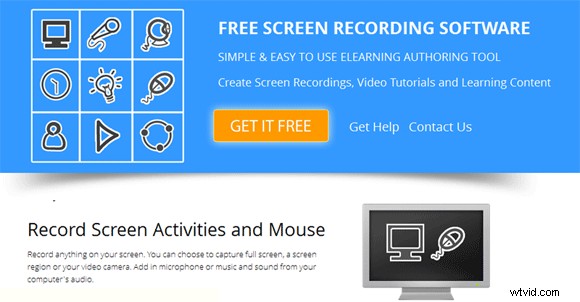
#2. eLecta Live Free Screen Recorder by Electa
eLecta Live Free Screen Recorder combines sturdy, proven performance with simple design and reduced complexity that is very welcoming for novice or casual users. Extremely efficient memory use is a feature, perfect for low configuration PCs. Basic modes include full screen recording, selected screen area recording, record from webcam or live session. Saves files during recording, which reduces vulnerability to loss due to crash.
If you have a low configuration computer, or simply have modest performance needs and prioritize ease of use, eLecta Live Free Screen Recorder is your perfect video capture tool.
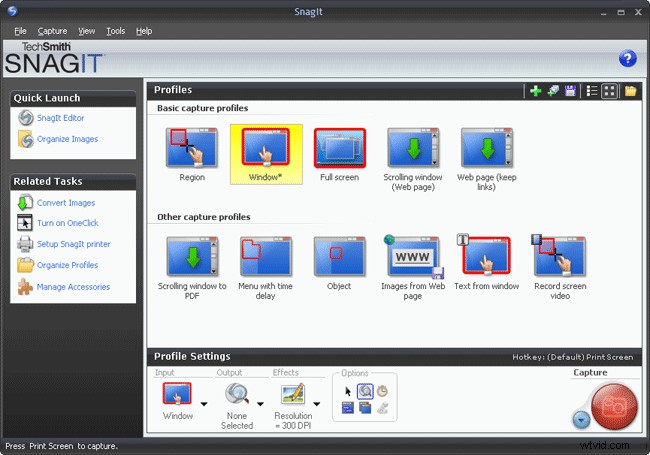
#3. Snagit and Jing by TechSmith
Snagit provides a full suite of professional tools that allow you to capture and record your PC screen, particularly for educational or corporate purposes. Snagit promises images and videos in minutes and lives up to the boast: capture screen content with just a click, customize with effects and markups, and share via nearly a dozen separate formats. Includes cloud integration and enterprise-level resources that scale with your needs. Snagit is a pay tool, however a free trial allows you to get your feet wet with the platform and see if it's right for you.
If you can't afford Snagit or don't need that level of premium functionality, TechSmith offers Jing as a free computer screen capturing tool. The higher level features and editing capabilities are missing, however Jing has plenty to offer anyone who simply needs a screen recorder that is simple and reliable for sharing small videos and images, for work or play. TechSmith also offers free tech support for Jing, a welcome bonus for novice users.
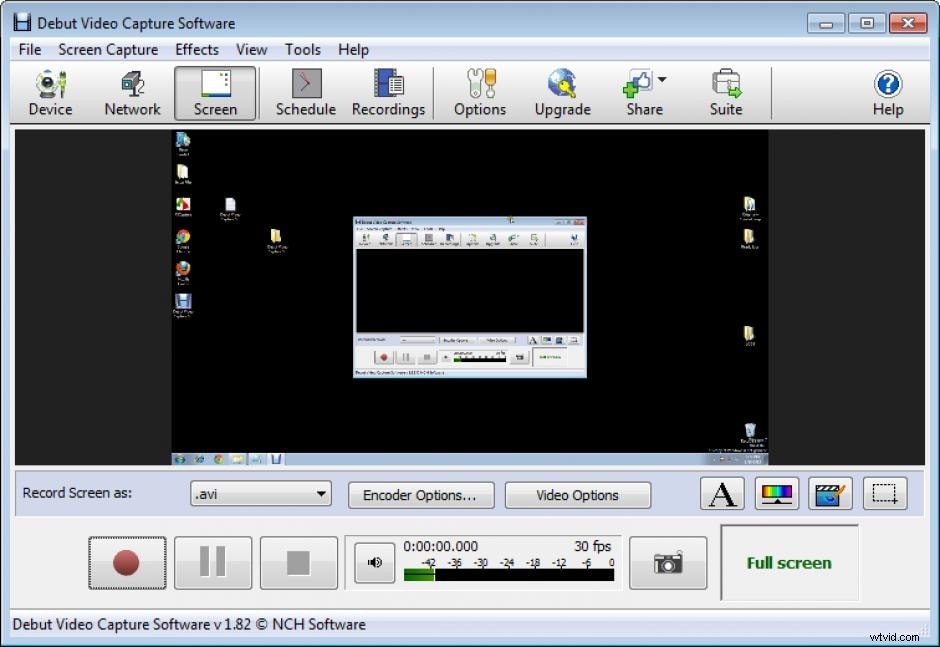
#4. Debut Video Capture Software by NCH Software
Debut Video Capture Software has an extremely long list of advanced features, particularly options that provide added functionality for video and editing. Video effects include time lapse recording, digital zoom, captions and annotations, filters and brightness/contrast/Gamma adjust. Video output presets and sound format encoders and compressors allow advanced users a wide range of customization options.
This is a great video recording software option for gamers and anyone looking to capture and customize video. Debut Video Capture Software is free for home users, there is also a Pro version for enterprises. With so many advanced features, expect a somewhat steep learning curve.
#5. Recommended Software: Wondershare Filmora
Recording your desktop is really a piece of cake by utilizing any tool mentioned above. Often, a simple capture of things went on on your screen doesn’t necessarily complete the task if you are trying to make an online tutorial or to showcase a gameplay to your followers on Youtube. The overall quality of your video would be much better by adding some music or voiceover to your recording clips, or just make some cuts to split the footage into parts to create series of lessons.
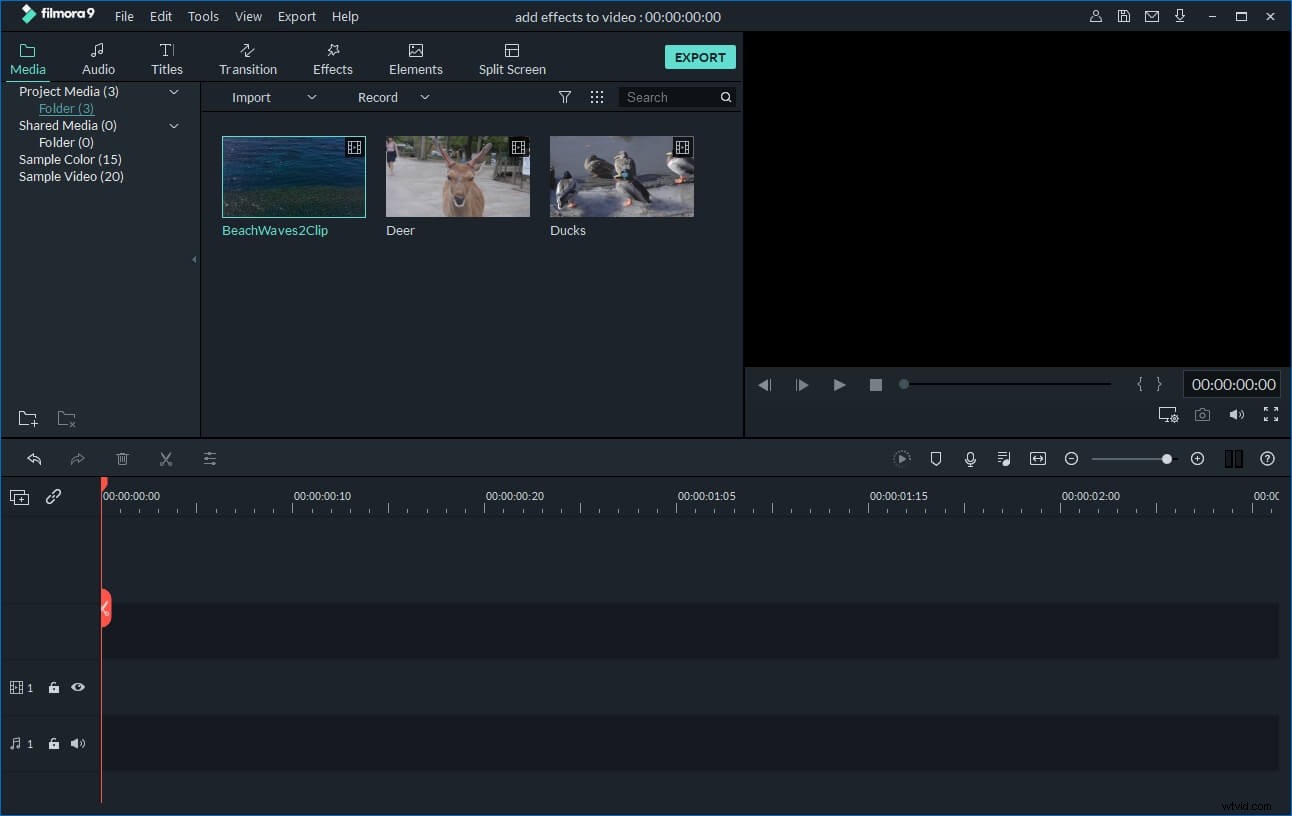
You’d need an easy and yet feature-rich video editing tool to do the work. Wondershare Filmora is highly recommended for that purpose. Specially developed for video beginners, this tool has got an intuitive interface that basically does the entire job such as cutting, joining, compressing, changing ratio etc. More advanced features such as special filter effects, picture-in-picture, green screen, Mosaic, tilt-shift effects are also available. You don’t need to be a pro to polish your video like a pro! Download a free trial and start your venture now: