
Adobe After Effects remains one of the most powerful tools for video editing. Its flexibility is largely due to the extensive range of plugins that can be integrated into the workflow. If you want to add striking, dynamic text to your projects, the following text‑focused plugins are indispensable.
In this article
- TextDelay
- TextExploder
- iExpressions 2
- TextBox
- Font Manager
- Cartoon Moblur
- Shadow Studio
- Texts Animation Bundle
- Artificial Intelligence Titles
- Text Library
TextDelay
TextDelay is built‑in, so no extra installation is required. It lets you stagger text animations on a per‑character, line, or word basis, with a range selector that gives you pinpoint control.

TextExploder
Developed by MamoWorld, TextExploder splits text layers into words, lines, and individual characters. This granular control enables precise animation of single letters or entire phrases.
iExpressions 2
For users who prefer a visual approach to expressions, iExpressions 2 offers 22 ready‑to‑use expressions. Each can be customized without writing code, making complex motion easier than ever.
TextBox
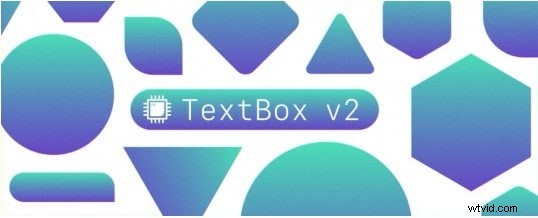
TextBox is another native plugin that automatically generates and updates shape layers around your text. Ideal for lower thirds, captions, and subtitles, it keeps your layout crisp and responsive.
Font Manager
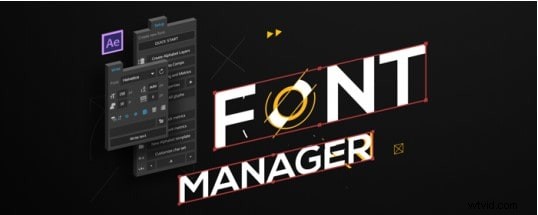
Font Manager streamlines animated typography. With a familiar Character‑Panel‑like interface, it lets you apply complex animations to any typeface in a few clicks.
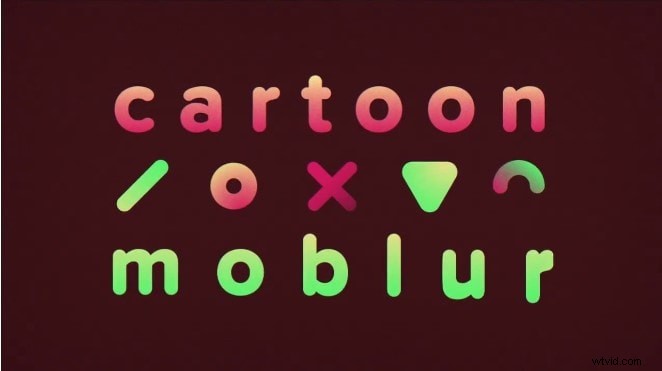
Cartoon Moblur
Cartoon Moblur adds motion blur that retains a playful, 2D aesthetic. Adjust blur length, color, and opacity to match flat or minimal graphics without sacrificing clarity.
Shadow Studio
Shadow Studio delivers a library of radial, inner, soft, and long shadows. Its user‑friendly interface cuts rendering time dramatically, making high‑quality shadows accessible to all.

Texts Animation Bundle
With over 80 templates, this bundle offers instant, customizable text effects—from titles to quotes. Regular updates ensure fresh styles for every creative need.

Artificial Intelligence Titles
AI Titles automates layout and animation adjustments for any text input. Configure colors, speeds, and motion paths with a single click—no keyframes required.

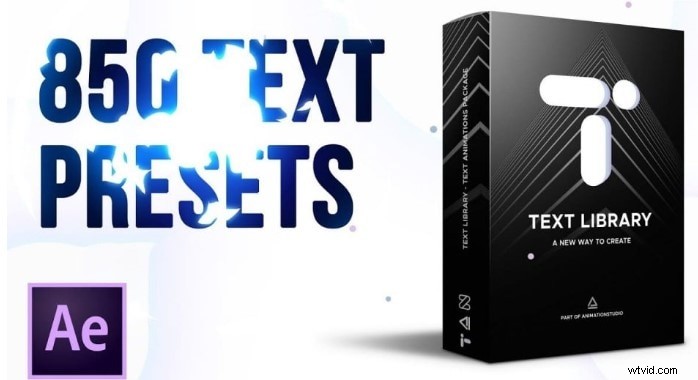
Text Library
Featuring thousands of templates, Text Library offers unparalleled flexibility. After selecting a template, you can fine‑tune text, size, duration, and color to match your vision.
Conclusion
After Effects already boasts powerful native tools, but third‑party plugins can elevate your work to a new level of polish and originality. The text plugins highlighted here provide everything from granular control to AI‑driven automation, ensuring your projects stand out with confidence and flair.