

Want to spotlight a single frame and keep viewers glued? The freeze‑frame effect—originating from Hitchcock’s cinematic techniques—remains a powerful storytelling tool for modern creators. Today, your smartphone can replicate that dramatic pause without a Hollywood budget.
We evaluated more than fifty mobile editing solutions and narrowed them down to the seven that deliver the best, most intuitive freeze‑frame functionality. Below you’ll find a side‑by‑side comparison of key features, advantages, drawbacks, and user ratings.
In this article
- Filmora
- CapCut
- InShot
- KineMaster
- PowerDirector
- iMovie
- VN Video Editor
Best Freeze‑Frame Apps for Mobile
Whether you’re a YouTuber, TikTok creator, educator, or casual user, these apps combine robust freeze‑frame tools with a user‑friendly interface and a rich library of creative assets.
Filmora
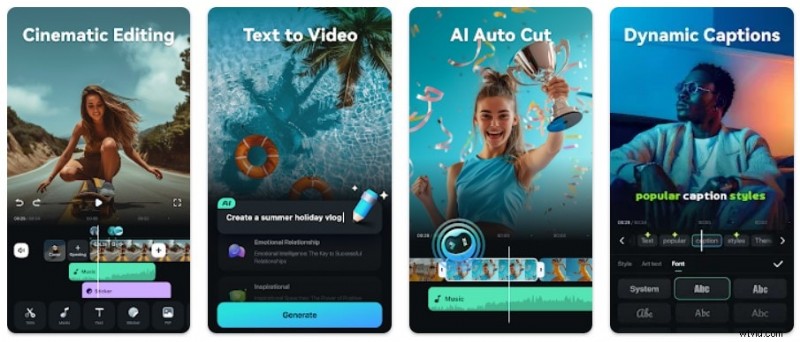
Wondershare Filmora is a full‑featured post‑production studio that offers a one‑tap freeze‑frame function alongside over 900 effects. Its drag‑and‑drop timeline and AI‑powered enhancements make it suitable for both novices and seasoned editors.
- Freeze Frame Tool: Pause a frame with a single click and set its duration.
- Fine‑tune with Split & Trim on a multi‑track timeline.
- Smooth Transitions to and from the still image.
- Speed Adjustments (slow‑motion, speed‑up, reverse) for comedic or dramatic pacing.
- Animated Text and Titles to emphasize the moment.
- Filters & Effects for mood setting.
- Auto‑synchronization with background music.
Pros: Intuitive for beginners, vast asset library, multi‑layer editing, AI auto‑enhancements. Cons: Free version adds a watermark.
Supported OS: Android, iOS, Windows, macOS
User Ratings: Google Play 4.7/5 (1.03 M reviews), App Store 4.7/5 (73.1 K ratings)
CapCut
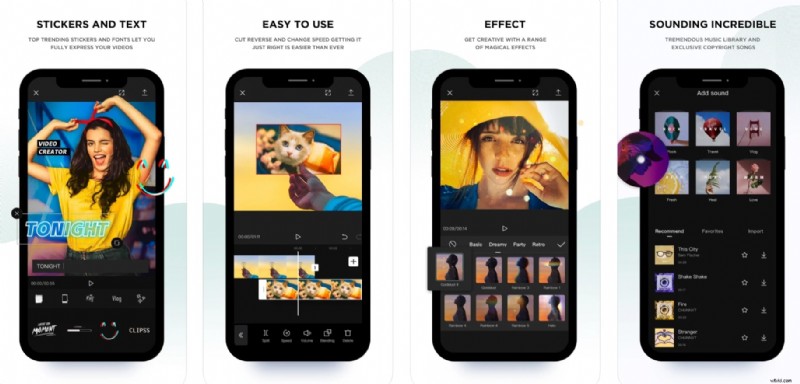
CapCut blends a clean interface with advanced AI tools, making it a versatile choice for freeze‑frame creation. Features include face retouching, relighting, and a customizable freeze‑frame tool that supports rotation, flipping, and cropping.
- Freeze Frame: Pause and edit orientation and size.
- Split & Trim for precise storytelling.
- Video Effects: Color filters, blurs, and more to enhance still frames.
Pros: Extensive customization, user‑friendly layout, AI templates. Cons: Availability limited in some regions.
Supported OS: Android, iOS, Windows, macOS
User Ratings: Google Play 4.3/5 (10.1 M reviews), App Store 4.8/5 (9.1 K ratings)
InShot

InShot is a popular choice for social‑media creators, offering a straightforward freeze‑frame function complemented by a broad range of stickers, captions, and effects. While it excels at quick edits, its layering options are somewhat limited.
- Freeze: Pause a frame and edit it.
- Audio: Add music, sound effects, or voiceover.
- Stickers & Text: Auto‑captions, mosaic, drawing tools.
- Effects & Filters: AI‑driven adjustments.
- Animation: Transitions between still frames and video.
Pros: Complete freeze‑frame toolkit, extensive visual effects, beginner‑friendly. Cons: Layering is constrained, ads interrupt free usage.
Supported OS: Android, iOS
User Ratings: Google Play 4.9/5 (21.4 M reviews), App Store 4.9/5 (2.1 M ratings)
KineMaster
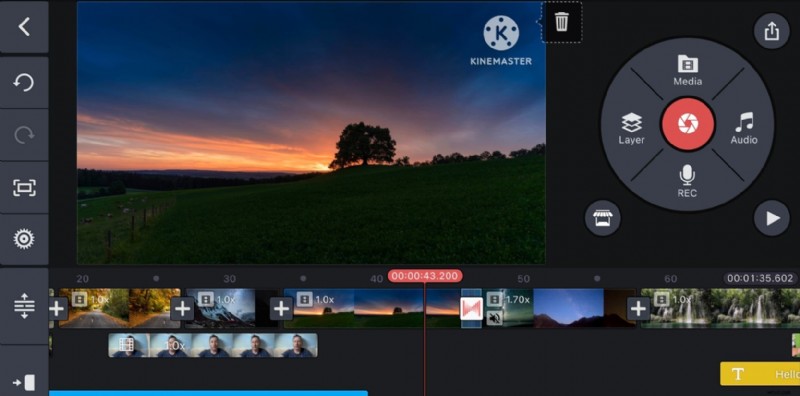
KineMaster stands out for its powerful layering system and the ability to apply pan‑and‑zoom to still frames. Its interface is slightly steeper but offers advanced blending and masking features.
- Split & Insert Freeze Frame.
- Pan & Zoom to resize or crop the still.
- Filters to set mood.
- Clip Graphics: Animated stickers, text, transitions.
- Audio: Background music, SFX, voiceover.
Pros: Rich layering, free asset store. Cons: No direct resize/crop after freezing, confusing navigation, ads in free version.
Supported OS: Android, iOS
User Ratings: Google Play 4.3/5 (5.84 M reviews), App Store 4.7/5 (26.9 K ratings)
PowerDirector
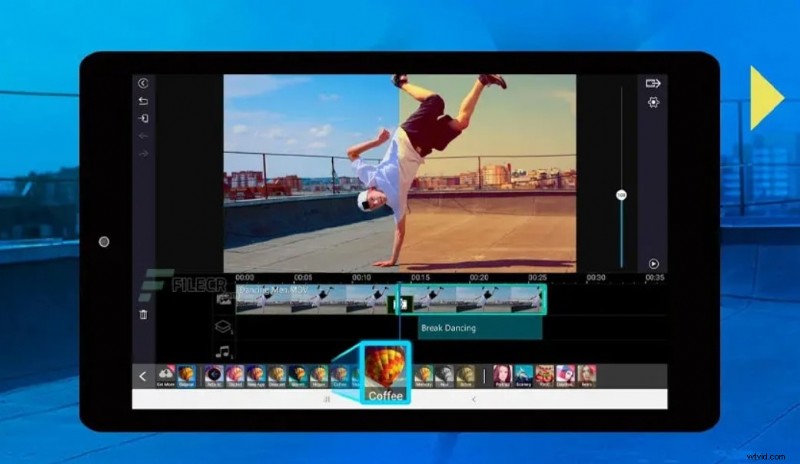
PowerDirector offers a granular timeline and AI features such as Video Enhancer and Speed Curve, making it ideal for pairing freeze frames with speed‑up sequences. Its transition library is solid, though slightly behind the likes of Filmora.
- Freeze: Pause, split, rotate, flip, transform.
- Transitions for dynamic entrances/exits.
- Effects: Video, AI, overlay, highlight.
- Filters: Trending and themed styles.
- Layers: Text, auto‑captions, music, stickers.
- Audio Mixing: Manual sync and adjustments.
Pros: Customizable stills, AI tools, intuitive multi‑track editing. Cons: Most features locked behind Pro subscription.
Supported OS: Android, iOS, Windows, macOS
User Ratings: Google Play 4.5/5 (1.72 M reviews), App Store 4.6/5 (25.8 K ratings)
iMovie
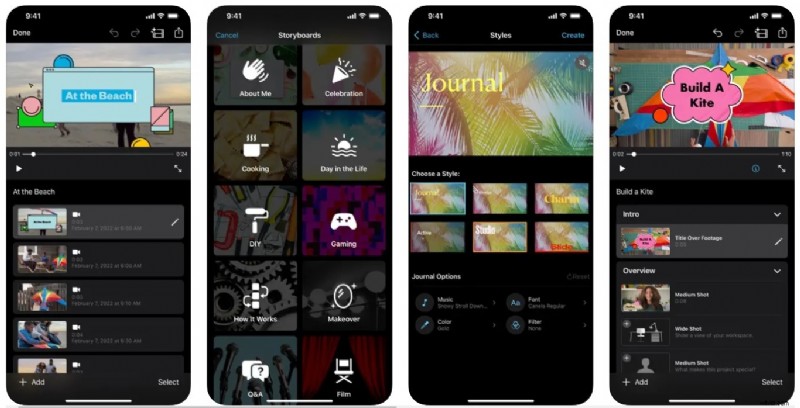
iMovie delivers a clean, single‑tap freeze‑frame tool for iPhone and Mac users. It’s ideal for quick edits but lacks multi‑layer editing and audio syncing for still frames.
- Freeze Frame: Pause a specific frame.
- Trim & Split: Precise editing.
- Transitions & Effects: Smooth flow.
- Text Overlays: Captions and annotations.
- Audio Sync: Align music and sound effects.
Pros: Zero‑cost, no watermark, user‑friendly for Apple ecosystems. Cons: Limited advanced features, only iOS/macOS.
Supported OS: iOS, macOS
User Ratings: App Store 4.2/5 (180.2 K ratings)
VN Video Editor
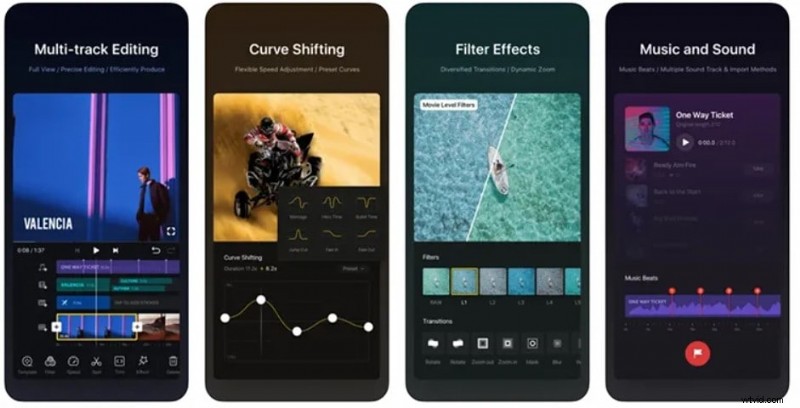
VN Video Editor offers a professional timeline with separate tracks for media, audio, and effects, making it a solid choice for freeze‑frame creation across devices.
- Freeze: Pause and adjust position, size, duration.
- Transitions & FX: Variety of effects.
- Filter: Match mood to still frames.
- Layers: Add photos, stickers, text, subtitles, music, SFX.
Pros: Comprehensive features, multi‑layer timeline, watermark‑free export. Cons: Timeline sections unclear, export issues reported.
Supported OS: Android, iOS, macOS
User Ratings: Google Play 4.9/5 (3.77 M reviews), App Store 4.8/5 (203.6 K ratings)
How to Freeze Frame a Video on iPhone/Android
Below is a step‑by‑step guide using Filmora to illustrate the simplicity of creating a perfect freeze‑frame.
- Download Filmora from the Google Play Store or App Store and launch the app.
- Tap "New Project" or the + button to import an existing video.
- Drag the playhead to the frame you wish to freeze.
- Tap the Trim button, swipe to the Freeze tool, and apply it; Filmora defaults to a 3‑second still.
- Adjust duration, rotation, opacity, or other attributes by tapping the freeze frame on the timeline.
- Use the toolbar to add additional layers—audio, text, stickers, effects—before finalizing your edit.
Conclusion
Incorporating a freeze‑frame can elevate the storytelling impact of your videos. While many apps offer this feature, Filmora stands out for its blend of ease, advanced tools, and rich asset library. CapCut, InShot, and VN Video Editor are also excellent alternatives, depending on your workflow and platform preference.
Choose the app that best aligns with your creative vision and technical needs, and start turning ordinary moments into unforgettable highlights.