
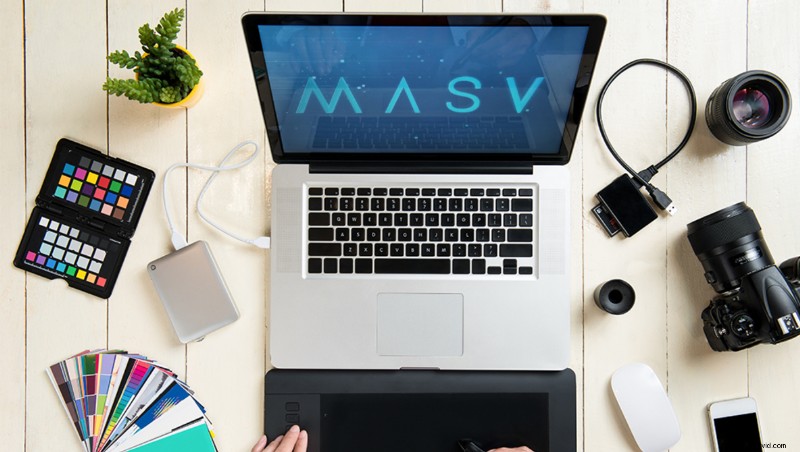
The file sharing company has announced that they’re going to offer some of the fastest speeds in the industry, but just who needs this?
“MASV," also known as “Massive,” is an ad-hoc file sharing company. The product doesn’t necessarily compete with WeTransfer or Frame. The company's objective is to facilitate the sharing of massive files. Essentially, it’s a replacement for mailing hard drives around the world.
For example, sometimes, my shoots need to be sent to a remote editor or production company. I use MASV because it’s fast as hell and pretty reliable. I’ll be charged about $50 for every 200 GBs I upload, which is then passed on to the client. Believe me, this is usually a lot cheaper and easier than sending a drive via priority shipping.
If you try uploading 200 GBs to Google Drive, the speeds will be throttled so hard you might not even bother. It’s an issue many creatives will run into. The issue is that no matter how fast your internet connection, the file sharing service needs to be quick as well.
Who Is This For?
In the UK, you can get a 10 Gbps connection for £1,499 a month. That’s pretty steep! Although, if you’re running a post-production facility, a studio, or broadcast station, this is so worth the money.
However, in the US, the price seems to be hovering around $200 a month. That’s if you’re lucky to be located in the correct areas, of course. It means that small business may start using these speeds. In a business landscape changed by a pandemic, this could be an easy spend for some companies.
Secondly, this can be a really helpful method of collecting media from multiple shooters around the world. Instead of giving freelancers contributor access to your Frame project, you can share an upload portal from MASV for them. When they upload their files, it can then integrate with your Frame account without needing to reupload.