
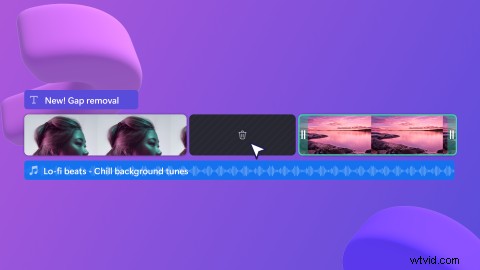
These days, everything is getting smarter — we’ve got smartphones and smart homes, and now Clipchamp’s timeline is getting smart too. Introducing gap removal — our first foray into intelligent video editing.
What is gap removal?
It’s a new feature in Clipchamp that identifies gaps in your editing timeline and lets you instantly delete them. Gap removal is a highly requested feature; probably because gaps pop up a lot while video editing and can easily go unnoticed. In an exported video, undeleted gaps become blank screens or awkward silences, and nobody wants to watch that.
How to remove gaps from your video in Clipchamp
Step 1. Create a gap in the timeline
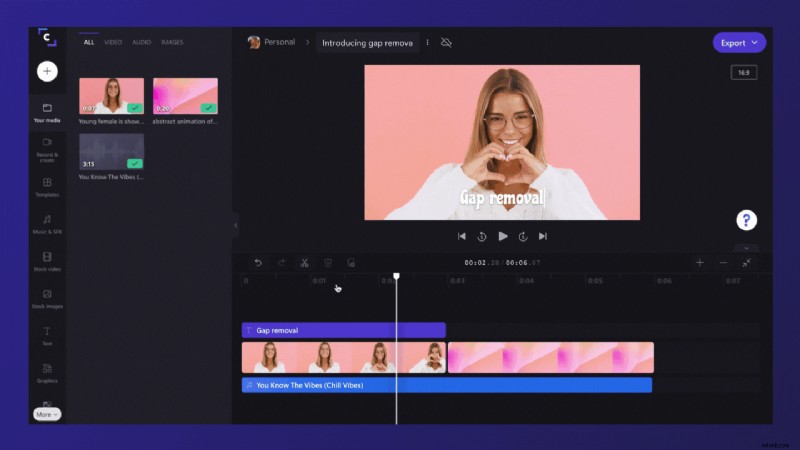
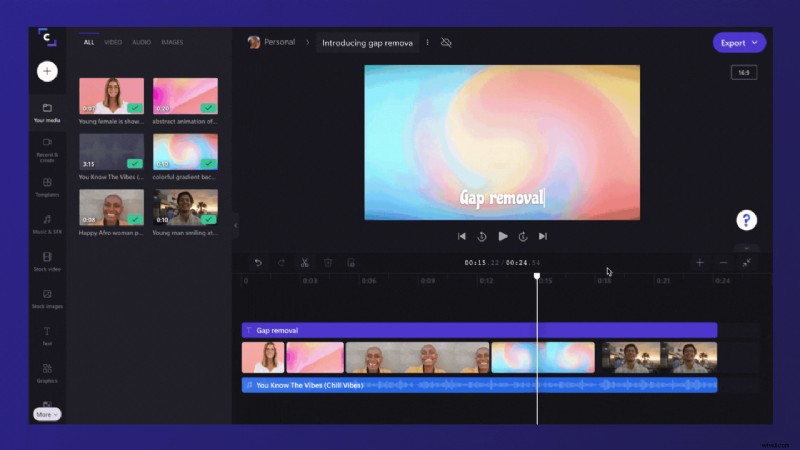
You’ll often create gaps in the timeline when trimming clips or other items. The gap will be noticeable because you’ll see a black empty space.
Step 2. Remove your gap
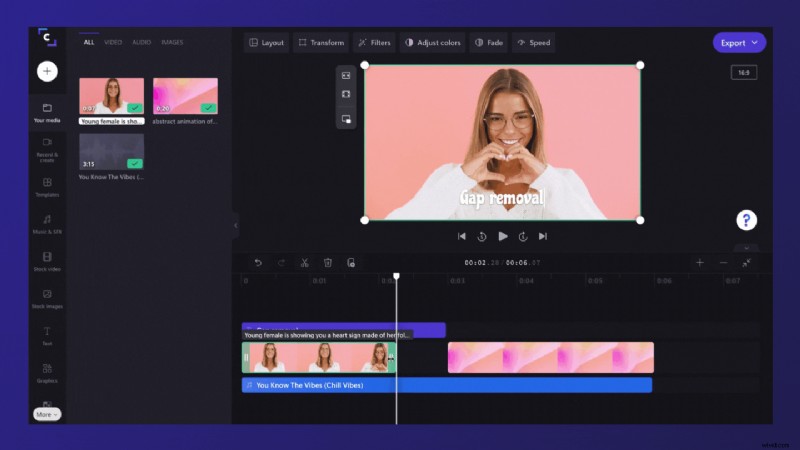
Hover your cursor over the gap you’ve created, and a trash can icon will appear (this is gap removal). Select the icon to remove your gap. You’ll notice nearby clips will rearrange to close the gap.
How to remove stacked gaps
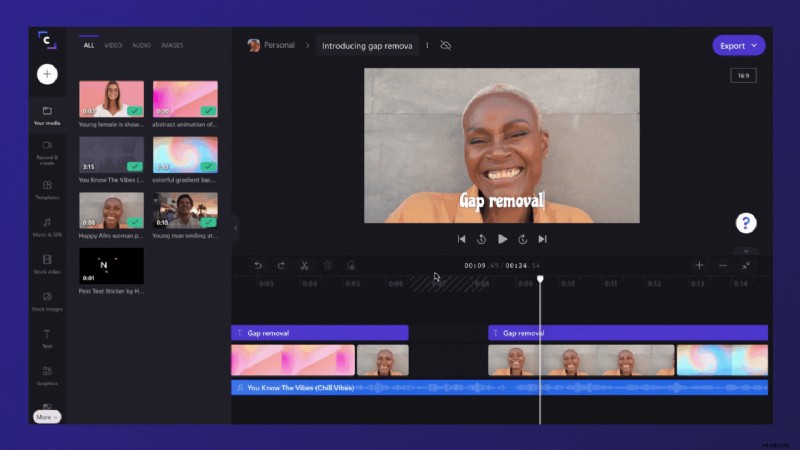
Sometimes, you’ll have multiple gaps stacked on top of each other in the timeline — a video and an audio track for example. If this happens, you won’t need to remove these gaps individually. Instead, hover your cursor at the top of the timeline to see the trash icon appear. Select the icon to remove the stacked gaps.
How to remove extra small gaps
Some gaps will be too small to display the gap removal icon. If you have an extra small gap like this, hover your cursor over the gap, right click and select delete gap from the options that appear.
Go remove those gaps!
Now we’ve shown you how, it’s time to try gap removal for yourself. We hope this smart new feature makes your video editing even easier.