
Panasonic’s Focus Stacking mode stems from a development of the company’s Post Focus mode and both modes use 4K video technology. In Post Focus mode you are able to select which part of the image you want to be sharp post-capture, but in Focus Stacking mode you can create an image that is sharp from foreground to background.
Using 4K video technology means that the images produced in Post Focus and Focus Stacking mode are 8Mp in size. In Post Focus mode the camera shoots a series of images with the focus gradually adjusting between them so that at some point all the areas within the scene are sharp. When you review the image you simple tap on the area that you want to sharp and then save the image. You can also save a short movie of the scene with the focus changing if you like.
In Focus Stacking mode the camera merges several images together to create a single composite image that has a wider sharp zone. It won’t get macro subjects and a distant background sharp in the same image, but it can extend depth of field in macro and landscape scenes.
How to use Panasonic Focus Stacking mode
Here’s a quick step-by-step guide to using Focus Stacking mode on the Panasonic G80, it’s designed for shooting stationary subjects when you want greater depth of field (a wider sharp zone) than you can achieve in a single shot at any set aperture.
- Focus Stacking mode can be used in Intelligent Auto, Intelligent Auto+, My Color, most Scene modes, program, aperture priority, shutter priority and manual exposure mode.
- Turn the drive mode dial to Post Focus/Focus Stacking
- Compose the image in the viewfinder or on the screen. You can adjust the exposure settings (depending upon which exposure mode you’re shooting in) but the camera takes control of the focusing.
- Press the shutter release to focus and then press it home fully, keeping the camera as still as possible. The camera will now shoot a series of images in quick succession and you’ll see the focus shift between each.
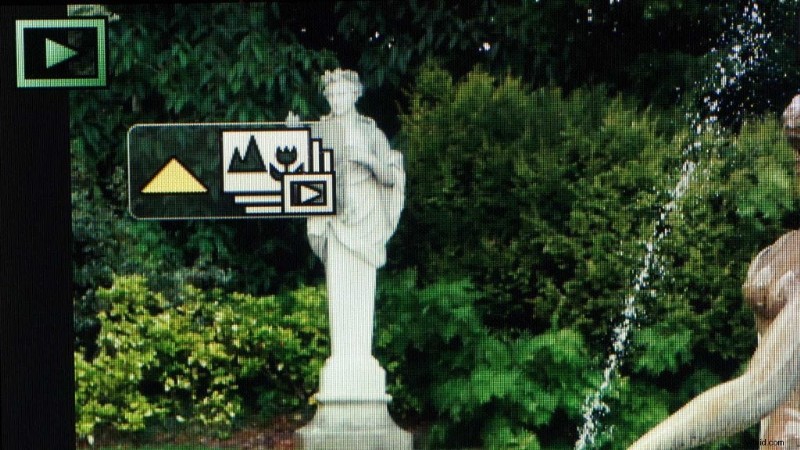
- In review mode, tap the Focus Stacking icon on the screen or press the up navigation button.
- Select Auto Merging or Range Merging. If you chose Auto Merging, the camera selects the images to merge, giving priority to images with close focusing and you just need to ‘Yes’ to set it rolling.
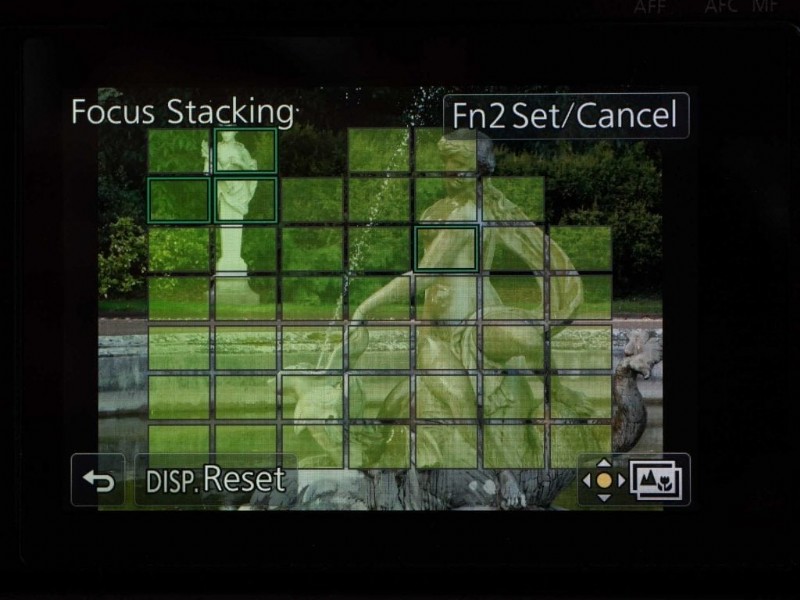
- In Range Merging mode, touch the areas in the image that you would like to be sharp and check that a green rectangle appears. If a red rectangle appears, pick another area. You need to select at least two areas, the camera will automatically select areas that are focused at distances in-between the ones you have selected.
- Tap the Focus Stacking icon or the OK button to merge the images. The camera automatically aligns hand-held images if they have slightly different composition resulting from camera shake, this may make the framing slightly higher than your original composition.
- The final image is saved as jpeg with the exif data of the original image with the closest focusing distance.