 Posted by: Lyle Schrock 3 years ago
Did you know that more than half of the households in the United States have at least one video game console? Not only that, many of them have more than one. It’s becoming more and more common to have a Nintendo Switch alongside a PS5 or Xbox console.
It doesn’t matter if you use a Switch, Xbox, or other gaming system, they all have one thing in common: they’re electronic devices that will eventually break down.
When that happens, you’re faced with the question of replacing your console or repairing it. If you aren’t sure if a repair is worth it, we’re here to help!
Weighing The Cost
When you’re trying to decide whether to repair a broken gaming console or buy a replacement, most of the time it comes down to the cost. Simple problems that are easy to fix are ideal (obviously). A few examples are:
- Dead Battery
- Charging Issues (especially for handheld gaming systems)
- Cracked Screen
- Lack Of Responsiveness From Controllers
How Old Is It?
If your gaming console has been made in the past five years, it might be worth considering a repair instead of replacing it. Newer consoles tend to have replacement parts more readily available than older gaming systems.
Is It Under Warranty?
If your console is still under warranty, make sure you follow the appropriate steps to get it repaired. We recommend getting your device warrantied directly through the company that created it.
Major console manufacturers like Nintendo and Microsoft all have at least a one-year warranty that comes standard with your device.
In most cases, as long as your console isn’t damaged by liquid or displays physical damage (like from being dropped), it can be repaired under warranty by the manufacturer.
If you don’t have a warranty or your device is older and the warranty has expired, that’s where The Lab comes in!
Is It Hardware Or Software?
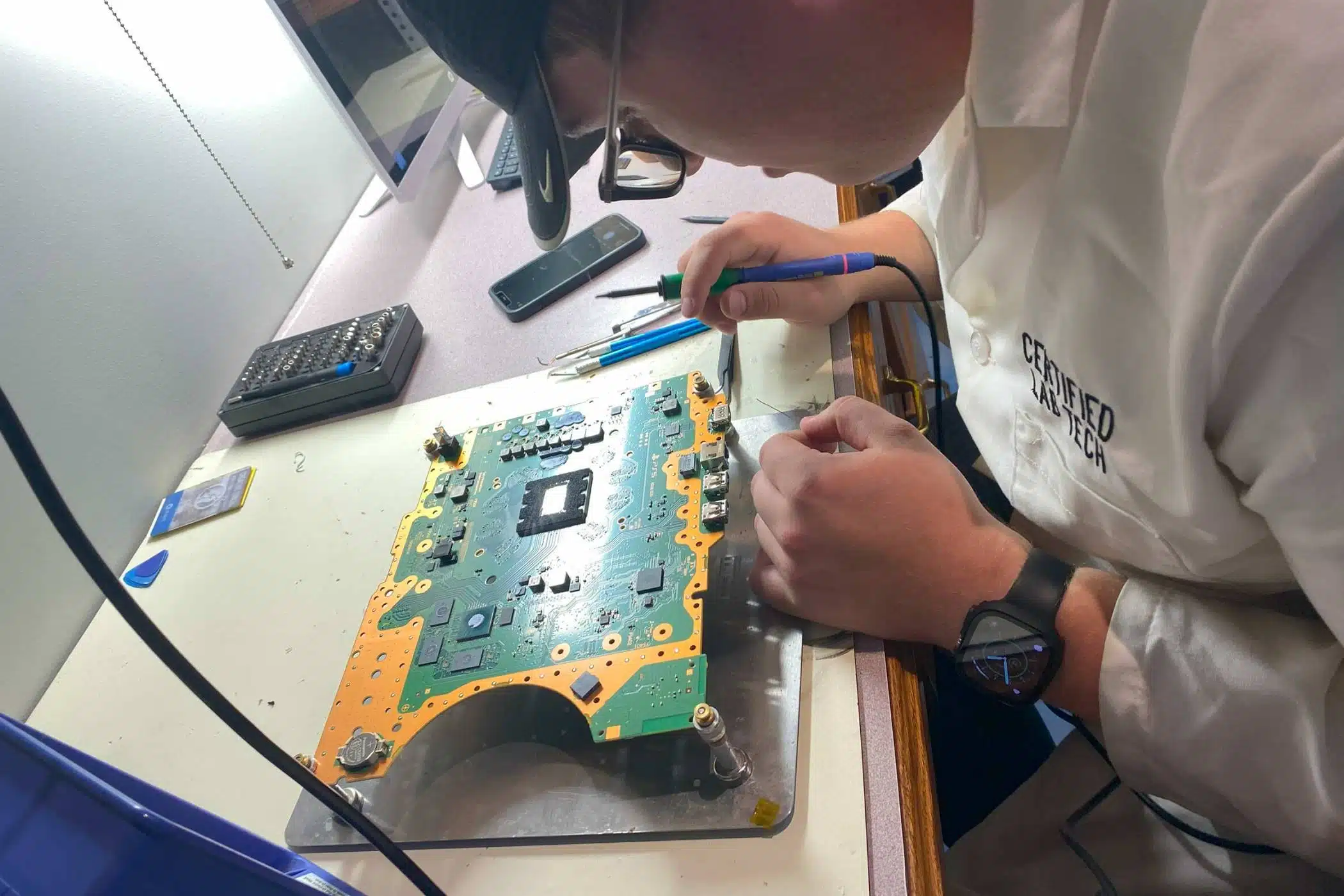
The cost of repairs can vary depending on whether the issue lies with the hardware or software. At The Lab, we typically solve hardware issues such as replacing a bad HDMI port, helping solve Nintendo Switch controller drift issues, or replacing the hard drive in PS4 consoles.
However, if you run into software issues with your console where it won’t update or perform correctly, we can typically help you solve those problems as well.
We Repair Gaming Computers Too
Using laptops and desktop computers to play games is only becoming more and more popular. Our expert electronic repair technicians have years of experience repairing all types of computers and can get you back to gaming and streaming in no time.
Bring Your Broken Gaming Console Into The Lab
If your console is overheating, won’t hold a charge, or won’t turn on, we can help! You can schedule an appointment online using the button below, or stop in and see us during business hours.
Our Hours
Monday: 10am – 5pm
Tuesday: 10am – 5pm
Wednesday: 12pm – 7pm
Thursday: 10am – 5pm
Friday: 10am – 7pm
Saturday: 10am-2pm
Sunday: Closed
Previous How To Protect Your Devices From Malware & Viruses
Next Life Hacks: Make Your Phone Work Better For You