 Posted by: Lyle Schrock 7 months ago
Most people know to activate antivirus software, avoid suspicious links, and keep their devices updated. However, one of the simplest and most overlooked ways to help prevent cyberattacks is to restart your phone regularly.
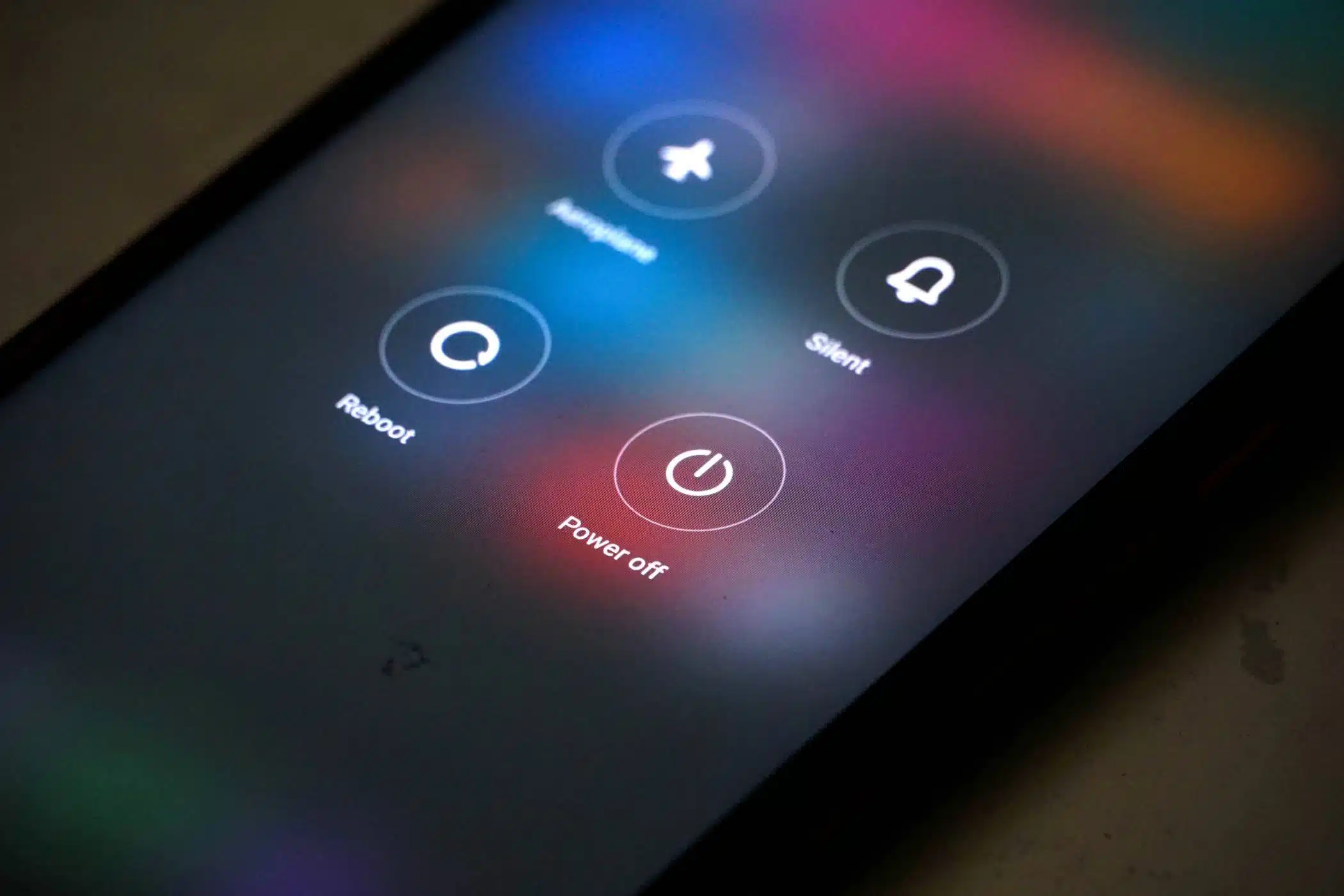
Restarting your device once a week can disrupt certain types of malicious activity and give you a stronger layer of protection.
Why Restarting Helps Prevent Cyberattacks
Cybercriminals are constantly looking for new ways to exploit smartphones. Many types of mobile malware run in the background without you noticing. These threats can gather sensitive data, track your activity, or even gain access to your accounts.
When you restart your phone, temporary files and processes are cleared, which can shut down active malicious code. While this will not remove all types of malware, it can disrupt certain spyware and phishing tools, especially those designed to operate only while your device is on continuously.
How Often Should You Restart Your Phone?
Experts recommend restarting your phone at least once a week. This habit not only helps prevent cyberattacks but can also improve performance by freeing up memory and fixing minor glitches.
If you use your phone for work or store sensitive information, you may want to restart it more often. Many IT departments are beginning to include regular restarts in their cybersecurity policies for mobile devices.
Additional Steps To Protect Your Phone
Restarting your phone is a helpful step, but it should be part of a larger cybersecurity plan. Here are a few more ways to prevent cyberattacks:
- Keep your operating system and apps updated to patch known vulnerabilities.
- Use strong, unique passwords and enable multi-factor authentication.
- Avoid public Wi-Fi networks or use a trusted VPN when you must connect.
- Review app permissions and remove apps you no longer use.
A weekly phone restart may seem like a small action, but it can help prevent cyberattacks by disrupting malicious processes. Combine this habit with strong passwords, software updates, and safe browsing practices for a more secure mobile experience.
By making this a part of your routine, you take an easy but effective step toward keeping your personal information safe.
The Lab Is Here To Help
Protect your devices before threats strike. Contact The Lab today for expert cybersecurity support, mobile security solutions, and proactive strategies to help you prevent cyberattacks.

Previous Foldable Phones: The Future of Smartphones or a Passing Trend?
Next How To Avoid Spreading Germs Through Shared Devices During Cold & Flu Season