
Many users continue to use a device with a cracked screen because it still powers on and apps run. The visual damage may seem minor, but the underlying risks are significant.
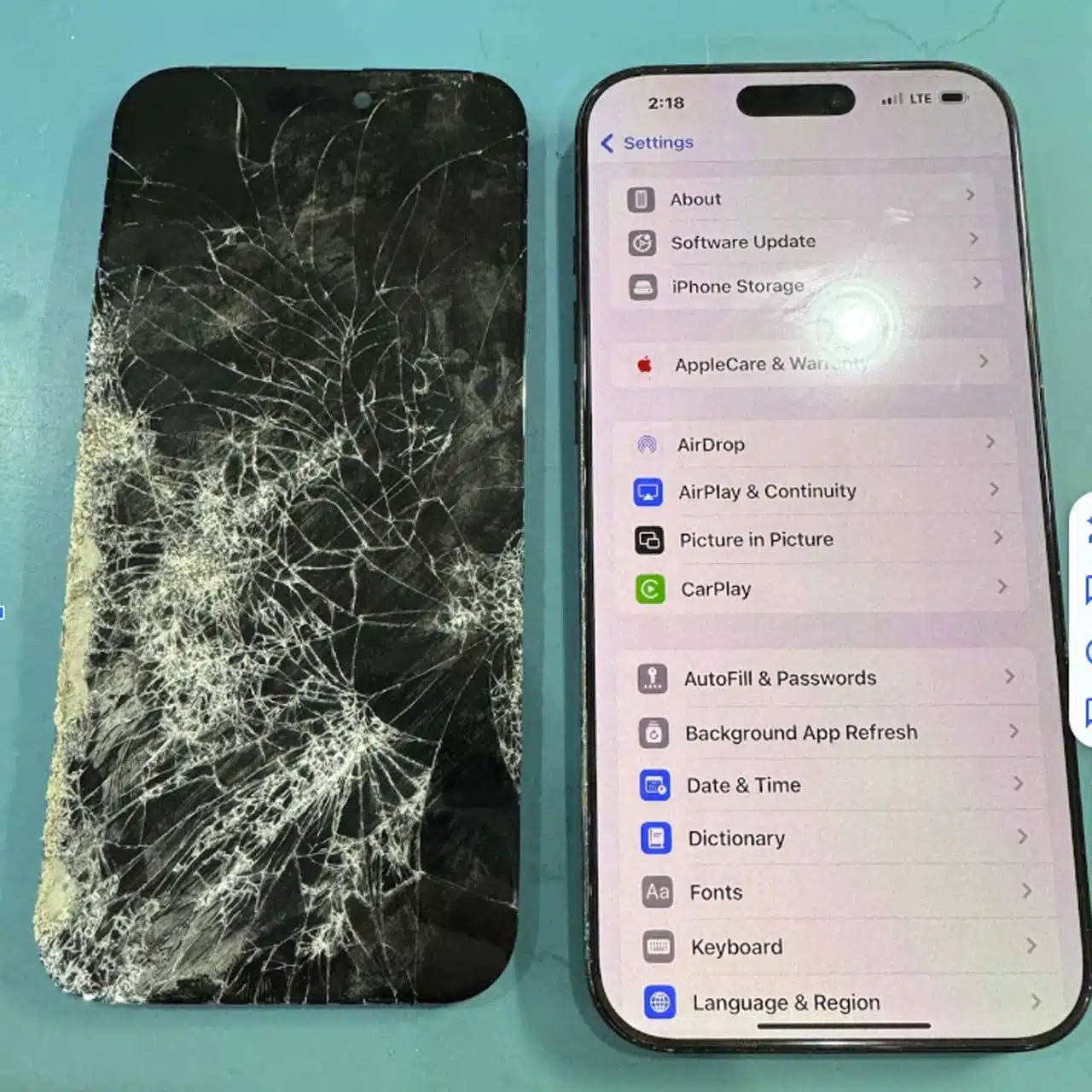
A cracked display initiates a cascade of problems that compromise performance, safety, data security, and repair expenses. Understanding these hazards empowers you to protect your device and avoid costly complications.
Physical Damage Escalates Quickly
Even a small crack can widen under heat, pressure, and everyday use. Light taps on a compromised display weaken the glass, causing the crack to spread. The device’s structural integrity diminishes, and further fractures become inevitable.
Cracks create pathways for dust, moisture, and debris to infiltrate internal components. These particles interfere with touch sensors and fragile circuits, shortening the device’s overall lifespan. Often, dirt and fine glass shards become lodged between the screen and the battery, gradually degrading the battery cell and necessitating a more extensive replacement.
Touch and Display Issues Disrupt Daily Tasks
A cracked screen often causes:
- Slow touch response
- Dead spots where taps do nothing
- Ghost touches that trigger apps or input text unintentionally
- Distorted colors or dark patches across the display
These glitches impede productivity, disrupt communication, and diminish entertainment quality. Users frequently report eye strain when reading text around broken glass or uneven lighting.
Safety Risks Extend Beyond the Device
Broken glass can slice fingers and hands without warning. Tiny shards detach during routine use, and exposed sharp edges pose injury hazards during simple swipes or taps.
When liquid seeps through cracks, it reaches the battery and internal components, creating a genuine fire risk. Modern lithium‑ion batteries react rapidly to moisture, increasing the likelihood of thermal runaway.
Your Data Security Is Compromised
Cracked screens can lead to:
- Unreliable touch input that opens sensitive apps
- Accidental taps that expose passwords or personal data
- Moisture damage to authentication sensors
A damaged display also undermines reliable face or fingerprint recognition. Consequently, many users disable these security features, weakening overall device protection.
Repair Costs Mount When You Delay
Prompt screen replacement remains straightforward. However, when cracks grow or reach internal components, repair costs rise sharply. A cracked screen can damage the battery, front camera, speaker, and even the motherboard, transforming a simple fix into a full device overhaul.
Addressing the issue early safeguards your budget and preserves device integrity.
The Lab Delivers Rapid, Quality Repairs
Our team restores devices quickly using premium parts and skilled technicians. Fast repair protects your device, secures your data, and prevents injury. By tackling screen damage promptly, you maintain a strong, clean, and secure phone.
Ignoring a cracked screen never remains harmless. It threatens your safety, your data, and your device’s long‑term health. Fix the damage early to save time, money, and stress.
Contact The Lab today to restore your device to perfect condition.