
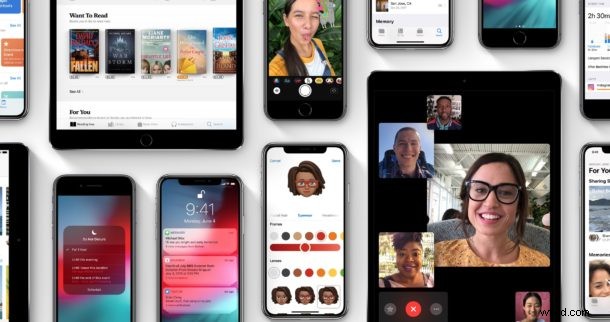
Apple has unveiled iOS 12, the upcoming system software version for iPhone and iPad. The future system software version aims to have a significant focus on performance and optimization of iOS, but also includes a variety of new features, and brings along several new apps too.
Improvements and new capabilities include a variety of additions to Augmented Reality capabilities, Siri, performance, a variety of new apps, and new features to existing apps. Let’s take a quick look at some of the changes coming to iOS 12.
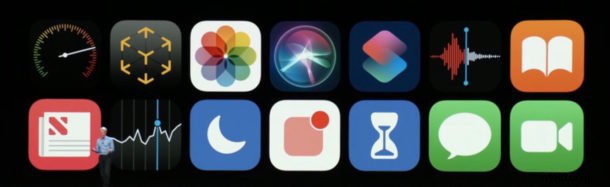
Performance Improvements & Optimization
Performance improvements and system optimization are a major component of iOS 12. Apple is said to have made a variety of optimization adjustments to iOS 12 so that many regular behavior and actions on the device are faster than before, particularly for older hardware devices. For example, Apple is said to have improved app launching performance by 40%, the keyboard shows up 50% faster, the camera opens up to 70% faster, and more.
Measure app
An all new Measure app uses Augmented Reality and the camera to measure dimensions of items you point the camera at.
Photos app
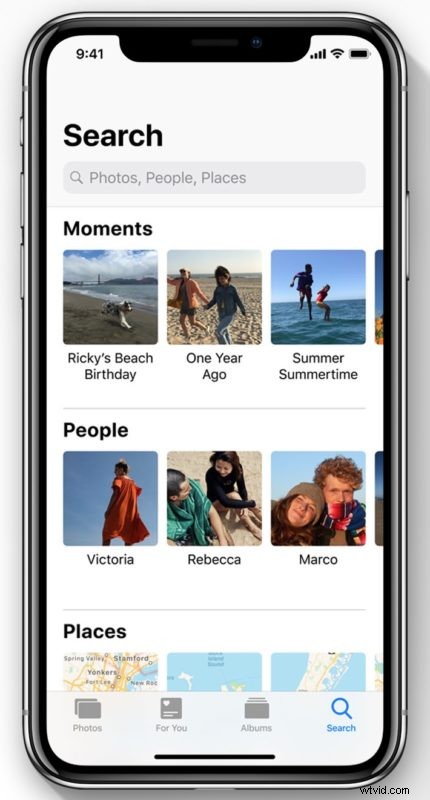
The Photos app includes a variety of new features, including new search and sorting capabilities, sharing suggestions, effect suggestions, and more.
Siri
Siri has a new Shortcuts feature that interfaces with other apps allowing you to add shortcuts from apps to Siri. Siri will also start suggesting things to do based on your device usage, for example offering reminders to call people on their birthday, or if you are running late to a meeting scheduled in Calendars app it will suggest you text the person hosting the meeting to inform them you are running late.
Shortcuts app
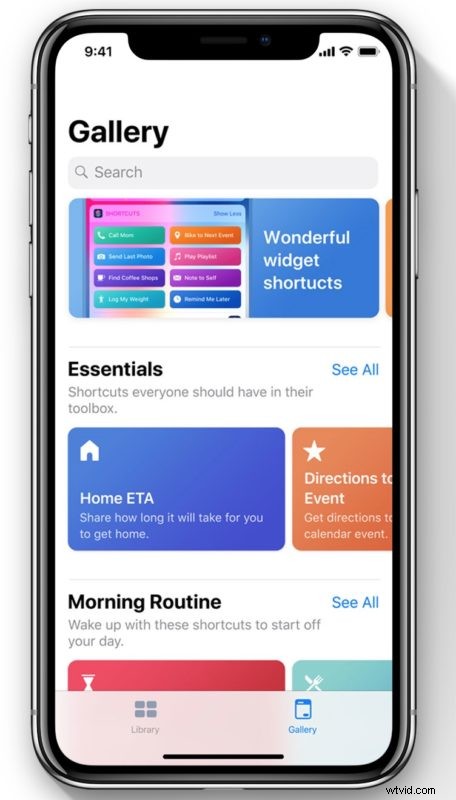
The all new Shortcuts app allows you to setup custom Siri actions, working quite similar to Workflow app on iOS. There’s a large gallery of pre-made actions within Shortcuts app, and you can make your own.
News, Stocks, Voice Memos, iBooks
The News app has been updated with a variety of new navigation features.
The Stocks app has a new design and also includes embedded News app content for business news headlines, along with some new charting capabilities, and finally, the Stocks app is also coming to the iPad.
Voice Memos comes to the iPad so it is no longer just an iPhone app.
iBooks has been renamed to Apple Books, with a new Book Store feature and some other book browsing features.
CarPlay
CarPlay now supports third party navigation apps, like Waze.
Screen Time, App time management, and Notifications features
Do Not Disturb includes a new Do Not Disturb during bed time feature which hides notifications by default when activated at night.
Do Not Disturb now has a variety of new features to activate the feature easier and with timelines, for example you an enable the feature for just an hour.
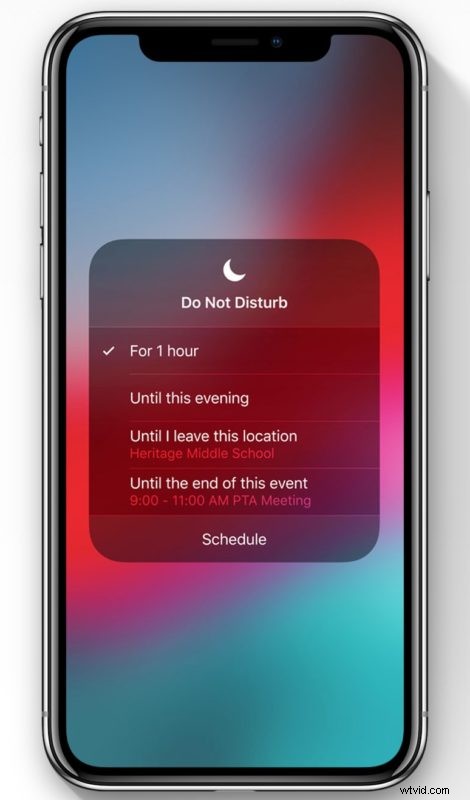
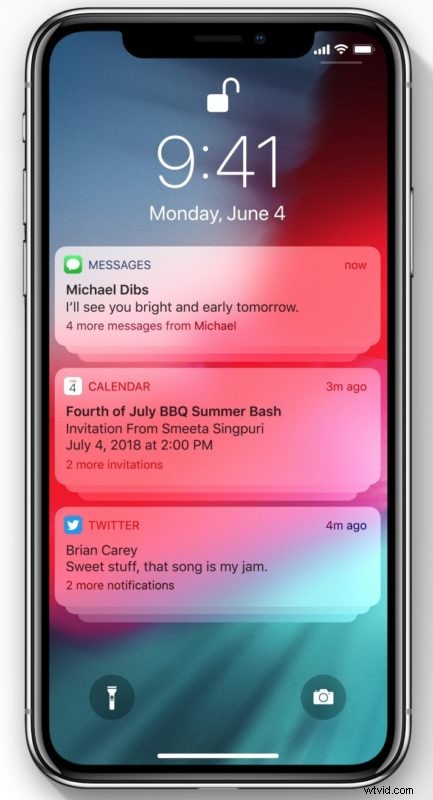
Instant Tuning allows you to turn off notifications and manage notifications for apps directly.
Grouped notifications now group notifications by apps and topics.
Screen Time gives you a weekly activity summary, letting you know how much time you are spending in particular apps, how many times you pickup your iPhone or iPad, and what apps are sending you notifications. Parents can also use this feature to see what apps their kids are using and for how much time on their devices, and also control how much time kids can use in particular apps, or even in app categories, as part of the Family Sharing feature.
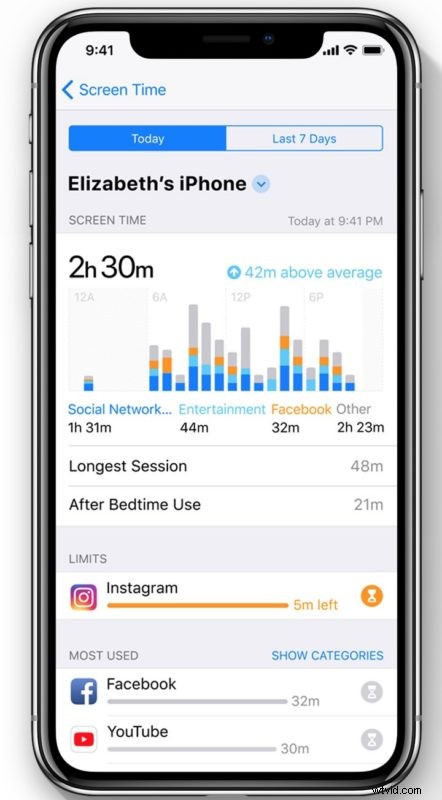
App Limits allows you to customize time limits for each app, for example you can put a 15 minute limit on Instagram app and after 15 minutes is up the App Limits feature will inform you that it’s time to do something else – of course you can ignore that alert too.
Messages
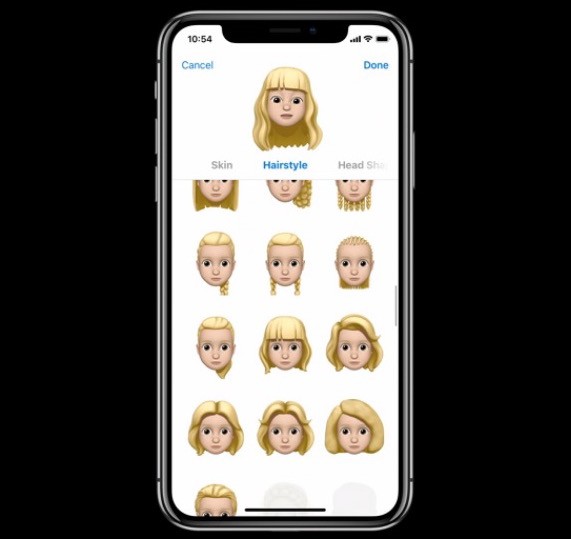
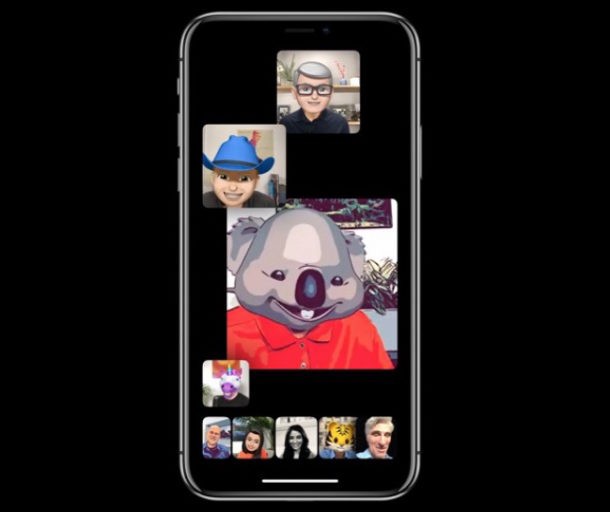
Messages gets some new Animoji features and effects features. Animoji now has breakthrough tongue detection technology, allowing you to control Animoji to stick out their tongues. There are new Animoji too, including ghosts, tigers, t-rex, and koalas. Additionally, the all new Memoji feature allows you to create your own personalized Animoji icon that can look like you, or anything else, through an all new Memoji app. Messages app now includes various camera app filters and stickers that you can apply to pictures taken from the Messages app.
FaceTime
FaceTime gains group video chat, allowing up to 32 simultaneous participants in a FaceTime group call. FaceTime camera also gains a bunch of optional filters, stickers, Animoji, and other fun features.
Supported Devices
Apple has said that iOS 12 will run on all devices which support iOS 11.
iOS 12 Betas and iOS 12 Release Date
iOS 12 is actively in developer beta, with a public beta coming in the near future, and a final release will be available this fall for all users.
Separately, Apple also unveiled macOS Mojave for the Mac, also coming this fall.