
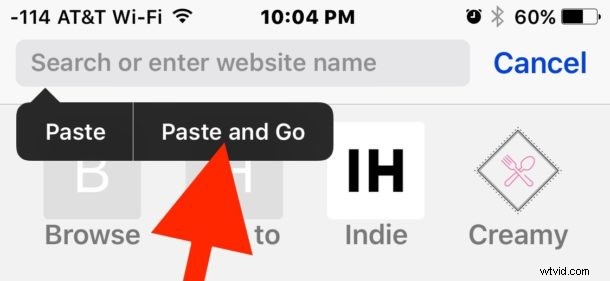
Safari in iOS includes a nice ability that detects when a URL is copied to the iPhone or iPad clipboard, and then allows you to quickly “Paste and Go” to that website link with a single action. The Paste and Go feature in iOS Safari works basically the same way a similar feature does on the Mac, except of course the action of copying and pasting in iOS is different.
We recently discussed this for Safari on Mac, but some users were interested to hear the same Paste and Go ability exists on iPhone and iPad as well. So for example, if you have the website URL “https://osxdaily.com” stored in the clipboard, you can use Paste and Go to immediately load that URL in Safari.
Essentially Paste and Go lets you use a website link that has already been copied to the clipboard to then immediately jump to loading that website in Safari, expediting the loading of the target webpage. With Paste and Go you choose that option and the website loads, rather than pasting the link, then hitting Go manually to load the target webpage. It’s simple, but it speeds things up and is really quite nice if you spend a lot of time copying and pasting URLs on the iPhone or iPad.
Use Paste and Go in Safari for iOS to Visit URLs Faster
- Copy a website URL to the clipboard on an iPhone or iPad, or have a URL copied to the clipboard via Universal Clipboard
- Open Safari in iOS
- Tap and hold in the address bar, when the little pop-up menu option appears choose “Paste and Go” to immediately visit the webpage URL stored in the clipboard
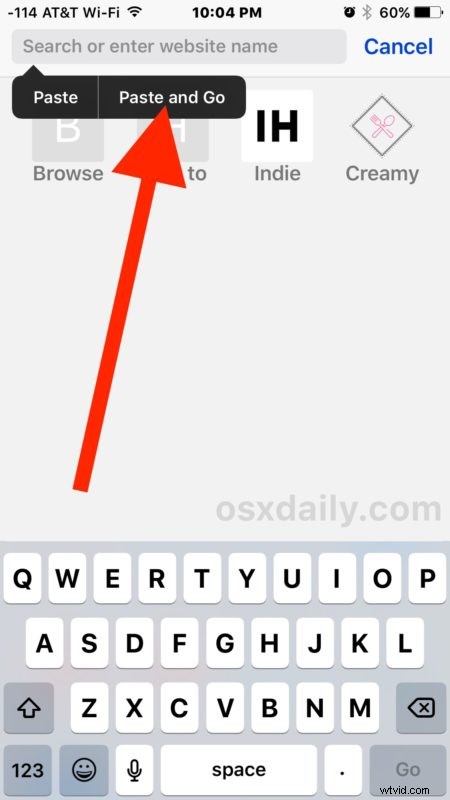
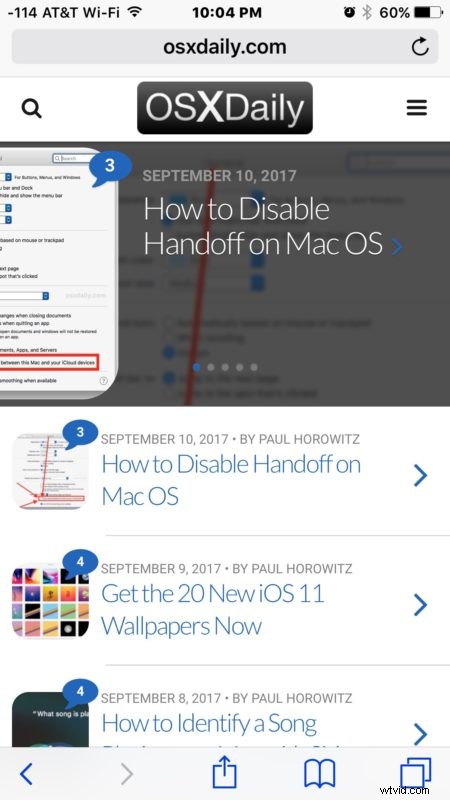
The webpage will attempt to load right away without having to paste, then choose to Go. So rather than two actions, it’s one simple quick action.
It’s not exactly a revolutionary feature, but it does speed things up for web browsing on an iPhone, iPad, or in Safari for Mac with “Paste and Go” support too, particularly for those of us who make regular usage of Universal Clipboard between iOS and Mac OS or between other shared iCloud devices.