REC

Recommended: Video Production, Editing & Gear Maintenance Guide

 WTVID >> WTVID >  >> Filming equipment >> Cell phones

Instant Currency Conversion in iOS Spotlight Search with Live Exchange Rates

Instant Currency Conversion in iOS Spotlight Search with Live Exchange Rates

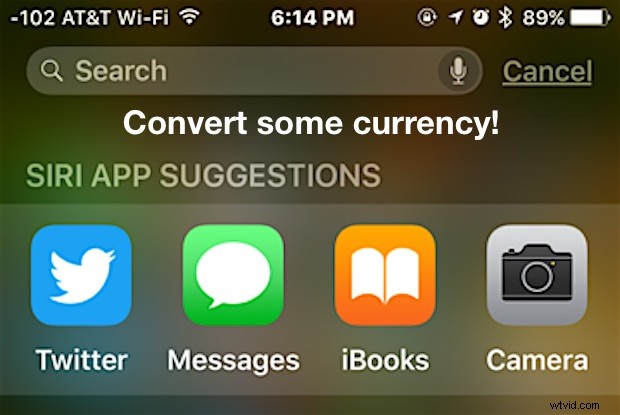
Spotlight Search for iOS now has the ability to perform currency calculations and conversions using up to date exchange rates.

This is a handy built-in feature for travelers, anyone who needs to exchange money, and those who work across borders, and it’s built right into the latest versions of Spotlight for iOS on iPhone, iPad, or iPod touch.

Getting Currency Conversions in iOS with Spotlight Search

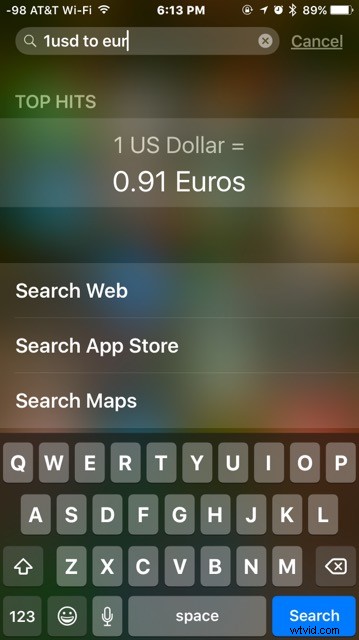
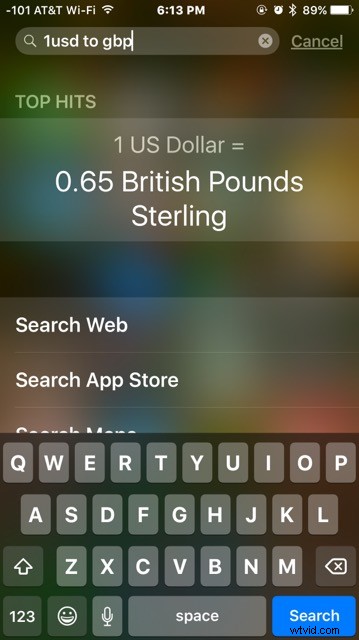
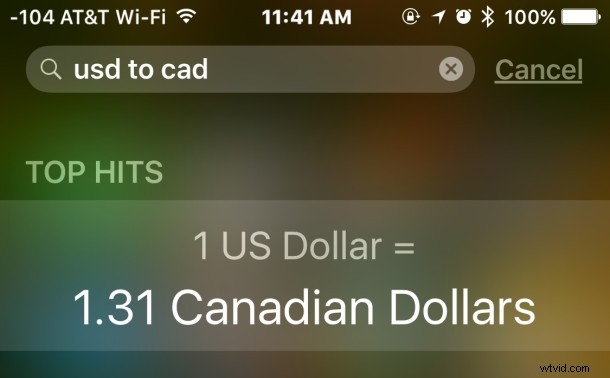
To convert any currency, open Spotlight from the Home Screen of iOS by pulling down on an icon, then enter the following syntax types, specifying the currency to start with and to convert to:

  • 1 USD to EUR
  • 1 USD to GBP
  • JPY to USD
  • IDR to AUD
  • NZD to USD
  • 500 CAD to USD
  • 100 RMB to USD
  • 500 EUR to JPY

Instant Currency Conversion in iOS Spotlight Search with Live Exchange Rates

This is just an example, as any major world currency is supported for conversions in iOS.
Instant Currency Conversion in iOS Spotlight Search with Live Exchange Rates

You can specify the three letter shorthand for the currency, which is the fastest method, or if you aren’t sure, you can actually type out the entire currency name as well, like so:

  • 1 US dollar to Japanese Yen
  • 15 Euros to Great British Pound
  • 19585 Indonesian Rupiah to US dollars
  • 100 Australian Dollars to Vietnamese Dong
  • 1000 US dollars to Apple Store Apples
  • 850 Chinese Renminbi to Korean Won

As long as the iPhone, iPad, or iPod touch is connected to the internet it will pull the most up to date exchange rates for the currency conversion.
Instant Currency Conversion in iOS Spotlight Search with Live Exchange Rates

If you’re on the desktop you have options available as well, because you can exchange currency at current rates with Spotlight on the Mac too, or even with the Calculator app in OS X


  1. Apple Releases iOS 9.1 Beta 5 for Public Beta Testers and Developers

  2. Apple Releases iOS 9.1 Beta 3 for Developers and Beta Testers

  3. Apple Releases iOS 9.2.1 Beta 2 for Developers and Public Testers

  4. Apple Releases iOS 9.2.1 Beta 1 for Developers – Download Build 13D11 Now

  5. Pangu Jailbreak Now Available for iOS 9.3.3 and Earlier Versions

Cell phones
  1. Apple Releases iOS 16.1 RC and iPadOS 16.1 RC for Beta Testers – Final Pre-Release Builds

  2. Apple Releases iOS 16.1 Beta 3 and iPadOS 16.1 Beta 4: Stage Manager Expands to More iPad Pros

  3. Apple Releases iOS 10 Beta 8 for Developers and Public Beta Testers

  4. How to Quickly Search Safari Tabs on iOS: Fast Tab Management Guide

  5. Apple Releases iOS 12.3.2 for iPhone 8 Plus – Fixes Portrait Mode Depth Effect

  6. Apple Releases iOS 13.7 Beta: Enhanced COVID-19 Exposure Notifications

  7. Apple Releases iOS 14.2 and iPadOS 14.2 Golden Master (GM) for Beta Testers

  8. Apple Releases iOS 15 RC (Likely GM) for Beta Testers – Download Now