
Canon is renowned for its high‑performance digital cameras, many of which save images as CR2 files—Canon’s proprietary Raw format. These files capture the full sensor data, providing maximum flexibility for post‑processing.
This guide covers what a CR2 file is, why photographers favor it, how to view and edit it, and the best ways to convert it to more common formats like JPEG or PNG.

What Is a CR2 File?
A CR2 (Canon Raw Version 2) image is an uncompressed, high‑resolution capture that mirrors exactly what the camera’s sensor records. Unlike JPEG, CR2 files retain all the data needed for advanced color grading, white‑balance adjustments, and dynamic‑range recovery.
Because they are RAW, CR2 files are larger than compressed formats and are best suited for professional workflows where image quality is paramount.
Understanding File Extensions
The file extension (e.g., .CR2) tells an operating system which program can open a file. Canon’s early models used .CRW; modern cameras use .CR2, a format based on TIFF specifications rather than the older CIFF.
Common extensions like .JPG, .PNG, or .PDF are recognizable to most applications, but .CR2 requires specialized software.
How to Open .CR2 Files
Not every photo editor supports CR2 by default. Below are reliable options for different platforms:
- Windows: Microsoft Camera Codec Pack or Canon’s RAW Codec Software.
- macOS: Apple Photos or Image Capture.
- Linux: UFRaw, gThumb, or CanvasX.
- Cross‑platform editors: Adobe Photoshop, Adobe Lightroom, CorelDRAW, and IrfanView (with plugins).
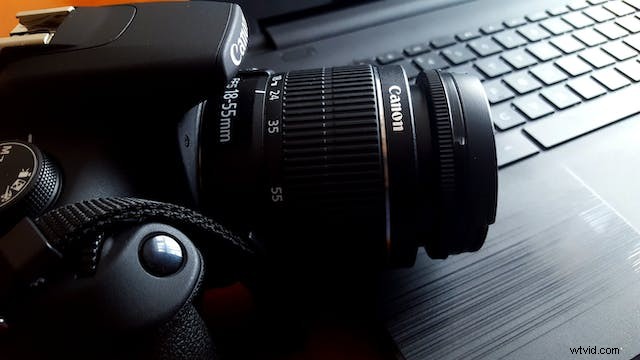
Converting a CR2 File to JPEG
While CR2 files offer unmatched quality, they are unwieldy for everyday use. Converting to JPEG or PNG is often necessary for web publishing, social media, or quick sharing.
Batch converters keep your workflow efficient:
- Adobe DNG Converter
- Image Converter Plus
- File Viewer Plus 3
- Batch Picture Resizer
- Easy2Convert Raw to JPG
FAQs
How do I open a CR2 file in Photoshop?
Photoshop natively supports CR2 files. Simply open the file or drag it into the workspace. If you encounter a “file type not recognized” error, install the latest Canon RAW Codec.
Is CR2 the same as a generic RAW file?
CR2 is a Canon‑specific RAW format. Other manufacturers use formats like Nikon’s NEF, Sony’s ARW, or Panasonic’s RW2, each with its own extension.
Is CR2 better than JPEG?
CR2 preserves more data and yields higher quality in prints and detailed edits, but it is larger and slower to process. JPEG is preferable for online sharing, email, or when storage space is limited.
Why are my images CR2 files?
Images captured with a Canon camera will default to CR2. If you downloaded a high‑resolution photo from a professional site, it may also be provided in CR2 for archival purposes.
Can I convert CR2 to JPEG without dedicated software?
Online converters exist, but they often throttle large RAW files. For speed and quality, a local batch converter is recommended.