
Have a mini-session coming up and plan to advertise them? Need to know how to make mini session templates? Today we’ll talk:
- Why make a visual ad for your sessions
- Static image or video?
- Important Items to include in your template
- Where to find templates or inspiration
Why Make a Mini Session Template?
As photographers, we are visual people. But so are most people. In fact, 65% of people are visual learners. And presentations with visual aids are 43% more persuasive.
Using mini session templates makes creating eye-catching to advertise your mini sessions easy. You could advertise your sessions using a text-based post, but you’re more likely to attract the interest of clients if you use imagery.
Can I Use Video?
Video is another great medium for advertising your sessions! According to Hootsuite, video ads work well for campaigns with strong emotional content. If the theme of your mini sessions really tugs at your heartstrings, consider experimenting with video ads!
Tips for How to Make a Mini Sessions Template
Use Images or Videos with People
Use models and show clients enjoying and interacting with your set. Those images will be more captivating than just scenery or an empty set.
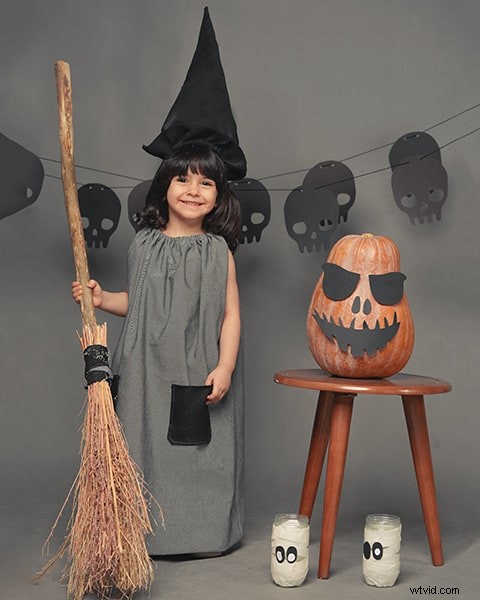
Show Your Setup
Plan ahead and shoot some promotional images that show your mini session setup. This gives clients an idea of what to expect at the session. It also demonstrates how your sessions are different than your competition’s sessions.
Compare the two images below. Which will clients be drawn to more?

Choose One Great Image
A lot of popular marketing templates have room for several small photos. But often those photos are so small, they aren’t effective. They’ll also compete for attention from your viewer.
Choose one really powerful image.
If you want to use multiple images, set it up as a slide show or carousel of images instead. Make sure they are consistent in color and energy!
Keep your Template Simple
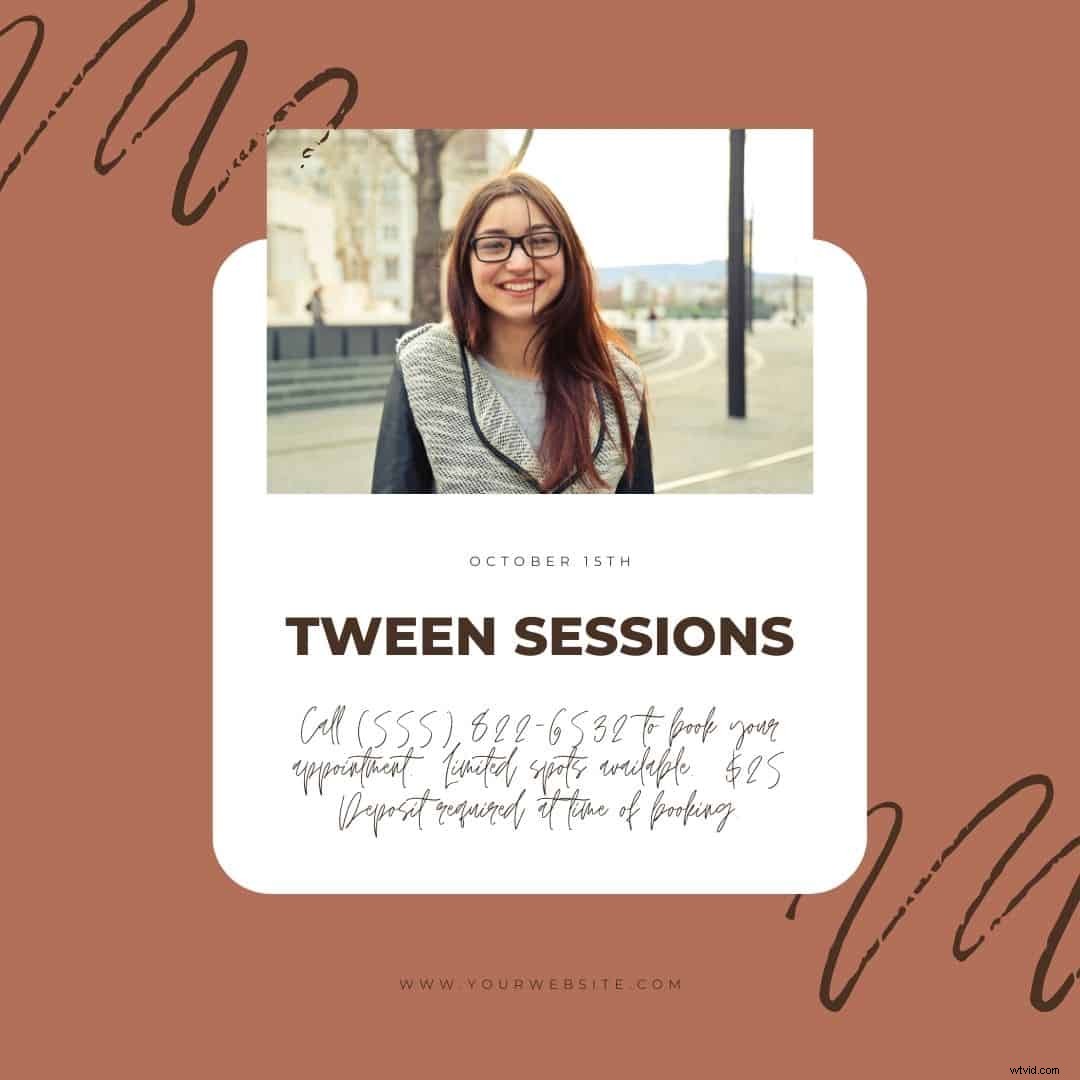
Keep the text on the template clean and easy to read. You don’t need to include all the details on the image! You can include that information in the text of the post.
The image below is pretty but the font is difficult to read, for example. Imagine trying to get the details from the image above if you’re on a mobile!
In fact, if you’re going to use your mini session template as a Facebook ad, use text sparingly. Or skip the text altogether. Facebook doesn’t like text on images, so you’ll be better off with a plain image and giving limited details in the ad copy.
Follow the Optimal Specs for Your Format
Your mini session template should be optimized for the format on which they will appear. Create separate ads for separate social media platforms if needed!
Keep With Your Branding
Your session templates should reflect your business branding and values. A template may be really cute, but if it doesn’t fit with your session offering or overall business aesthetic, it won’t feel authentic.
Don’t Forget a Call to Action
Don’t forget to tell clients what you want them to do! This doesn’t have to be on the template itself, but should be included somewhere in your offer.
Ask for Feedback
Run your mini session template by someone you trust for feedback. A supportive photography group or mentor is a good place to start!
Where to Find Mini Session Templates Online
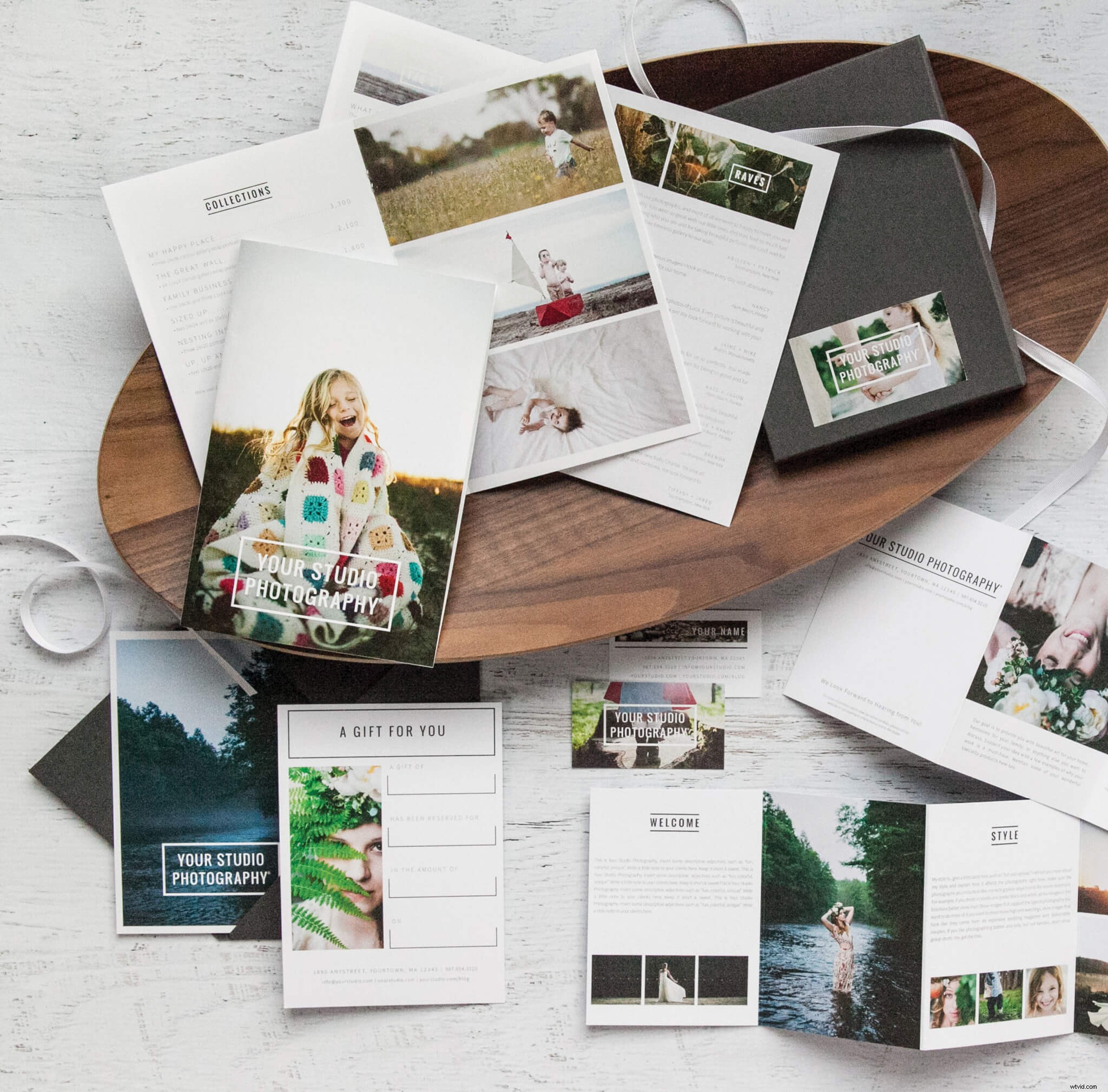
Below are some places where you can find ready-to-use mini session templates for photographers. You can also just find some ideas and inspiration!
For the quickest results, you can buy ready-made templates. Some are Photoshop templates. Other sites, like Canva, allow you to design your own online. Mini session templates often come in larger marketing packets, too.
Adobe Spark
Cole’s Classroom
Design Aglow
Etsy
Canva
Hazy Skies Design
Squijoo
Mocaroon
The Coffee Shop Blog
Photographer Resources
Done is Better Than Perfect
Don’t get so caught up in making your template absolutely perfect that you never hit publish! A simple photo and compelling offer ALWAYS outperforms a perfect ad that never gets posted. Keep it simple, get it published, and start booking those minis!