
What’s the best process or framework for creating videos that leave an impact?
The truth is that every video creator does things differently. And you’ve got to find whatever works for you. Oz du Soleil is someone who’s found a process that works for him. He’s the host behind Excel on Fire, a YouTube channel that makes Excel tutorials both fun and interesting.
As well his YouTube channel, Oz is also a Microsoft Excel MVP, lead author of Guerilla Data Analysis 2 Ed., and has several courses on LinkedIn Learning.
We sat down with Oz to hear his thoughts on video creation and get a look at his process. He takes us behind the scenes to where it all began, what he’s learned about his own preferences for making videos, and some tips you can use in your own content.
Making Excel fun
Of all the topics you can create videos about, Excel is not one that usually comes to mind when we think about fun videos. And yet Oz manages to make his tutorials both fun and interesting. There’s never a dull moment in his content, but how does he make it work?
One rule that he’s set himself is to not go overboard with the jokes. He likes to keep the jokey stuff to a minimum in his videos rather than bombard the audience. One thing he doesn’t like about other content creators is when they go overboard with the jokes and actually create a distraction from the rest of the content.
Finding your video style
If you take a look at any of Oz’s videos, you’ll get a clear idea of his style and personality straight away.
The kind of content he creates is not for those who need an answer right away. He likes to give detail and context to help people apply his lessons to the real world.
This approach to creating video comes directly from his own frustrations with other videos out there. He’s often felt that instructors have let him down by only covering the basics that don’t really prepare you for real situations.
Beyond being comprehensive in his videos, he also likes “to appeal to the people who want to have fun.” He likes to create videos for those who (like him) have been fed up with boring Excel teaching.
While the boring stuff might have a place, Oz likes to give a little bit more in his content.
How long does it take to create videos?
Anyone who’s ever created or edited a video will likely follow this question with “how long is a piece of string?” It’s hard to say because every video is different. For Oz, it’s easily around ten hours. On a rare occasion, it can be about six, or it can be as many as 20 hours.
One of the things that takes a huge chunk of time is finding the right music. You might find something that’s perfect for the first ten seconds that later turns into something completely wrong for your video. So, you may end up having to edit the music as well as the video to find what works.
He doesn’t seem to mind that, though, because the length of time he spends on a video is his choice alone.
One reason he doesn’t like writing blogs instead is that he gets side-tracked. There’s always a plugin to deal with or some tricky HTML to work around. With video editing, he can decide what goes where and focus solely on that.
Jump cuts and making mistakes
For a while jump cuts were a big no-no in the corporate video world. But nowadays, they seem perfectly acceptable. Oz has accepted jump cuts for his own videos, but he likes to use them sparingly.
He focuses most of his attention on screen captures which he can afford to get a bit “clumsy” with. He says it would be much harder to do a video showing his face all the way through, like a presentation, because he’d have to be wary of moving around and keeping cuts smooth.
Why Oz loves YouTube as his platform
Oz’s main channel is over on YouTube, but he also has some courses on LinkedIn Learning. The two are very different platforms, but the reason Oz prefers YouTube is that he can express himself freely there.
The editors on LinkedIn have a pipeline of videos to edit, so they’re not going to be adding in little explosions or fancy music that Oz might do in his own videos. YouTube lets him have more fun with his content.
Why you need to know when to walk away
Perfectionism is pretty common in the video creation world. With modern editing software, there are all sorts of bells and whistles you can add to your video. But when is it enough? When do you just have to walk away?
Oz shared a lesson that his musician friend told him. “Not every song needs every idea. Save some for another time.” That’s something that’s stayed with Oz over the years, and it can just as easily be applied to video creation.
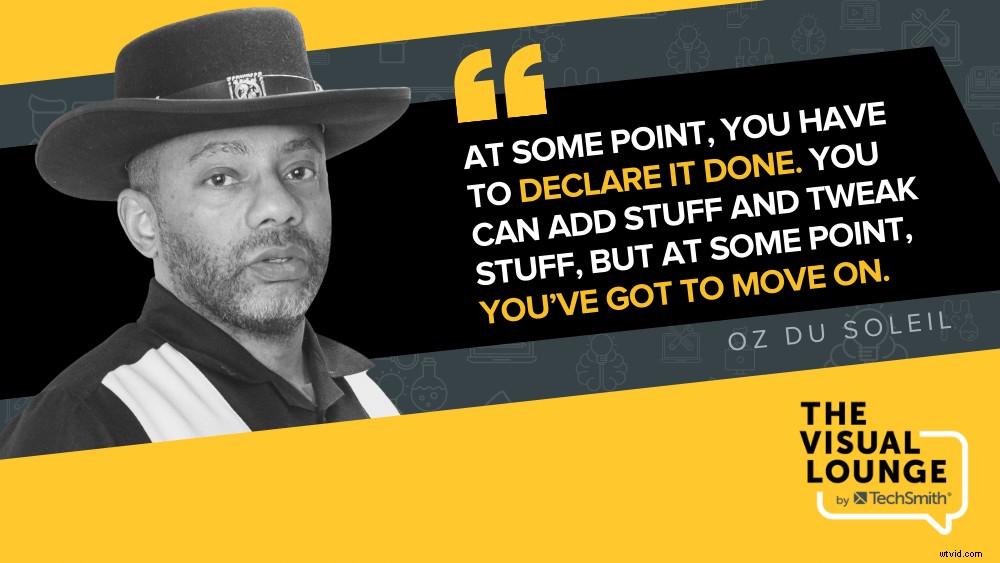
The time Oz walks away is when he looks over the video and says yes, everything is clear and coherent. He might have a moment of weakness where he wonders whether to change every arrow from gold to blue. But all that is just procrastination on the next part of video creation which he dislikes – creating the thumbnail, writing the YouTube description, and so on.
He says that by this point, it’s always better to just move on and “declare it done.”
Video creation can be full of challenges, but, ultimately, you need to have fun with it and focus on the value you’re providing. The way you make videos might be totally different from Oz’s method, but whatever works for you is best. Don’t be afraid to try out different editing elements, frameworks, platforms, and more to find your unique style too.
Whatever your video creation process, we have some fantastic tutorials with video creators and instructional designers like Oz in the TechSmith Academy. Be sure to check out Oz’s course on there to hear more from him: How I Edit Video with Oz du Soleil
For more expert advice and tips visit TechSmith Academy on YouTube or listen to the Podcast.