
Instagram’s video format has eclipsed static images, with Reels now commanding an average engagement rate of 20.59%. In a crowded feed, your Reel must not only look polished but also feel unforgettable.
Below is our 2026 roundup of the 14 best editing tools—each vetted for performance, usability, and value—to help you create Reels that stand out.
1. Instagram (In‑app Editing)
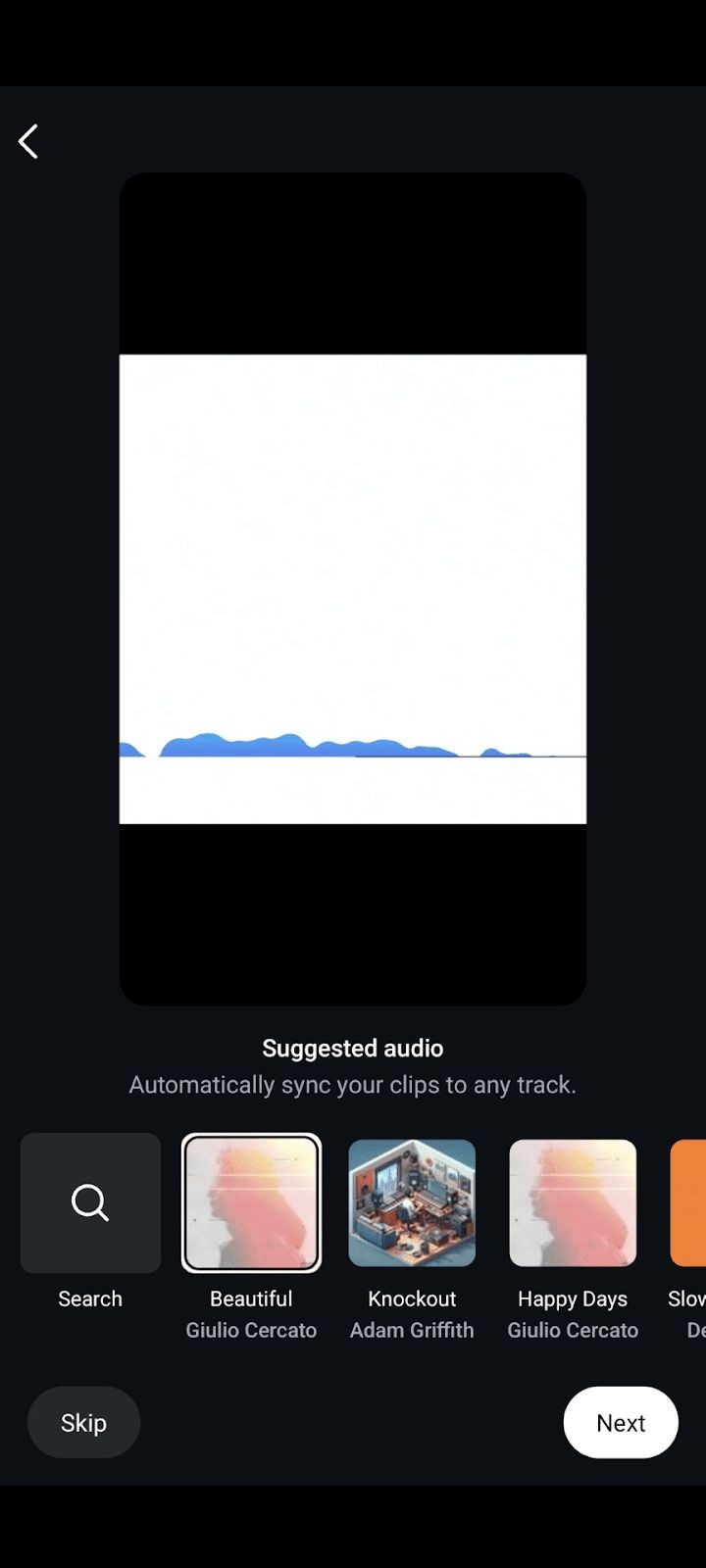
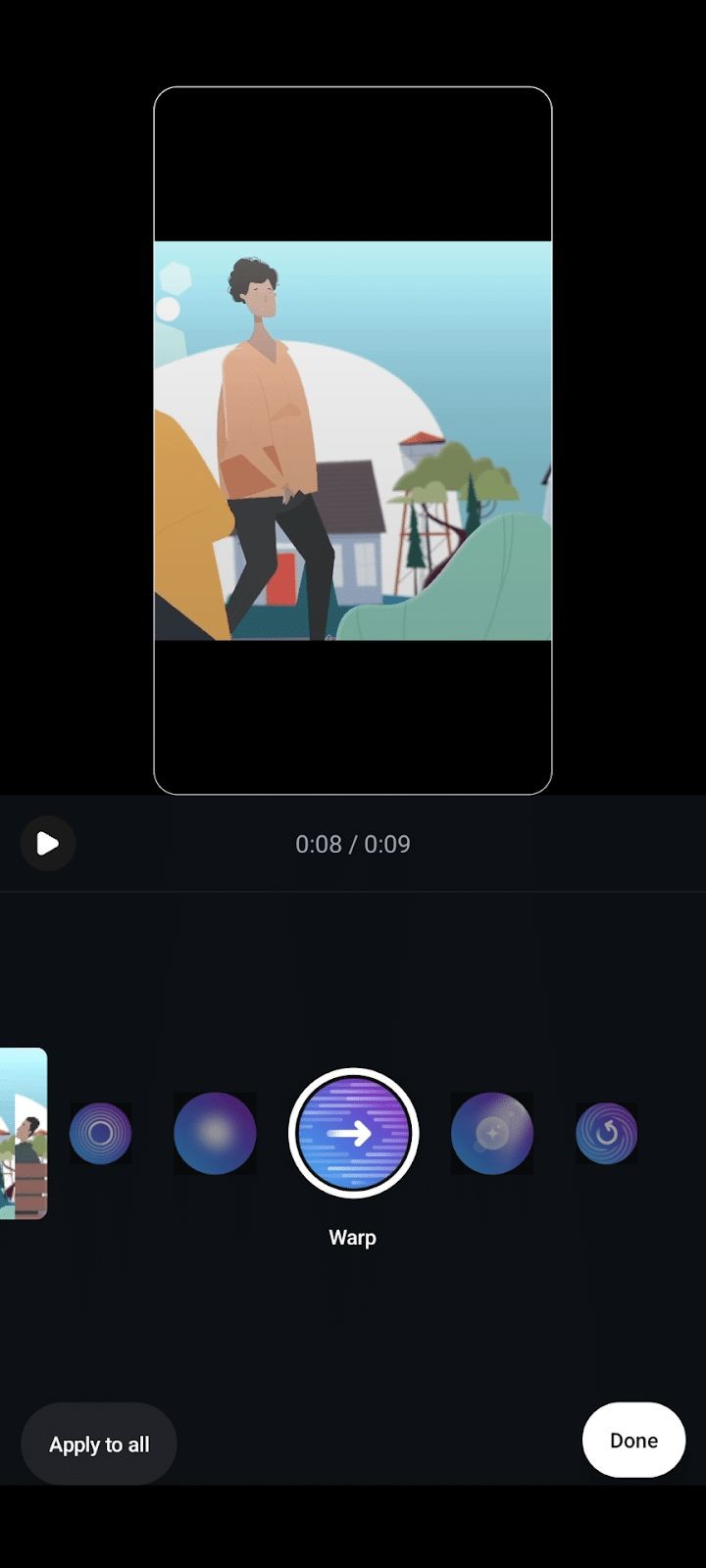
Editing directly inside Instagram remains the most seamless option. The platform’s native tools—auto‑sync music, transitions, captions, and instant drafts—ensure your video looks identical on the app.
Why choose it?
- Zero additional cost.
- Real‑time preview ensures consistency with Instagram’s playback.
- Draft saving for flexible posting.
When to skip it?
- Limited to basic edits; creative control is minimal.
- Drafts can be lost if the app is uninstalled or updated.
Cost
Free.
Platforms
iOS, Android.
2. CapCut
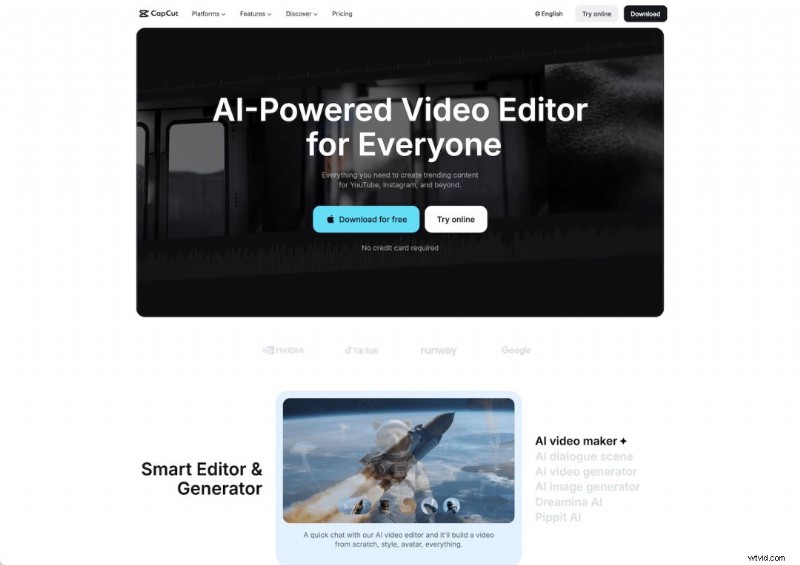
Owned by TikTok’s parent, CapCut excels at short‑form video. Available on both desktop and mobile, it offers a comprehensive suite of editing tools—including an auto‑cut feature that splits long footage into multiple Reels.
Why choose it?
- Free core app with optional Pro tier ($7.99/month).
- Advanced features like auto‑converting long videos and meme‑ready templates.
When to skip it?
- Steep learning curve for beginners.
- Occasional glitches reported.
Cost
Free; Pro at $7.99/month.
Platforms
iOS, Android.
3. InShot
InShot blends simplicity with power. It offers trimming, effects, AI‑powered enhancements, and auto‑caption generation—all essential for Reels creators.
Why choose it?
- Intuitive interface; ready for quick edits.
- Robust effect library and AI features.
When to skip it?
- Some premium features require in‑app purchases.
- Potentially time‑consuming if exploring all filters.
Cost
Free with in‑app purchases.
Platforms
iOS, Android.
4. Filmora (FilmoraGo)
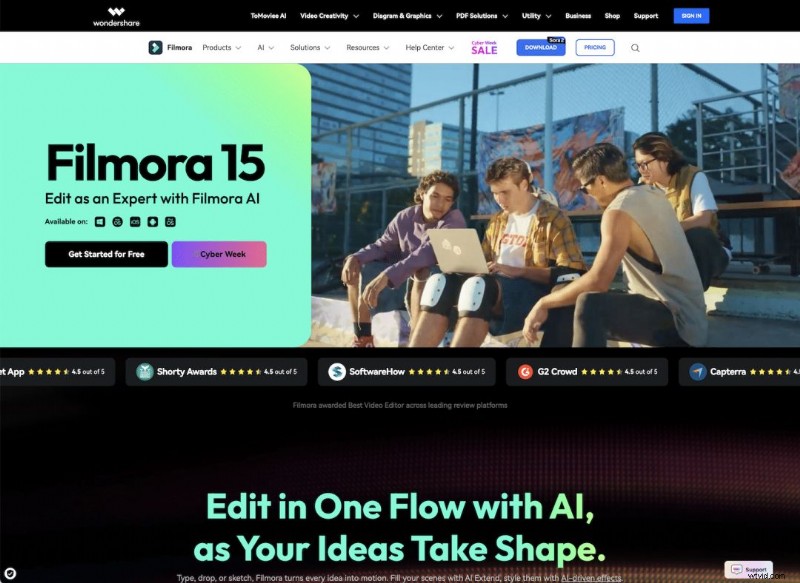
Filmora’s desktop suite is feature‑rich, while FilmoraGo offers a streamlined mobile experience. It’s ideal for creators who aspire to professional‑grade videos.
Why choose it?
- Comprehensive editing tools, masterclasses, and a supportive community.
- FilmoraGo is free with optional in‑app purchases.
When to skip it?
- Learning curve for beginners.
- Desktop version requires a paid license ($49.99/year).
Cost
Desktop starts at $49.99/year; FilmoraGo free with in‑app purchases.
Platforms
iOS, Android, Desktop.
5. Canva
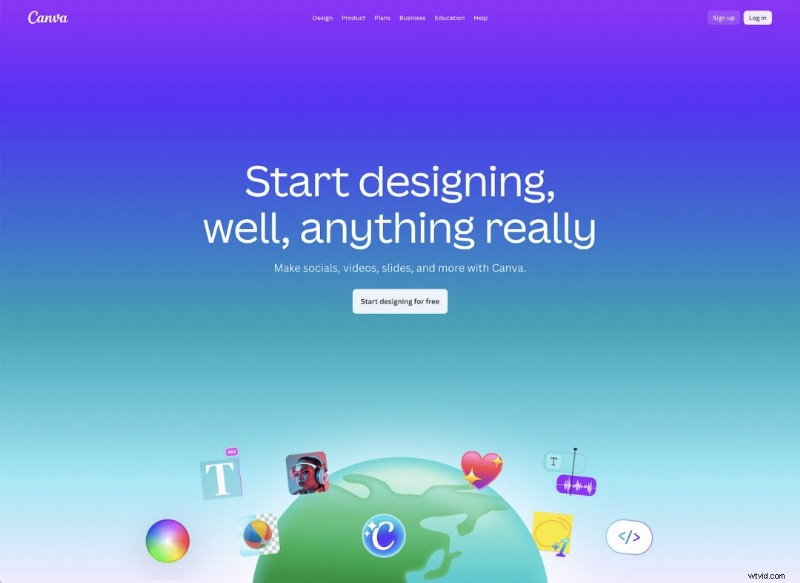
While Canva is famed for graphics, its video editor is surprisingly capable. Start with an Instagram Reel template and leverage thousands of design elements.
Why choose it?
- Instant templates and a built‑in scheduling tool.
- Easy to use for those already comfortable with Canva.
When to skip it?
- Limited advanced video effects.
Cost
Free.
Platforms
All major devices.
6. Clips (Apple)
Designed exclusively for iOS, Clips offers a gentle learning curve with auto‑captions, music, and fun stickers. Export to Instagram by saving to your camera roll.

Why choose it?
- Apple‑native performance and intuitive UI.
When to skip it?
- Only available on iOS.
- Basic feature set for power users.
Cost
Free.
Platforms
iOS.
7. Splice
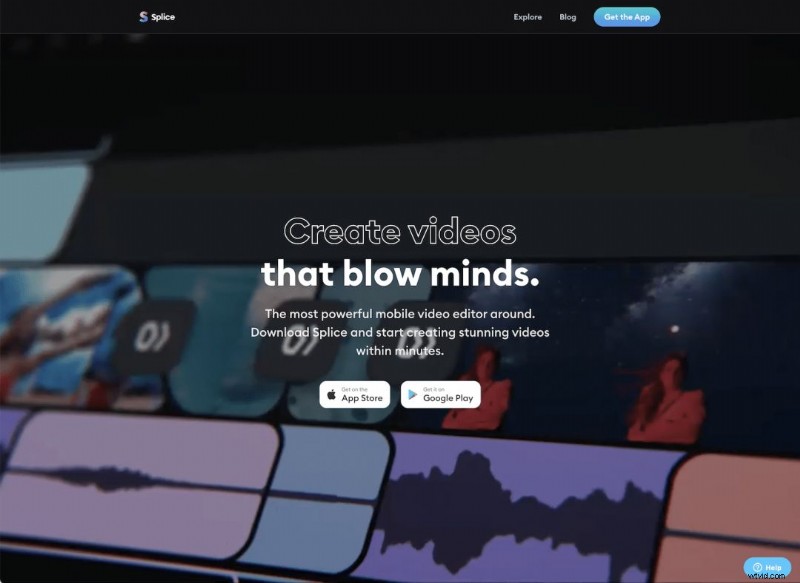
Splice delivers a robust editing experience on both iOS and Android, with a vast library of music and sound effects. Instagram Reels that incorporate music see an average of 200% higher interaction rates.
Why choose it?
- Free to download; optional in‑app purchases.
- Trusted by over 70 million users.
When to skip it?
- Advanced features behind a paywall.
Cost
Free with in‑app purchases.
Platforms
iOS, Android.
8. LumaFusion
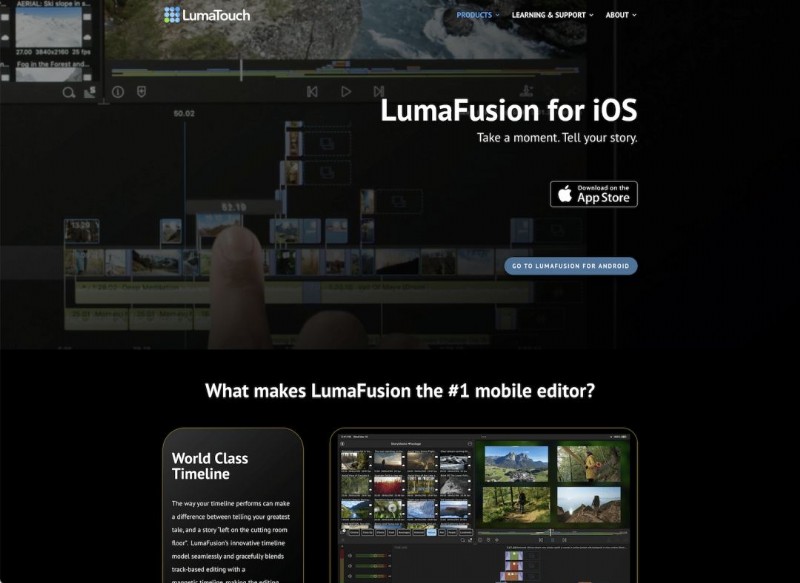
LumaFusion offers professional‑grade editing on mobile, supporting up to six tracks of video and audio. Its advanced color grading and audio mixing make it a favorite among filmmakers.
Why choose it?
- Powerful toolset for seasoned editors.
When to skip it?
- Steep learning curve.
- Not free ($29.99).
Cost
$29.99.
Platforms
iOS, Android.
9. VEED
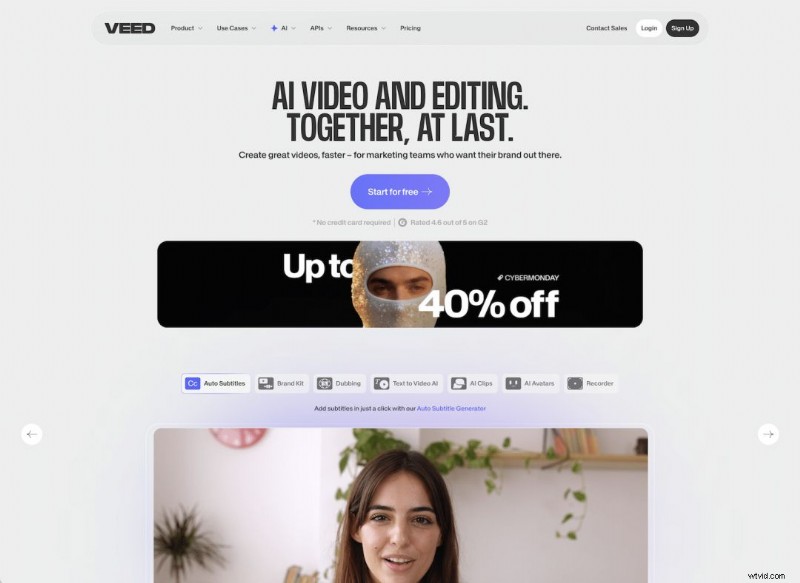
VEED is an online editor that requires no downloads. It’s especially friendly for Reels: choose the Reel dimension, add music, captions, and AI‑generated subtitles.
Why choose it?
- Free plan covers all essential Reel features.
- Web‑based; works on any device with internet.
When to skip it?
- Desktop provides a larger canvas for detailed edits.
Cost
Free plan available; Premium starts at £9/month (annual billing).
Platforms
Any device with a browser.
10. KineMaster
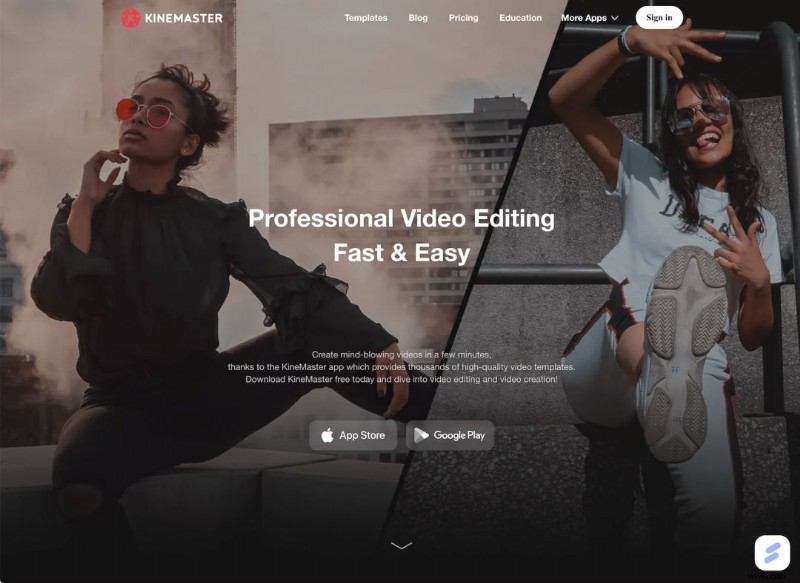
KineMaster combines a vast template library with advanced tools like Magic Remover and AI super‑resolution. It’s designed for quick, high‑quality Reels.
Why choose it?
- Professional features paired with an easy interface.
When to skip it?
- Free version adds a watermark.
Cost
$8.99/month or $44.99/year.
Platforms
iOS, Android.
11. Adobe Premiere Rush
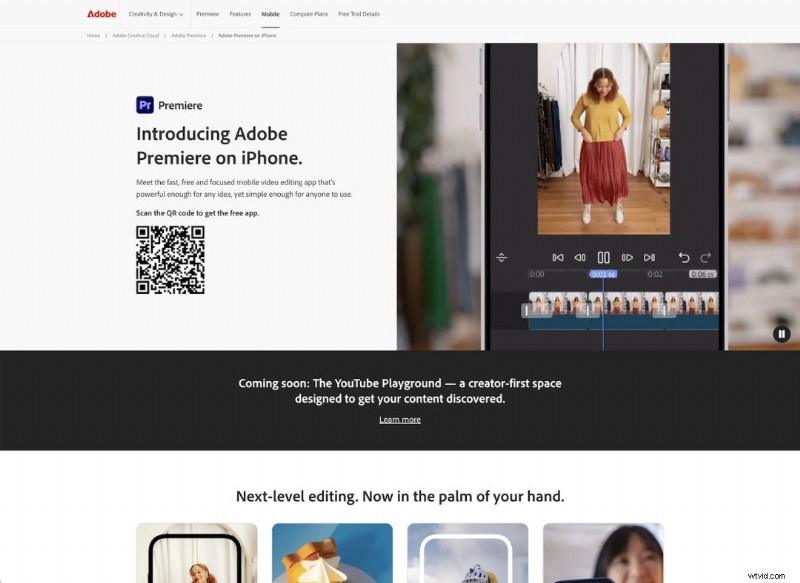
Adobe’s all‑in‑one mobile solution lets you shoot, edit, and export directly to Instagram. It includes color correction, transitions, speed control, and voice‑over capture.
Why choose it?
- Integrated workflow from capture to upload.
When to skip it?
- Free tier limits exports; upgrade needed for unlimited use.
Cost
Free with limited exports; full features start at £9.98/month.
Platforms
iOS, Android.
12. Movavi
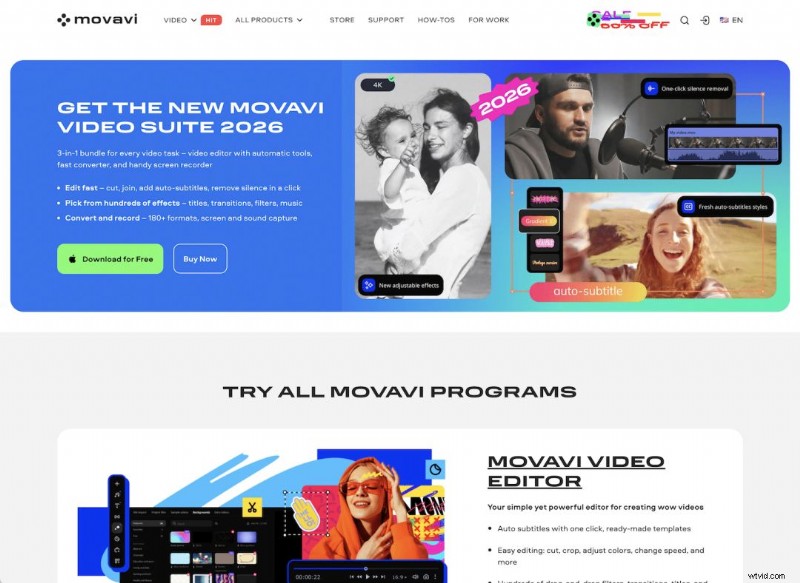
Movavi offers a desktop suite with AI background removal, motion tracking, and noise reduction, plus a companion mobile app (Movavi Clips) for quick edits.
Why choose it?
- Broad feature set across video, photo, and screen recording.
When to skip it?
- Paid license required; mobile app offers fewer features.
Cost
Starts at £15.95/month; mobile app free with in‑app purchases.
Platforms
Windows, Mac (mobile app on iOS, Android).
13. Prequel
Prequel’s user‑friendly interface and creative filter library make it ideal for trend‑driven Reels. Direct export to Instagram streamlines the workflow.
Why choose it?
- Instant Instagram export.
- Inspiration gallery keeps you on top of trends.
When to skip it?
- Premium features behind a paywall.
Cost
Free with in‑app purchases.
Platforms
iOS, Android.
14. Descript
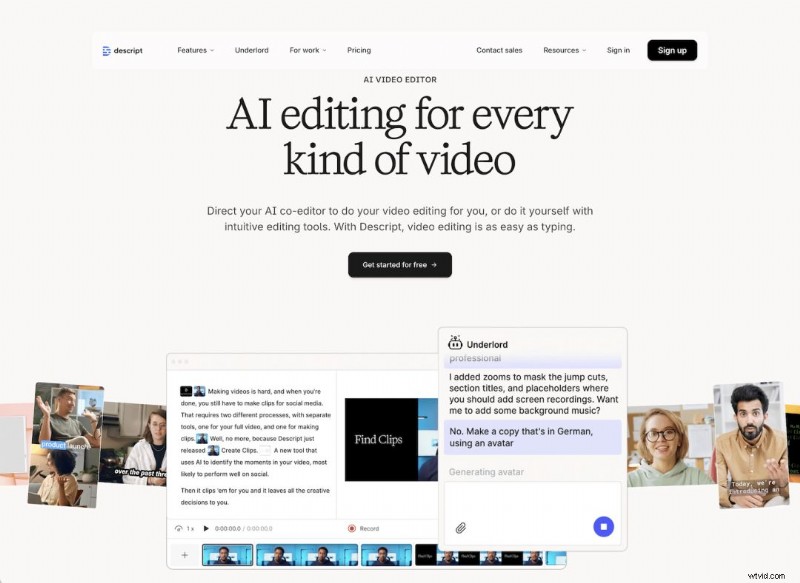
Descript’s text‑based editing approach simplifies trimming and rearranging spoken‑word videos. AI tools enhance audio quality and visual polish.
Why choose it?
- Perfect for on‑camera content with narration.
- AI noise removal and voice enhancement.
When to skip it?
- Not designed for music‑driven Reels.
Cost
Starts at $12/month.
Platforms
Windows, Mac.
Final Thoughts
Choosing the right editor comes down to your workflow, device ecosystem, and creative goals. Most of these apps offer free trials or free tiers, so experiment to find the interface that feels most natural to you. For inspiration, check out our 17 Clever Instagram Reel Ideas for Business.