
In this article we’re reviewing ClickMeeting – examining pricing, features, and more – to determine whether it’s the right solution for your business in 2026.
Webinars are a powerful way to connect with your audience and build the trust needed to turn leads into customers.
In fact, 9 in 10 marketers consider webinars crucial for marketing, and 73% of B2B marketers say they’re the best way to generate quality leads.
With those statistics in mind, let’s dive into everything you need to know about ClickMeeting.
TL;DR
ClickMeeting is a browser‑based webinar platform that also supports online meetings and virtual learning. It can host events ranging from 10 to 10,000 participants.
Pros:
1. Versatility
2. User‑friendly interface
3. Robust analytics
Cons:
1. Latency issues
2. Limited customisation
Our rating

What is ClickMeeting?
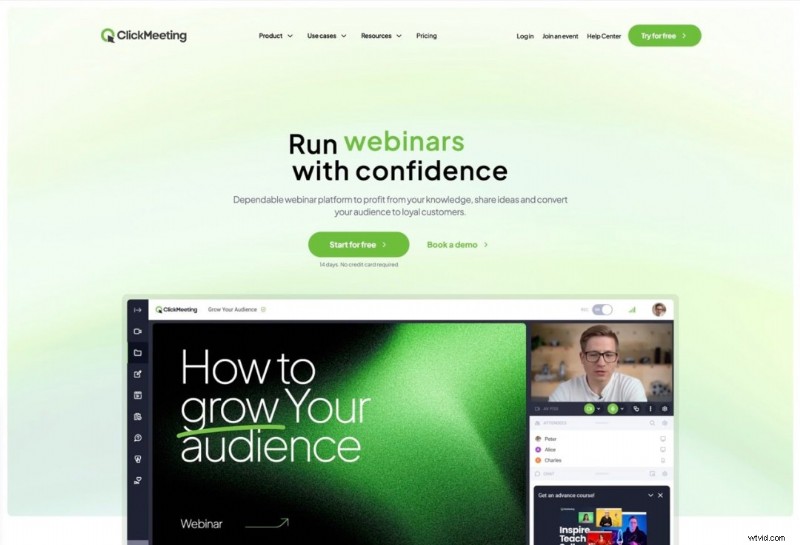
ClickMeeting is a browser‑based webinar platform that works on every device and operating system, giving it unmatched versatility. It’s not limited to webinars – the same interface can power product demos, online training, and business meetings.
Who Is ClickMeeting For?
ClickMeeting serves a wide range of users:
- Marketers & sales teams who use webinars to engage leads and close deals.
- Educators who deliver remote training regardless of location.
- Remote workers who rely on virtual meetings for real‑time collaboration.
Major clients such as Oxford University Press, Siemens, and Huawei rely on ClickMeeting because it can host events of up to 10,000 participants.
Key Features
ClickMeeting offers a comprehensive suite of tools tailored to different roles. Below are the top three features that set it apart.
1. Breakout Rooms
Ideal for large‑audience webinars, training sessions, or virtual summits, breakout rooms let you split up to 800 attendees across 20 rooms – roughly 40 participants per room – each with full audio, video, and interactive capabilities.
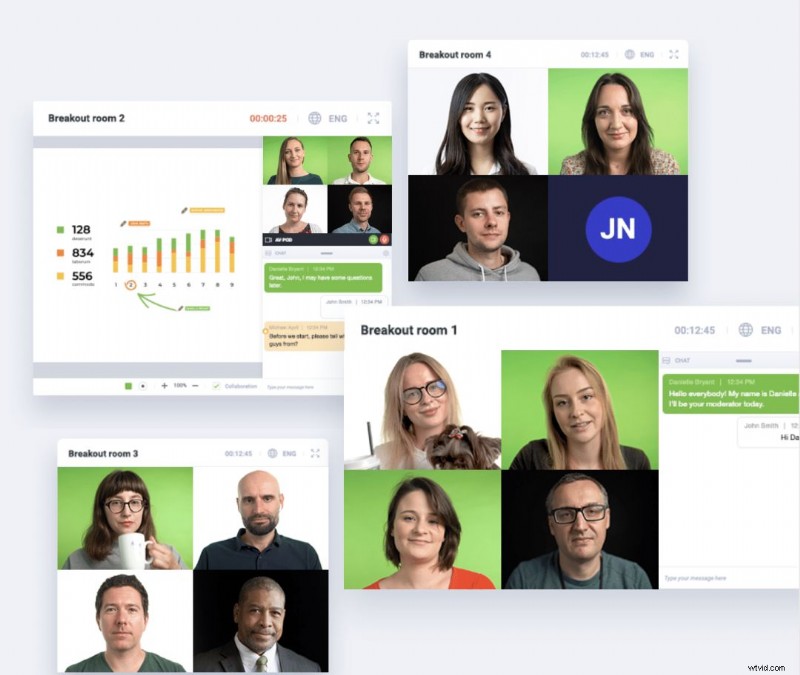
Setting up a breakout session is simple: choose the duration, add participants, set permissions, and launch.
2. Engagement Tools
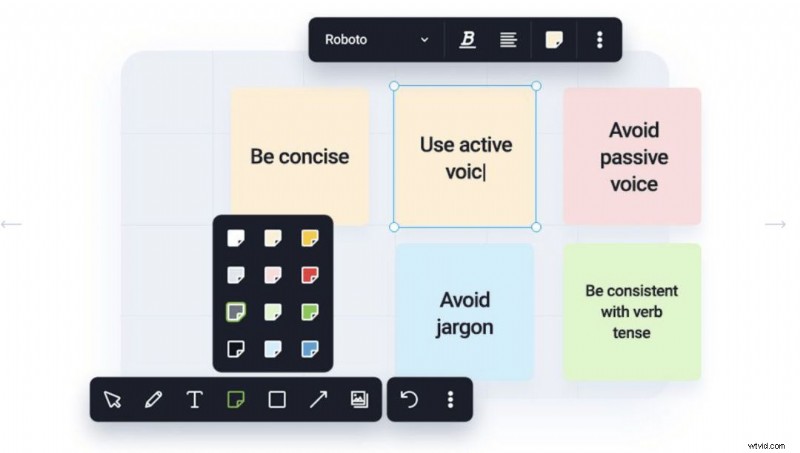
ClickMeeting is packed with interactive features such as screen sharing, whiteboard mode, live polls, and surveys. Polls can be single‑choice, multiple‑choice, or open‑ended, with real‑time results displayed to spark discussion or saved for post‑event analysis.
3. Automation
Automating webinars frees you from the tedium of manual scheduling. Once a webinar is set up, it can run on autopilot—live, on‑demand, or recurring—at any time, even while you sleep. You can still enable live chat, allowing participants to ask questions that you’ll answer later.
Pros & Cons
Pros:
- Versatility – Accessible from any device and usable for live, automated, on‑demand, and recurring events.
- User‑friendly interface – Intuitive for hosts and participants alike.
- Robust analytics – Detailed reporting lets you track performance and ROI.
Cons:
- Latency issues – Some reviewers on G2 and Capterra report occasional lag, likely due to the browser‑based nature of the platform.
- Limited customisation – While branding options exist, deeper visual tweaks are constrained compared to fully custom solutions.
Pricing Overview
ClickMeeting’s plans are divided into Live, Automated, and Custom tiers, with pricing that scales from 10 to 1,000 attendees via a slider on the website.
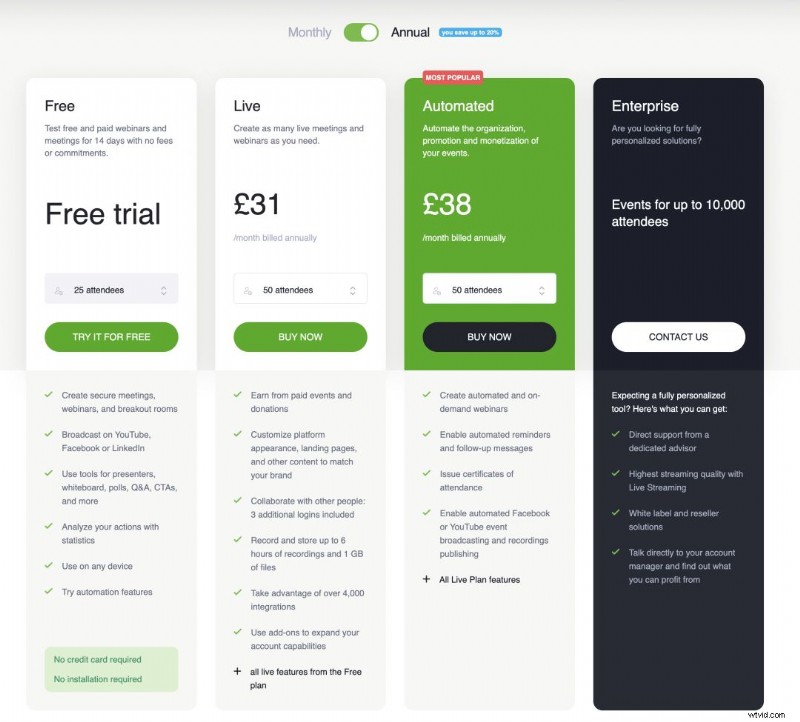
The free 30‑day trial lets you host unlimited live, automated, and on‑demand webinars for up to 25 attendees, making it easy to test core features.
Live Plan – Starts at £21 per month for 25 attendees and three users. Includes unlimited webinars, engagement tools, integrations, and reporting, but only 6 hours of recording storage and 1 GB of file storage, and no automation.
Automated Plan – The most popular tier, priced at £32 per month for 25 attendees and three users. Adds full automation while retaining all Live plan features.
Custom Plan – Designed for teams needing more capacity. Offers five multi‑user seats, four presenters, and support for events up to 10,000 participants. Pricing is not listed online; contact ClickMeeting for a quote.
Customer Support
ClickMeeting’s support ecosystem covers every need:
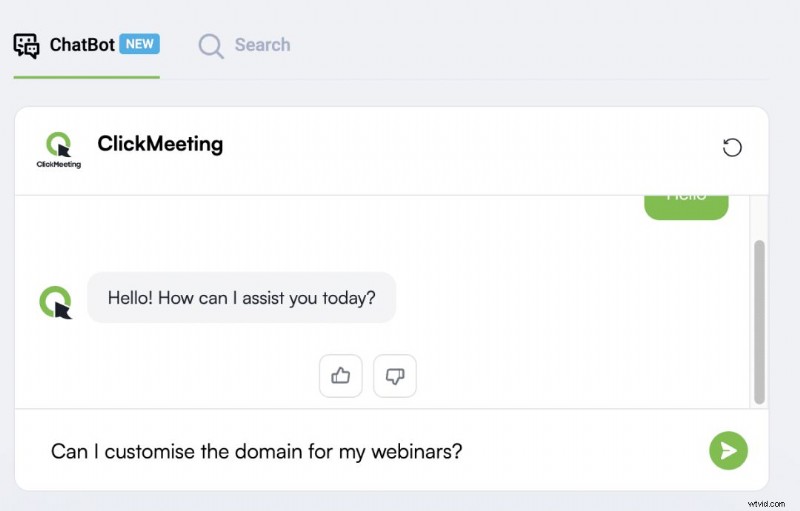
- Help Centre chatbot – Quick, real‑time troubleshooting.
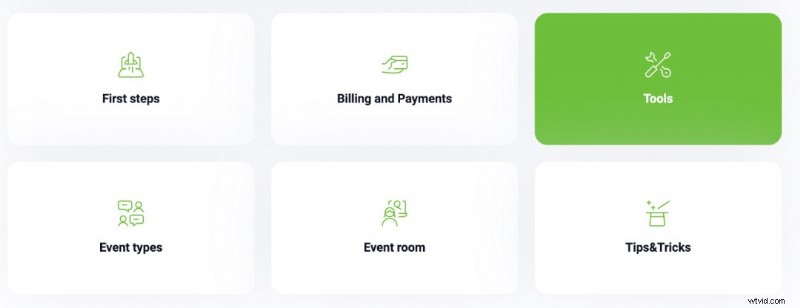
- Knowledge base – Searchable articles organized by topic.
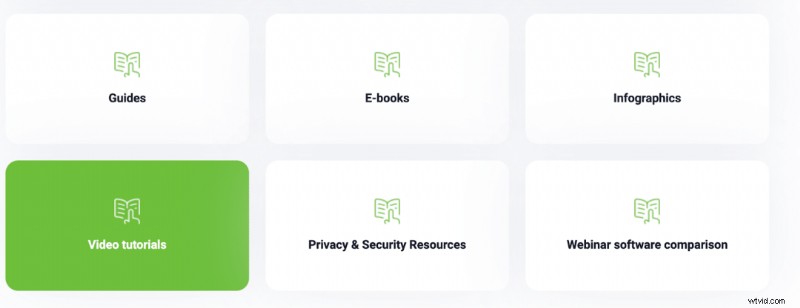
- ClickMeeting Academy – eBooks, infographics, and tutorials for deeper learning.
- Contact Us – Direct email address available after navigating to the Contact Us page.
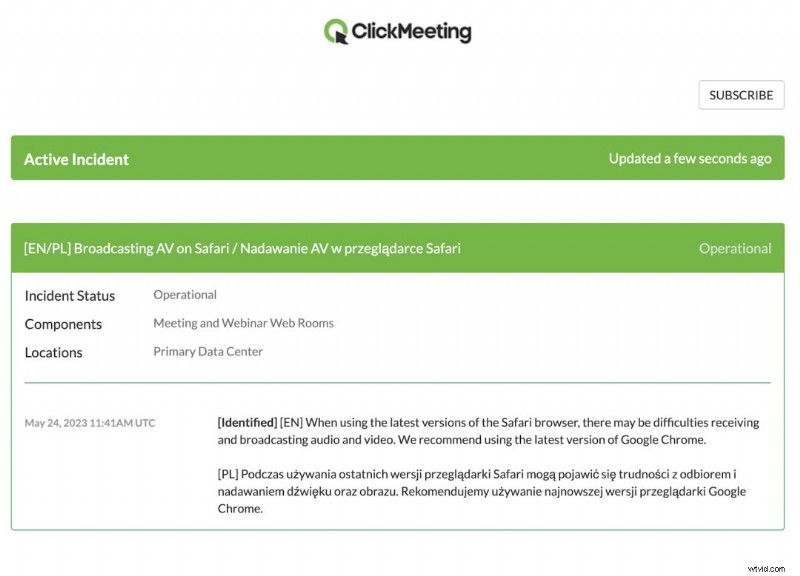
- Status page – Subscribe for live updates on platform uptime and incidents.
Final Verdict
ClickMeeting delivers a full‑featured webinar experience that goes beyond the basics. Its integration with payment gateways like Stripe, PayPal, and CRM tools such as HubSpot, coupled with a developer hub for API access, makes it a powerful choice for growth‑focused teams.
Still weighing options? Compare ClickMeeting with alternatives like Demio to find the best fit for your needs.

Author: Samantha, Copy Team Manager at Wyzowl, brings over 1,000 scripts and hundreds of articles on video marketing—her expertise ensures this review is grounded in real experience.