
How do I create a URL for an image? Since there is no direct way to get an image URL, to do so you must upload an image to photo hosting sites. This post illustrates how to make a URL for an image with 2 best image URL makers. Check out this post and have a try.
If you are in the same situation, the best way to solve this problem is to upload the image to photo hosting sites. Here recommend imgbb and PostImage. Now, let’s see how to make a URL for an image with 2 best image hosting sites.
If you need to make a photo slideshow, MiniTool MovieMaker is an ideal choice. It’s free to use, no watermarks, no bundles.
Create a URL for an image with imgbb
As an image hosting website, imgbb has a simple to understand interface. It offers auto delete image options and lets you resize images in popular formats including JPG, PNG, BMP, GIF, TIF, WEBP, HEIC and PDF. And the file size is limited to 32 MB.
With imgbb, you can create a URL for an image with no registration requirement. However, if you create an album to save all uploaded contents, you must create an account or sign in with Facebook, Twitter, Google, or VK.
Here’s a step-by-step guide on how to get an image URL.
Step 1. Open the imgbb website and click on anywhere of this page to get the File Explorer window.
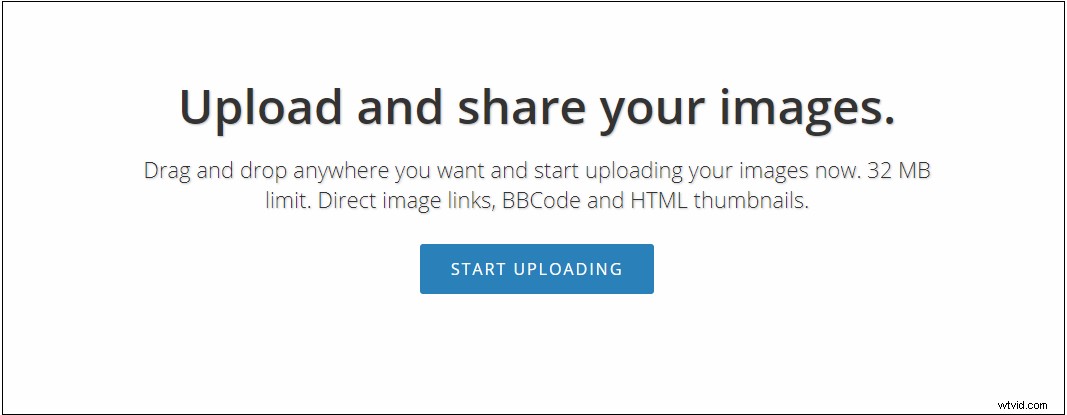
Step 2. Find the image you want to create a URL for and upload it.
Step 3. Then select the wanted option from the Auto delete image drop-down list. If you need to adjust the image size, click the edit icon and resize the image.
Step 4. After the uploading process is complete, you will get the image URL in the below box.
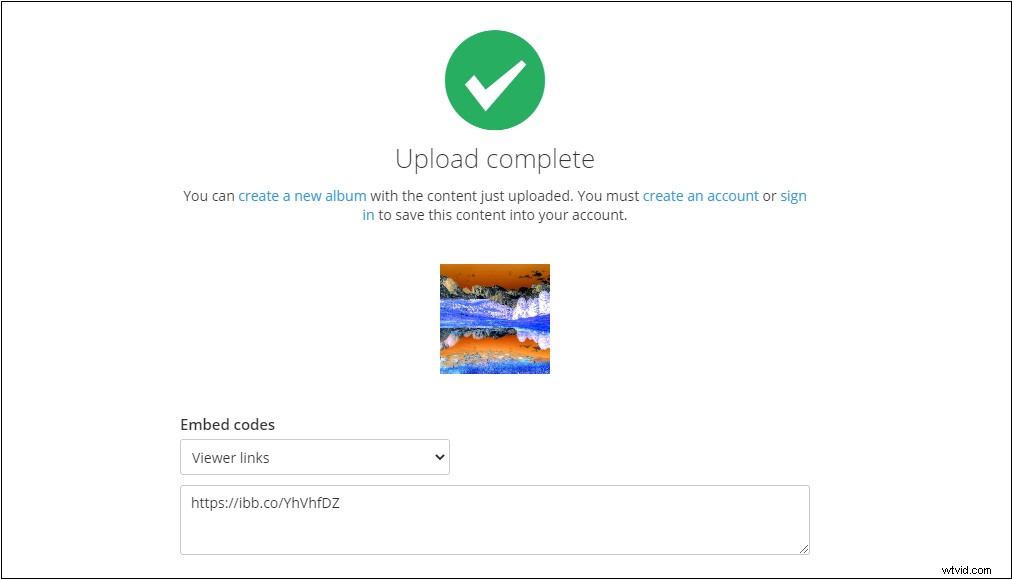
Step 5. Copy the image link and you can share it with your friends or post it on social platforms.
Create a URL for an image with PostImage
PostImage is another image URL maker that can easily generate an image link for you. It can quickly create an image URL for Facebook, Twitter and blogs. Like imgbb, it supports resizing images and setting an expiration date for uploaded images.
Here’s how to get an image URL.
Step 1. Head to the PostImage website. Then you can resize the image or set an expiration date for it as you like.
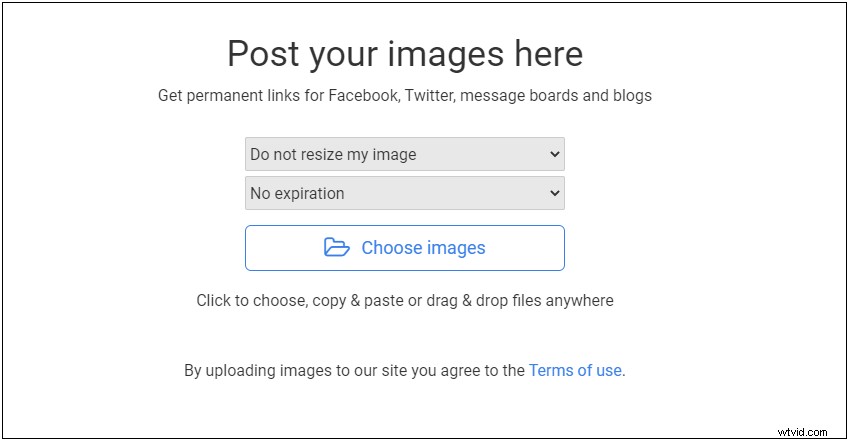
Step 2. Click on Choose images to upload the target image from local.
Step 3. Later, all kinds of image links are listed here. You can choose the needed image URL and embed it into your blogs.
You might be interested in this post: 2 Best Ways to Convert GIF to Sprite Sheet (100% Work).
Conclusion
How do I create a URL for an image? After reading this post, you must know the answer. Choose an image URL maker you like and have a try!