
Today we’re going to cover how to make YouTube videos without showing your face.
Being in front of the camera can be intimidating. Especially when the footage will be on the internet for all to see.
But a fear of cameras doesn’t have to stop you from achieving your YouTube goals. There are plenty of ‘faceless YouTubers’ who have grown massive audiences using simple faceless video ideas.
There are faceless YouTube channels that feature DIY videos, gaming videos, product reviews, compilation videos and tutorials just to name a few – that have grown to hundreds of thousands of subscribers.
With the right know-how, you can make money on YouTube without showing your face too. So, if you want to have a successful YouTube channel WITHOUT showing your face, this guide is for you.
Here are our top faceless YouTube video ideas:
- Record B-roll
- Screen Recording
- Stock Footage
- Slide Presentation
- Text
- Animations
- Photos
- Bonus Tip
Let’s get started.
Record B-roll
A-roll footage is where the speaker is talking directly to the camera. Since you’re reading a faceless video guide, it’s safe to assume this is the kind of footage you want to avoid!
But B-roll footage might be more your style. B-roll is additional footage that’s used to help your viewer understand a concept or help them follow along with the video.

B-roll is a super useful element for faceless YouTube channels
So, you can skip the A-roll and just stick to B-roll footage for your video. This means you don’t need to be speaking or presenting. You can literally just show how something is done. You could demonstrate a process or make something.
You can film your whole body or even just your hands – get creative with how you can make this work! Either way, this is an awesome way to film a process without needing to talk to the camera.
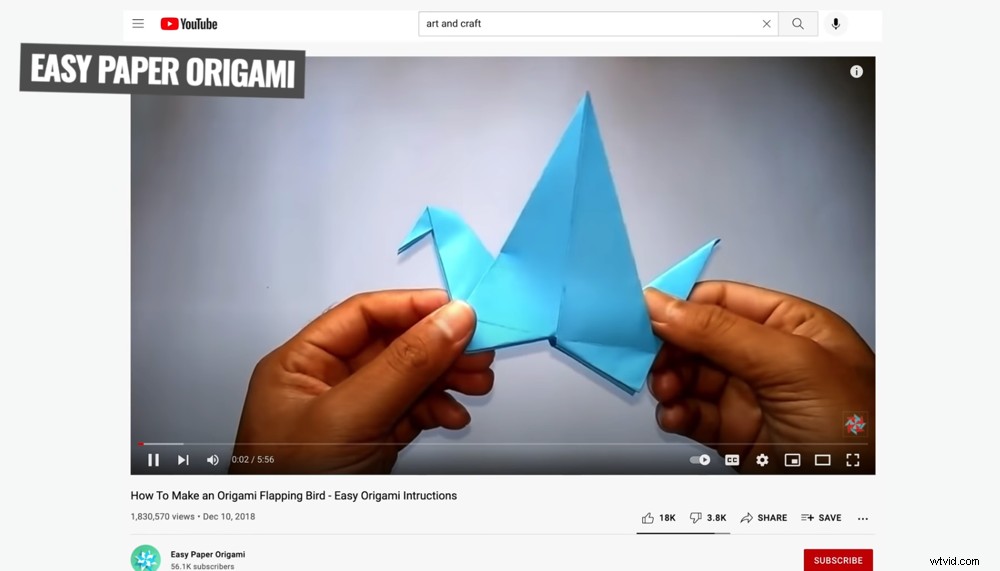
Tutorials and demonstrations are a great YouTube channel idea without showing your face
Screen Recording
You can do this using your computer, phone or tablet. It’s easy to create a screen recording on any device and use this footage to create an engaging video.
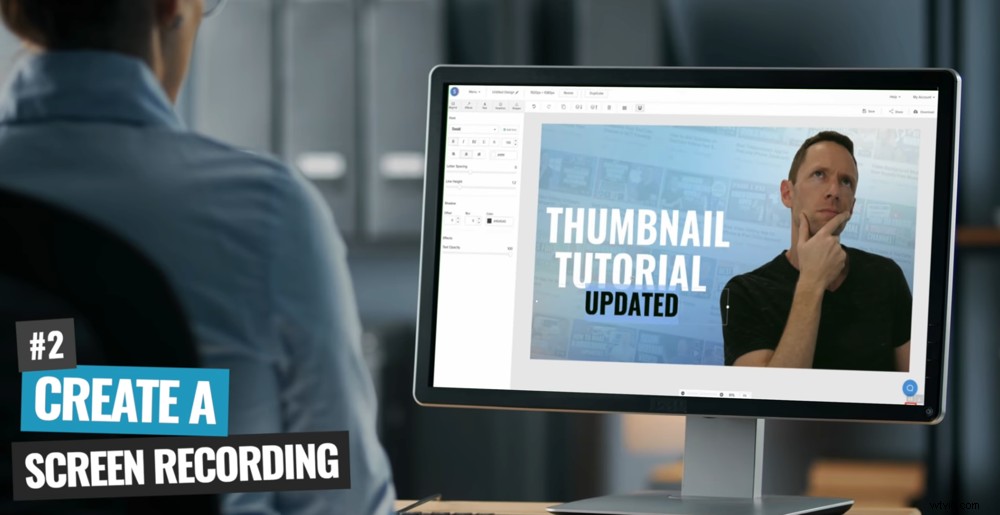
You can use your computer, phone or tablet to screen record for faceless videos
This is a great option for tutorials or talking through a process online. You can show where you’re clicking or tapping on your device so that viewers can follow along.
This method is also used a lot for gaming videos. But you can use it to show anything on your computer, phone or tablet screen that will engage your viewers.
To learn more about how to screen record and create videos like this, check out our guides for Mac, PC, iPhone and Android.
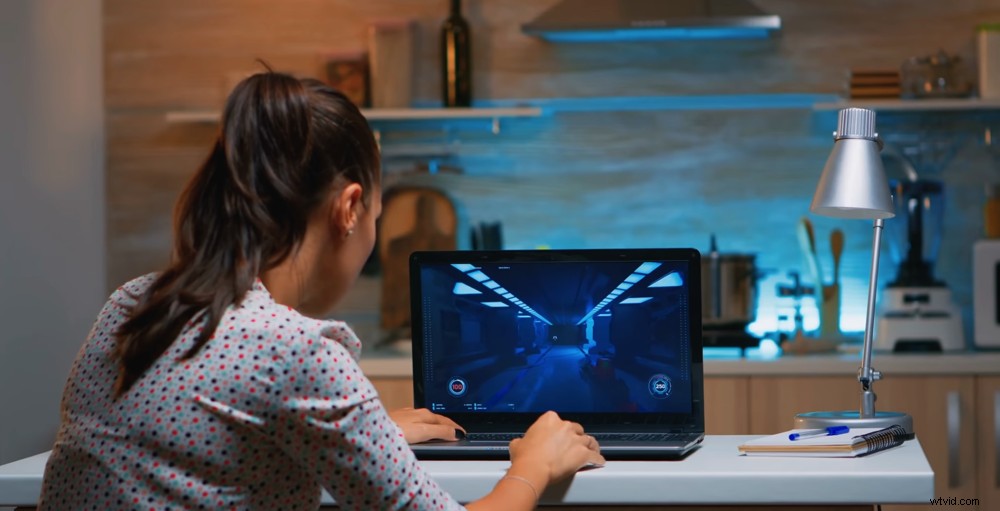
Screen recordings are a commonly used by gamers but can be used for a huge variety of niches
Stock Footage
You don’t need to film everything yourself! This is another awesome way to incorporate quality footage into your video without actually having to be in it.
There are amazing services out there that offer massive libraries of content that you can download and use to create videos.

Stock footage saves you the time and hassle of filming everything yourself
With so many stock footage sites out there, it’s inevitable that some will be worth your time and some won’t. Our top recommendations right now are Storyblocks and Artgrid. We use these sites for any stock footage in our videos.
There is so much footage on these sites, you’re sure to find something that will fit with the theme of your video.
Slide Presentation
You’re probably wondering how a slide presentation could be an engaging video but rest assured it can be done!
First of all, you can create a presentation on PowerPoint or Keynote. Both of these options allow you to record your presentation and save the recording as a movie file.

Slide presentations are another great faceless video idea
This means you can create an entire video just using those programs. Or you can save the slide presentation and upload it to your editing software.
Then you can add extra graphic elements, titles and background music to make your video more engaging.
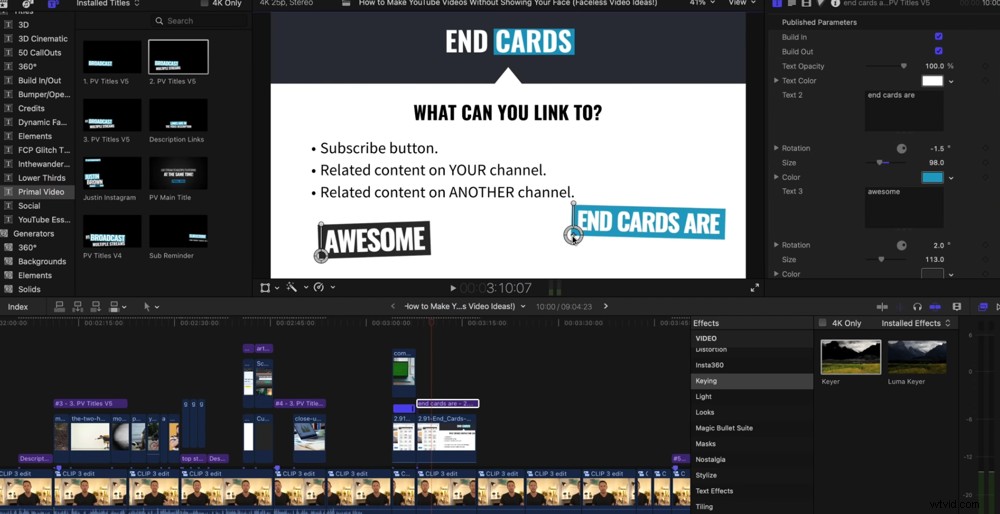
You can edit your slide presentation in your usual editing software to make it more customized and engaging
While that’s a great option, there’s an even better way to level up your slide presentations and that’s Envato.
Envato has amazing templates that will help you create a much more effective presentation. Some of them even have some really cool animations.
By utilising Envato’s templates, you don’t have to start from scratch and you can create them really quickly and easily. You simply download, install and customize.
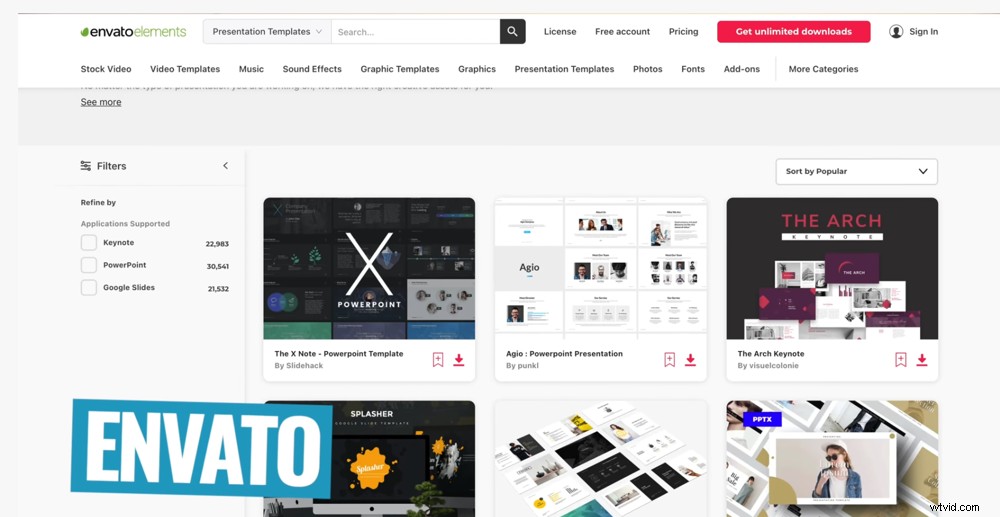
Envato is an awesome option for slide templates that will impress your viewers
Your final product will be tailored and professional. Not to mention much more exciting than the run of the mill built-in templates in PowerPoint and Keynote!
Text
You’ve got a few awesome options when it comes to on-screen text.
You could have every single word written out on screen. This way you can match up the text with a voice-over or narration.
There are heaps of ways you can incorporate text into your faceless YouTube video
Or you could bring up text for the key points that you cover in your video. In this case, you don’t need a voice-over or narration. You can simply feature the on-screen text with music. There are some really effective videos that do exactly this!
But how do you create this text content? You could manually type everything word for word. This is a good option for relatively short videos.
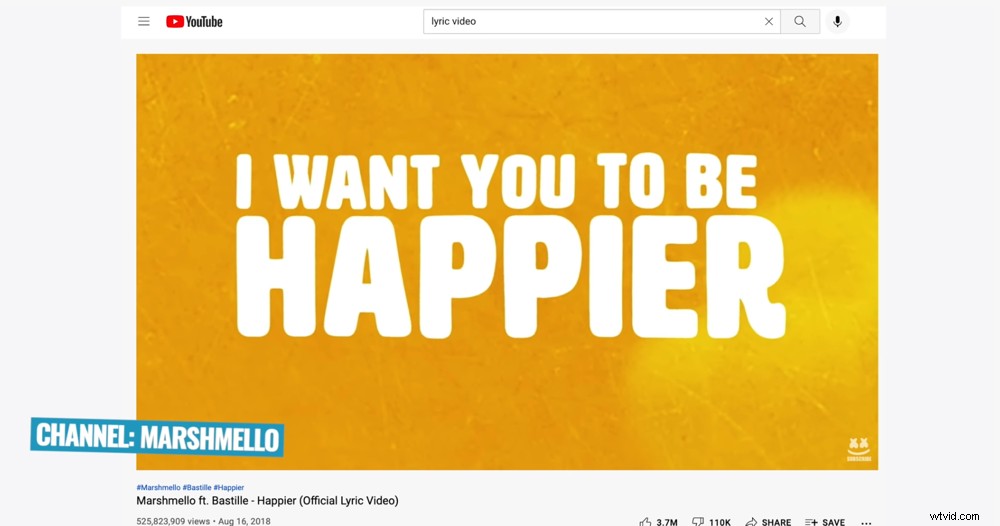
This video featuring only on-screen text and music got over 525 million views
For longer videos where there’s a lot of text, we recommend using an auto-transcribing service like Rev.
Rev has an awesome AI option which is super cheap. There’s also the option for an actual human to go through and type out your voice or narration and send back a text document.
The human option is definitely more accurate but it is a bit more expensive.
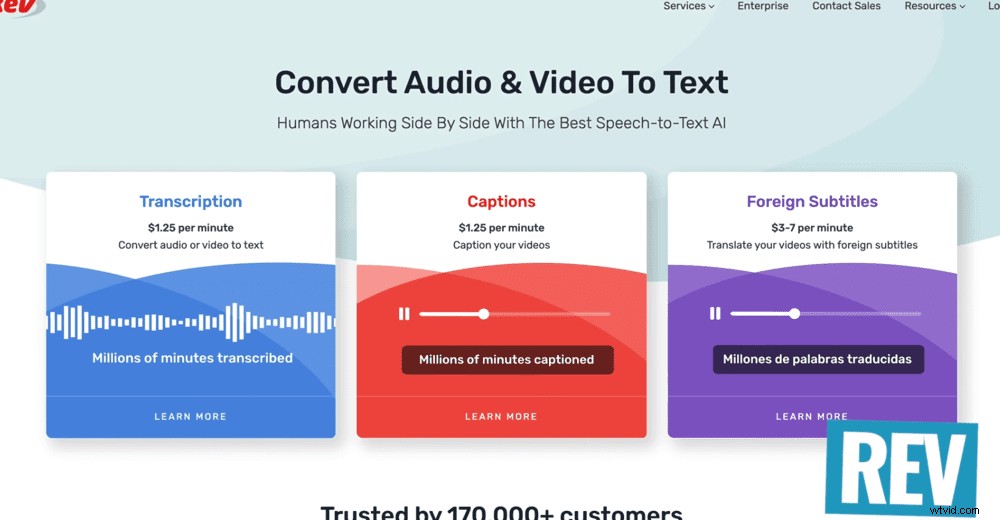
Rev is our go-to option for transcribing text
Once you’ve got the transcript, you can easily add that text into your editing software. Either copy and paste the text or import the subtitle file (which Rev will give you).
Other options include desktop applications like Descript and Kapwing. These will automatically transcribe your text for you. They’ll also help you customize your titles, text and appearance of your video that you can then save and download.
Alternatively you can use title templates. Envato and Placeit are great options for this. Both have professional looking titles, lots of customizability and animations that you can use.

Get creative with how you incorporate different faceless elements into your videos
Keep in mind that the text doesn’t have to be the focus of the video. You might have the text on one side of a video to help you emphasize or explain certain things.
Animations
Think whiteboard-style or cartoon-like animations. They’re fun, easy to follow and can be used for a huge range of videos.
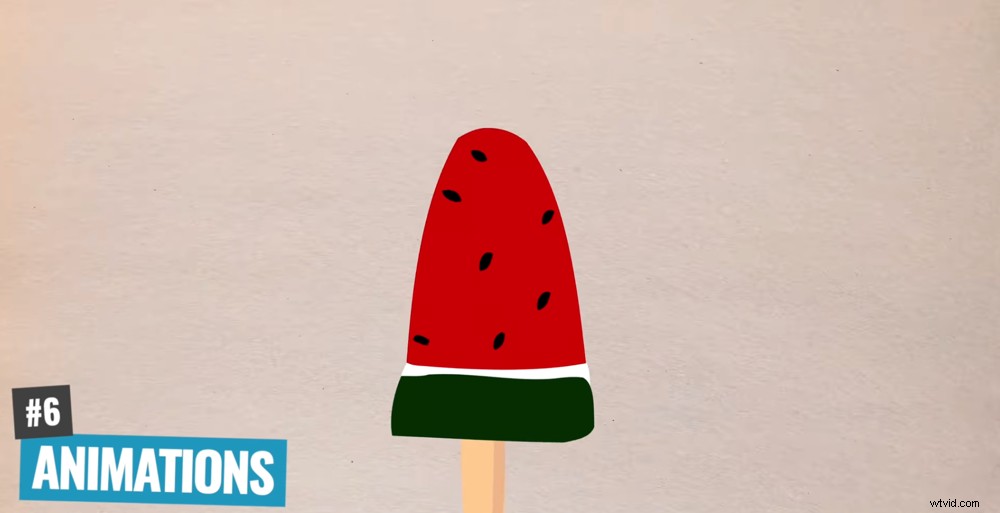
Animations are super effective and surprisingly simple faceless video idea
Surprisingly, these videos are super easy to create. There are great services like Doodly and Animaker that make the creation process quick and simple.
You can also hire animators on places like Fiverr and Upwork. Animators can be commissioned relatively cheaply on these sites. So you simply have to give them the brief and they should send you back something awesome.
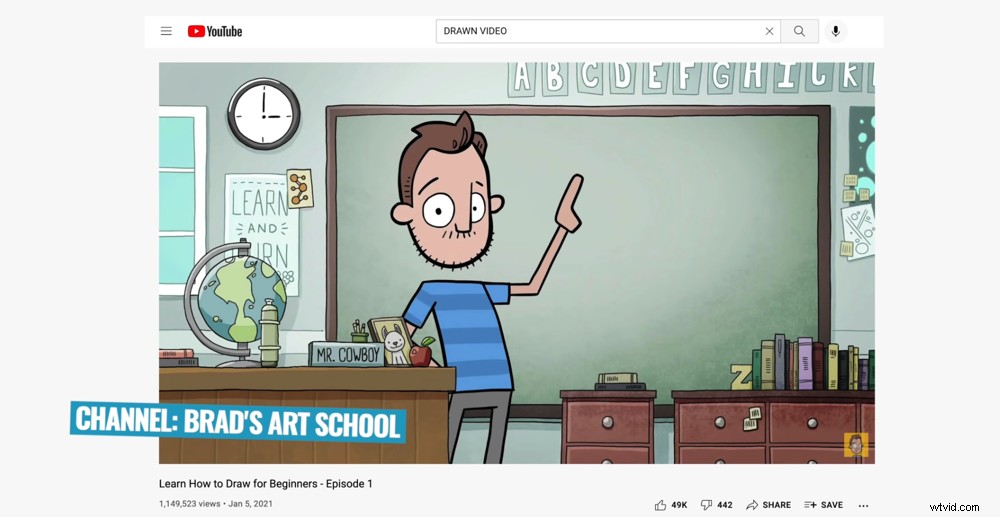
Brad’s Art School has reached nearly 300,000 subscribers without showing his face
There are some really big, successful channels that are based around animation videos only. This is definitely an avenue to consider for your faceless videos!
Photos
You can create engaging videos by adding effects and transitions to your photos.
In most video editing software and apps, you’ll be able to drop in all of your photos or graphics and apply some simple effects. This could be the Ken Burns effect or a slow zoom in. You can then add transitions to help them flow smoothly.
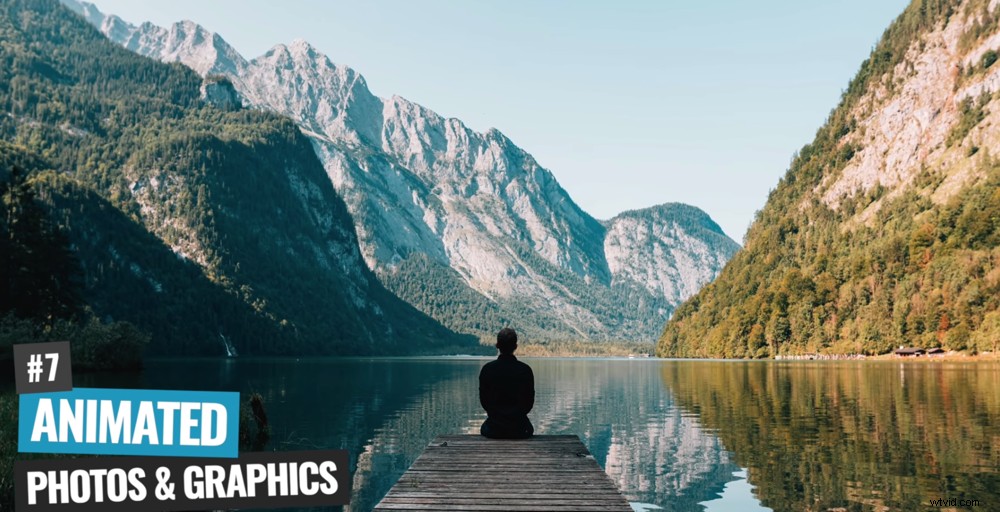
Why not turn your photos into engaging videos?
If you want to take this to the next level, there are some really cool apps and tools out there that can help.
CapCut, for example, has an awesome 3D motion effect for your photos. This type of effect used to take a long time to build out in software like Adobe After Effects. But now, you can literally drag and drop the effect in CapCut.
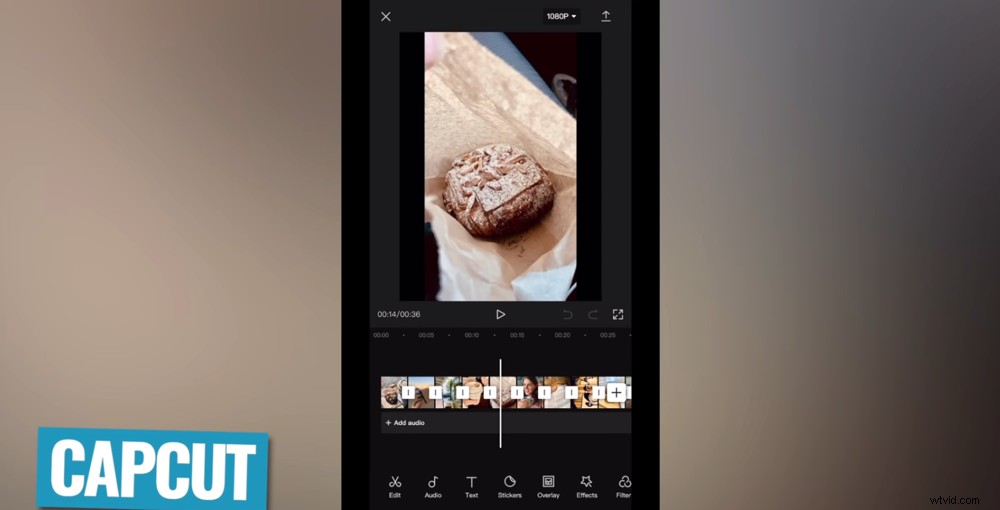
CapCut’s 3D effect tool can turn your photos into awesome videos
Another way you can create amazing videos using just photos or graphics is to again use templates from VideoHive and Placeit.
Okay, we’ve mentioned those a few times in here but we promise this isn’t a sponsored article – they’re just really awesome tools! You can download a template, add photos, graphics, videos and tie them all together in an awesome video.
Bonus Tip on Faceless YouTube Channels
With all that said, there’s one thing to note. While you can get awesome results with all these options, showing your face has some massive benefits.
It allows you to build rapport and establish a relationship with your viewers much more effectively. As you grow, it’s a good idea to explore different ways of showing your face to see if this is an option for you.

Showing your face is a great way for viewers to get to know you which usually makes them more likely to hit that subscribe button
You could always start without showing your face and then go from there!
If the main reason for wanting to create faceless videos is shyness – remember that almost everyone feels that way when they start out. It gets so much easier over time. Keep at it and you will feel your confidence grow.
Now You Know How to Make Faceless YouTube Videos
So there you have it, 7 ways you can create videos without actually having to be in them!
Don’t forget, you’re not limited to one idea per video. You can easily incorporate a mix of these into your faceless YouTube videos.
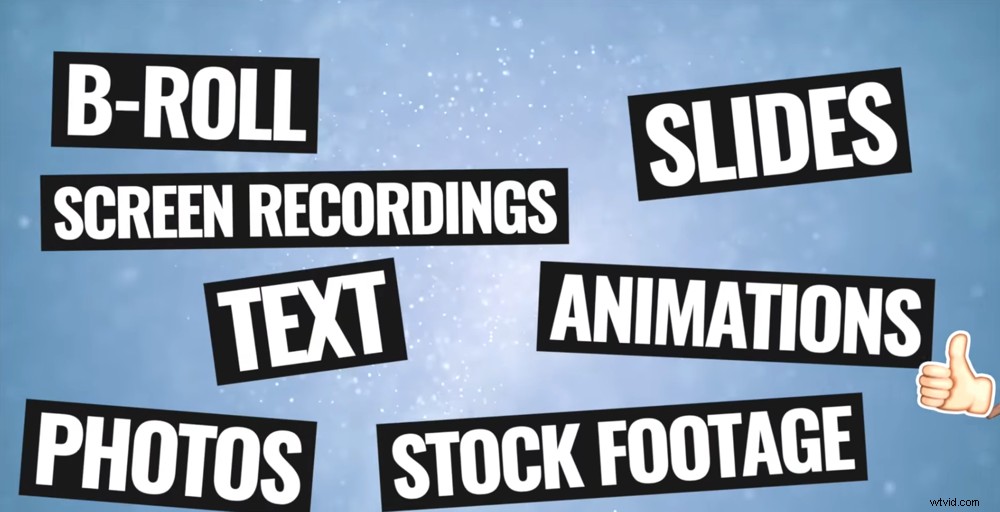
These are our top YouTube channel ideas without showing your face
Now, it’s your turn. Try out these ideas and get started with your faceless YouTube channel today.
We really hope you enjoyed our new guide on how to make faceless videos. If you found it useful, feel free to share it on your socials or with others who might like to learn more about faceless videos too.
For more information on creating YouTube videos, check out the Primal Video YouTube Ranking Guide. You’ll learn about the latest tools and strategies for improving video rankings on both YouTube and Google – and it’s completely free!