

You share your latest YouTube video all over social media. Nothing happens. You try to tackle a trendy topic and you expect people to find your work on YouTube. Nothing happens. People don’t click your videos, and you’re left with a minimal number of views, reactions, and shares.

Why does this happen? Should you just abandon YouTube and focus on sponsored video ads on Facebook and Instagram? Wait a minute! YouTube still has an immense potential. It’s the second largest search engine, right after Google. According to Alexa, it’s the second most visited site on the web. It beats Facebook in that aspect!
You can get tons of views on your YouTube videos; you just have to make them clickable. We’ll suggest 9 tips on how to do that.
1. Upload Transcripts
YouTube relies on various ranking factors, including authority, channel strength, trust, reactions, comments, number of views, title, and keyword relevance. Keyword relevance – that’s where transcription helps.
To make your videos clickable, you have to make them searchable first. Although automatic captions are available, Google doesn’t do a brilliant job in them. You’ll have to write and upload the transcription yourself.
You have to think about the transcripts before you film the video itself. That’s why it’s smart to hire a professional writing service like Rush My Essay to take care of the content. It will have to contain the right keywords, so people will easily find your video through YouTube’s search bar.
2. Add Clickable Links to the Videos
“Check out the link in the description box” is an outdated strategy to get people clicking. You want to make it really easy for them. Whenever the video mentions an external link or another video from your channel, add it in the form of a card or end screen.
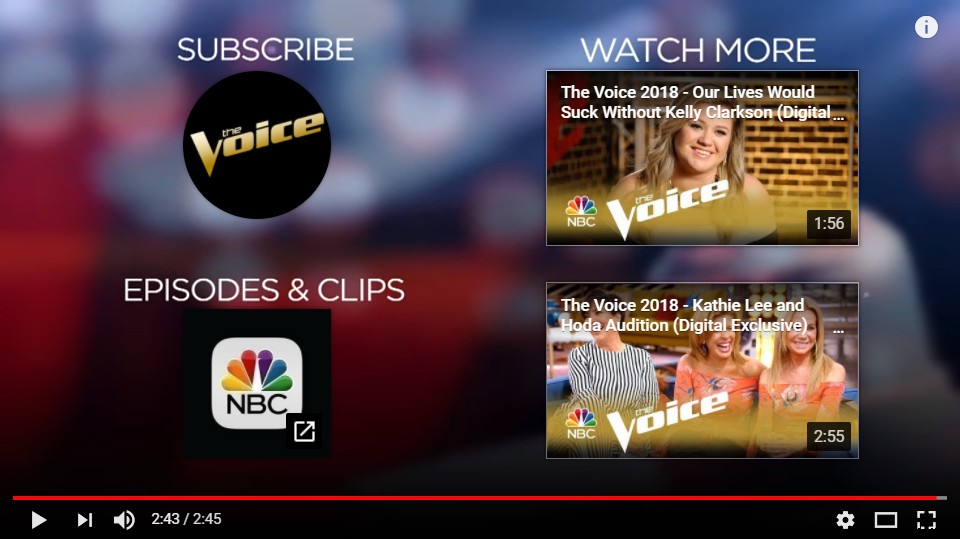
An example of clickable links in a video from The Voice Youtube channel
The best thing about these tools is that they work well on mobile, too. The cards, in particular, are very useful for taking your viewers towards your website. YouTube allows you to create six types of cards: video, merchandise, fundraising, associated website, fan funding, and playlist.
3. Live Stream Videos
Live streaming videos are great for attracting clicks and views, since they create the sense of urgency. You can promote the event on social media before you go live, so you’ll make people excited to visit your channel at the scheduled time and date.
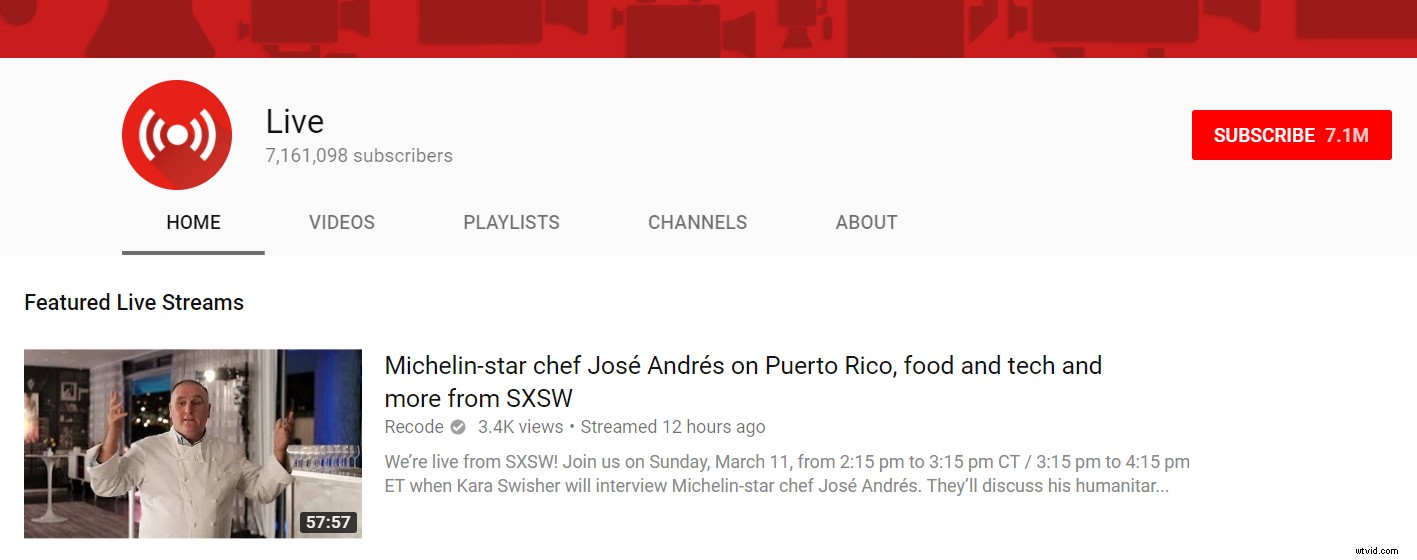
Creating a live stream on YouTube is slightly more complex when compared to sharing a live video on Facebook on Instagram. However, everything is explained in detail on the platform, so you’ll be able to start streaming a video within minutes.
4. Invest In HD Quality
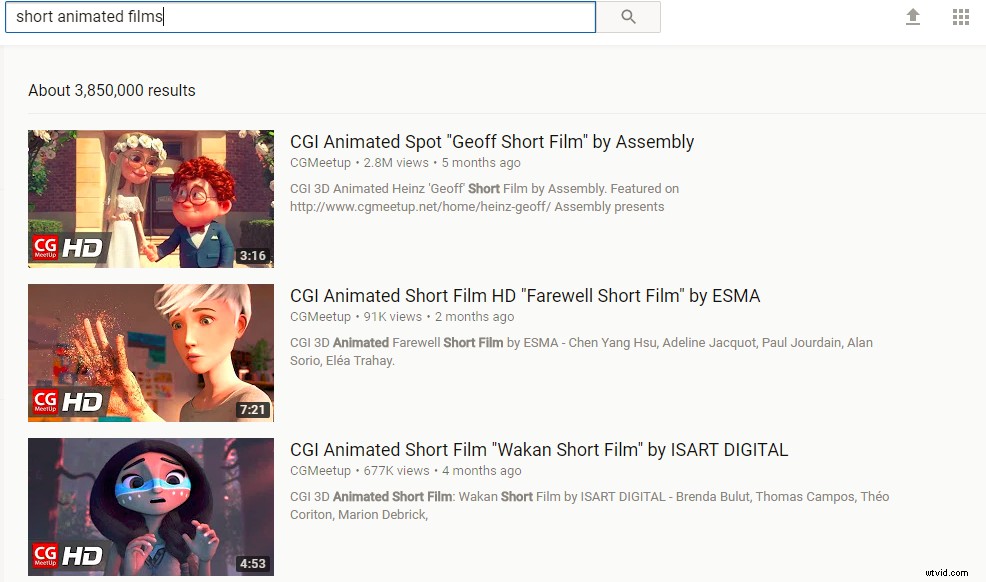
You’ll get more traffic towards your video if you film it in finest quality. Have you noticed that YouTube highlights HD videos in the search results? Since the users want better experience, they are more likely to choose an HD video over content with lower quality.
5. Use YouTube Enhancements
YouTube allows you to tweak your videos when you upload them. All you need to do is use the Enhancement features. The effects are pretty classy. You may fix the lighting and color, apply slow motion, stabilize shaky camera, blur faces, apply time lapse, and do much more.
All you need to do is find the video you want to edit in your Video Manager, and choose the Enhancements option in the drop-down icon next to Edit.
The enhancements make the video more appealing at first sight, so don’t underestimate their power to get you more clicks.
6. Pay Attention to the Metadata
The video’s title, description, and tags are its core ranking factors. Whenever people use Google or YouTube to find similar content, you can get your video served if you get the metadata right. This aspect of YouTube is similar to web page search engine optimization. Use it to provide context to your video, so the search engines will know when it’s relevant to a user’s search.
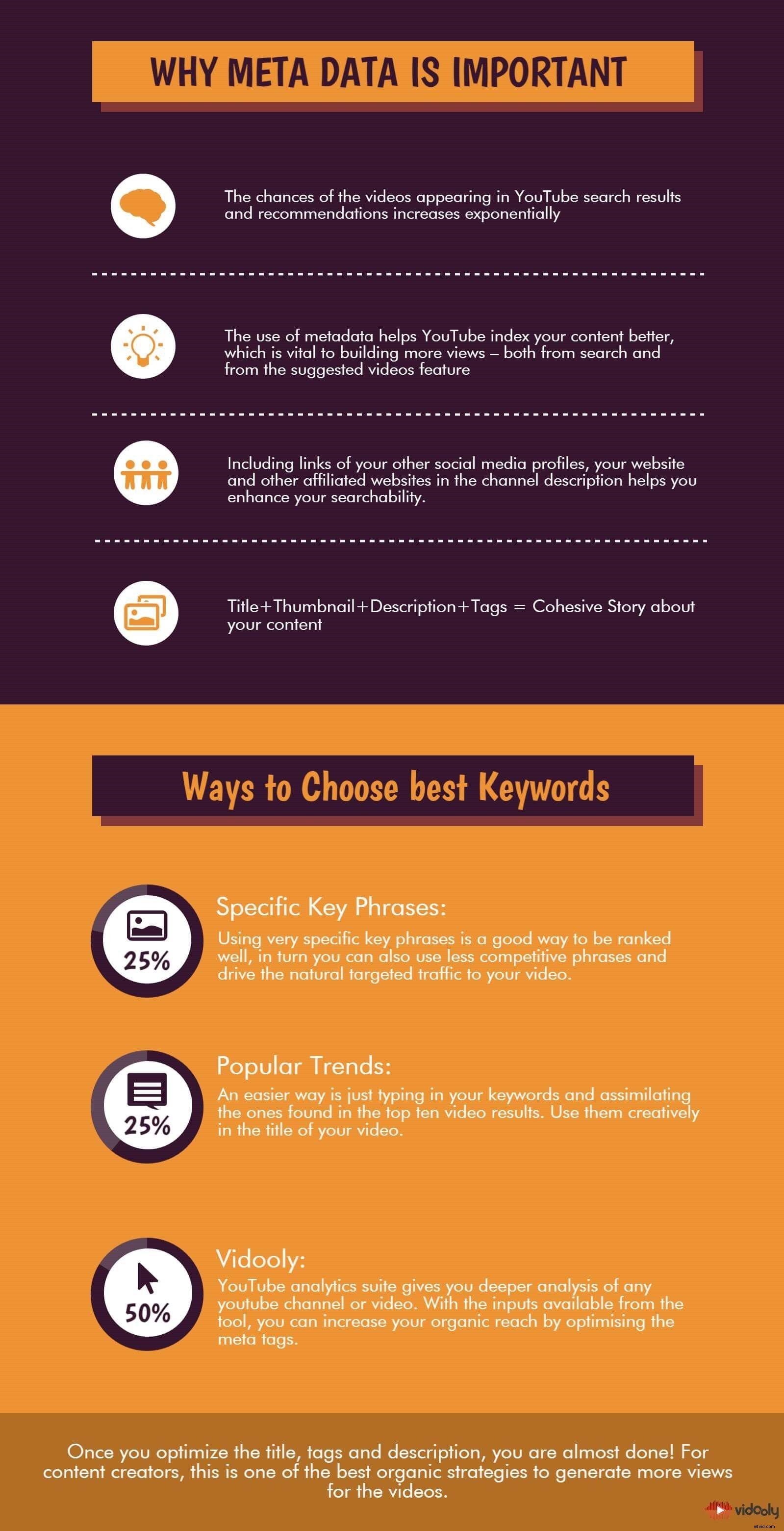
Source
It’s crucially important to include keywords in the title, description, and tags. Try to place the primary keyword at the beginning of the title. That’s how the video will get a user’s attention when placed in a list.
7. Optimize the Thumbnail
A great thumbnail can boost the number of clicks and views, so pay great attention to it. YouTube can choose a random thumbnail for your video, but that’s not the best strategy to implement. You have an option to upload a custom thumbnail, which will be vibrant and eye-catching. You may include the title of your video, so you’ll highlight its relevance to the user’s search.
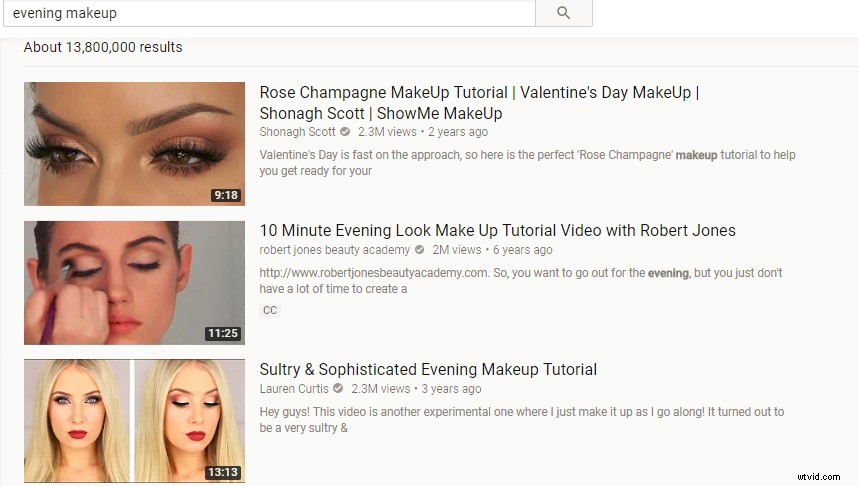
If you want to see how important the thumbnail is, just hit YouTube with any search term. Let’s take “evening makeup” as an example. You’ll easily see that the videos with lovely thumbnails are the ones getting millions of views. Through the thumbnail, the YouTube user immediately catches the “vibe” of the video, so they can decide if they want to watch it.
8. Engage In Branding
When you want to promote something with video content, you’re not focused solely on one video. You want to make the entire channel successful. That’s why you have to make it recognizable through various branding elements, such as a logo, unique thumbnails, colors, and characters.
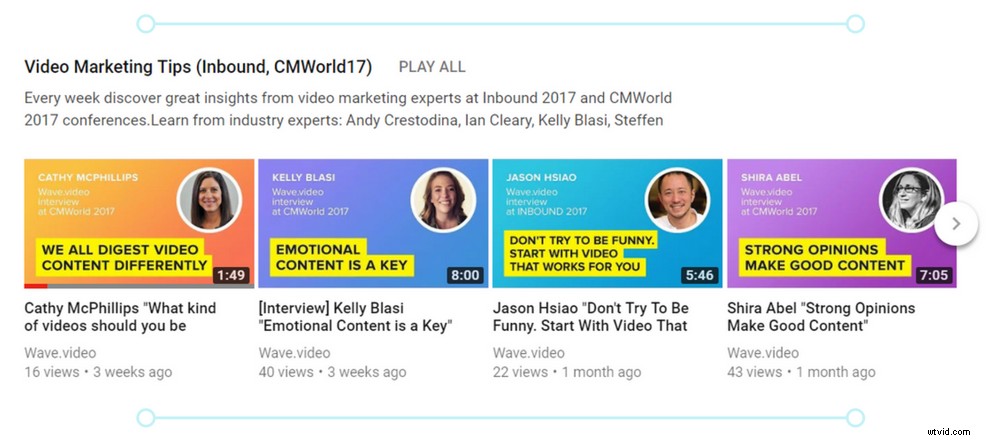
Wave.video Youtube channel branding
When people start recognizing your channel and its content, they will click to view any new video you launch.
9. Give Them Value
Why do you want people to watch your video? Why would they spend their time with your content? From their point of view, they want one thing and one thing only: value. The value of a video is evident before someone watches it. They can sense it through the title, description, tags, comments, and even the thumbnail. All these elements must promise great value if you want people to click the play button.
If your intention is to make people laugh, do it well! If you’re trying to provide solutions, do it in the best way among the competition. Do everything in your power to make an extremely valuable channel, and you can rest assured that your videos will become popular.
Wrapping Up
Who doesn’t want more views, likes, and shares? Isn’t that the main reason why we’re creating YouTube videos in the first place?
It takes a lot of effort to make those videos clickable, but it’s the goal that drives our activities. Follow the 9 hacks we described above and you’ll get where you’re headed to!
About the author: Brandon Stanley is a professional independent journalist. He is interested in writing articles concerning marketing and video promotion. Apart from that, Brandon loves traveling and playing the piano. You can follow him on Facebook and Twitter.