
Want to add a spooky vibe to your next project? These 35 Halloween video clips won’t disappoint. Download them now for FREE!
Go wild on your next Halloween video edit with Shutterstock’s Halloween Freebie Pack. The pack contains thirty-five loopable video clips, including character animations, glitchy backgrounds, and Halloween accents.
You can easily combine clips together and change their neon colors using some simple tricks!
What’s Included in the FREE Halloween Video Pack?
Included in the Halloween pack are thirty-five different video elements. All of these elements have a unique glitchy/neon look to them. And, they’re all loopable!
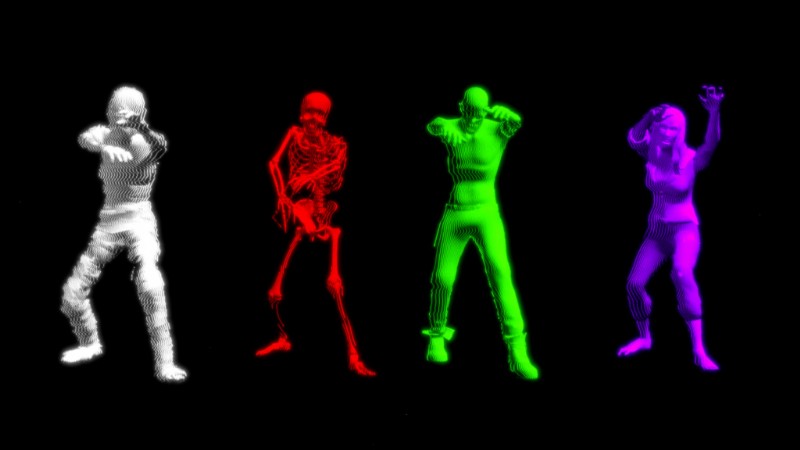
The pack is divided up into three different groups. The first is Characters, which includes eleven different character animations, such as skeletons, zombies, and even a mummy.
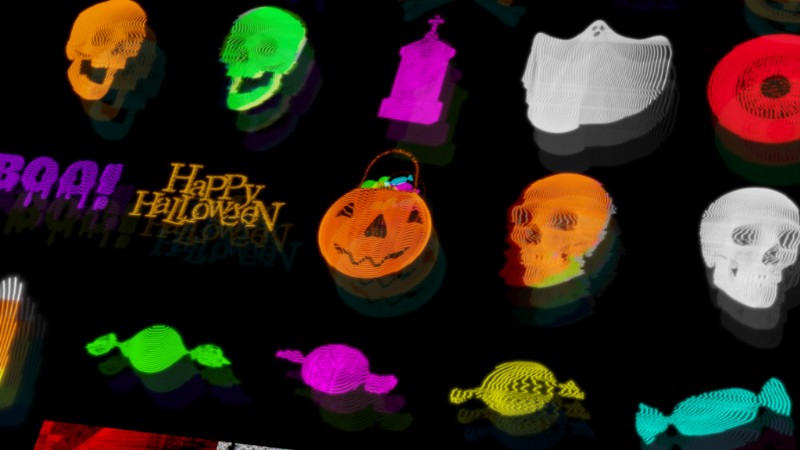
Next, the pack includes twenty different Decorative Halloween Accent clips. These clips are more stationary objects, perfect for building your scenes with. Some of the different video accents included are skulls, pumpkins, and candy treats!
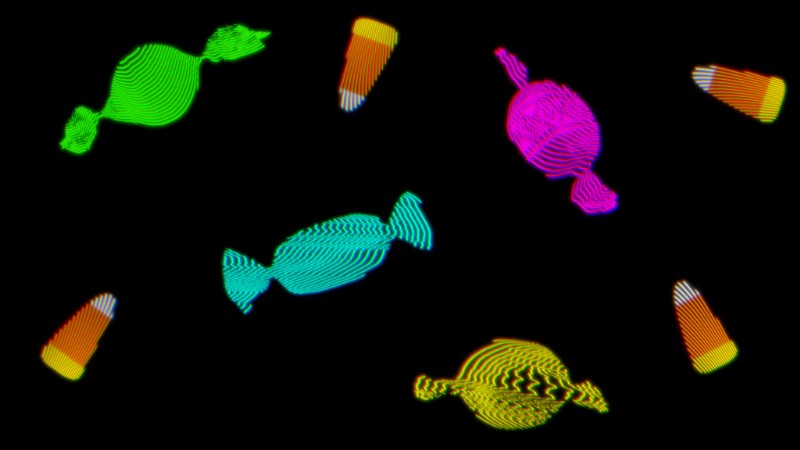
Finally, the pack includes four different Glitchy Background Loops. These can serve as a perfect backdrop for your scenes, or you can use them as overlays for adding in your own random glitch effects.
It’s Time to Download
Now that you know the awesomeness this freebie is packed full of, it’s time to download! Simply click the red button below to download your freebie. Easy peasy!
Download the Halloween Freebie Pack
By downloading this FREE pack, you agree not to resell or redistribute these assets.
Easily Change the Colors of the Elements with Effects
One of the handy things about all of these assets is that you can easily change the color of them to fit your project. To do this, you just need to apply an effect to them that lets you adjust the color hue.
In After Effects, you can use the Hue & Saturation effect, or you can alternatively use the Lumetri Color effect.
If you want to make a video element black and white, simply apply the Tint effect to it. (You may need to boost the brightness afterwards using the Curves effect.)
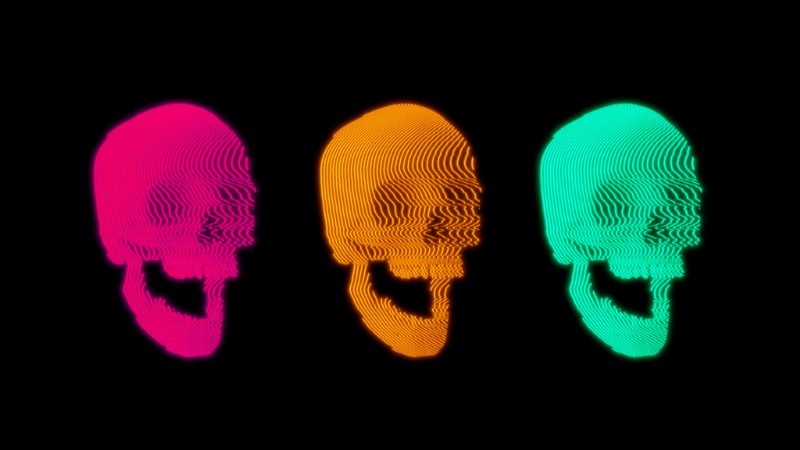
To customize the colors in Premiere Pro, apply the effect Lumetri Color to your Halloween element. Then, under the Curves setting, find the Hue vs. Hue color curve—it looks like a rainbow line. Click on the line, then drag it up and down to shift the entire color hue of your footage.
To learn more about the process, check out our video tutorial on How to Change Colors on Footage in Premiere Pro.
How Did We Make This Pack?
This pack was created by combining 3D models and 3D images with After Effects plugins, such as Modulation and Deep Glow. The 3D models used are from TurboSquid and the 3D images are from PixelSquid. Both are amazing resources worth checking out if you need 3D models for your next project.
Also, if you’d like to learn more about the Modulation plugin, check out PremiumBeat‘s tutorial on How to Use Modulation After Effects Plugin.
Halloween Movie Titles?
Do you need some scary movie titles to go along with the Halloween Freebie Pack? If so, check out the video tutorial How to Create Retro Horror Movie Titles in After Effects. The tutorial shows you how to create horror movie titles with an 80s-inspired look.
It also includes a free project file with even more Halloween-themed assets!
Liked the music in the trailer? Here’s the song we used:
- “So Well” by Jordan Childs
A few more Halloween-inspired articles for you:
- Boo! FREE Halloween Clip Art Pack – Download Now
- Get Spooky with This FREE Halloween Font Download
- Creating Horror Lighting with Just One Light
- Chucky? Annabelle? How Dolls Became a Symbol of Horror
- The Clickiest Halloween Costumes According to Data