
With more and more businesses switching over to digital-only advertising, it’s never been more important to craft an eye-catching digital sign. Let’s take a look at a few different types of digital signs and discuss some ways to create engaging ads.
Types of Digital Signs
The type of display will affect everything, so you must make sure you know what type of screen your content will be displayed on. The most common display is a television. Often used vertically, televisions are found all over departments stores, shopping centers, and restaurants.
1. Visual Displays
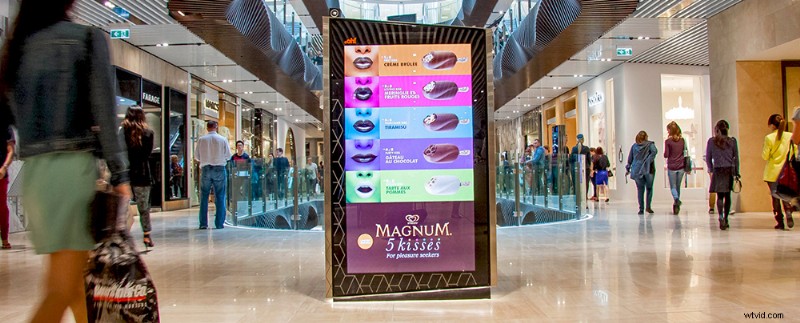
Visual displays are simply digital advertisements that are meant to catch the eye of foot traffic. You’ll typically see visual displays in malls or lobbies. These are the easiest boards to work with, as they typically require a 1920 x 1080 project file. You will need to contact the venue to discuss the specifics of their displays. Every place has different rules and restrictions.
Outside of televisions, most other video boards are custom made. You will most likely encounter LED boards that are comprised of several small square panels. These panels are designed to link together to create a greater whole.
If you don’t have the budget to hire an artist to create an original piece, try creating your own ad using templates. Sites like RocketStock.com allow you to simply drop your own footage or images into an After Effects template.
These AE templates are easy to use and great for adding some production value to your project. Here’s a great example from their site.
Expose can be purchased from RocketStock
2. Jumbotrons
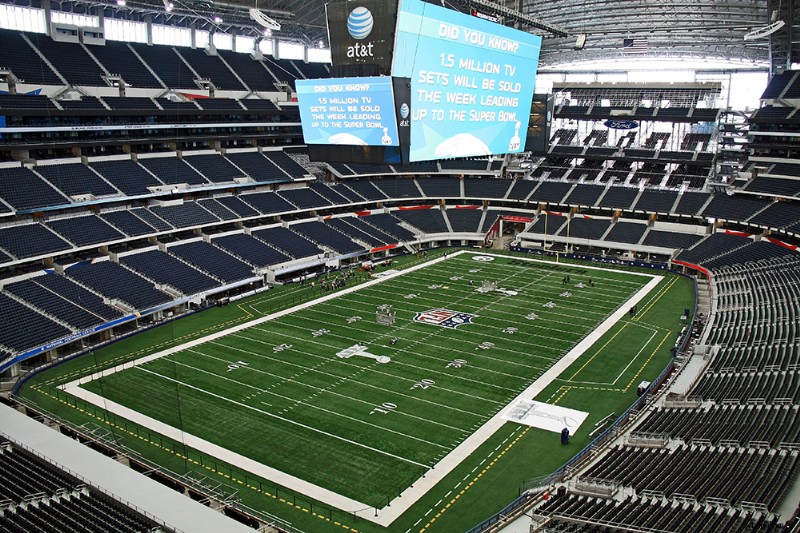
Creating content for a jumbotron is surprisingly easy. Despite their enormous size, most jumbotrons follow a very standard 16:9 aspect ratio. So your biggest problem is going to be simply finding the perfect motion graphics template. Jumbotrons are typically powered by a digital display software like ProPresenter.
One thing you will want to think about when working on a jumbotron ad is the amount of time that your ad will be up. It can be easy to want to overcomplicate your ad with too many graphics or wordy text. This is a big mistake. Jumbotrons are all about targeted brand awareness. Keep it simple and keep it fun.
3. Digital Menus
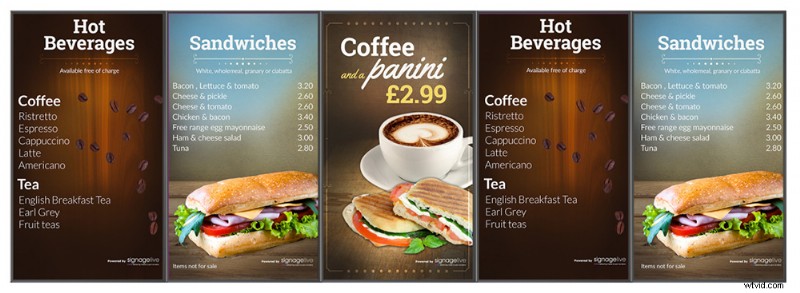
One of the biggest digital trends in the food industry is converting still menus into digital menus. This is great for companies on a lot of levels. A digital menu allows marketers to highlight promotional products and catch the customer’s eye, resulting in more sales.
Digital menus can be customized from a central location without the need to physically replace a sign. This can lead to a more unified brand. They can also be customized for a certain time of the day. For example, a digital menu can automatically display a lunch menu at noon and a dinner menu at 5pm.
Digital menus are typically just an array of LED TVs. There are quite a few popular digital menu solutions out there. The most popular at the moment are Signage Live or Enplug, but you can run a digital menu on basic software like PowerPoint.
The key with a digital menu is to have good design and eye-catching photography that will help promote your brand’s image.
4. Roadside Billboards
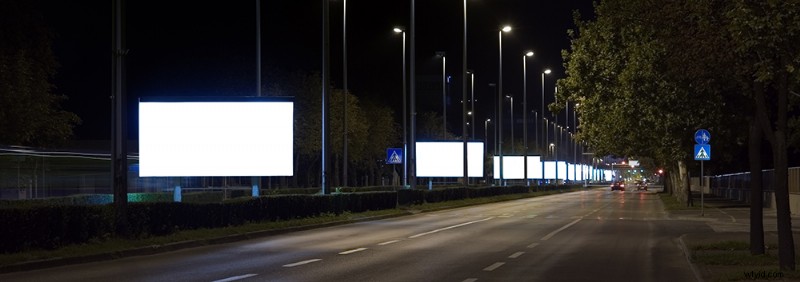
There are laws and regulations that restrict the type of content that can be displayed on roadside billboards. For example, highway billboards are not allowed to display any type of movement at all; moving displays would certainly prove too distracting for most drivers.
If you’re working on an advertisement to display on a roadside billboard, you will want to catch the public’s eye with inviting imagery and clever digital sign design. Here on Shutterstock, we have millions of engaging images and designs that can help you craft the perfect billboard.
Use Legible Fonts
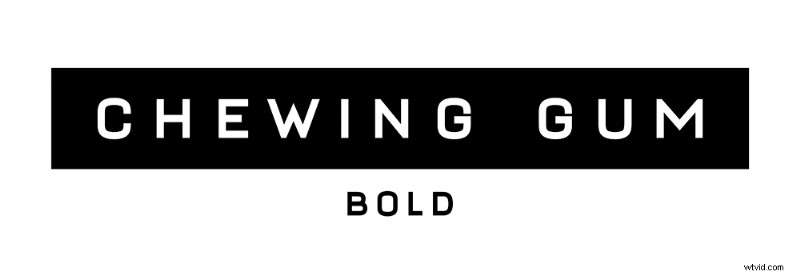
It’s great to have fun with eye-catching fonts, but remember that your advertisement must be legible. If it’s a strain for readers to understand what you are promoting, then you’ve failed at your job. For motion design, sans-serif fonts are much easier to read when moving. The PremiumBeat blog has a great list of FREE Sans-Serif Fonts for Motion Designers.
Digital Display Motion Graphics Tutorial
Now that you’re ready to create an ad for a digital display, here’s a great tutorial on how to make your own ad from School of Motion. The biggest benefit of this tutorial is how they cover custom-made display boards, a must-know when working on a complicated project.
It’s important to note that you will always want to talk to the owners of the digital display before you begin creating your design.
Top image: TORONTO,ON – SEPTEMBER 25: Yonge-Dundas Square on September 25, 2010 in Toronto, Canada. Yonge- Dunda Square is a commercial, and public square, hosts many events,and one of Toronto’s main attraction.
Still trying to make your designs & signs pop? Learn a little more about color here.