
There are a lot of reasons why you may want to shoot a video with a green screen background. Maybe your space isn’t pretty enough. Maybe you just want greater control in post. Whatever the reason, these six important tips are essential for selecting the right background.
1. Tell a Story
From music to graphics, every part of a video tells a deeper story about your brand. This reality is especially true when selecting a background for a green screen video. While you may feel inclined to just throw a bookshelf behind your subject, it’s a much better idea to take some time and decide what background would further the greater story you are trying to tell. Ask yourself a few questions:
- What does this background say about your brand?
- Does it align with your brand’s values?
- Is it consistent with your brand’s image?
Once you’re able to answer a few of these questions, you can begin browsing for a good background.

2. Look for Distractions
When looking for backgrounds, you want to avoid distracting elements. Most notably you will want to look for distracting areas in your frame in which viewers might be drawn to. For example, an audience’s eyes tend to be drawn to areas of high contrast or bright lights.
This means no fake plants, clutter, or highly saturated objects should be in your background. Wistia has created a really great video and article on this subject.
3. Blur Arbitrary Backgrounds
Consider blurring out your background if you want to draw more attention to your subject. Blurring out your background is better than simply having a solid color background. It places your subject in a context which can feel more natural.
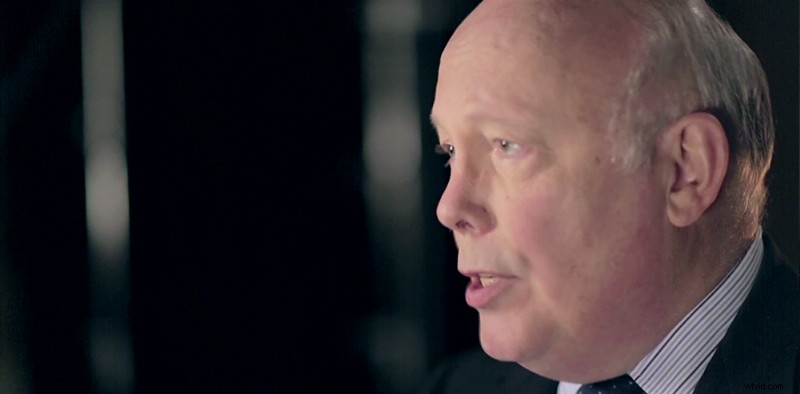
You can usually get by with simply adding in a quick fast blur or gaussian blur effect to your background image. But if you want to make your background look a little more natural, you can use the camera lens blur effect in After Effects.
4. Don’t Use the Same Background
If you have more than one green screen interview in your video, you’ll want to use a new background for each subject. This will make it less jarring to your viewer when you switch between two shots. It also helps add to the overall production value of your video.
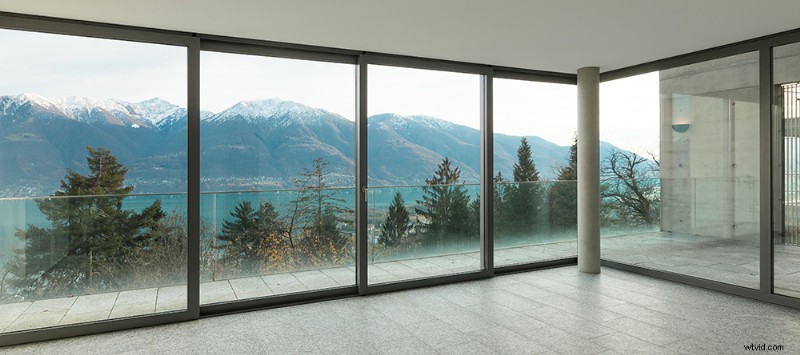
Here on Shutterstock, we have a collection of background images that go well together. When you see a background you like, simply hit the ‘Similar Images’ tab and you’ll be directed to more images that go well with your preferred background.
5. Match Your Lighting
When you’re working with green screen footage, it’s important to take lighting very seriously. This is especially true when you begin to look for a good background. The trick is to find a good background that matches the lighting on your subject. Try to match the lighting of your green screen footage by looking for shadows. You don’t want your background to be telling a different story than your subject.
6. Matching Color Temperature
Most amateur green screen replacements suffer from mismatched color temperatures. This is mostly because green screen footage tends to be a little more ‘orange’ than color corrected stock footage. Don’t worry though. In most major NLEs, you can simply adjust the color temperature using a quick effect.
This tutorial from Pamela Berry shows us how to quickly color correct footage using the Fast Color Corrector in Premiere Pro.
If you’re ever looking for the perfect background for a green screen video, take a look around Shutterstock. Here on Shutterstock we have millions of images that are perfect for green screen work.
Top Image: ‘A television presenter in a TV studio with a camera and operator out of focus in the foreground and a green screen in the background. Some motion blur on the presenter’s head and hands’ by antb