
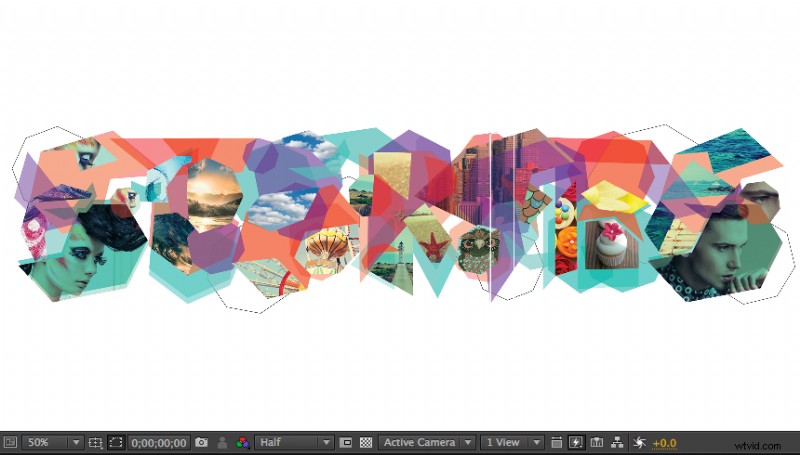
The simple yet effective process of animating a paper-foldout effect can be extremely useful. It works for a logo reveal, slide or scene transition, opening or closing scene, or any number of additional uses.
In fact, we loved the effect so much we used it for the Shutterstock Stories artistic-grant campaign. Watch how it functions in the intro to the video below, then learn how to create this effect yourself in Adobe After Effects.
Step 1: Place your logo
Find the image, logo, or scene you want to animate and place it into your composition. Make sure your layer is set to a 3D layer.
Step 2: Create the mask
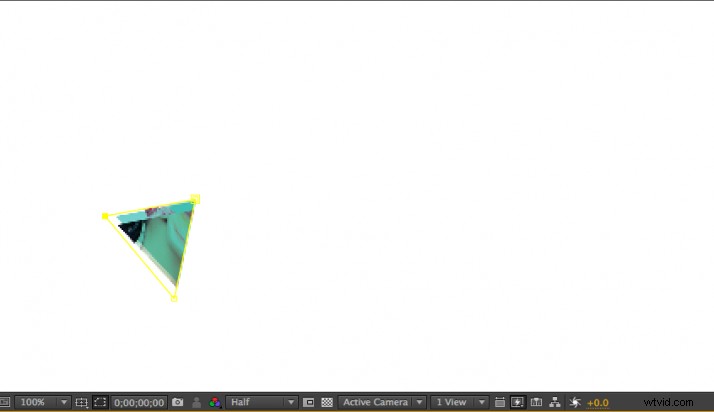
Using the pen tool, while your layer is selected, create your mask in the types of shapes you would like your object to fold out from. Here, I’m using triangles.
Step 3: Adjust the anchor point
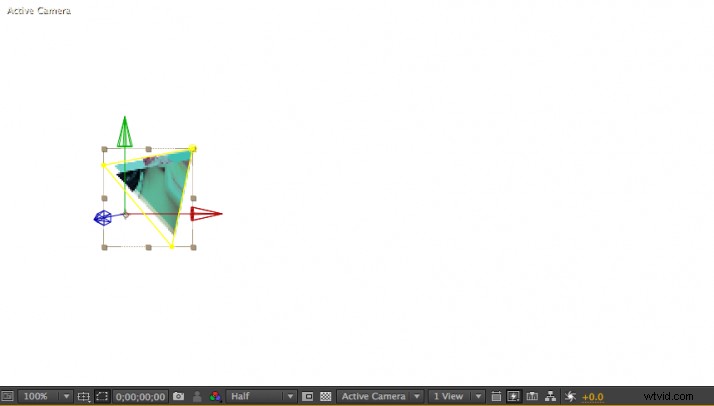
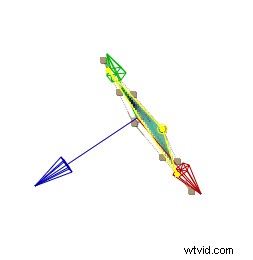
Using the Pan Behind (Anchor Point) Tool, grab your layer’s anchor point and move it to the axis you would like to rotate from.
Step 4: Rotate the layer
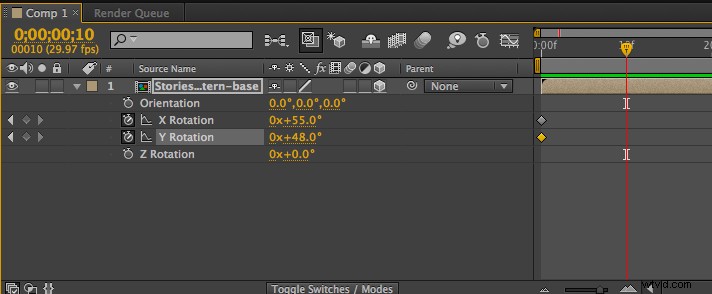
Open the rotation options on your layer and keyframe its orientation to about 90 degrees, facing toward you. Choose your desired time frame and animate back to 0 degrees flat.
Step 5: Duplicate
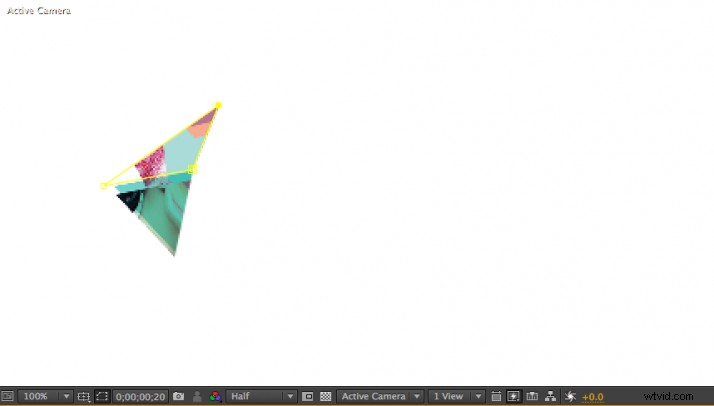
Next, you need to duplicate your layer. Select one of the anchor points of your mask and create your next triangle. Keeping your other two anchor points in place will help ensure your folding is happening on the correct axis.
Step 6: Adjust the anchor point
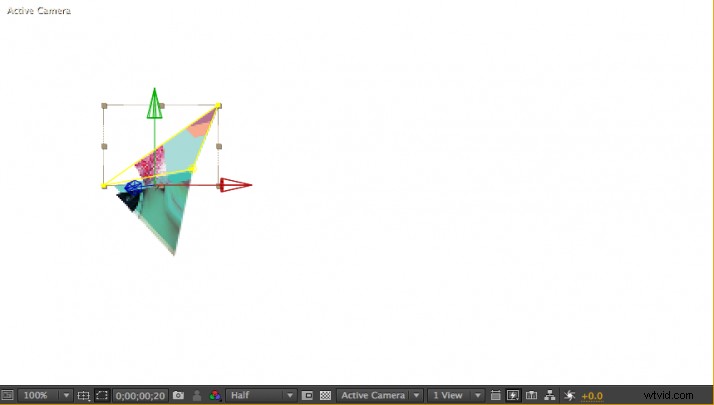
Again using the Pan Behind (Anchor Point) Tool, adjust your layer’s anchor point to the axis you will now rotate this layer on.
Step 7: Rinse and repeat
Adjust your keyframes and rotation to animate your new piece. Continue with this process (Steps 2-7) until your entire original image is revealed.
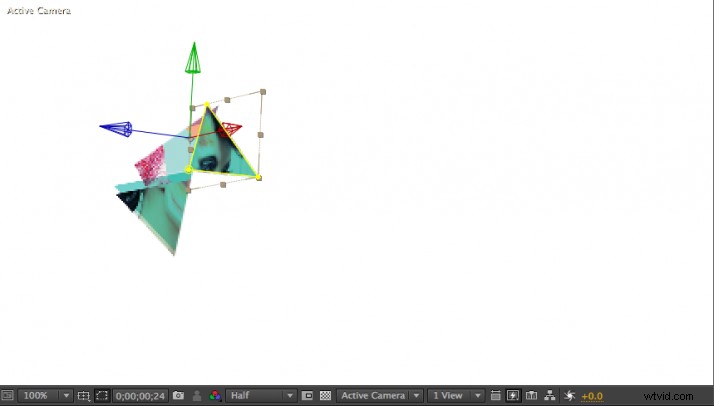
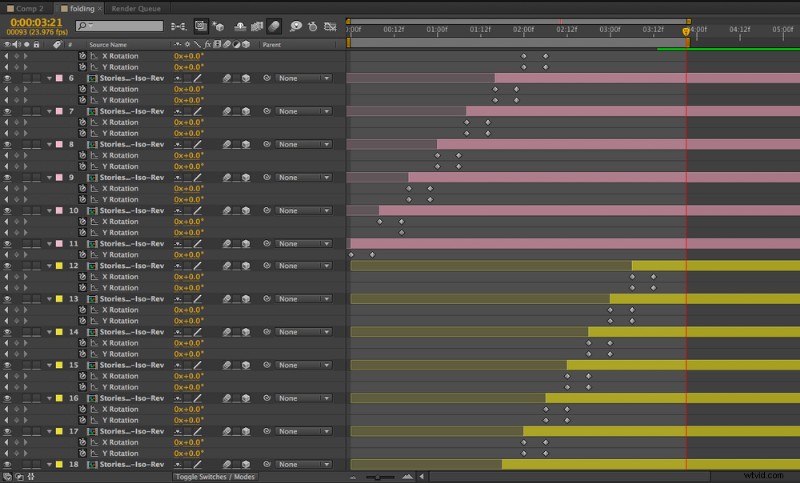
Your timeline will look something like this.
Step 8: Add some depth
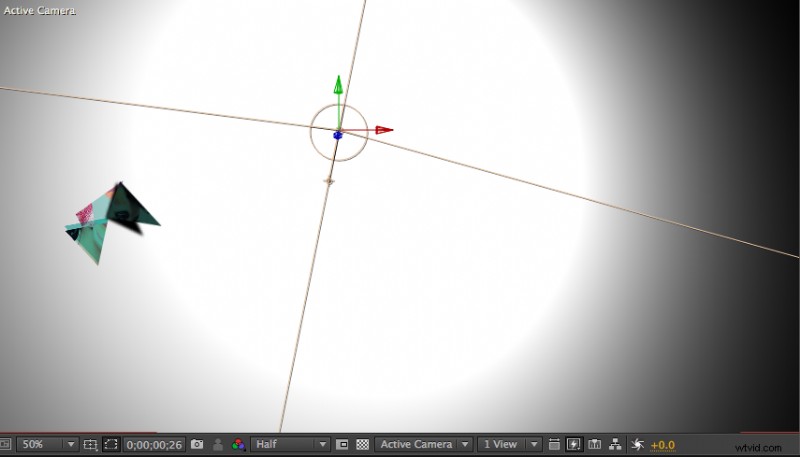
Now we’ll add depth to your folding logo with some shadows.
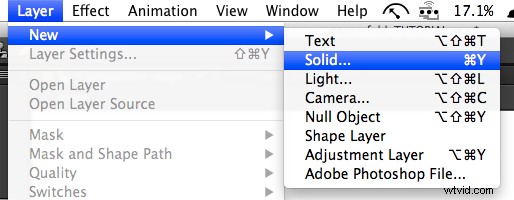
Choose Layer > New > Solid… and make it a 3D layer. Put this solid at the bottom of your other layers.
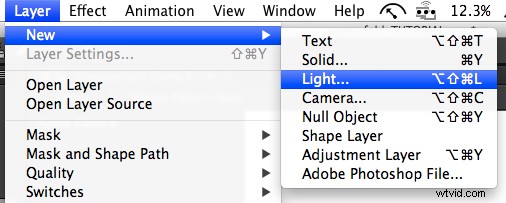
Next, choose Layer > New > Light…. In order for your shadows to work you must:
- 1. Choose Cast Shadows on your Light Options
- 2. Choose Cast Shadows on your Material Options for your folding layers
- 3. Choose Accept Shadows on your Material Options for your Solid background
And there you have it. Happy folding!