REC

Recommended: Video Production, Editing & Gear Maintenance Guide

 WTVID >> WTVID >  >> video >> Video production

Master 3D Texture Mapping on Spheres in After Effects: Step-by-Step Tutorial

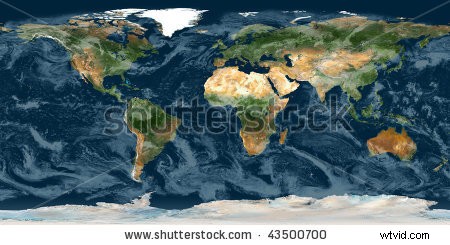
After Effects offers some pretty amazing tools to help your 2D images come to life in a 3D environment. In this tutorial, you’ll learn how to use Shutterstock assets to create a 3D animated globe. You’ll need two things: a basic knowledge of After Effects, and a flattened image of Earth. I used this this image from contributor _EG_. (If motion isn’t your thing, you can also check out this tutorial on creating 3D spheres in Illustrator.)
Master 3D Texture Mapping on Spheres in After Effects: Step-by-Step Tutorial

Step 1
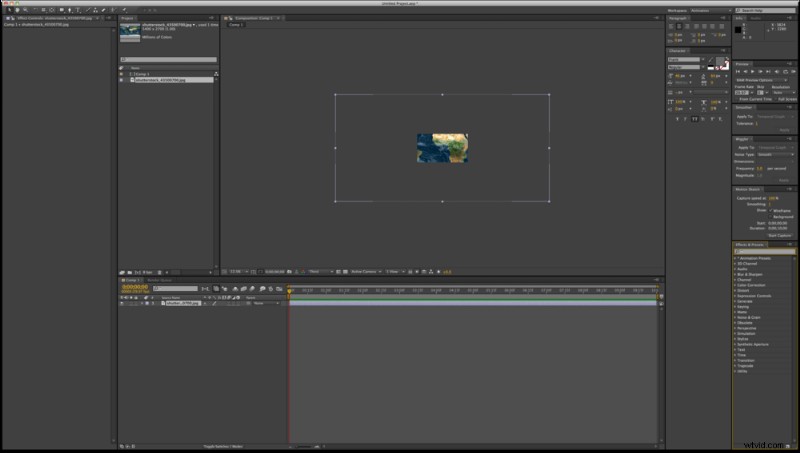
Create a new project and composition in After Effects. Import your flat image and place it into your composition.
Master 3D Texture Mapping on Spheres in After Effects: Step-by-Step Tutorial

Step 2
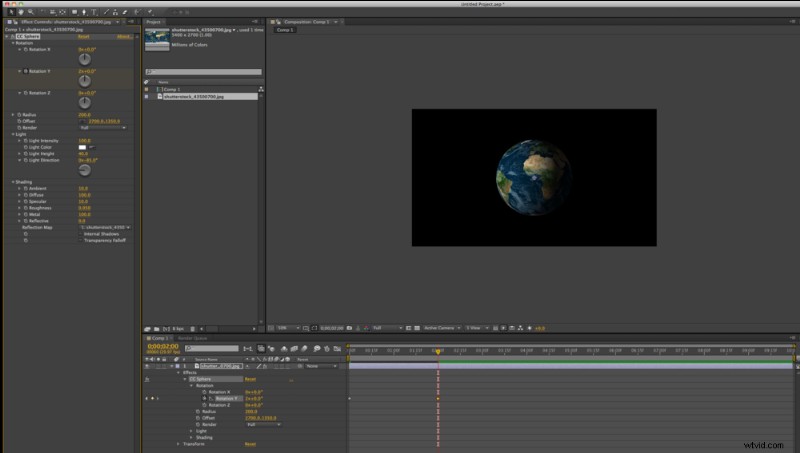
Add the CC Sphere effect by going to Effect > Perspective > CC Sphere. CC Sphere allows you to map a flat object onto a sphere, while also giving you control over lighting, shading, and rotation. To rotate the Earth from side to side, rotate using the Y axis.
Master 3D Texture Mapping on Spheres in After Effects: Step-by-Step Tutorial

Step 3
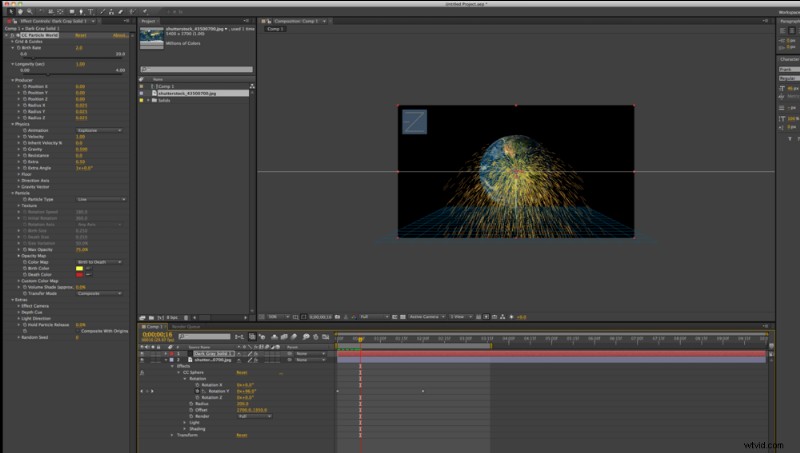
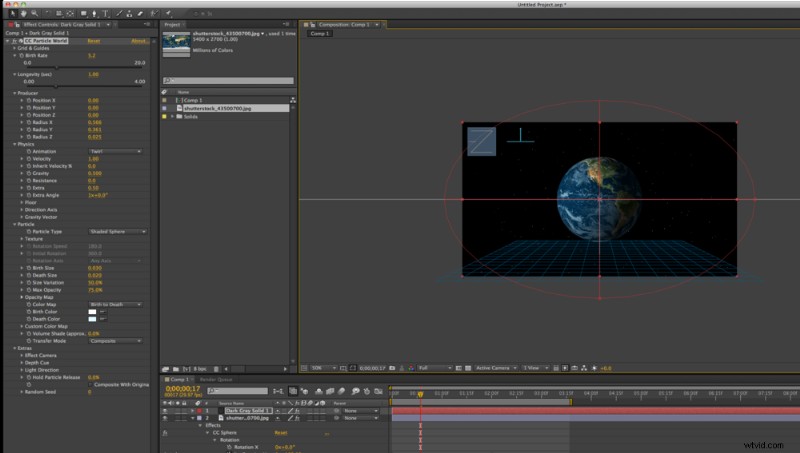
Now that you have your 3D Earth, we’ll add some stars. To do this, you need to create a new Solid by going to Layer > New > Solid. Then add the CC Particle World effect to your new Solid by clicking Effect > Simulation > CC Particle World. Particle World has quite a few different settings, so you’ll have to explore a bit to get the results you prefer.
Master 3D Texture Mapping on Spheres in After Effects: Step-by-Step Tutorial

Step 4
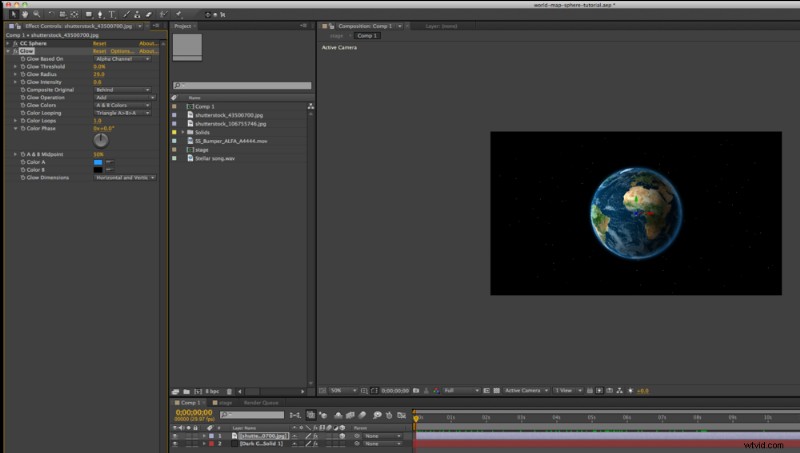
In this case, I turned my gravity settings to 0 and widened my particle field to fit the composition. I also set my animator to Twirl and my particles to Shaded Spheres. The settings I used for both of the particle layers are below:

Master 3D Texture Mapping on Spheres in After Effects: Step-by-Step Tutorial

Master 3D Texture Mapping on Spheres in After Effects: Step-by-Step Tutorial

Master 3D Texture Mapping on Spheres in After Effects: Step-by-Step Tutorial

Step 5
To make the Earth pop off the background, I added a glow to the edges by selecting Effect > Stylize > Glow. Make your Glow Based On the Alpha Channel and your Color B = #000000 so that the glow affects the edges of the sphere.
Master 3D Texture Mapping on Spheres in After Effects: Step-by-Step Tutorial

Step 6
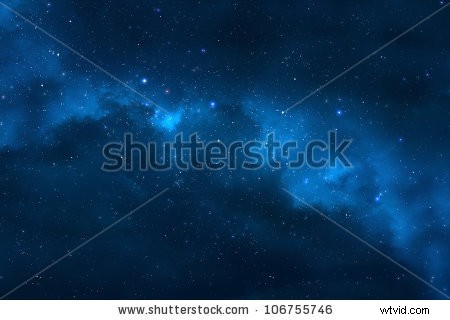
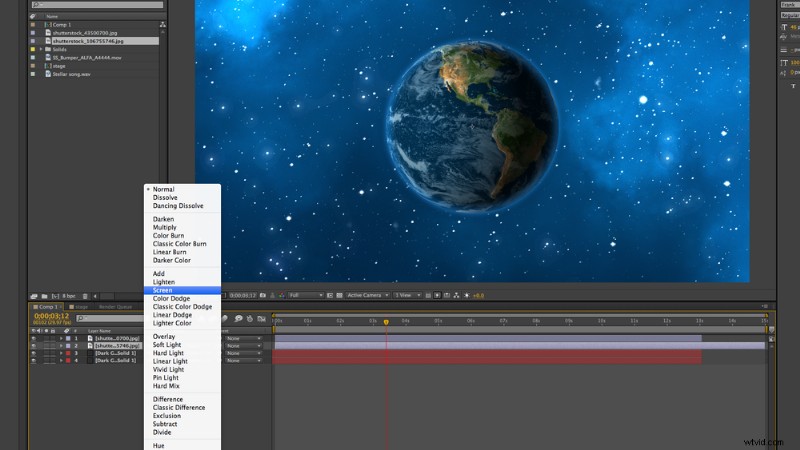
To add some clouds, I used this space image from contributor pixelparticle. I set the blending mode of the layer to Screen and lowered the opacity in order to place the clouds on top of the Particle World.
Master 3D Texture Mapping on Spheres in After Effects: Step-by-Step Tutorial

Step 7

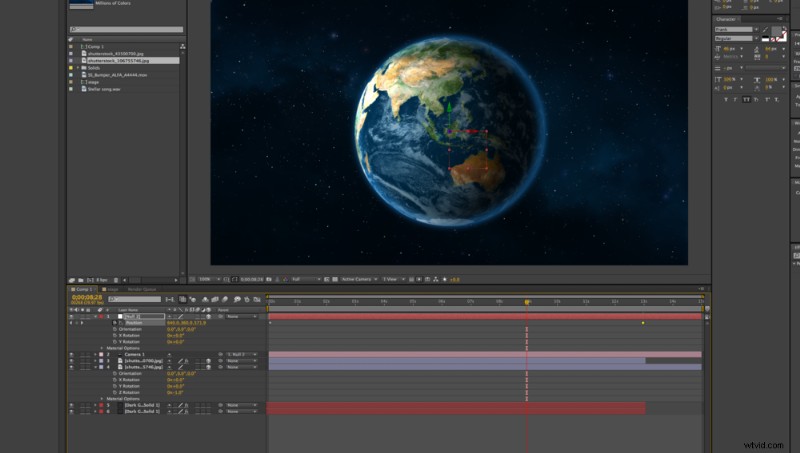
Add a Camera, animate it, and you have have an awesome rotating Earth in space!

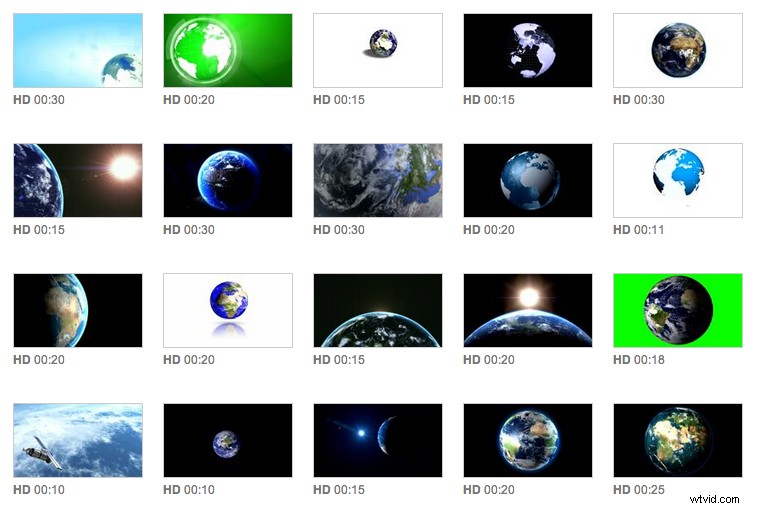
For more inspiration, check out some related work from our amazing Footage contributors »
Master 3D Texture Mapping on Spheres in After Effects: Step-by-Step Tutorial

Images used in this tutorial. Download them and try it for yourself:
Master 3D Texture Mapping on Spheres in After Effects: Step-by-Step Tutorial

Master 3D Texture Mapping on Spheres in After Effects: Step-by-Step Tutorial

Check out more great After Effects tutorials at Skillfeed.


  1. Master After Effects Keyframes: Ultimate In-Depth Tutorial for Stunning Animations

  2. Master the Magic Frame Effect in After Effects: Simple Masking Tutorial

  3. Create Realistic 3D Text Shadows & Shatter Effects in After Effects: Expert Tutorial

  4. Create Epic 'Star Trek Beyond'-Inspired Title Sequences in After Effects

  5. After Effects Export Guide: Step-by-Step Video Tutorial for Beginners

Video production
  1. Effortless Animation Looping in Adobe After Effects: Step-by-Step Video Tutorial

  2. Create Stunning Animated Website Presentations in Adobe After Effects

  3. Step-by-Step Video Tutorial: Create Custom Callout Graphics in Adobe After Effects

  4. How to Create Stunning Grunge Textures in After Effects & FilmoraPro: Step-by-Step Guide

  5. Master Green Screen Chroma Key in After Effects & FilmoraPro: Step-by-Step Tutorial

  6. After Effects Green Screen Tutorial: Master Keylight Keying for UFO Abduction Scenes

  7. After Effects CS6 Tutorial: Master 3D Camera Tracking to Add Realistic Elements to Videos

  8. Tree Wisdom Tutorial 3: Master VideoScribe After Effects for Stunning Videos