
Learn how to create a dazzling high-res hologram in this exclusive Star Wars-inspired tutorial. Includes free project file and assets!
There are few motion graphic sequences as iconic as the holograms from the Star Wars saga. From “Help me, Obi-Wan Kenobi.” to “It’s true. All of it.“, holograms are an essential part of the Star Wars storytelling process. So naturally the team at PremiumBeat thought it would be a great idea to put together a tutorial on creating a Star Wars-inspired hologram.
Here’s the look:
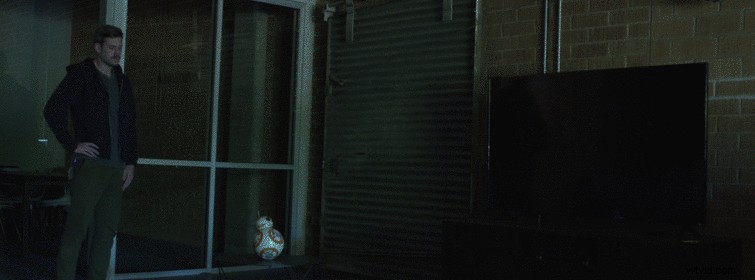
The tutorial covers:
- Simulating Lighting
- Simulating Depth of Field Using 3D Cameras
- Compositing Elements
While this tutorial covers a Star Wars-inspired hologram, the same technique can be applied to create other styles of HUDs, such as military or superhero.
Download the Free Star Wars-Inspired Hologram Project File
This tutorial comes fully equipped with a free project file and video assets. If you would like to follow along using the same clips, you are highly encouraged to download the project file below.
DOWNLOAD FREE HOLOGRAM PROJECT FILE + ASSETS
If you want to learn more about creating Star Wars effects in After Effects, here are a few more great tutorials from around the web:
- Star Wars Lightspeed in After Effects
- Create the Star Wars Titles in After Effects
- Star Wars Tutorial Roundup
Have any helpful tips for making holograms in After Effects? Share them in the comments below!