
Top 8 Free Audio Transcription Tools for 2026
Looking for a cost‑effective way to turn spoken words into clean, editable text? In this guide we evaluate the best free audio transcription tools available in 2026. Our in‑depth reviews cover accuracy, speed, ease of use, and key features so you can choose the solution that fits your workflow.
Why Choose a Dedicated Transcription Tool?
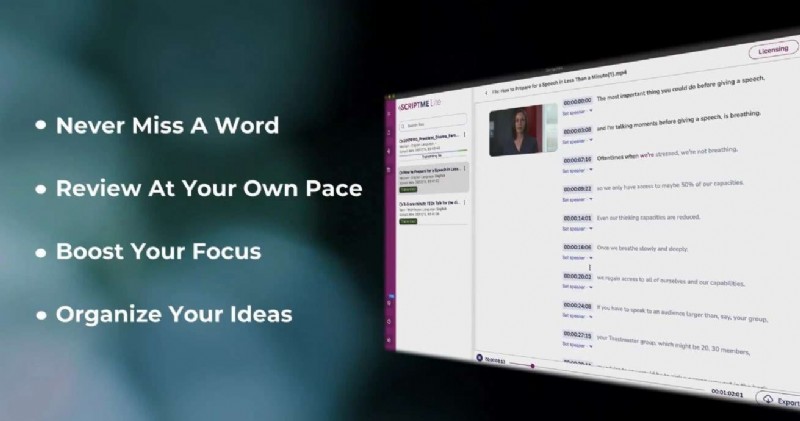
While popular video platforms offer basic transcription, they often fall short on precision and advanced editing. A dedicated free transcription tool delivers:
- High accuracy (ideally 90%+)
- Fast processing—ideally real‑time or near real‑time
- Readable output with punctuation and speaker labels
- Export options, especially SRT for subtitles
- User‑friendly interface for efficient workflow
- Cross‑platform compatibility (PC, Mac, mobile)
- Collaboration tools for team editing
How We Picked the Best Free Audio Transcription Tools
We examined recent industry shifts and consulted trusted reviews from PC Mag, The Verge, and other professional sources. Our selection was based on rigorous testing of four audio clips representing a range of challenges:
- 333‑word clip with background noise, numbers, percentages, and technical terms
- 2:21 clip featuring speech impediments and cross‑talk (235 words)
- 745‑word clip from the New York Times with multiple accents and speakers
- 443‑word clip of a single speaker with pristine audio quality
Evaluation criteria included:
- Transcription accuracy
- Processing speed
- Supported file formats
- Cross‑platform availability
- Editing capabilities
- Speaker labeling
- Privacy and data protection
Top 8 Free Audio Transcription Tools
-
Wondershare Filmora

Filmora combines AI‑powered transcription with a full video editing suite. It automatically converts spoken words into editable text, synchronizes captions, and supports over 27 languages.
- AI text‑based editing for subtitles
- Export to SRT and other formats
- Integrated royalty‑free music and sound effects
- Works on Windows, macOS, iOS, Android
Pros
- Seamless editing controls
- Robust AI and automation features
- Free AI transcription with text editing
- Multilingual subtitle support
- Cloud backup in paid plans
Cons
- Limited free AI credits
- Accuracy varies with audio complexity
-
Descript
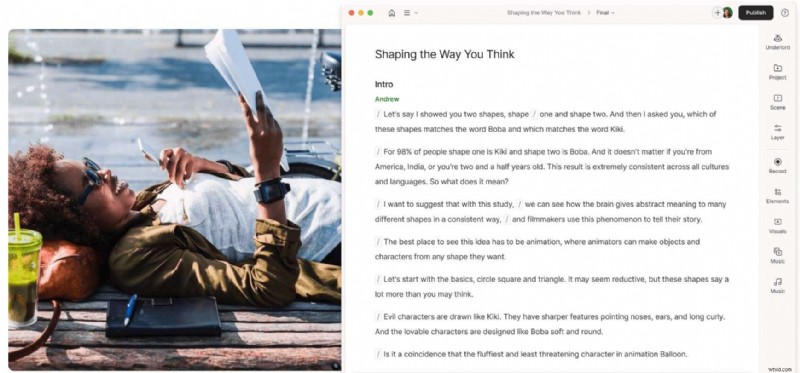
Descript is an industry‑standard platform that merges transcription, audio/video editing, and collaboration. It offers advanced AI features such as filler‑word removal, voice cloning, and automatic multicam editing.
- AI Underlord for content scheduling
- Studio sound and background noise removal
- Overdubbing and voice cloning
- Unlimited free projects, but only one hour of AI transcription per month
Pros
- Detects up to eight speakers
- Generous free tier with dynamic captions
- Free AI text‑to‑speech for five minutes
Cons
- Free tier capped at one hour of AI transcription monthly
- Advanced AI features behind paywall
- Watermarked 720p video exports in free version
-
Otter
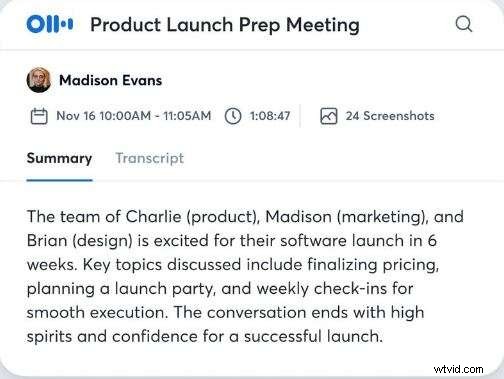
Otter excels at real‑time transcription and AI‑powered note‑taking. It’s ideal for meetings, interviews, and collaborative projects.
- Real‑time transcription with AI summarization
- Action items extraction
- Integrations with MS SharePoint, Salesforce, HubSpot, and more
- Free plan: 300 minutes/month, up to 30‑minute clips
Pros
- Generous free minutes per month
- Real‑time transcription and summarization
- Affordable pricing tiers
Cons
- Free plan limited to five users
- Potential accuracy gaps for complex audio
-
Rev
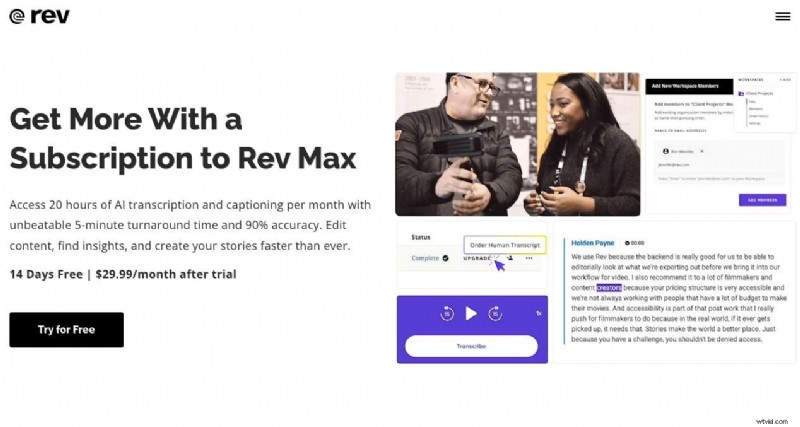
Rev is renowned for high‑accuracy human transcription at $0.25/min. While it isn’t free, it’s worth considering for critical projects that demand near‑perfect accuracy.
- AI and human transcription options
- Multilingual captions and subtitles
- Customizable speaker labels and timing edits
- Web, iOS, and Android apps
Pros
- Excellent user interface
- Fast turnaround times
- Robust collaboration tools
Cons
- No free tier
- Mobile apps need improvement
- Live transcription lacks editing features
-
TranscribeMe
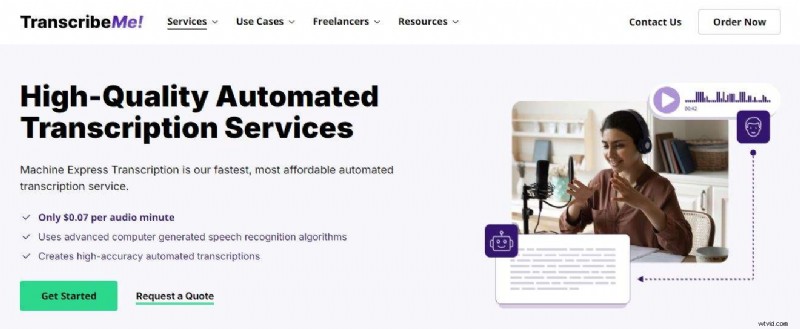
TranscribeMe offers a hybrid AI and human transcription service, ideal for industries requiring compliance (HIPAA, legal, medical).
- Advanced speech‑recognition algorithms
- Industry‑specific templates for insurance, call centers, etc.
- 99% accuracy with optional human review
- Multilingual support
Pros
- High accuracy and compliance standards
- Customizable between AI and human transcription
- Strong industry focus
Cons
- Paid service only—no free tier
- Complex pricing structure
-
Alice
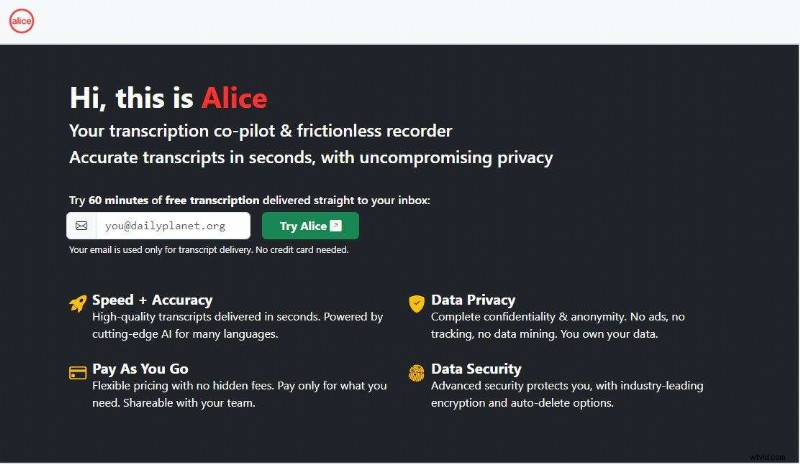
Alice delivers pay‑as‑you‑go AI transcription. It’s lightweight and suitable for sporadic use, with robust integrations via Zapier, Trello, Slack, and cloud storage.
- One‑hour free trial for new users
- Automatic email delivery of transcripts
- Supports SRT and multiple audio/video formats
- 99% accuracy
Pros
- Privacy‑first design with encryption
- Free trial available
- Flexible pricing plans
Cons
- Limited editing features (no highlighting or commenting)
- Free tier not available beyond trial
- Higher cost compared to other AI tools
-
Notta
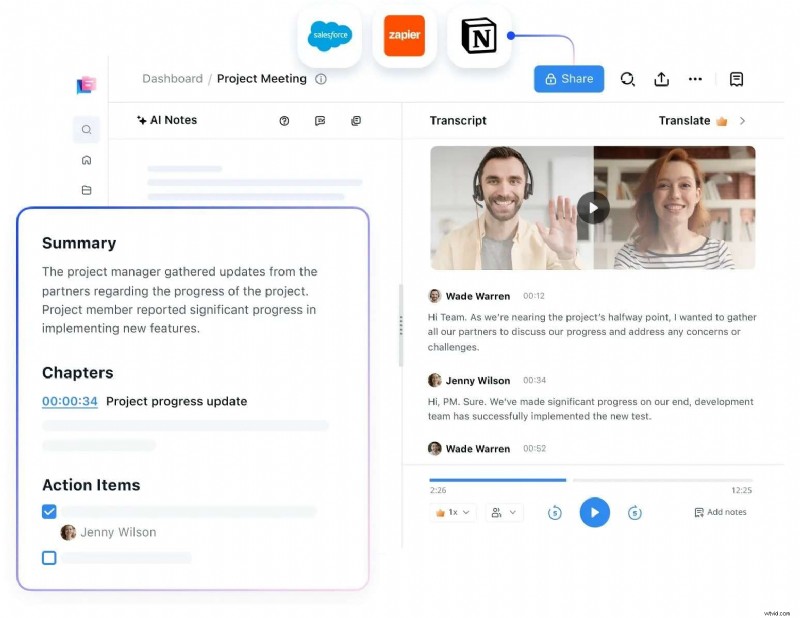
Notta offers reliable real‑time transcription with up to 98.86% accuracy. It supports 57+ languages and includes features such as AI summarization and Google Calendar integration.
- 120 free transcription minutes/month
- Supports audio, video, PDF, and SRT files
- Chrome extension and web app available
- Speaker ID and real‑time transcription
Pros
- High accuracy and fast processing
- Multilingual support
- Google Calendar integration
Cons
- Only 50 file uploads per month in free tier
- Free plan limited to one user
- 120‑minute monthly cap
-
Happy Scribe
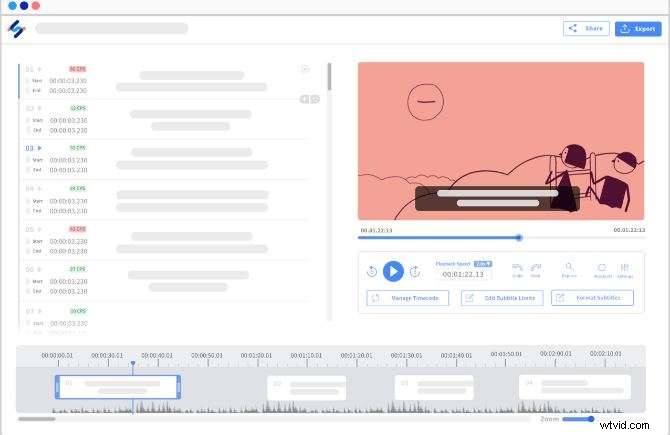
Happy Scribe blends AI and human transcription, delivering highly accurate results. It features an interactive editor and supports multilingual subtitles and collaboration.
- Free AI transcription, subtitle generation, and translation
- Ten minutes of free transcription per file
- Multiple export formats (SRT, VTT, TXT)
- Interactive subtitle editing
Pros
- High accuracy even with cross‑talk
- Scannable and readable transcripts
- Free AI translation and subtitle creation
Cons
- Possible script alterations affecting meaning
- Only one user can edit simultaneously
- Watermarked video exports for free users
Conclusion
After 30 hours of rigorous testing, Wondershare Filmora emerged as the most reliable free transcription solution, offering unmatched accuracy, multilingual support, and a complete video editing workflow. However, the best choice ultimately depends on your specific needs—whether you prioritize real‑time transcription, advanced editing, or compliance features.
Use this guide to match a tool’s strengths with your workflow, and transform audio into polished, searchable text with confidence.