
Sound recognition technology converts spoken words to text and allows you to execute simple tasks using voice commands. However, Android sound recognition has evolved beyond basic voice-to-text transcription. This impressive technology can be integrated into advanced applications for more complex command prompts that streamline workflow.
Several Android apps are designed to recognize and process sounds in various ways. While some carry out speech-to-text conversions for everyday convenience, others are more specific, with functionalities targeted to solve specific problems.
Hence, choosing the right tool depends on your specific needs. This article will provide a list of sound recognition tools for personal and professional use, and guide you in choosing the best voice recognition app for your Android phone.
In this article
- The Best Voice Recognition Apps for Android
- Increase Accessibility with Android Speech Recognition
- How to Use Android’s SpeechRecognizer API in Your Apps
Part 1: The Best Voice Recognition Apps for Android
Here are 5 top speech recognition tools and commands for different applications.
Android SpeechRecognizer for Real-time Voice Commands

The Android Speech SpeechRecognizer API allows apps to recognize spoken words in audio clips and convert them to text. It works by capturing audio, sending it to a speech recognition service, and returning results in real-time.
ThisAndroid speech recognition API is built-in and integrates voice interactions with your phone. It powers voice assistants, hands-free commands, and accessibility features on Android devices. You can use Android SpeechRecognizer on your phone in two ways—with Google Assistant or by using SpeechRecognizer API in your app (see Bonus section).
Filmora for Speech Recognition in Video Existing
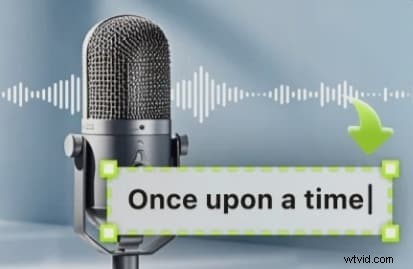
Filmora is a video editing tool with AI-powered speech recognition features that can convert speech into text. The desktop version comes with a speech-to-text tool that instantly recognizes speech or audio and converts it into text accurately.
The mobile version is equipped with advanced speech recognition features_ such as speaker detection and speech editing. This feature analyzes your video, detects speakers in the videos, transcribes dialogue in multiple languages, and streamlines video editing on your phone. Filmora’s speaker detection can identify and differentiate multiple speakers. Its speech editing feature allows you to edit video speech and enhance audio clarity on your mobile phone.
Follow these steps to use Filmora's speech recognition and editing features.
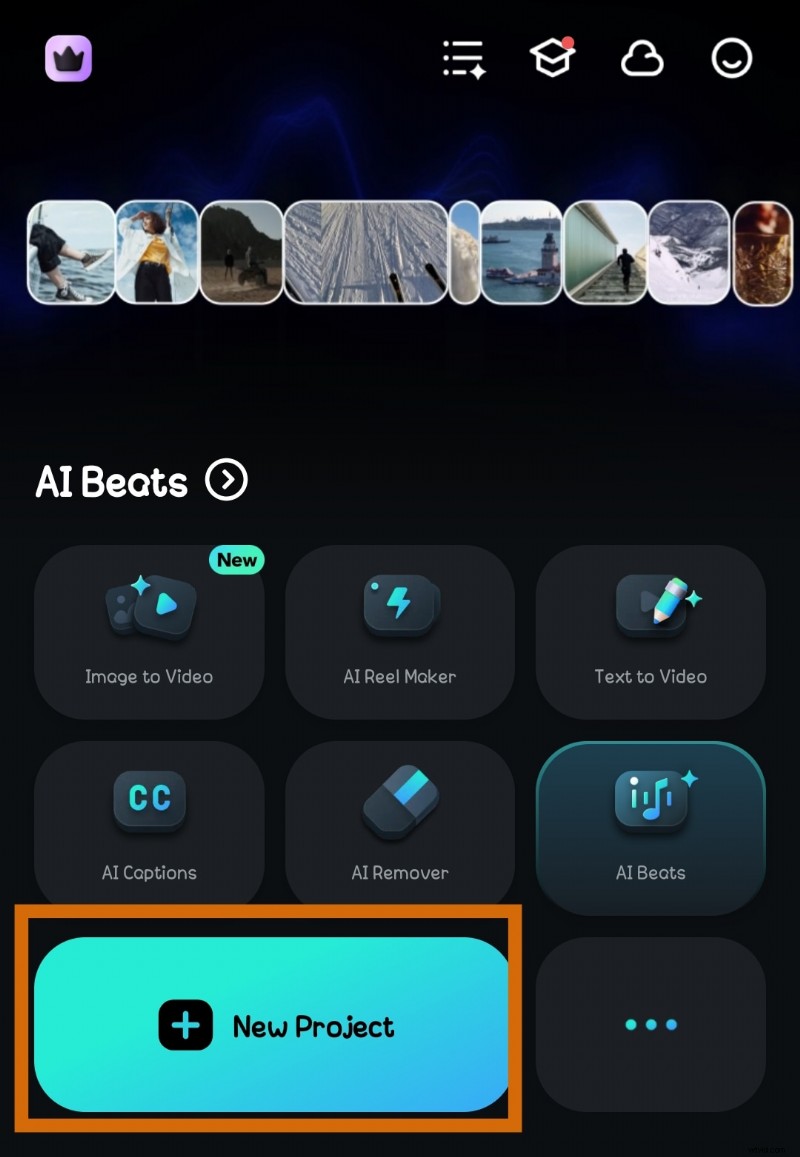
- Step 1: Open Filmora on your phone and select New Project. Import the video you want to edit to Filmora.
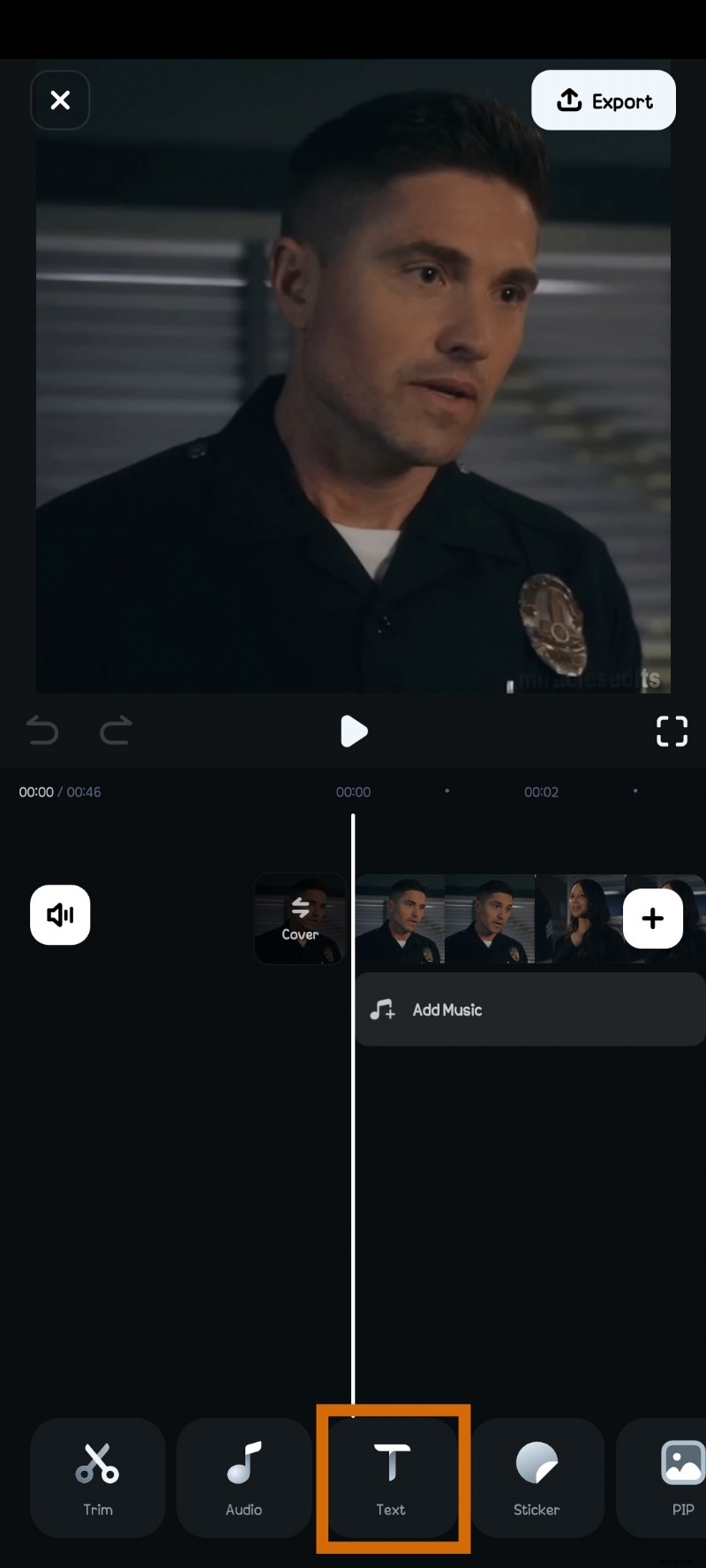
- Step 2: Click on Text and select AI Captions.
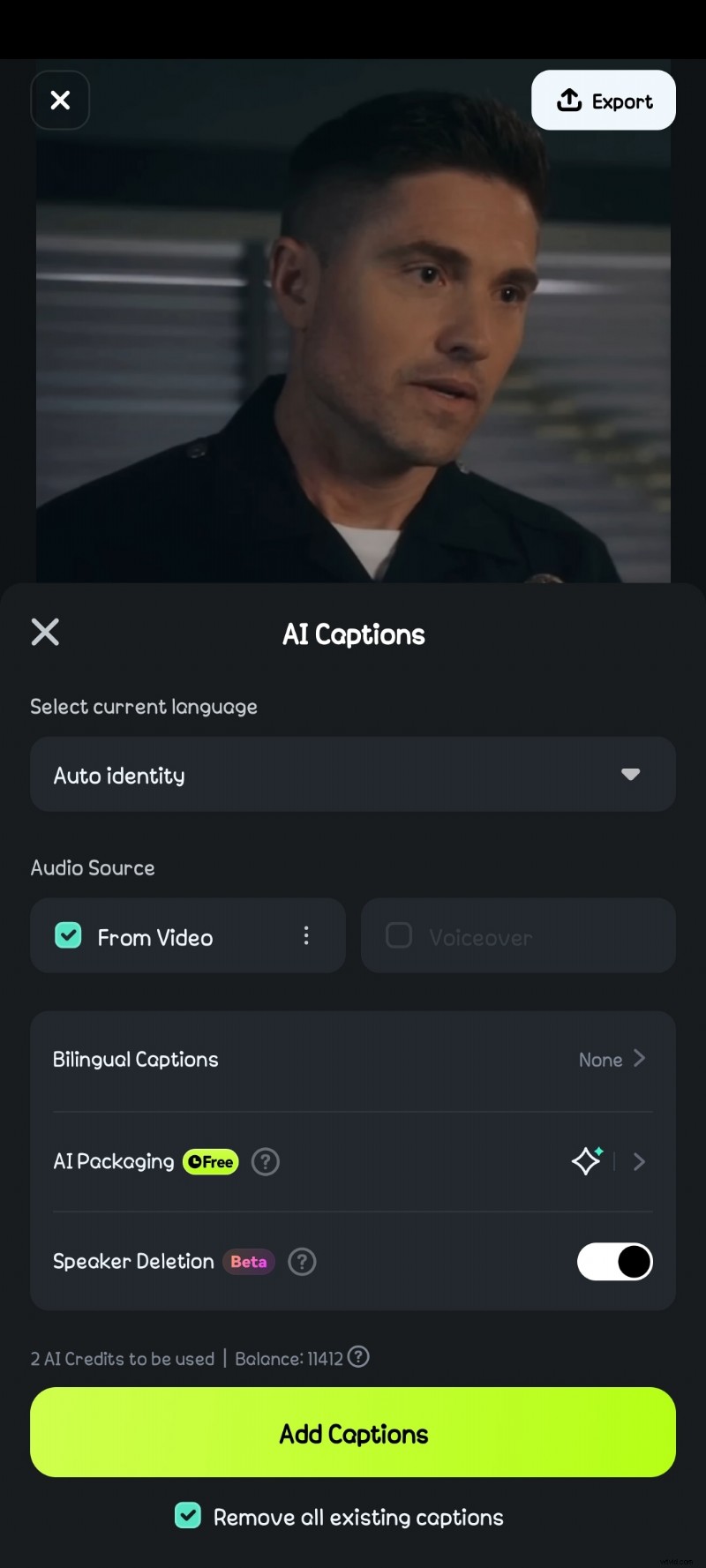
- Step 3: You can chose to indicate the language spoken in your video or let Filmora auto-identify it. Click on Add Captions. It may take a few seconds for Filmora to detect the speakers in your video and generate captions.
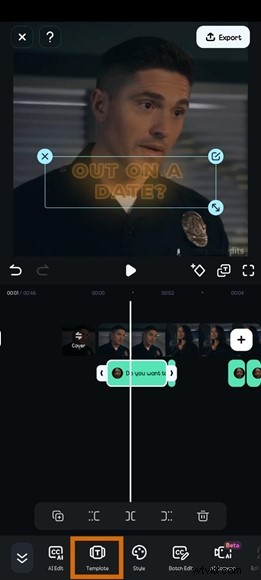
- Step 4: Click on Template to select a template for your text captions.
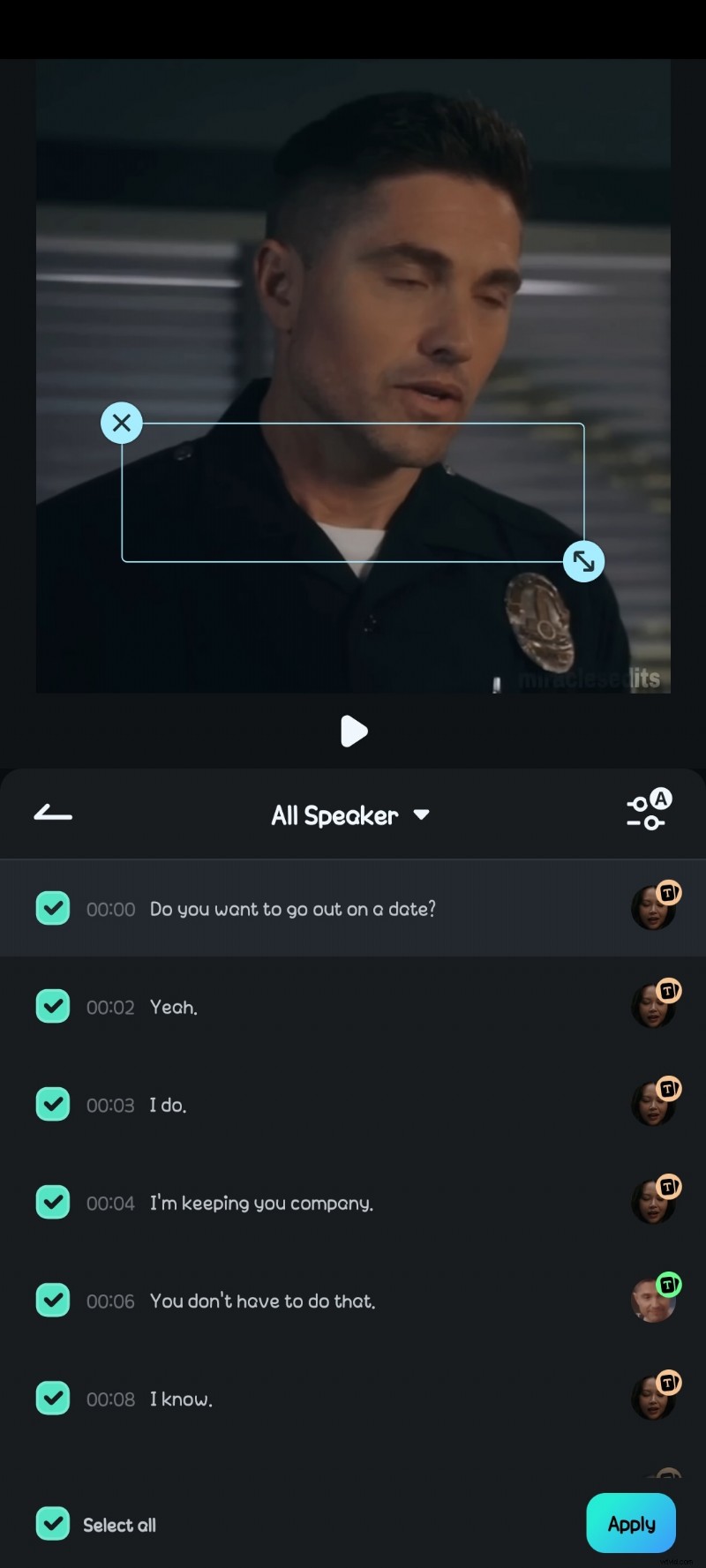
- Step 5: You can select which captions to apply template to. You can also apply different templates to different captions. Click Apply.
- Step 6: Move the captions on the video to adjust their placement. You can edit caption text by selecting Style on the toolbar.
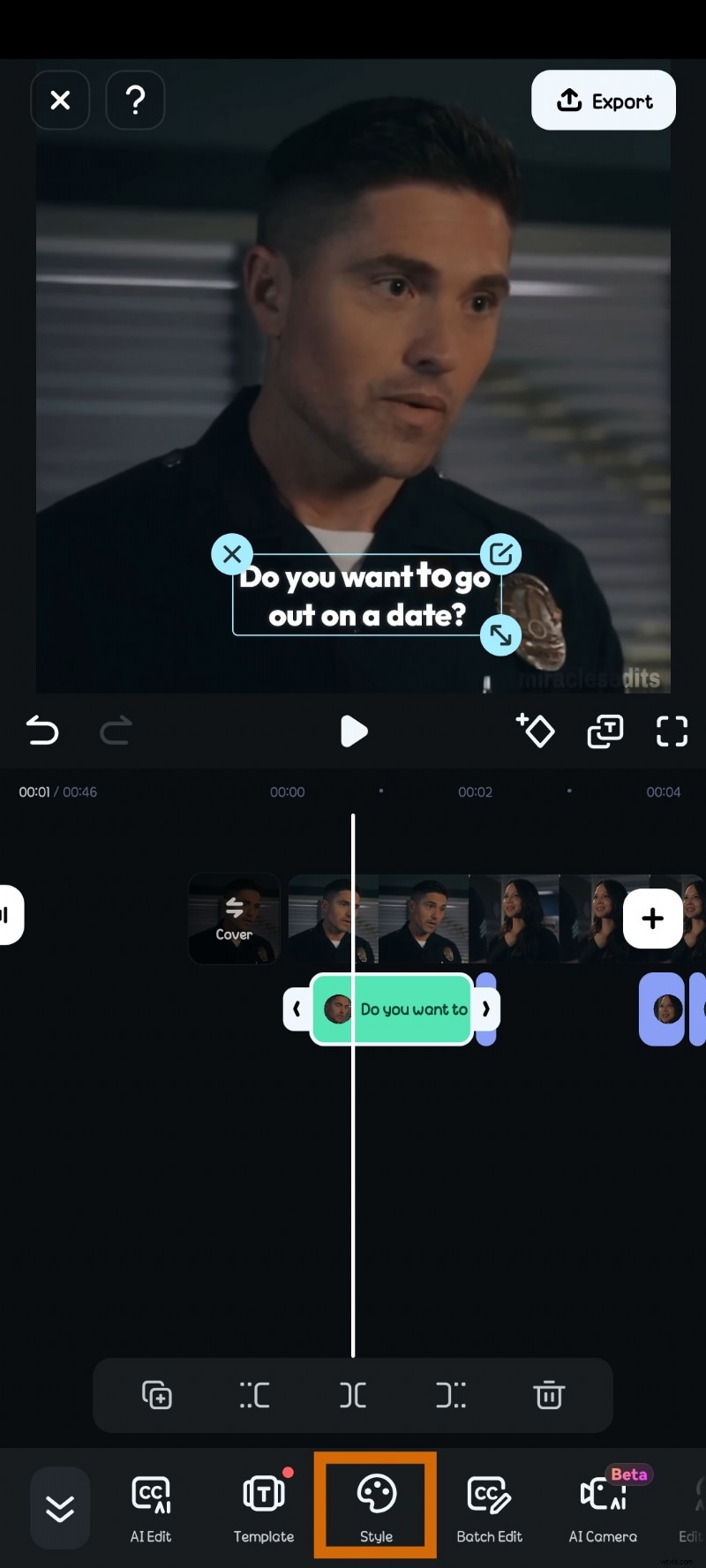
- Step 7: Click on Edit Speech to make any corrections and improve speech accuracy. Match the edited speech to the speaker in the video or clone a voice. Once done, click on Update Speech. This should take a few minutes.

Gboard for Speech Recognition in Writing
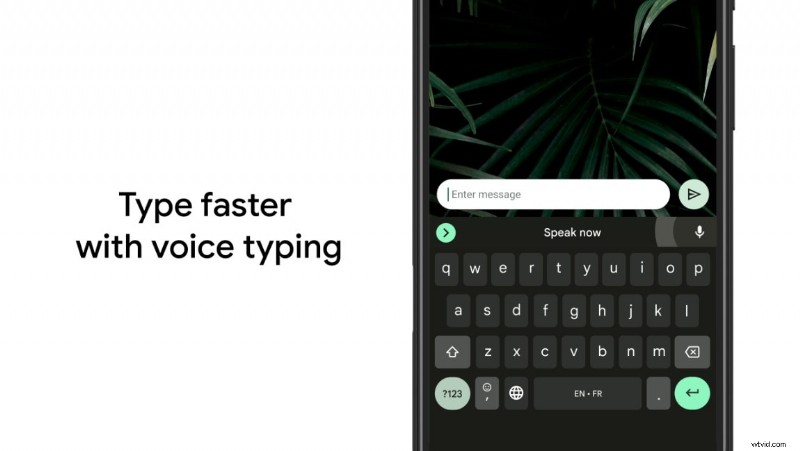
Gboard—Google's keyboard app—has a speech recognition feature that allows you to dictate messages for emails and documents.
Features & Benefits:
- It has accurate voice-to-text conversion and supports multiple languages.
- Gboard’s Android offline speech recognitionworks with any text field on your device.
- It is free and easy to use.
To use Gboard's audio recognition, simply click the microphone icon on the keyboard and start speaking. Gboard will convert your speech to text in the text box.
VoiceBot for Voice Recognition in Android Gaming
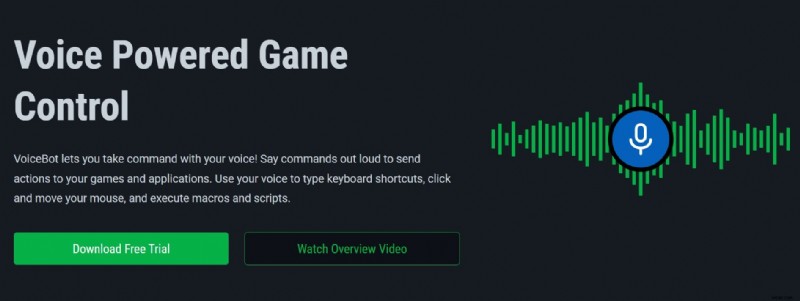
VoiceBot is a unique tool that allows gamers to control their Android games using voice commands, making gaming more interactive and hands-free. With this Android speech recognizer, you can type keyboard shortcuts, move your mouse, and perform tasks simply by using your voice.
Features & Benefits:
- This tool offers more than sound recognition. It comes with readymade game profiles for various game types.
- Allows you to create custom game macros that match your voice commands.
- You can create complex macros with the in-built code editor or basic sequences with its simple editor.
- VoicesBot works with most Android games, is fully compatible with VR headsets, and provides a better VR gaming experience.
SoundType AI for Meetings and Minutes
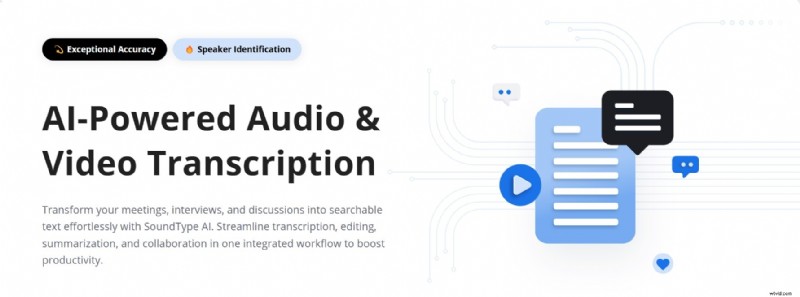
SoundType AI is designed for professionals who need accurate transcriptions of meetings, lectures, and discussions.
Features & Benefits:
- It is efficient in writing minutes of meetings.
- It increases productivity by streamlining the process of editing and summarizing meeting notes.
- This AI-powered tool is highly accurate and supports up to 10 speakers.
- Allows you to audio in real-time, upload pre-recorded audio, or upload media from YouTube for AI transcription.
- Transcribed text can be downloaded in various formats including TXT, PDF, Word, and SRT.
You can use SoundType AI online or download the app from Google Play.
Part 2: Increase Accessibility with Android Speech Recognition
Android speech recognition technology can make conversation easy for people with hearing impairments, by converting spoken words to written texts in a matter of seconds. This helps to bridge the communication gap and improves interactions between the hearing and the deaf (or hard of hearing) or anyone who relies on text-based communication.
One popular Android sound recognizer designed for this is Live Transcribe.
Live Transcribe
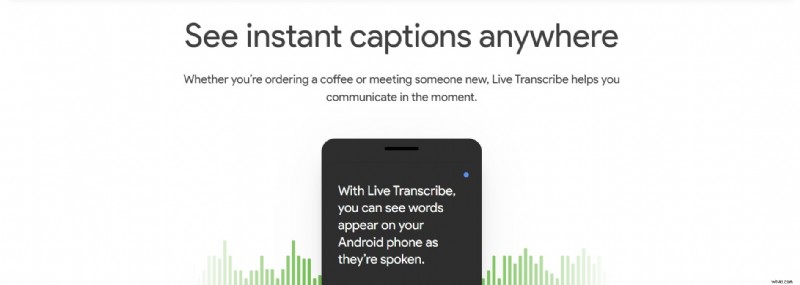
Live Transcribe is a dedicated app designed to convert real-life conversations into text in real-time. Developed by Google, this app is widely used by people who are deaf or hard of hearing, allowing them to follow conversations in over 70 languages more easily.
Features & Benefits:
- This tool allows you to take part in conversations and follow lectures without relying on lipsyncing or an interpreter.
- Proves useful in emergency situations where verbal communication may be difficult.
- Live Transcribe is free to download and compatible with devices operating on Android 5 and above.
To use this tool, all you need is a WiFi or network connection. Install Live Transcribe onto your device from Google Play. But for Pixel devices, simply enable Love Transcribe on your Accessibility settings.
Bonus: How to Use Android’s SpeechRecognizer API in Your Apps
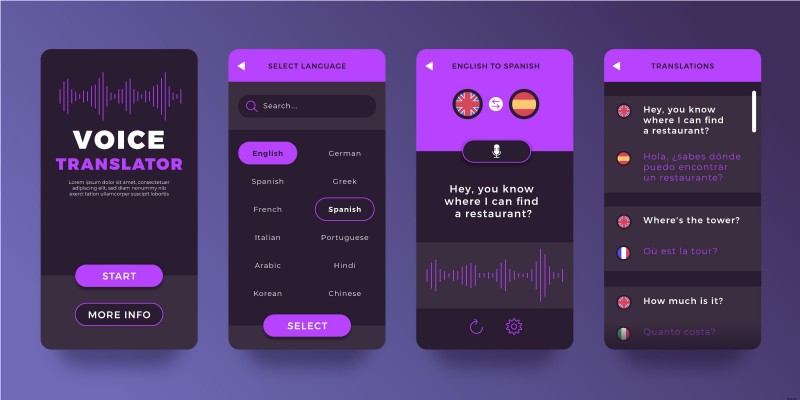
Android voice recognition API helps developers to integrate voice recognition features into their apps. This addition can improve accessibility, enable voice search in your apps, and enhance user experience regardless of app type and use. A common and easy speech recognition API you can use for accurate voice recognition is Android’s SpeechRecognizer API.
How to Implement the SpeechRecognizer API
Follow these steps to integrate speech recognition into an Android app.
- Step 1: Enable microphone permissions. Go to Settings > Apps > Your Apps > Permissions and allow microphone access.
- Step 2: Enable required permissions in your AndroidManifest.xml file.

- Step 3: To set up SpeechRecognizer, create an instance of the SpeechRecognizer class and set up an Intent for speech input.

- Step 4: Set up a Recognition Listener to process speech recognition inputs.
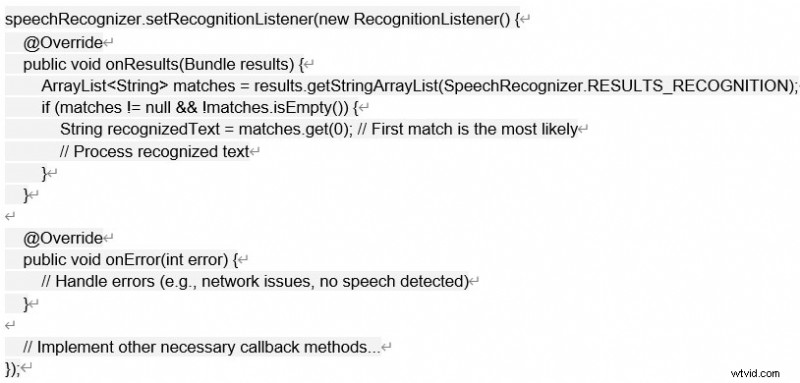
Step 5: Initialize an intent with recognition parameters to begin recognizing speech.

Best Practices for Developers
- Always check and request microphone permissions at runtime, especially for Android 6.0+.

- Use a clear UI indicator or show an animation when the app’s voice recognition is active, to prevent confusion.
- Support multiple languages using this code: EXTRA_LANGUAGE
- Consider background noise filtering to improve recognition accuracy.
- Release resources when speech recognition is no longer needed to prevent memory leaks: destroy();
- Use onError()to manage issues like poor audio quality or user interruptions.
Conclusion
Android offline voice recognition completely changes how you interact and how efficiently you carry out basic and complex tasks on your phone. The several sound recognition tools mentioned in this article cater to different people with different needs. They improve productivity and enhance accessibility. However, Filmora's speaker detector and speech editing features offer a convenient workflow and professional results.

Filmora
⭐⭐⭐⭐⭐
The Best AI-powered Video Editing Software and App