Master Final Cut Pro X in 2026: The Definitive Tutorial Guide, Resources & Alternatives
Video content drives engagement across every digital platform—whether you’re a freelance filmmaker, a blogger, a YouTuber, or a full‑time agency. Final Cut Pro X is the industry‑standard for professional video editing, but its learning curve can be steep. This guide distills the most reliable tutorials, community resources, and practical alternatives so you can master both the basics and advanced techniques with confidence.
Alternative: Wondershare Filmora
Wondershare Filmora offers an intuitive interface, a wide selection of effects, and a streamlined workflow for users who prefer a lighter editing solution.
Numerous effects and detailed tutorials are available on the official Filmora channel, making it an excellent supplement—or substitute—when you need quick, high‑quality results.
Part 1: Top YouTube Courses for Final Cut Pro X
Finding high‑quality, in‑depth tutorials on YouTube can feel like searching for a needle in a haystack. Below are five channels that consistently deliver clear, actionable guidance for beginners and seasoned editors alike.
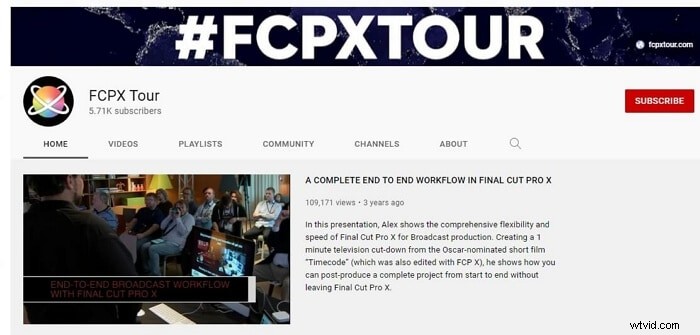
1. FCPX Tour – From Basics to Advanced
Unlike generic tutorials, FCPX Tour walks viewers through every stage of the editing process: importing footage, trimming, color grading, adding audio, and exporting. The channel’s structured workflow ensures viewers grasp the fundamentals before moving on to more complex techniques.
- Progressive skill development from basic to advanced techniques
- Hands‑on demonstrations that you can replicate immediately
- Clear, concise explanations of each editing step
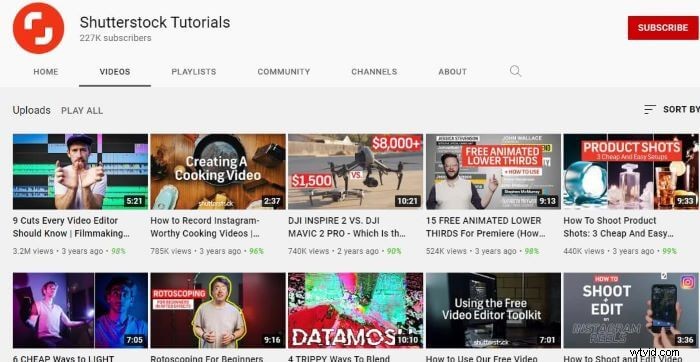
2. Shutterstock Tutorials – Beginner‑Focused Essentials
Shutterstock’s channel offers a solid foundation for newcomers. It covers interface navigation, clip trimming, and essential effects—all tailored for users who are just getting started.
- Easy‑to‑follow tutorials designed for absolute beginners
- Practical tips for speeding up your workflow
- Comprehensive coverage of the most common editing tasks
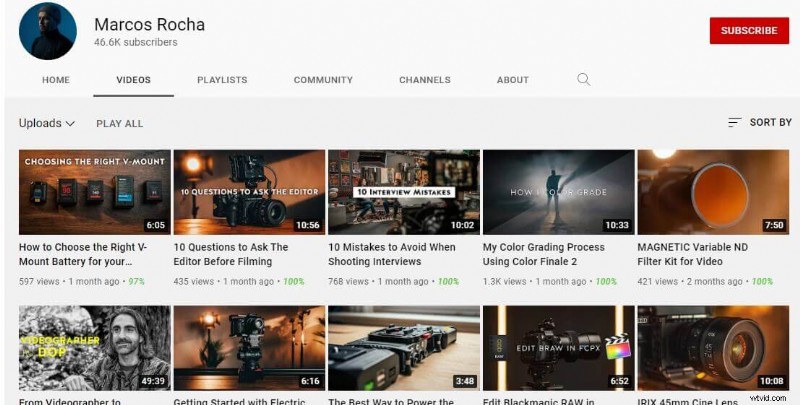
3. Marcos Rocha – Advanced Workflow Techniques
Marcos Rocha’s channel is ideal for editors who have mastered the basics and are ready to explore shortcuts, complex transitions, and refined color grading.
- In‑depth lessons on keyboard shortcuts and efficient workflows
- Clear explanations that make advanced concepts approachable
- Content that benefits both novices and experienced editors
4. Brad & Donna – Free Plugins and Effects
Budget constraints shouldn’t limit your creative potential. Brad & Donna showcase free and paid plugins—including overlays, LUTs, flares, and titles—while demonstrating how to integrate them seamlessly into your projects.

- Detailed guides on a variety of visual effects
- Tips for color grading, keyframing, and motion graphics
- Regularly updated content to keep pace with new releases
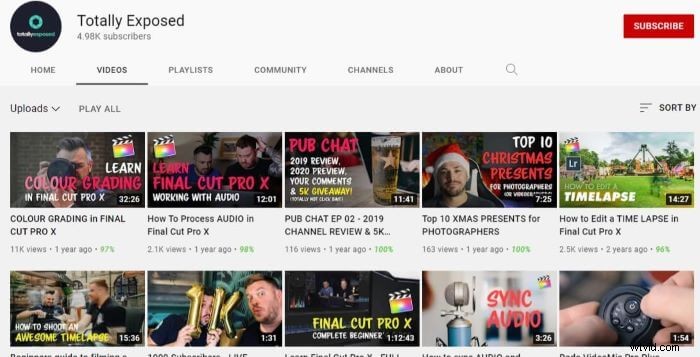
5. Totally Exposed – Beginner’s Comprehensive Course
Totally Exposed offers an hour‑long, step‑by‑step training that covers everything from importing footage to exporting a finished video. The pacing is deliberate, making it perfect for users who prefer a slower learning curve.
- Extensive yet well‑paced lessons for newcomers
- Hands‑on practice with real‑world editing tasks
- Strong teaching methodology that keeps learners engaged
While these tutorials cover a wide range of topics, the depth of FCPX can still feel overwhelming. For those looking for an alternative, Wondershare Filmora offers a streamlined editing experience without compromising on quality.
🤩 Posts You Might Be Interested In: Final Cut Pro vs iMovie: Which Video Editor is Better for Mac? >>
Part 2: Trusted Websites for Final Cut Pro Basics
Beyond YouTube, several online communities and knowledge bases provide expert guidance and up‑to‑date resources.
1. FCP.co
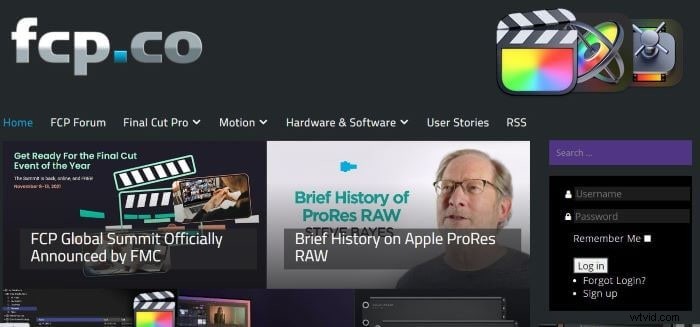
FCP.co is a dedicated hub for Mac‑based video editing. It offers tutorials, plugin reviews, and community discussions—all regularly updated to reflect the latest version of FCPX.
2. Apple Support Center
Apple’s official support portal hosts a robust community forum where users can troubleshoot technical issues, ask questions, and share insights. Contributing answers can enhance your credibility and deepen your own understanding.
3. Reddit – r/finalcutpro
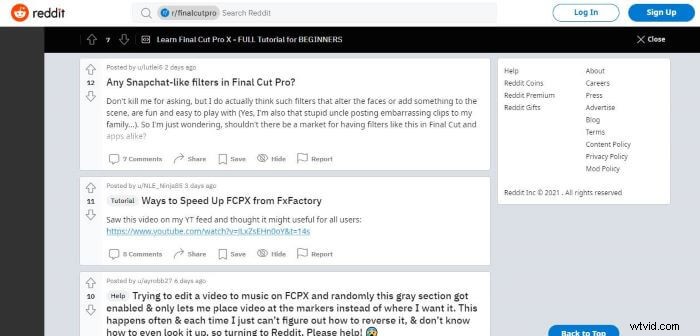
Reddit’s active subreddit offers quick responses to specific questions and a wealth of user‑generated tutorials. Browsing through community threads can expose you to practical solutions and creative techniques.
4. FCPX.tv
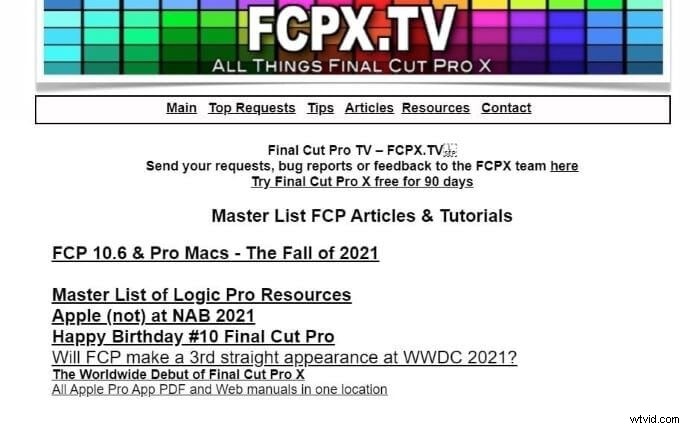
FCPX.tv is a comprehensive resource that covers everything from workflow hacks to future feature requests. It’s a must‑visit for power editors who want to stay ahead of the curve.
Part 3: Are Paid Courses Worth It for Beginners?
Investing in a paid course can feel like hiring a personal trainer, offering structured learning and a certificate of completion from platforms like Udemy or Coursera. However, beginners often find that the wealth of free content on YouTube and community sites is more than sufficient for building foundational skills.
Consider your time and budget. If you’re on a tight schedule, free resources may deliver the same value—especially when supplemented with practice and experimentation.
For those looking for an alternative that’s both powerful and user‑friendly, Wondershare Filmora remains an attractive option. Its intuitive interface and robust feature set allow you to focus on creativity rather than technical hurdles.
Haven’t tried FCPX yet? Download the 90‑day free trial or click below to download Filmora for a free trial and discover the best fit for your workflow.
Wondershare Filmora
Experience the ease of Filmora’s performance‑driven editing suite, complete with an intuitive interface and a vast library of effects.