
Running into a video format that your device can’t play is a common frustration—whether the file is too large, too small, or simply unsupported. The solution? A reliable video converter that seamlessly changes format, size, and resolution to match your device’s capabilities.
Video converters come in two flavors: desktop applications that give you full control and powerful processing, and online services that require no installation. This guide explores the five most dependable PC converters and the five most versatile online tools available in 2026.
In this article
Part 1. 5 Best Video Converters for PC
Whether you need to batch‑convert a library of clips or perform a one‑off conversion, the following desktop solutions offer speed, flexibility, and quality.
1. Wondershare UniConverter
UniConverter remains the industry benchmark for speed and versatility. It supports an extensive list of conversions—MKV to MP4, AVI to MP4, MP3 to MP4, and more—at a rate up to 90× faster than many rivals.
Batch processing is lossless, and the software handles 4K formats as well as web‑ready files for Facebook, YouTube, and Vimeo. 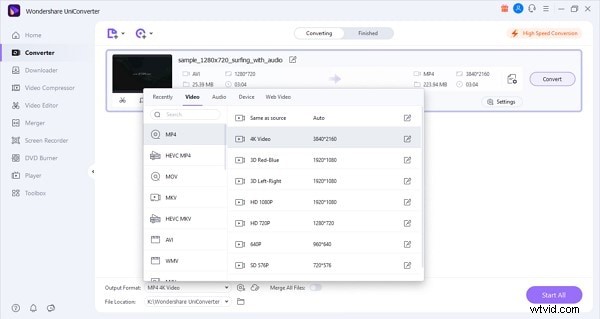
2. Freemake Video Converter
Freemake’s cross‑platform compatibility makes it a favorite for users who work across iOS, Android, Windows, and even gaming consoles. It handles MP3, MP4, AVI, MKV, DVD, MOV, HD, 3GP, and many other formats.
Supported codecs include MPEG‑4, AV1, and more, ensuring smooth playback on a wide array of devices. 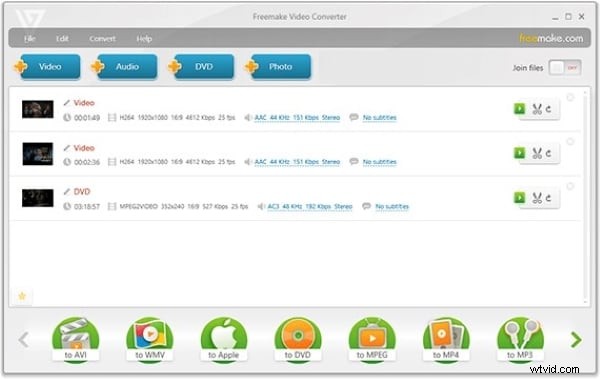
3. Prism Video Converter Software
Prism is renowned for its speed and intuitive interface. Within minutes, you can convert or compress videos while maintaining high quality.
It supports every major format, offers batch conversion, and its clean UI guides users through each step without confusion. 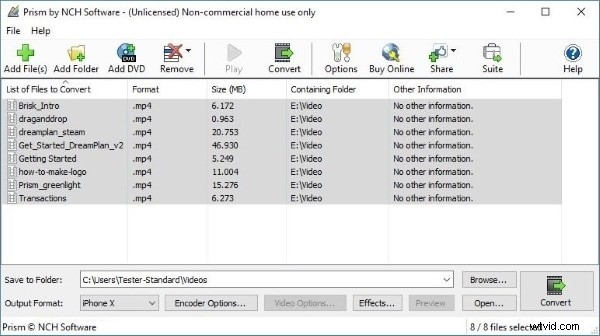
4. Leawo Video Converter
Leawo’s feature set goes beyond simple conversion. In addition to format changes, it can download, burn to DVD, and even stream content.
Supported devices include iOS (iPod, iPad) and Android (Samsung Note, Galaxy), while the software handles MOV, AVI, MKV, and countless other formats—including 4K and HD outputs. 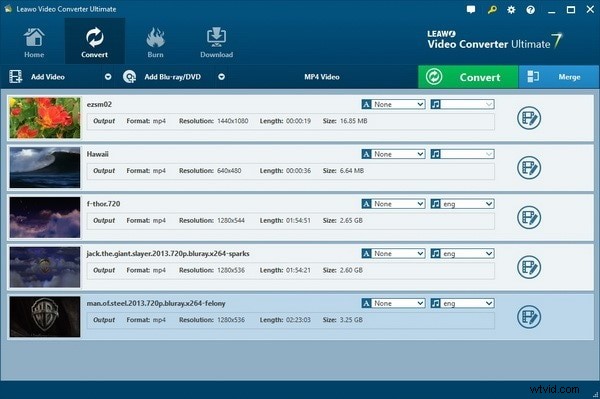
5. Video Converter Factory
Video Converter Factory balances speed with simplicity. Its straightforward interface delivers fast, efficient conversions across MP4, AVI, MKV, WAV, Apple ProRes, MOV, and more.
It supports 8K, 4K, 1080p, 720p, and 480p resolutions, making it ideal for both casual and professional users. 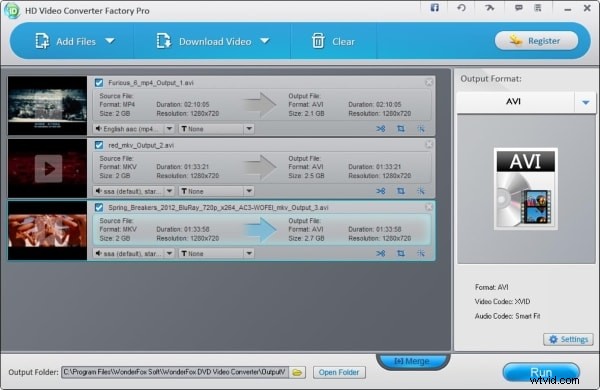
Part 2. 5 Best Online Video Converters
When you prefer a web‑based solution, the following tools provide quick, high‑quality conversions without the need for software downloads.
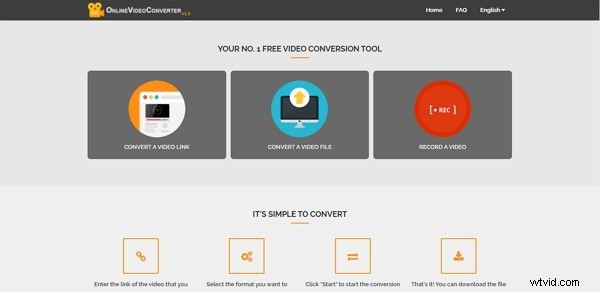
1. Online Video Converter
This free, no‑registration service offers ultra‑fast conversions while preserving original quality. Compatible with all major browsers, it imposes no limits on file size or download count.
2. Zamzar Online File Conversion
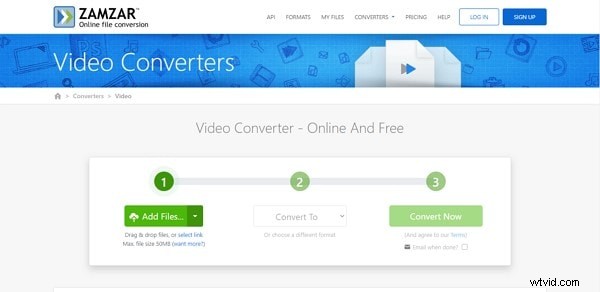
Zamzar allows uploads or drag‑and‑drop of up to 50 MB for free users. It supports a broad spectrum of formats—3GP, AVI, MP4, MOV, MKV, M4V—and offers specialized conversions like MP4 to GIF or MP4 to MP3.
3. Convertio
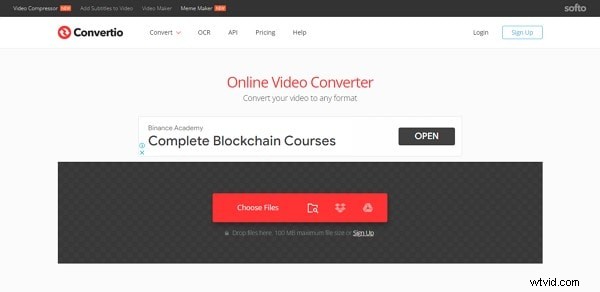
Convertio’s algorithms guarantee that the output matches the source’s visual fidelity. It works across Mac, Windows, Linux, Android, and iOS, ensuring accessibility for all users.
4. Files Conversion
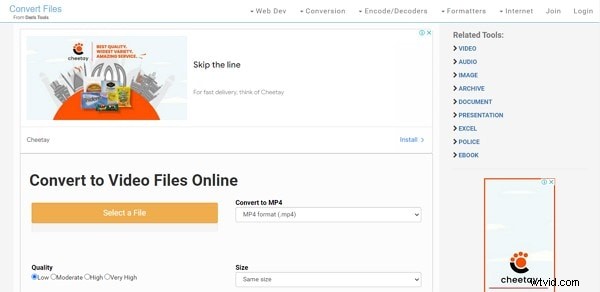
This converter lets you fine‑tune output quality—Low, Moderate, High, Very High—and even set the final file size. Supported formats include FLV, AVI, MP4, MOV, 3GP, and more.
Final Thoughts
Choosing the right converter depends on your workflow: desktop tools for intensive, high‑resolution projects; online services for quick, on‑the‑go needs. If you’re looking to edit beyond conversion, consider Wondershare Filmora Video Editor. It offers essential trimming, splitting, and merging, plus advanced AI features like Auto Reframe and Auto Highlight, all backed by a rich asset library of effects, transitions, and soundscapes.