
Lens Distortions is a Photoshop plugin that allows you to easily add lens blurs and light leaks to your images for creative effect. With the continual proliferation of digital photography, there is still a great demand for the look and authentic feel of 35mm film. There are certain colors, textures, and tones that are unique to the format many of us grew up with. Lens Distortions Legacy Plugin allows you to build on the replication of analog photography by adding carefully placed imperfections to your photographs.
Often going back and forth between being true to an image and pushing the editing into a realm of higher creativity, I'm always really enthusiastic when I see a product like this. I stumbled on Lens Distortions and immediately wanted to try it. I found it to be an easy-to-use Photoshop plugin that gives you freedom to add happy defects to your images without screwing up composition, in fact often times enhancing it. It is extremely easy to use and non-destructive to the photo as you move along. Manipulating the action and layers with it to best suit your image is smooth and painless.
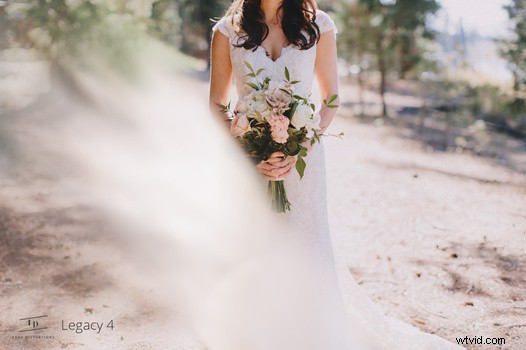
Sometimes a little flare from moisture on the lens or blurring off the edge of the photo can add an organic element to the photo or easily draw the eye to a particular part of the image. Lens Distortions gives you the power and freedom to do this easily and effectively. Additionally offering an iPhone app as well, grading your images on your mobile device or just adding a hint of subtle mood to your Instagram is extremely easy. However, this plugin is not just intended for photography. They can also be used in After Effects to add an ethereal element to video. Below are some beautiful examples of this plugin at work.


For more information on Lens Distortions, check them out on their website. More examples can be found on their Instagram.