
REC

Recommended: Video Production, Editing & Gear Maintenance Guide

 WTVID >> WTVID >  >> video >> Video clip

Master Video Edits: Troubleshoot Cuts with Sensory Isolation Technique

Here’s a quick but useful troubleshooting technique you can use with your next cut.

If you’re having trouble with a cut and can’t pinpoint the source of the problem, consider isolating your senses.

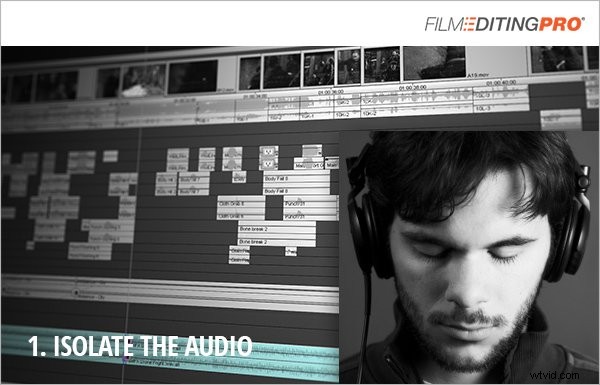
First, start by closing your eyes and play only the audio.

Just listen.
Master Video Edits: Troubleshoot Cuts with Sensory Isolation Technique

How’s the dialogue? Is the music working? Does the pace feel too quick or too slow?

Without the picture to distract you, you’ll be able to isolate problems in the audio and identify if that’s the source of the issue.

Next, mute the audio and just watch the picture.
Master Video Edits: Troubleshoot Cuts with Sensory Isolation Technique

Do the shots flow well, one into the next? Is there a strong visual story being told? How are the actor’s performances? Anything strange that stands out to you visually?

Without the audio, the footage will lie there naked with nowhere for awkward edits and continuity issues to hide.

Do you have any techniques you use to troubleshoot a cut? Any weird habits or interesting stories?

Please share them in the comments below!


  1. Unlock the Power of Video Editing Software: Essential Features Revealed

  2. Master iPhone Photo Editing: Pro Guide to Stunning Shots with Snapseed

  3. Master Audio Track Effects in Premiere Pro: Elevate Your Video Edits

  4. Step-by-Step Guide: How to Add Audio and Music to Your Videos Effortlessly

  5. Master Pro Color Grading for Photography Stills in DaVinci Resolve with LUTs

Video clip
  1. Video Editing Glossary: Essential Terms Like Chromakey Explained

  2. Transform Your Photos: Expert Creative Editing Techniques

  3. Elevate Your Photos: Master Creative Editing for Stunning Results

  4. Effortlessly Add Professional Audio Effects to Your Videos: Step-by-Step Guide

  5. How to Easily Record Your Computer Screen with Audio Using Free Vmaker

  6. 5 Advanced Video Editing Tricks to Elevate Your Post-Production Workflow

  7. Ultimate Guide: Shoot & Edit Stunning Day-to-Night Time-Lapses with Your DSLR

  8. 5 Pro Editing Tips to Elevate Your Travel Videos to Cinematic Perfection