
Organically captured lens flares, explosions, and full-on post-production elements comprise our latest video-professional-asset library.
With over 3,000 elements to choose from, Shutterstock Elements has a wide selection of easy-to-use effects and motion graphics, perfect for improving the production value and overall presentation of your work. From light leaks to lens flares to muzzle flashes and lower-thirds, we can take care of all your post-production needs.
So, because Elements offers so many types of assets, let’s take a look at what you can expect to find — and how these assets will improve your next video project.
What Can You Find with Elements?
One of the many benefits of using and applying these motion graphics to your workflow comes down to customizability — as well as all the time you’ll save. Whether you’re working for a client or on a personal project, deadlines are deadlines, and with the help of some of these lower-thirds and titles, you’ll have no problem delivering on time.
Lens Flares
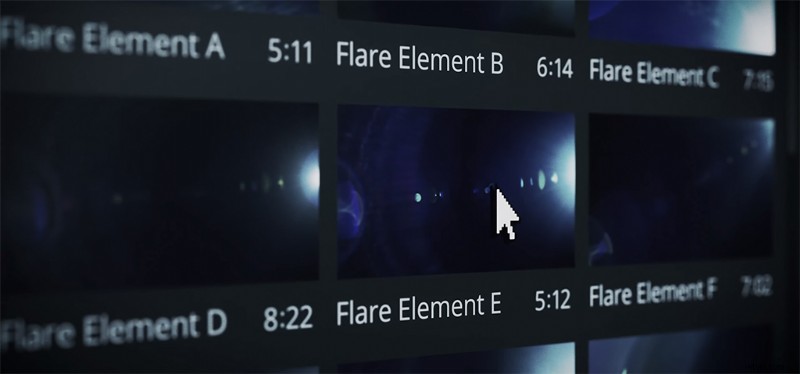
Capturing lens flares can be tricky for a number of reasons: the lighting, the angle — the technical aspects all have to line up perfectly. The good news is that we’ve organically captured (meaning actually shot with cinematic cameras) real 4K lens flares that you can throw on your footage to get the look you want.
Lower-Thirds
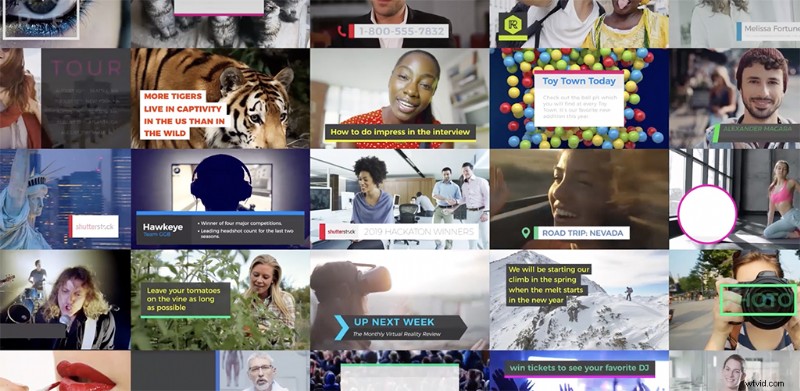
Nothing elevates your project like professional lower-thirds. They’re a subtle-yet-crucial part of making videos for clients, for broadcast, and for web-based content; they can also take a while to create once you’re already editing your project. With packs like Creator, everything you’d ever need to start a YouTube channel or create a corporate video is ready for you in one place.
Light Leaks
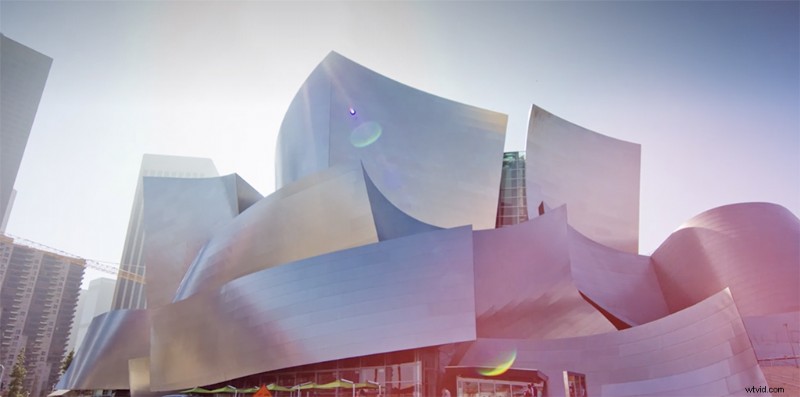
Much like lens flares, light leaks are the product of light hitting the camera’s sensor in such a way that the dream-like light cast across the screen adds to the cinematic feeling. Packs like Illuminate feature beautiful, 4K light leaks that you will want to use over and over. They’re as easy as dragging and dropping into your NLE timeline.
Transitions
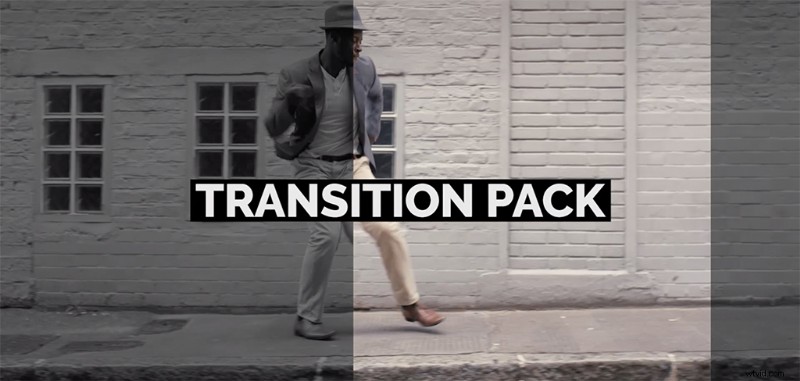
In the same vein as lower-thirds, a good transition can make your work just look better overall. Improving the flow and the professional feeling, transitions are customizable, and Packs like Tidal and Stanza are perfect for your next corporate or commercial project.
Action Elements
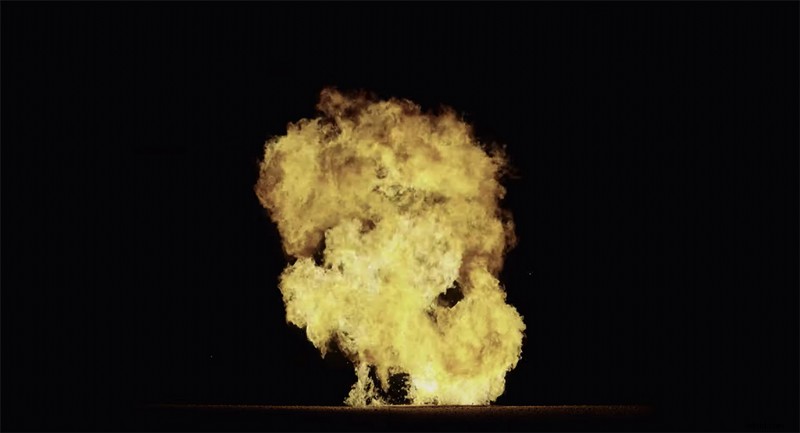
The physical assets available were filmed on-location using 4K cinematic cameras. So, these explosives, muzzle blasts, and smoke effects are all realistic. Cutting the need to shoot these will save your budget — and your crew’s ears. There are easily enough assets in Elements to help you build your action or sci-fi world and fill it with believable effects.
Check out our entire Shutterstock Elements library right here.