
Last updated: November 18, 2020
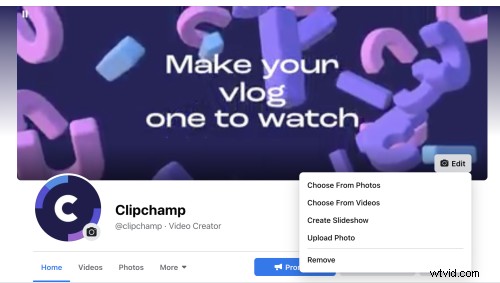
A cover video will make your Facebook business page much more engaging than a static image. Video catches the eye and draws people in – plus a cover video looks very professional!
To ensure your cover video looks its best and doesn’t cause any issues, make sure you follow Facebook’s guidelines:
Cover videos must be at least 820 x 312 pixels – for best results, your video should be 820 x 462 pixels
Your Facebook cover video must be at least 20 seconds and no longer than 90 seconds
Ensure the content of your video isn’t misleading and doesn’t infringe anyone else’s copyright
If you have a number of videos, images and possibly also an audio track you’d like to upload or would like to combine into a clip, here’s how you can create Facebook cover videos online using the Clipchamp Create video maker. It lets you edit videos in the right aspect ratio and combine your own footage to create a banner video for free. Here’s how to do just that:


 Free in-browser video editor
Make professional videos in minutes
Try for freeStep 1: Sign up to Clipchamp or log in if you already have an account
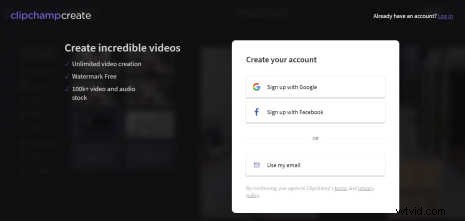
Step 2: Start a new project
On the project overview page that comes up after logging in, Click Start new project to get started. You can also start with our premium or free Facebook cover page templates.
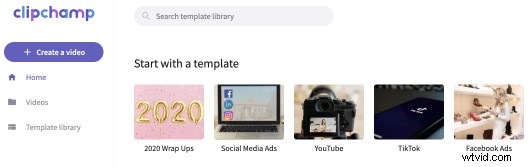
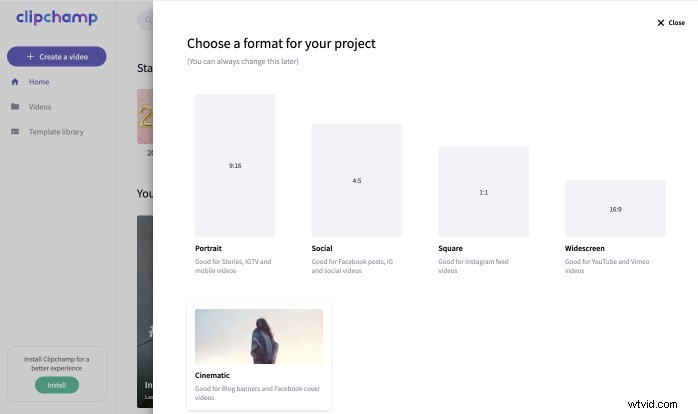
Step 3: Choose the correct aspect ratio to create a FB cover video
This one’s important – make sure to select Widescreen 16:9 to create Facebook banner videos. This aspect ratio will fit nicely within their 820 x 462 pixel dimensions.
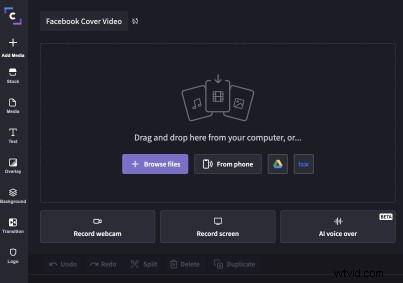
Step 4: Add your media
Drag and drop your pre-recorded video footage or choose from our huge range of free stock video, audio and animations.
TIP: The best file types for Facebook cover videos are MP4 and MOV – if your video is in a different format, convert it using Clipchamp.
Step 5: Try adding a logo
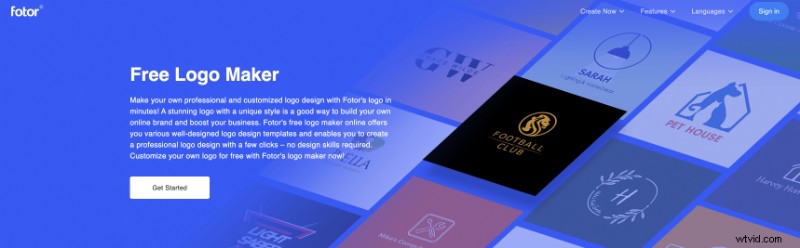
You can use Fotor to create a logo or another online logo maker– add it to your video to create a professional look and boost brand visibility. Once it’s looking great, download it and finish editing in Clipchamp.
TIP: On mobile devices your cover photo will be trimmed to 640 x 360 pixels, so if you’re adding text or a logo make sure they’re not at the very edges or they’ll be cut off.
Another useful service to create a logo is Logaster.
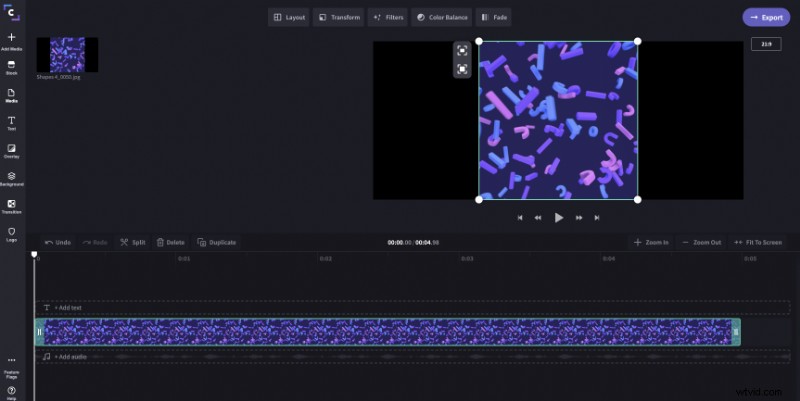
Step 6: Select Crop to Fill
Select your video / image and then select crop to fill. This will ensure that any black lines around your video are gone.
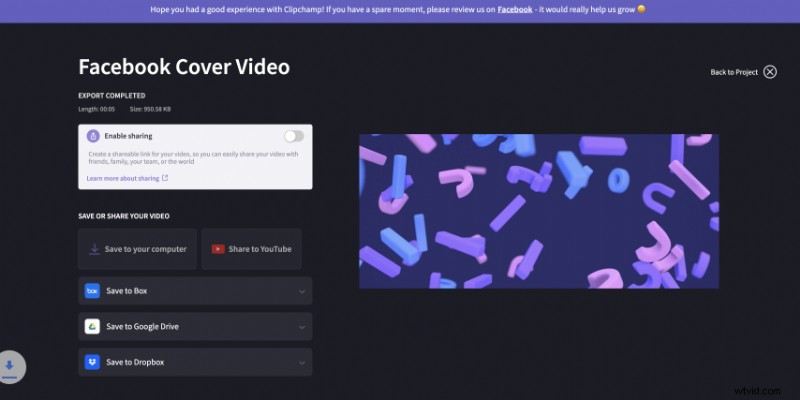
Step 7: Export the finished video
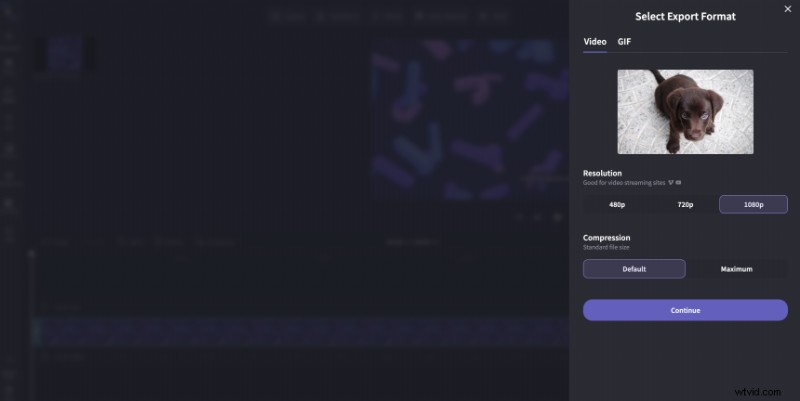
When you are done editing, click Export video and wait for your video to finish processing.
TIP: Make sure your video is no more than 1.75 GB – that’s the limit for video throughout Facebook, and smaller files will load more easily.
The wait-time will vary depending on the length of the video and your computer’s processing power. Shorter videos will have quicker export times. We recommend exporting in 720p or 1080p to ensure your video doesn’t lose quality.
If you also need to create Facebook cover photos to make your profile sparkly, Fotor’s online photo editor software is an excellent tool. It provides all kinds of Facebook cover photo templates and you can resize your Facebook cover photo in a few easy steps!
If you’re unsure about the content or design for your Facebook cover video, check out the templates on Clipchamp.
Tip: Need ideas for your upcoming Facebook post? It’s a good idea to save a library of videos on Facebook as inspiration.

Using a template is a great way to add additional information and visual flair to your Facebook cover video. Just choose one of Clipchamp’s cinematic-sized templates, such as this women’s blog banner:
Use this template
For more tips and tricks on video editing in Clipchamp Create, check out our tutorial videos.