
As you might expect, editing a fight scene requires you to be adept at most of the fundamental editing skills such as:
- Cutting on movement
- Developing a rhythm
- Paying attention to continuity
However, there this is one specific technique that is especially important when cutting a great fight scene.
Check out the video and accompanying transcript below to find out what it is!
Yes, we’re talking about matching motion with alternating camera angles.
This can be done by cutting between alternating camera angles or by varying the camera distance of shots during the course of an attack. First, let’s take a look at what we mean by alternating camera angles.
Generally in a fight, whenever an attack is initiated, you’ll see it first from one angle like over the shoulder of the attacker and then halfway through the motion of the attack, you’ll be cutting to an opposite angle shot over the shoulder of the victim as the punch or kick lands.
The function of this is to accomplish three main things:
1. Alternating camera angles will increase the pace of the scene.
There will be certain times when you’ll want to give the fight a bit more energy and a feeling of movement to it. By cutting between alternating angles, the fight will feel a bit more frenetic and the action will appear more exciting than if it was only shown from one angle.
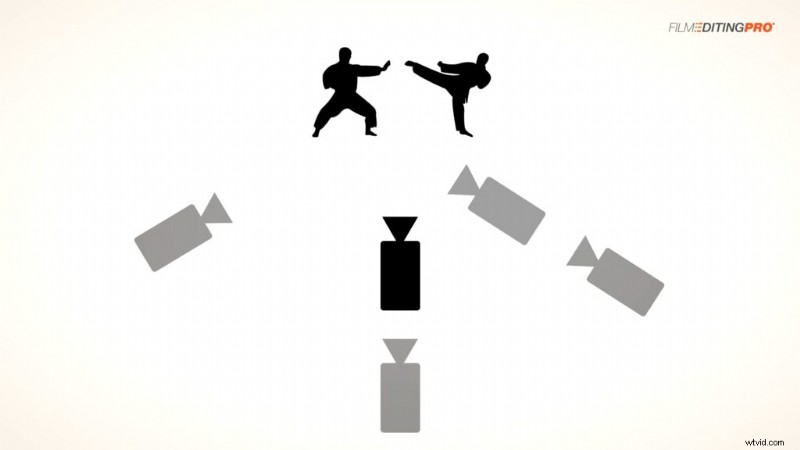
2. You’ll be able to smooth out the choreography.
There will be many times when a punch, kick, or other attack might not look completely convincing or exciting when played from only one camera angle. However, when you play it from multiple angles, cutting in between them during the course of the actual attack, you’ll be able to hide any misses and make sure the move looks completely realistic in the context of the scene.
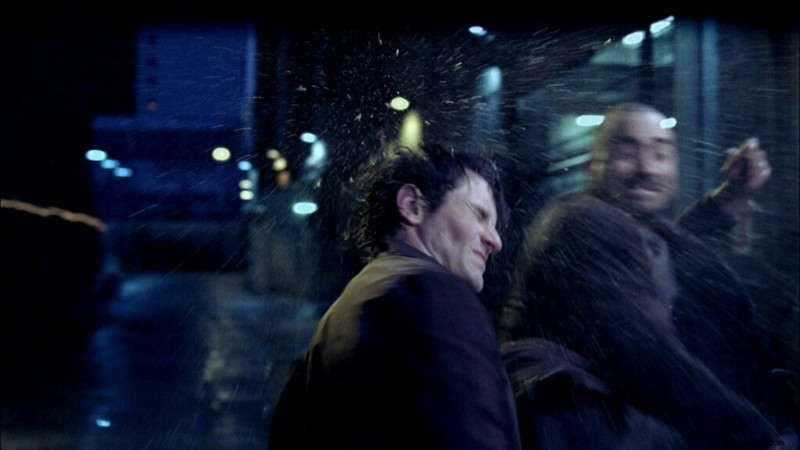
3. By alternating camera angles during attacks in a fight scene, you’ll be able to provide more visual information about the fight.
From one angle, you’ll be able to see the attacker as he approaches his opponent. You’ll get at least a glimpse of his facial expression and will get a feeling for his general pattern of movement and the intensity of the incoming attack.
From the opposite angle you’ll be able to see the defender reacting to his opponent’s attack as he either gets hit, dodges, blocks or counters the attack.
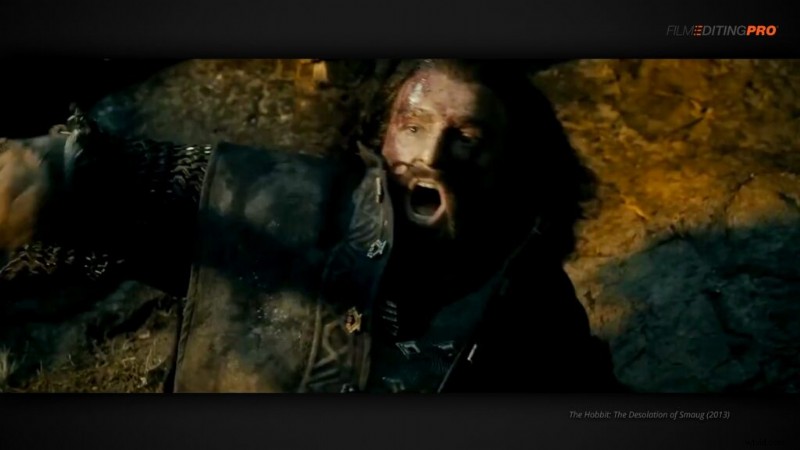
Matching motion with alternating camera angles is a very basic but vital component to the picture editing portion of cutting a fight scene and you’ll be using it a lot.
Have you ever run into challenges trying to incorporate this technique into your cut? Tell us about it below!