
A lot of trailer editors will think of the early stages of a cut almost like a radio spot.
That is, telling a story and creating emotion using only sound. This is almost 180 degrees different from the feature editing approach, which typically begins with picture and then enhanced even further with music and sound design later.
Take a peek at this short video where we explain how to rough-in your favorite music cues to ensure the story arc flows well. The transcript is included below for reference!
So to begin your rough cut, you’ll actually want to start with a tiny bit of picture by laying in things like:
- Studio logos
- Date cards
- Copy cards
- And main title graphics
These are typically must-haves, so it makes sense to get them cut into your timeline early on to start serving as anchor points.
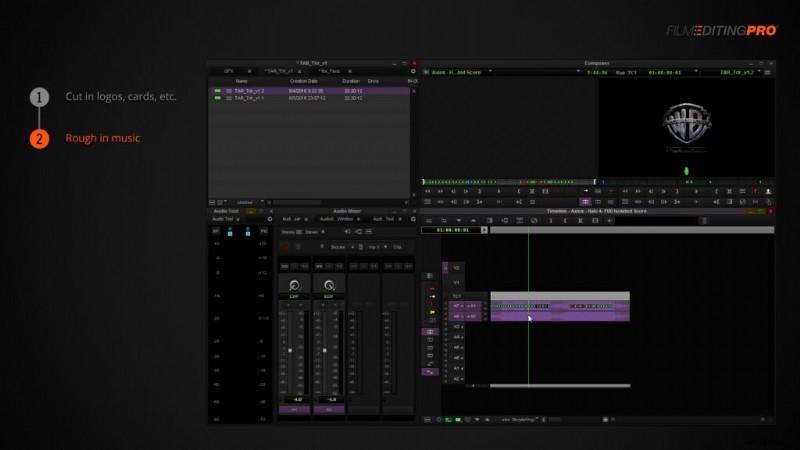
Now, we’re going to rough in our music. Think of this like a crude under painting on a canvas. We want to start blocking out the moods of the trailer and imagining how our story might flow from one section to the next.
This is where you’ll want to go back to the sequences you created when picking out your favorite music cues. Find 2-3 cues that feel like they can open the trailer in act 1, increase the pace a bit in act 2 and then get really big, epic, emotional, exciting etc for act 3.
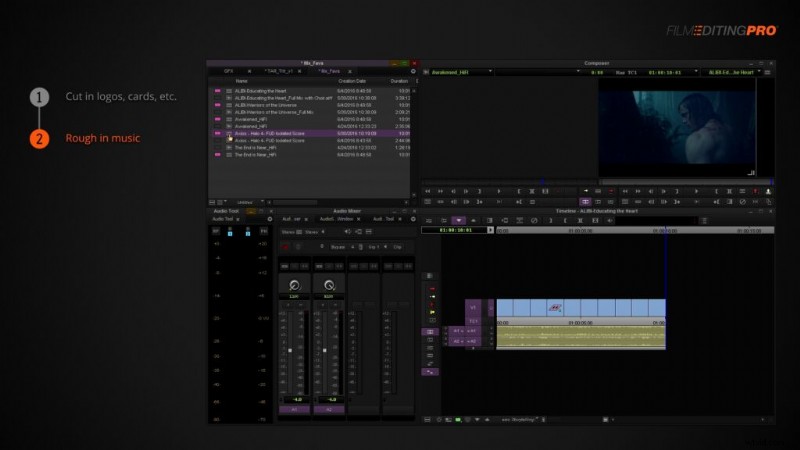
Spend as much time as you need in this step. It might take you an entire day to find the right flow of music.
This is a crucial step though, because it’s going to determine how the rest of the trailer comes together. Don’t settle on an arrangement until you’re truly happy with what you’ve got.
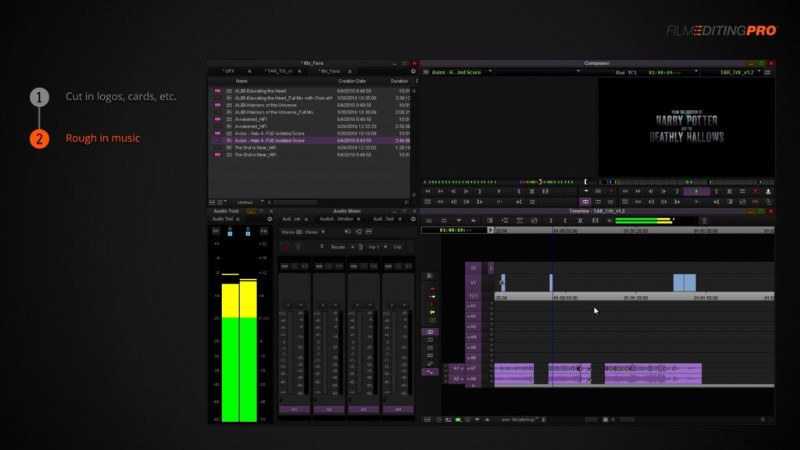
Sometimes you’ll get lucky and you’ll be able to use a single music cue throughout a whole cut. Usually, this is only the case with shorter pieces between 1 and 2 minutes long and with music cues that offer a longer, gradual build, starting low and escalating into something huge in the back end.
Finally, make sure the music builds to the end of the piece. Be careful not to let the music in the middle get too big too fast, otherwise it’ll have no place to go after that. Use the biggest music at the end of Act 3 so the trailer feels like it reaches its peak of energy at the very end.
Any questions for our editors or topics you would like us to cover? Leave a comment below!