
One of the first challenges you’ll encounter when editing dialogue is picking the audio source you’re going to edit with. That is, which microphone’s audio are you going to cut onto your timeline?
Want to know what we think? Check out the video (and transcript below) to find out!
Alright, so here are a couple quick tips for working with your various audio sources.
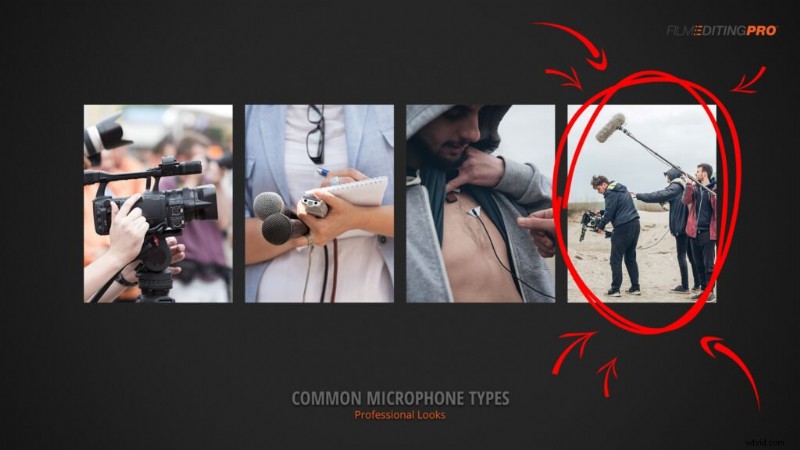
Tip 1: When possible, you’ll typically want to cut with the shotgun boom mic.
Will there be times when the lavalier mic sounds better? Louder, cleaner, more understandable? Sure. Most often though, it’ll be the boom.
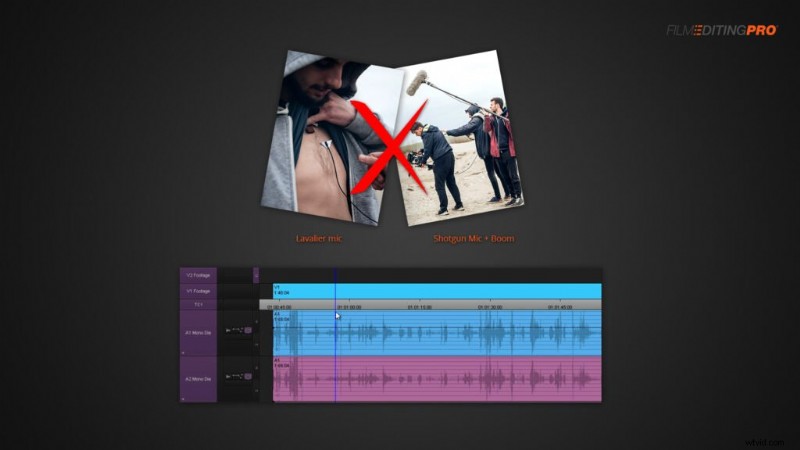
Tip 2: Don’t layer your dialogue sources.
That is, don’t try to overlay your boom mic on top of your lav mic in the hopes of getting the best of both worlds. It’s not going to happen. At best you’ll end up with louder dialogue where you can hear everything, good AND bad, that was recorded on set.
At worst, you’ll end up with a noisy mess that’s plagued by phase issues because the waveforms won’t line up perfectly at least not without the touch of a professional sound editor.
Tip 3: Pick the best parts of each audio source.
If you’ve found that one microphone is sounding best in your scene, odds are you’ll stick with it for the entire scene. However, there might be times when you’ve got a certain word or phrase that doesn’t sound too great.
Let’s say you’re cutting with the lav mic in this case, which isn’t an ideal scenario to begin with. Not surprisingly, you encounter a bit of cloth rustling that interferes with a word, making it hard to understand.
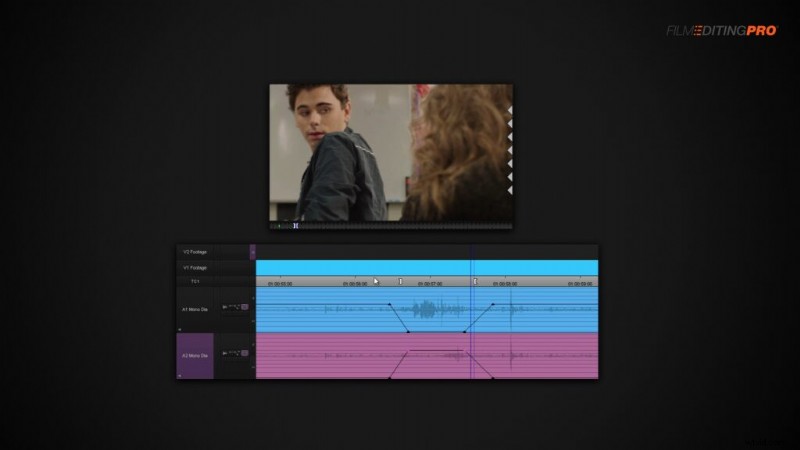
If you’re looking to get the best possible dialogue mix in your rough cut, you can steal syllables and words from one of your other mics to help patch up your dialogue a bit.
We’re always looking to hear from you – any great tips for dialogue editing you’d like to share? Leave a comment below!