
You MIGHT have thought the hardest thing for an editor was learning those keyboard shortcuts, mastering the nuances of story construction or dealing with picky clients.
But, here’s a consensus among editors at the top of their profession: There are few things more exciting to an editor than the day those first rushes come in. But, after you’ve viewed that footage dozens of times…well, let’s say that, while the thrill may not be gone, it’s certainly waned considerably.
It’s easy to get so familiar with the material that you begin to lose sight of what’s funny, dramatic, or scary to your audience. The challenge is to retain as much of the sensibilities behind your original editorial decisions as possible. And to do that, you need to stay objective. But how?
Check out the video or keep scrolling for a full transcription!
Seasoned editors have devised all kinds of hacks for keeping their objectivity.
TIP #1: Mark and notate your first reaction to the material. Where you laugh with a character, feel empathy with her, or even if you see a b-roll shot that’s artfully composed, use markers to notate its quality.
There’s only one time you see the footage like your audience does: the first time.
Don’t let that moment go to waste.
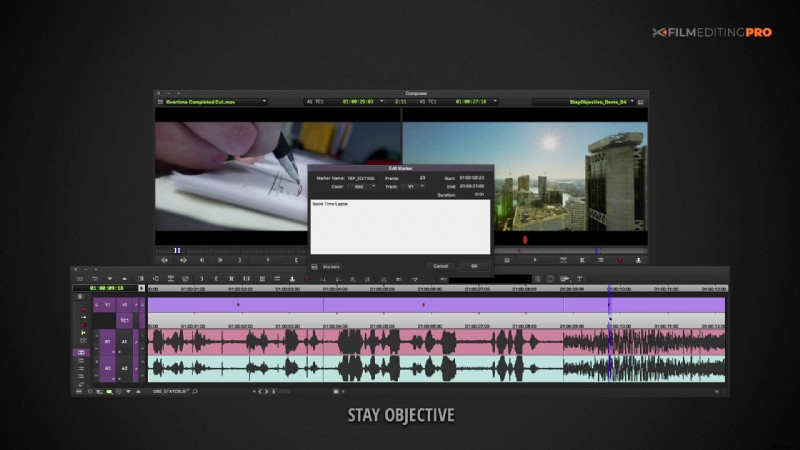
TIP #2: Be open to making changes.
If there’s a particular moment in your cut that seems like it might have gone stale after so many viewings, switch the order of shots. Occasionally, something that wasn’t working at the end might make a great beginning for your piece.
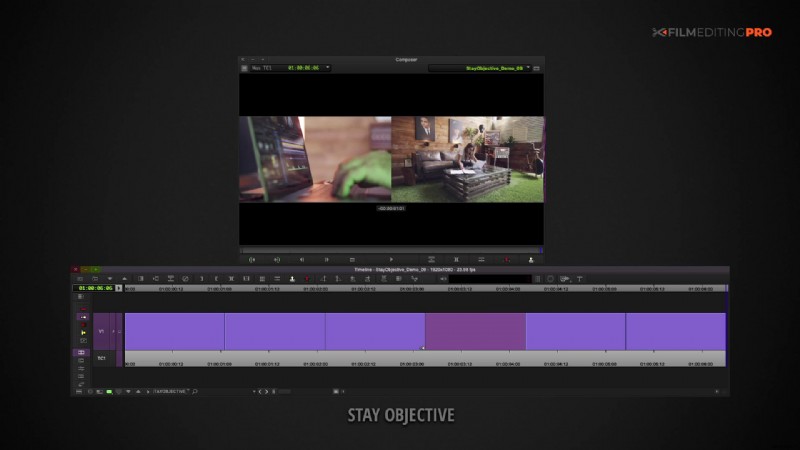
TIP #3: Look at your cut from different vantage points to gain some fresh perspectives.
For example, use your color correction effect to make your cut black and white, so there are no vibrant colors distracting you from the narrative. Or, you can turn off the video and listen with just the sound to really hone in on story construction.
And probably the granddaddy of these hacks is turning off your audio and watching only the video of your cut. It’s a callback to the purity of silent movies when filmmakers had to rely solely on the visuals to bring their creations to life.
There’s a great quote from Alfred Hitchcock – “If it’s a good cut, the sound could go off, and the audience would still have a perfectly clear idea of what was going on.”
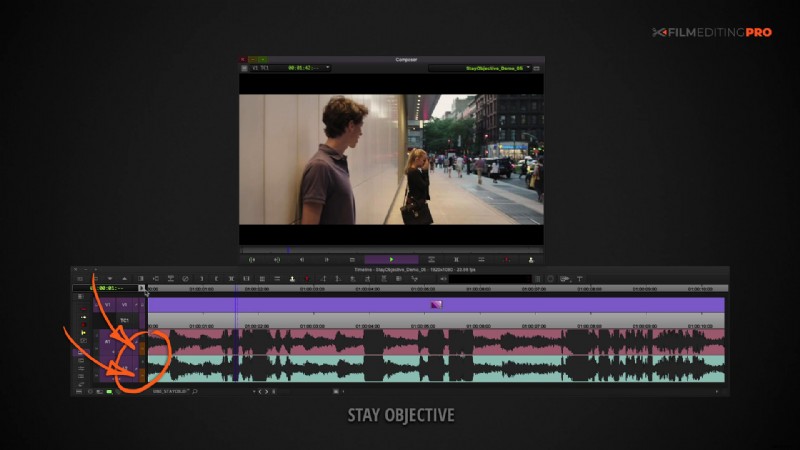
You can up the ante on this by shutting off any monitors with timelines and bins and watching the cut full screen. It’ll help you to see the piece more as your audience would without the distraction of diagnosing individual cut points.
Like this post? Let us know! Leave a comment below and be sure to mention anything else editing related you’d like to learn about.