
Today we’ll be discussing one of the toughest challenges as an editor – staying objective when watching your own cuts.
During a project, you’ll probably view your cut up to 100’s of times. How can you possibly view it with an unbiased, fresh eye?
Short answer is…you can’t entirely.
But, you CAN get quite a bit closer with a few tricks:
1 – Walk away and come back at least 15 minutes later. If possible, wait even longer.
This tip sounds obvious, but it’s amazing how few editors actually have the presence of mind remember it when engulfed by the stress and chaos of a busy project. Rather than beating your head against a problem in the cut for 3 hours straight, take 15 and come back with fresh eyes. The solution will likely be pretty obvious when you do.
2 – Change your location within the room.
Move away from your desk and view your cut from a different position in the room. Either standing back or sitting on a couch or chair. This is a quick way to get a new perspective on the cut, both literally and figuratively.
3 – Don’t look at your timeline while viewing the cut.
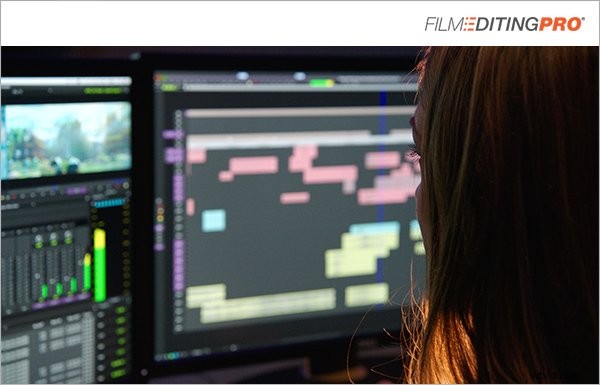
As editors, we’re used to constantly glancing at the timeline. This is necessary while editing, but when viewing, it’s a distraction. You’ll be looking at the timeline and anticipating moments, ultimately distracting yourself from the viewer experience you’re trying simulate.
Consider turning off your timeline monitor while viewing the playback on a TV or side monitor. Or, even export a QuickTime and watch your cut from the desktop with your editing software minimized.
All of these tips will help separate you from the role of editor and immerse you in the role of viewer. You’ll view the cut with a new perspective and become better able to focus on the elements that are actually important.