
Are you professionally into video editing? The free color grading tools can make your video clips amazingly cinematic. Check this guide on How to make a big-budget cinematic look video with Final Cut Pro.
Final Cut Pro is an amazing tool to make movies. See top movies made by Final Cut Pro here.
In all editors including FCPX, LUTs are essential to use in color correction and color grading. If you want to correct color automatically, why not try free LUTs for Final Cut Pro X? From amateur filmmakers to expert colorist, free LUTs are the best way to create moving magic. Enhancing your videos within a limited budget is possible with the free LUTs. In this article, we will let you know 10 free LUTs for FCPX.
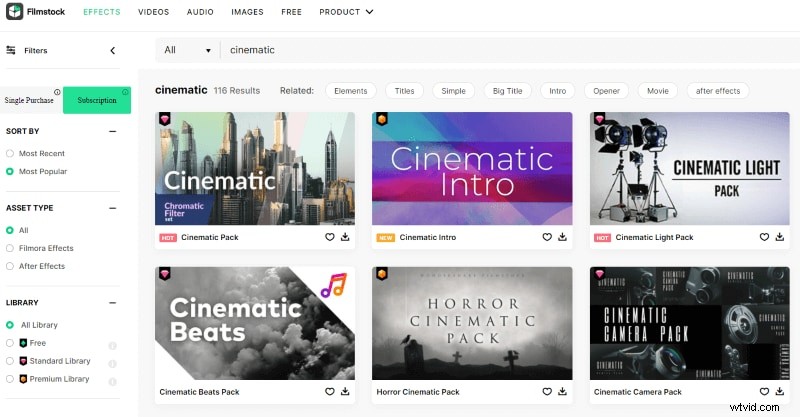
For more easy-to-use effects and filters to make your video cinematic, have a try with Filmora! The Filmstock of Filmora can provide countless cinematic packages for you to choose from.
What are cinematic LUTs?
LUTs are Lookup Table that acts as a modifier amidst the original and the displayed image on the basis of a mathematical formula. The various kinds of LUTs are- transform, viewing, 3D, 1D, and calibration. You can create a great looking grade just by slapping a LUT that may be a silver bullet on the video clip. But, you must be careful about how to use a LUT. You must know what input level or color space to be used for a specific LUT and also the kind of shot it was planned for.
1. Motion Picture Film LUTs
What is Motion Picture Film LUTs? It is an assortment of LUTs that is based on the 22 iconic films that appear to be great. Such looks are created in order to help the users to get a similar look for their video footages as well. Now, you don’t have to spend hours and hours to achieve that cinematic look that you always had in mind. With Motion Picture free LUTs for FCPX, attain the look of the Hollywood films in no time. You don’t need to hire a Hollywood colorist. Just use the color grading that matches the genre and mood of your video.

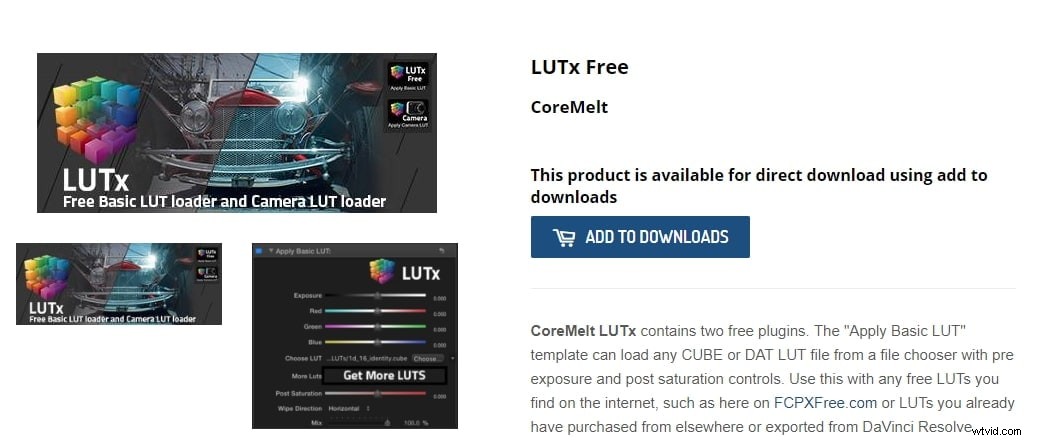
2. CoreMelt LUTx
CoreMelt LUTx is a free tool that comes with 2 free plugins – the Apply Basic LUT and the Apply Camera LUT. The first template can easily download the DAT LUT file from a file chooser that comes with post saturation and pre-exposure tools. You may use the template with any free LUTs like FCPX. The other template is also a free tool. If you want to transform your video to rec709 color space in just a few steps, apply the Camera LUT template.
3. Lutify Me 7 Free LUTs
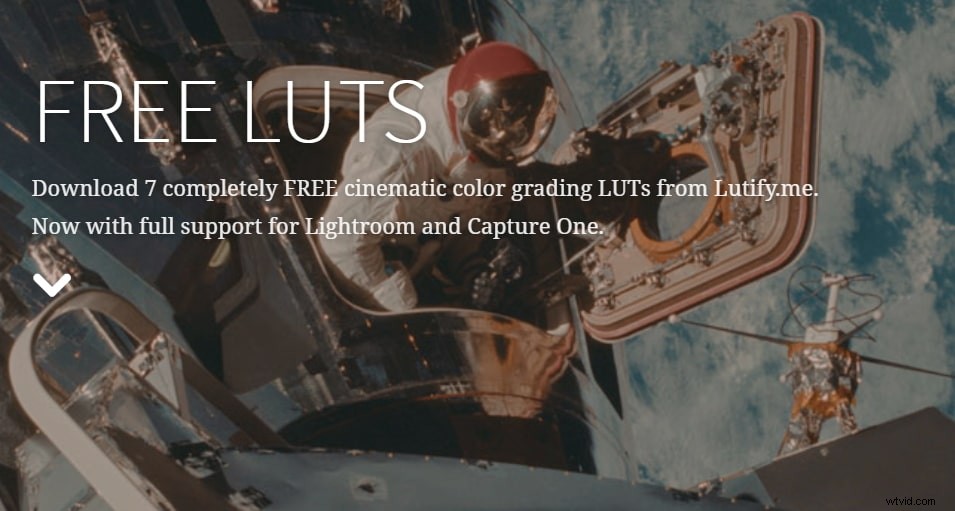
Downloading color grading LUTs from Lutify is one of the easiest things that you can do. Lutify offers 7 free downloads of cinematic color grading LUTs. All the LUTs come with complete support of CaptureOne and Lightroom. The 7 free 3D LUTs are a treat for the photographers and the filmmakers to enhance the videos with the right colors.
4. SmallHD 7 Free LUTs
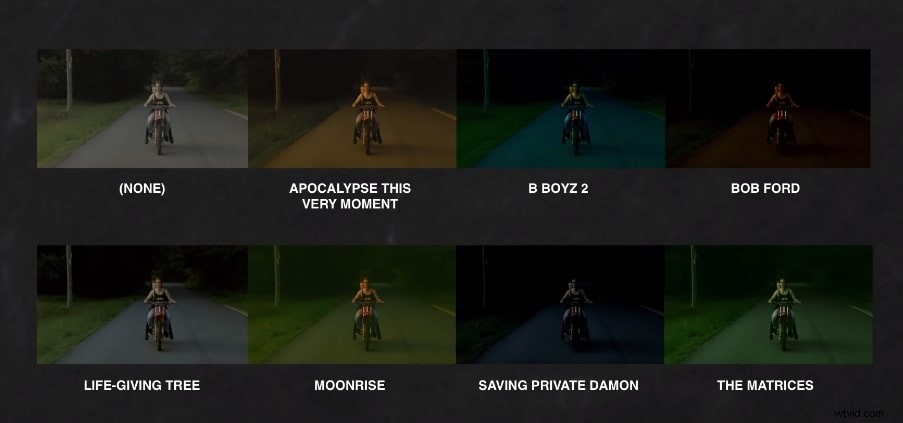
Now, getting your most favorite movie’s look is very easy with the SmallHD 7 free LUTs. You just need to download the LUT and apply it on the LUT enabled Small HD7 monitor. You get 7 movie looks completely free on the Lookup Table which is a small file that acts as a filter within the camera. It colorizes the video clip when the filter is applied.
5. Motion Array 10 Free LUTs
Often there’s confusion between the LUTs and presets. The LUTs is a set of generic data that you can load into various programs whereas, the preset is used for one specific program. The Motion Array 10 free LUTs help in the color correction by loading the LUT on your video clip and then using the other 10 color filters available within the Motion Array program.
6. FreshLUTS
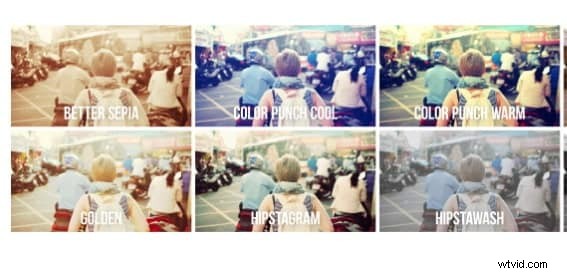
FreshLUTs offer the greatest collection of LUTs in the world that is completely free. You just need to browse, download, and finally apply. Keep track of your downloaded LUTs by adding it to your favorites. If you are a filmmaker, looking forward to sharing your LUTs, the FreshLUTs is the best place to share across the globe.
7. RocketStock’s 35 Free LUTs
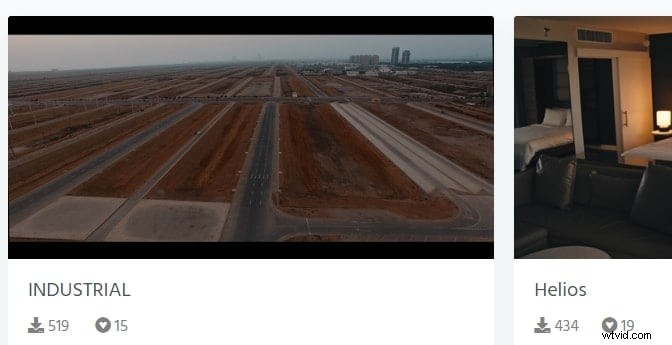
RocketStock offers 35 free LUTs which you may use for color correction on your video clips. It is one of the best free LUTs for FCPX for easy application of vintage or cinematic look. You just need to download the 3D .CUBE files and once you have installed them, you may apply the colors grades with just one click.

8. FCP X Color Board Presets
The FCP X Color Board Presets can stylize your video clip in a number of ways. It is a very powerful tool for color correction. You may choose from a range of presets to apply on the color board or create and store your own presets too. Once a preset is saved as .cboard file, it can be pasted to other systems in the same location created by the user.
9. Wanderlust
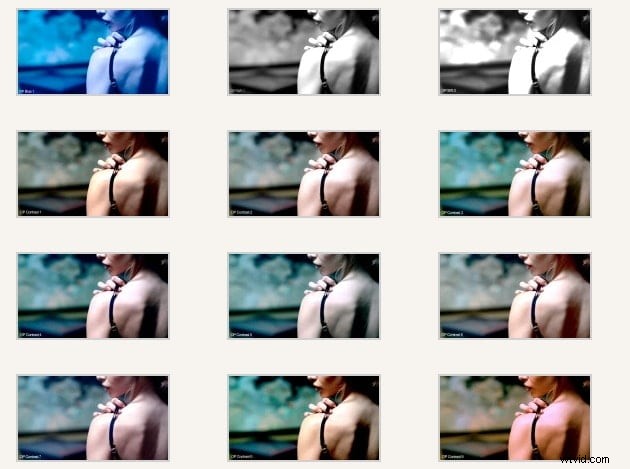
Wanderlust can grow your love for travel and it’s for all the travel enthusiasts. It offers 17 free LUTs for FCPX to ensure sheer perfection and enhanced clip. All the 17 .CUBE files are highly compatible with various color grading programs and NLEs. You may use these free LUTs for both commercial and personal projects by downloading it for free but cannot re-distribute or resold it.
10. Freebie
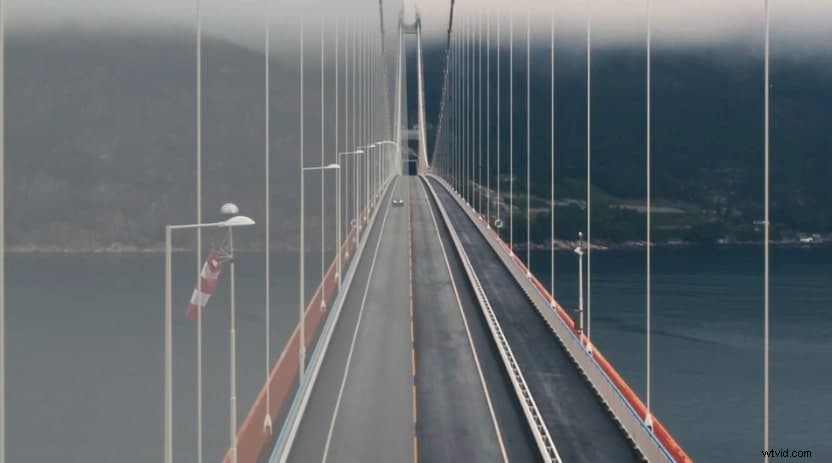
If you are looking to take your video to the next level, Freebie from Shutterstock comes up with several editing, drag and drop assets and LUTs that are completely free to use in your videos. These are all supported by the compositing programs and all the major NLEs. You can find 52 .CUBE LUTs in Shutter Stock Video Editors.

Conclusion
The free LUTs for FCPX 10.4 version do not require any plugins but, for the 10.3 version, you need LUT utility plugins like Motion VFX, color grading central, etc. For an enhanced video experience, turn to the free LUTs and give your viewers something different from the others or that you have never given before. Also, you may want to see more free plugins here.