
In this video tutorial, check out five practical effects in Premiere Pro every video editor should have in their tool-kit.
Video editing is just like any other art form. Whether you’re just starting out or are a seasoned veteran, you always need tricks of the trade. Some of these tricks might be simple time-savers, while others may give a creative boost to a dull project.
Whatever the case, the real trick is to always be learning. In this great video breakdown from SonduckFilm, we get some helpful insights into editing with Adobe Premiere Pro.
So take a look at filmmaker and video editor Joshua Noel’s five favorite effects in Premiere Pro to see if there are any you can add to your creative tool belt.
1. Warp Stabilizer
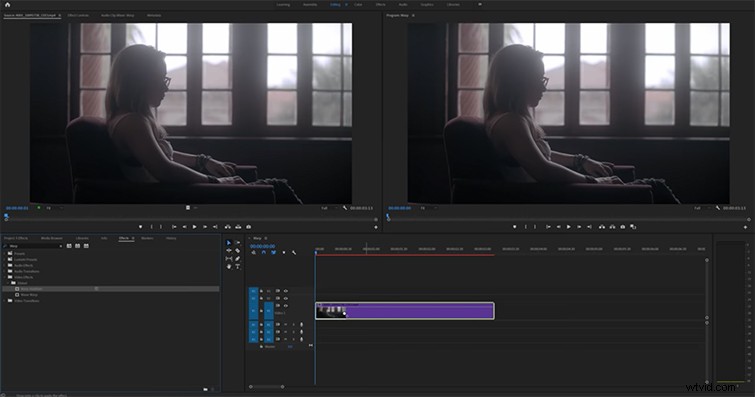
For the run-and-gun filmmaker (or the editor who has to deal with rough-and-tumble footage), shaky footage can be a huge problem in any edit. Not just shaky handheld footage either — even stabilized gimbal footage and tripod shots can have shake and inconsistencies.
Noel takes us through how to add Warp Stabilizer to your shaky footage clips — and how to customize the effect to maximize the amount of stabilization you can get.
2. Crop
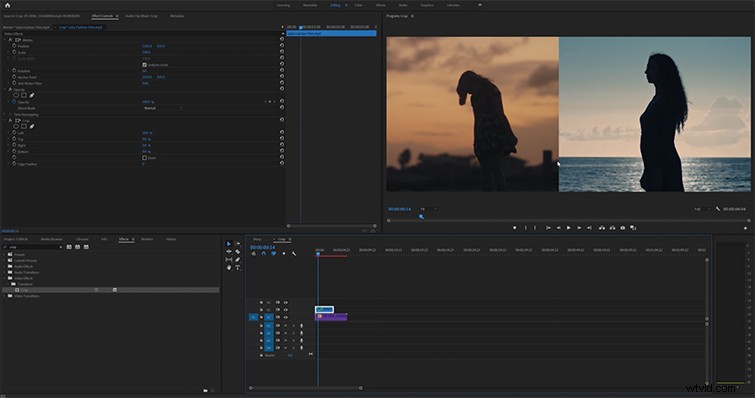
If you’ve ever worked with any other basic photo or image editing software — like, say, Adobe Photoshop (or even MS Paint) — you may be familiar with this effect. However, as Noel lays out in his tutorial on reframing compositions and adding new elements like split screen effects, sometimes the simplest tools can be the most powerful.
3. Camera Blur and Mask
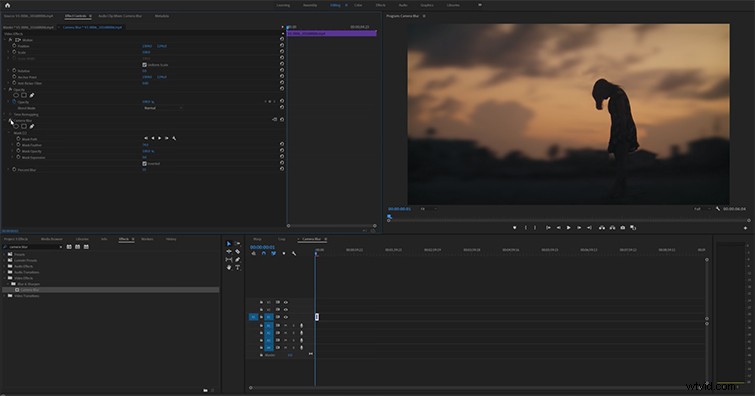
Want to add cinematic depth to your compositions and shots? Noel takes us through how you can use the Camera Blur effect with Mask to add new dynamics and depth to your shots. While this is a pretty simple trick, it does require some keyframing. However, once you get the hang of it, it can be a great creative trick to use in a pinch.
4. Lumetri Color
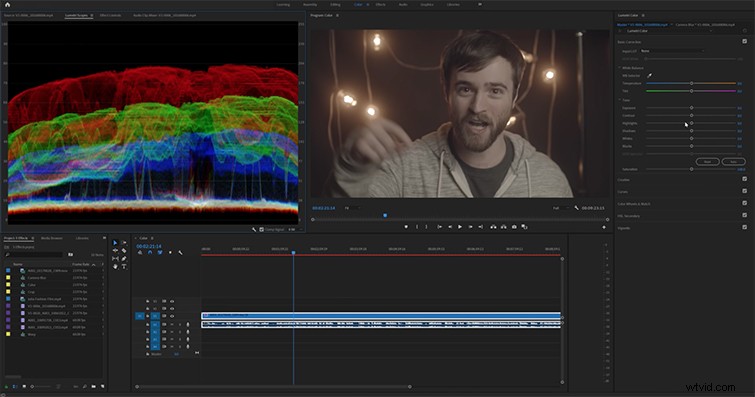
If you’re old enough to remember the days before the Lumetri Color tab, you know how great the updated effect is in Premiere Pro CC. Digital color editing has always been a developing science, and the Lumetri Color tab is about as powerful a tool as they come.
Noel offers some great insights into basic color correcting and grading techniques. From there, you can start learning and developing on your own.
5. Noise
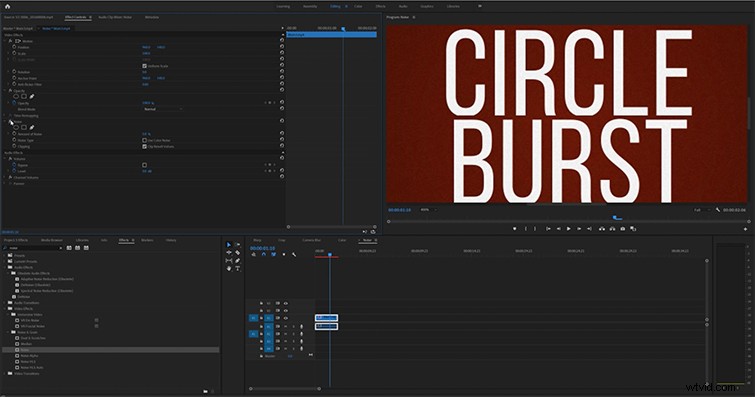
For his final favorite, Noel talks about how to use the Noise effect (a highly controversial decision for some but a powerful effect nonetheless). Noise comes in handy most often when working with graphics and motion. Noel uses the example of working with an After Effects clip and using Noise to add a “video” element — which can give your footage a more authentic or real aesthetic.
So take a look, and try out something new.
Cover image by FrameStockFootages.
If you’re looking for more video editing tips and tricks, check out some of these resources below!
- Professional Video Editing Tips and Techniques
- 5 Ways to Sharpen Your Film and Video Editing Perspective
- Film Theory: Why Don’t We Notice All Those Editing Cuts?
- Learning How to Edit While You Shoot
- Video Editing 101: Prepping for a Quick (and Successful) Edit