
With superior image quality and a wide-angle lens, action cameras are way better for getting that perfect selfie than smartphones. Light and portable, these rugged cameras capture images that a phone on selfie a stick never can. Take advantage of DJI’s Osmo Action, the perfect selfie companion, complete with a front screen.
Shoot Effortlessly
Action cameras naturally perform better than the front-facing cameras on smartphones:
| Action Camera | Front Camera on Smartphone | |
|---|---|---|
| Max Image Resolution | 12 MP | Approx. 8 MP |
| Max Video Resolution | 4K/60fps | 1080p/60fps |
| Sensor Size | 1/2.3 in | 1/3.06 in |
| Field of View | 145° | 60-90° |
| Weight | 124 g | Approx. 200 g |
Having said that, why do people still put up with the front cameras on their smartphones? Simple: most action cameras do not have front cameras at all! Thanks to Osmo Action and its front screen, selfies have become easier than ever.
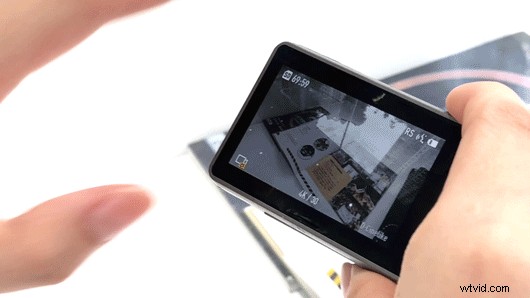
You can double-tap the back screen, press and hold the QS button, or just say “Screen switch” to change the live view to the front screen in seconds. Pose and try different compositions to get your best shot.
Want to extend possibilities with a selfie stick? It’s easy-peasy!
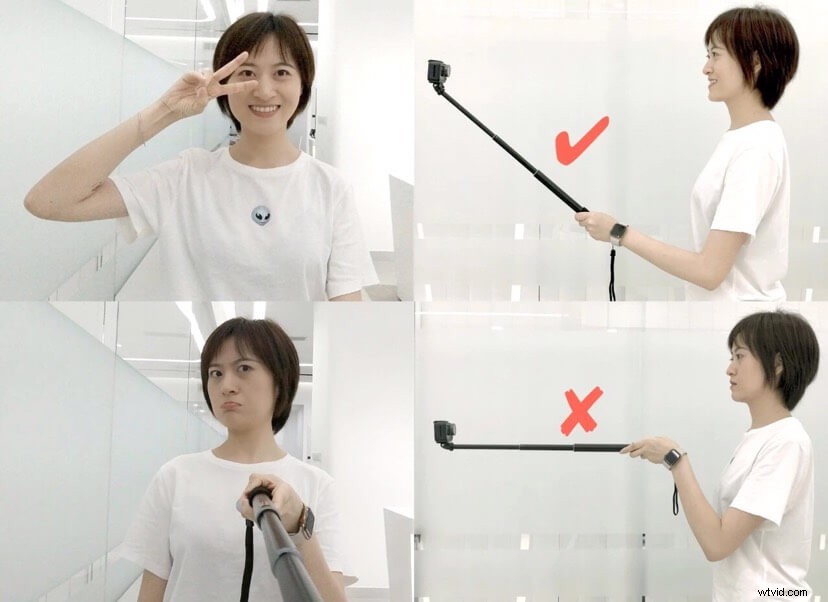 Slightly bend your arm, adjust the angle with the front screen, and then tell Osmo Action “Take photo.” No need to worry about revealing the selfie stick, and bid farewell to Bluetooth remote shutters!
On top of its action camera capabilitie, this is why Osmo Action is the ideal selfie tool s.
Shoot from Any Angle
The front screen of Osmo Action makes it easy to take selfies from any angle you like.
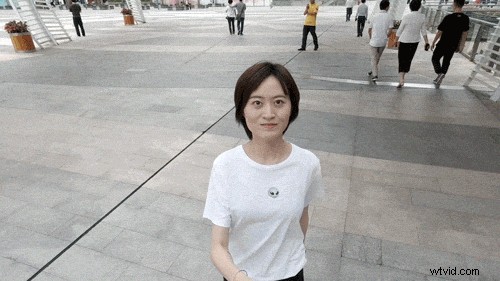
You can extend the selfie stick and shoot from a higher angle to get a wider field of view.
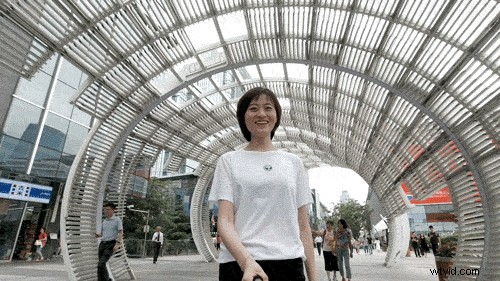
Alternatively, hold the selfie stick at a lower angle to explore different compositions.
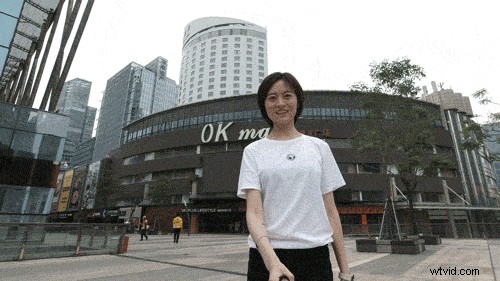
With the front screen, you can try camera movements that can typically only be operated by a second person, such as a 180° video (pictured above) and a 360° rotational shot (shown below). RockSteady stabilization technology will help ensure smooth footage.
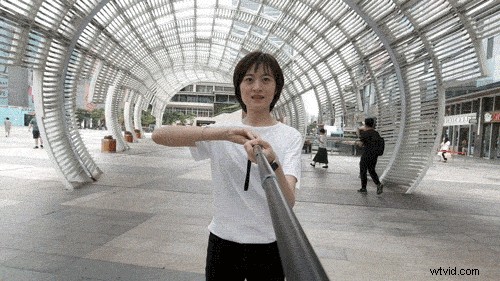
Osmo Action lets you compose your selfie shots effortlessly during travel, as well as in everyday life. Take unique selfies with this amazing device, then sit back and wait for the likes to roll in after you share your story on social media.
Shoot Differently
Want to shoot something different for your vlog? With the front screen and portability of Osmo Action, you can take selfies in narrow spaces or other locations unattainable with another device. Unleash creativity with the most familiar things around you.
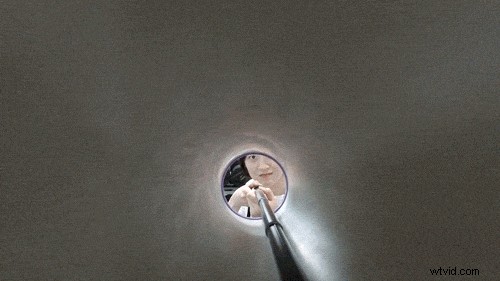
For example, mount your Osmo Action to a selfie stick, extend it into a narrow space (like a drawer or a long box – even a foam roller will do!), and retrieve quickly, to achieve the effect of traveling through to another world.
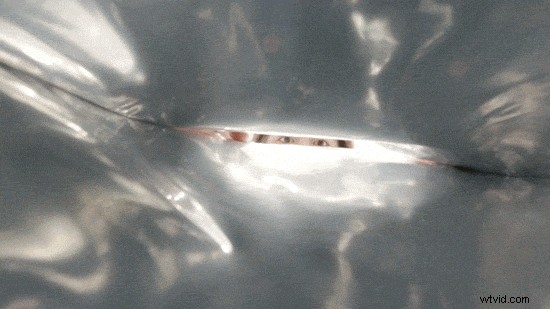
Alternatively, drop the camera into a bag to add some intrigue to your shot, and apply transitional effects in post-processing to create effects and added imagery.
Comparatively, the front-facing cameras of smartphones have a narrower field of view, making it difficult to shoot freely from these angles.
Put Osmo Action inside a gift box to record the surprised face of the recipient, turning an exciting moment into a beautiful memory.
Osmo Action can also shoot Timelapse selfies that are not easy to capture on other action cameras. *
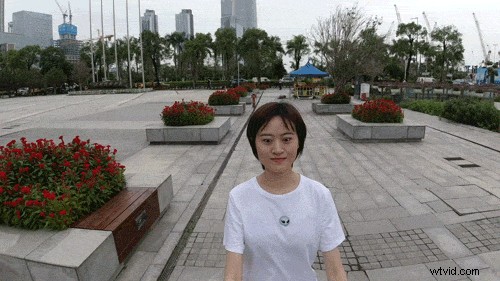
Set your Osmo Action to Timelapse mode, center yourself with the front screen, then walk with the camera to create a Timelapse. In this supercool video, you will see the world around you change so fast while you’re in the center of the frame, traveling through time and space.
* Keep the camera as stable as possible while shooting.
Explore different ways to take a selfie with the front screen, keep footage smooth with RockSteady stabilization, and share your creations with us!
Buy Osmo Action
You May Also Like
10 Essential Osmo Action Accessories You Need to Get!