
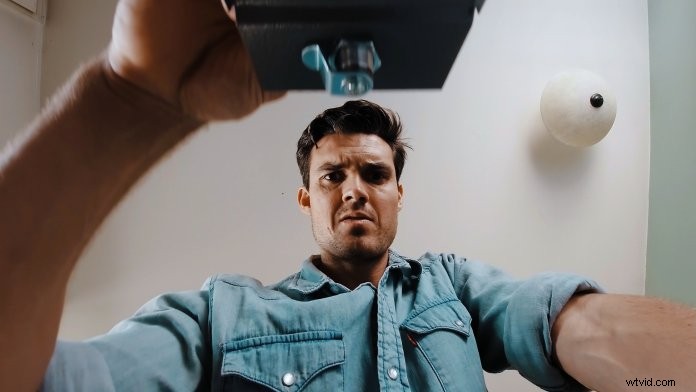
Osmo Action is the ultimate filmmaking tool that empowers creators to push the boundaries of creativity. Today, we’ll take you through creative Osmo Action tips inspired by Josh Yeo, founder of Make.Art.Now. From unique shot angles to immersive cinematography, we’re breaking the rules of traditional filmmaking in search of awesome content!
Osmo Action isn’t just your average action camera. It’s a filmmaking powerhouse that places a whole world of immersive cinematography in your hands. Due to its portability and durability, Osmo Action can film from special angles and from inside small objects, which can’t be done with a standard camera. From your coffee cup to your kitchen top, the only limit to your filmmaking is your imagination. Let’s kick off the action with our best tips for filming cinematic scenes with Osmo Action!
Get Creative with Household Objects
Use Osmo Action to add an interesting perspective to your content by placing it inside of different household objects. Here are a few ideas to get you started:
Coffee Cup
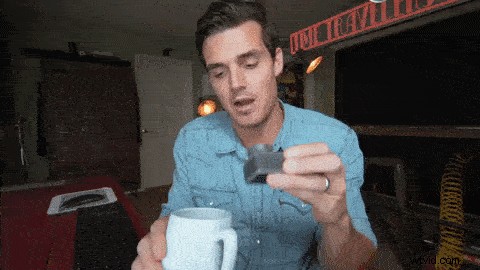
For the perfect blend of creativity, place Osmo Action face up inside a coffee cup to get an interesting shot.
Boxes
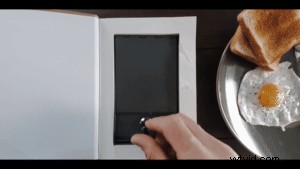
There’s no chamber of secrets when it comes to creative filmmaking. The key to unlocking a world of magical footage is to transform everyday objects. Have a go at placing Osmo Action inside different boxes or containers that you have around the house.
Refrigerator
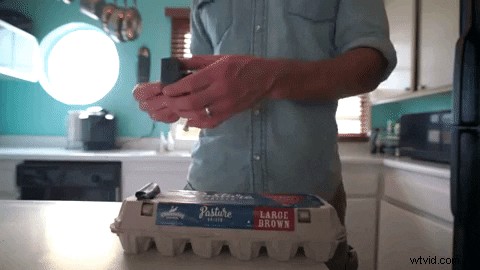
Let’s face it – the fridge shot has been replicated tons of times by other filmmakers. So, how can we take this classic shot and make it even better? Use Osmo Action accessories to mount Osmo Action onto an object that you can pull out of the fridge.

Kitchen Drawers
When one door closes, another opens. Shooting with Osmo Action instead of a regular camera gives you plenty of options for creating dynamic transition shots in tight spaces. Follow the movement when you open a drawer to add a cinematic shot to your indoor film.

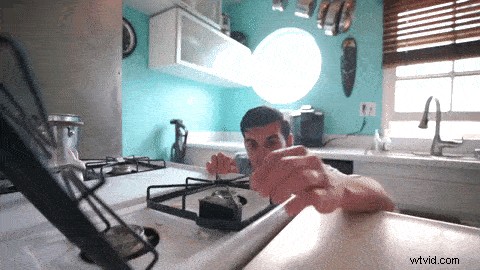
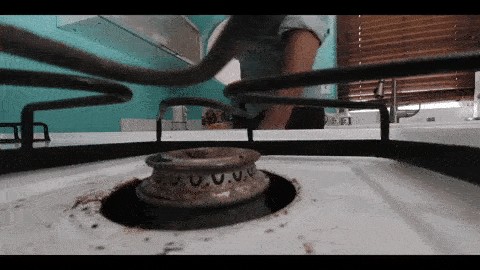
Kitchen Stove
Let’s turn up the heat a little with our next creative idea. Place Osmo Action on your kitchen stove and slide a frying pan or saucepan over it for an immersive shot.
Cabinets
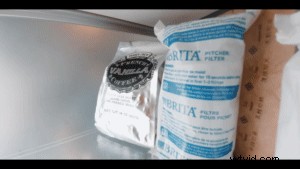
Top-shelf content is always within reach with Osmo Action. Place your Osmo Action in different places around your home to develop new perspectives in your footage.
Frying Pan
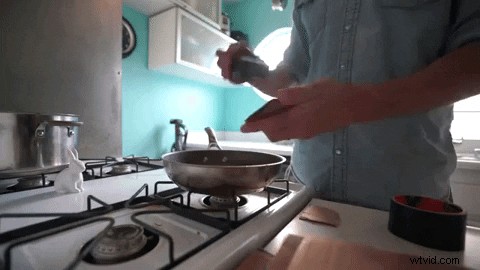
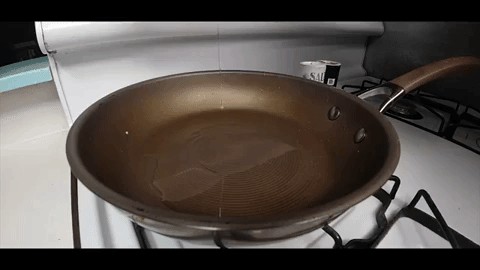
To add some flair to your storytelling narrative, place Osmo Action inside a cold frying pan and pretend to cook.
Indoor Props
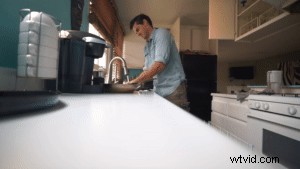
Have a look around you and use different objects and props in your footage to create unorthodox cinematic shots. Don’t put Osmo Action into any electrical appliances; check out Josh’s video at the end of this article to see how he uses props to create these shots safely.
Osmo Action Features and Settings
Now that you’ve found a few items to shoot with, let’s take a peek at all the Osmo Action settings and features you can take advantage of.
Waterproof
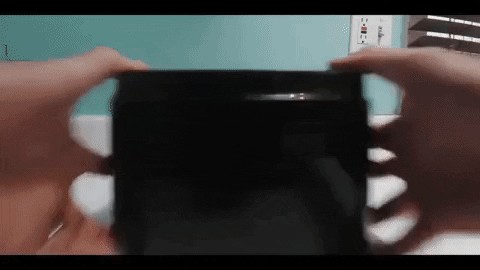
Osmo Action is waterproof at depths up to 11 meters, which means you can dive even deeper for creative indoor content. The waterproof seal and hydrophobic coating on the back touch screen make it easy for you to capture unique shots.
Slow Motion
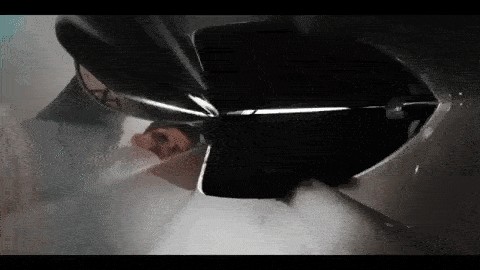
Enable slow motion to capture breathtaking detail at 1080p/240 fps. This is a great feature to emphasize any action in your footage.
Dual Screens
Osmo Action also has vivid dual screens that you can use to create fun selfie footage with perfect framing for your indoor film.

RockSteady
Go one step further with your filmmaking by turning on RockSteady and adding smooth stabilization to any dynamic shots.
Timelapse
A creative timelapse is an excellent way to condense time and motion into an exciting segment for your indoor film. Just select your shooting time, intervals, and hit the record button.
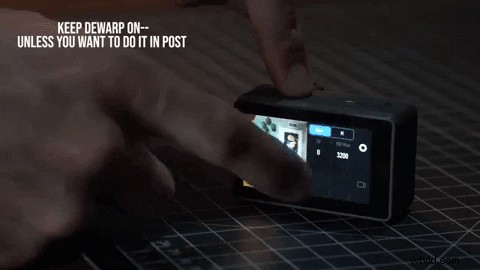
Dewarp
Keep Dewarp on to give you the full sensor when shooting and to remove any fish-eye style shots.
Voice Control
Enjoy life in the director’s seat. Voice control is a great feature for indoor cinematic filmmaking because it gives you control over recording video, capturing pictures, and controlling the device.
SnapShot
Creative filmmaking is all about thinking on your feet. Press the shutter button to turn on Osmo Action and start recording in two seconds.
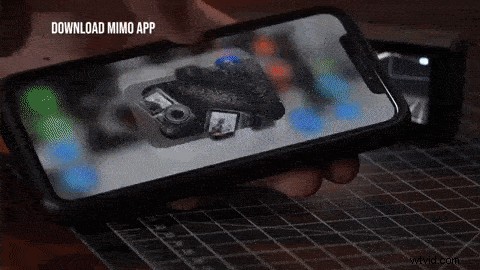
DJI Mimo
If you haven’t already, download the DJI Mimo app on your smartphone, which gives you an all-in-one solution to edit, view, and share your footage in seconds.
Osmo Action Accessories
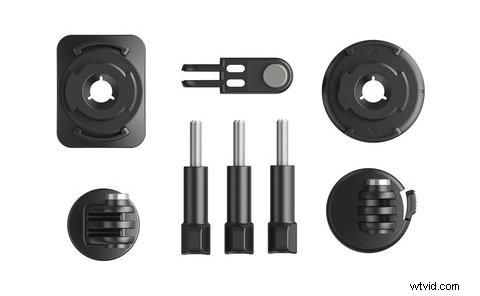
Before you start your indoor filmmaking adventure, check out these Osmo Action accessories that will help you unleash your creativity. The ND filter kit is great for filming in different lighting conditions, and the mounting kit gives you more creative possibilities. Whatever your shooting requirements are, Osmo Action accessories help you take your filmmaking to the next level.
Osmo Action: Cinematic Filmmaking
Osmo Action is an extremely durable action camera that pushes the boundaries of creative filming. Pick up an Osmo Action today and unleash a world of immersive cinematography!
Buy Now
 We would love to see your creative indoor content on Instagram, Twitter, or TikTok. Every Friday, we’ll award one lucky winner with a DJI Osmo product. Don’t forget to share your work with the hashtag #StayHomeStayCreative for the chance to win!
You May Also Like
Osmo Action: Creative Tips for Filming Your Pets
Learn How to Use Osmo Action in 10 Minutes
10 Essential Osmo Action Accessories You Need to Get!
DJI’s Osmo Action vs. Smartphones: Do More with Less
Osmo Action Top 10 FAQ