
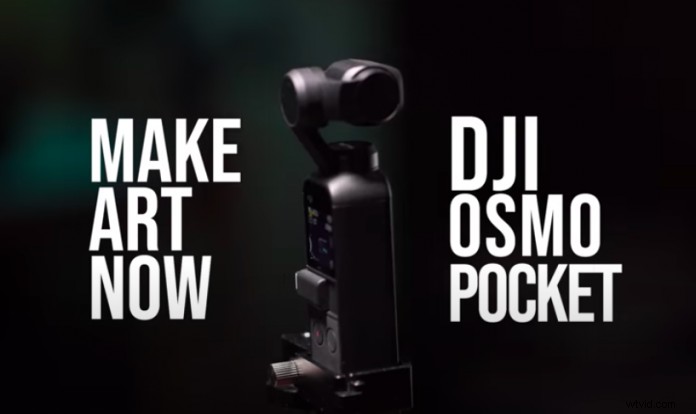
Osmo Pocket is an incredibly portable filmmaking tool that stretches the boundaries of creative footage. Today, we’re going through three cinematic Hollywood-style shots inspired by Josh Yeo, founder of Make.Art.Now. From the Atlanta transition to crane shots, check out these tips to produce awesome footage!
Osmo Pocket is incredibly small, lightweight, and it is jam-packed with professional features like 4K/60fps video and 3-axis gimbal technology. This tiny filmmaking tool gives you the ability to remote control the camera, gimbal, and other settings all from your smartphone. From setup to shootings tips, we’ll take you through all the steps you need to create cinematic Hollywood shots wherever you are.
Osmo Pocket Setup
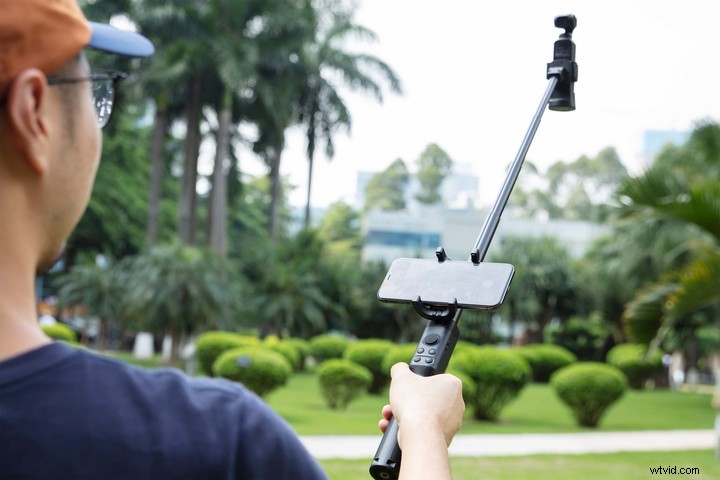
Hollywood-style shots are all about precision, control, and finesse, which is why the Osmo Pocket Extension Rod is a must-have accessory to empower your creative footage. The retractable extension rod features a phone holder and control sticks, giving you full control over your shots.
Hollywood Shot 1: Camera Crane Shot
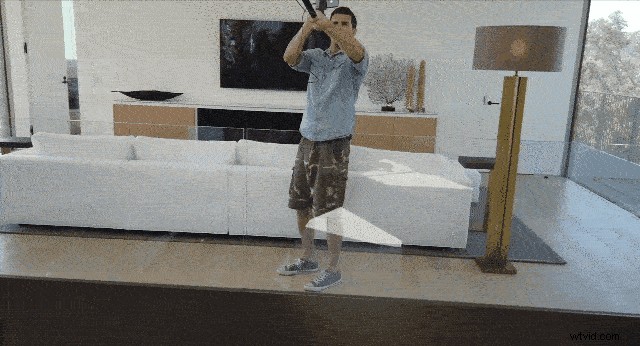
Use a prominent fixture in your house like the staircase to create a dynamic crane-style shot. Start the shot with Osmo Pocket in an elevated position with the camera facing downward. Move Osmo Pocket downward while simultaneously moving the camera up using the control sticks to produce a Hollywood-style crane shot.
Hollywood Shot 2: Go Through Objects
Instead of craning down on your objects, you can go over or through them to create another Hollywood-style shot. Have a go at using this technique to produce a cinematic birds-eye view from your balcony or vantage point.
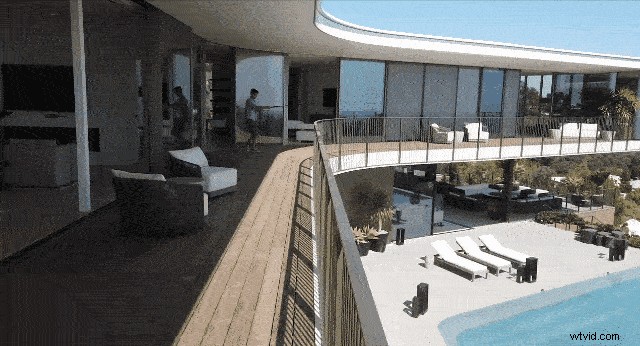
What’s great about this Osmo Pocket setup is that you can create shots that are generally not possible with a standard camera. Create a unique parallax-style shot by passing Osmo Pocket through an object while rotating it at the same time.
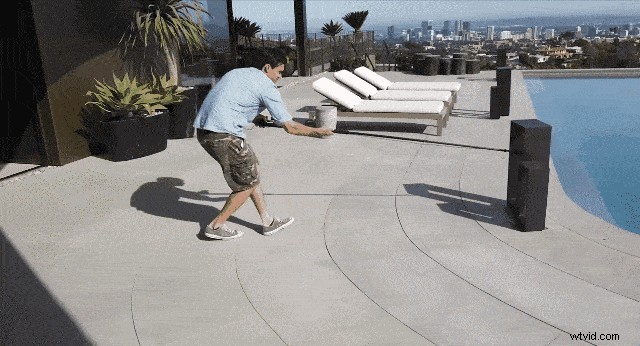
Hollywood Shot 3: Atlanta Transition
The Atlanta transition is a super-stylized shot that will add more creativity to your footage. First, lock the camera in FPV mode and find some shooting locations that have a clear starting and stopping edge for your shot. Using a semi-circle arc motion, take a few shots of different locations using the same speed and movement each time.
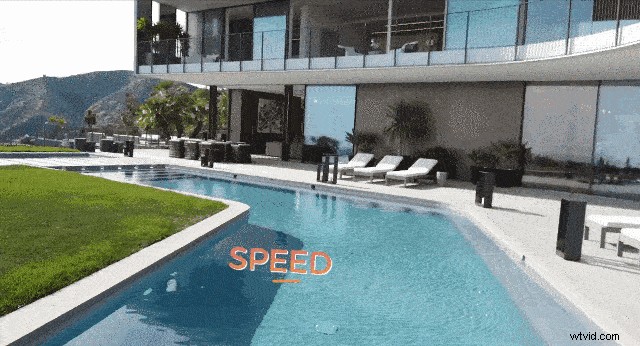
The edges of the shot form the transition, and you can even speed up the shot to make the transition smoother.
Osmo Pocket Accessories
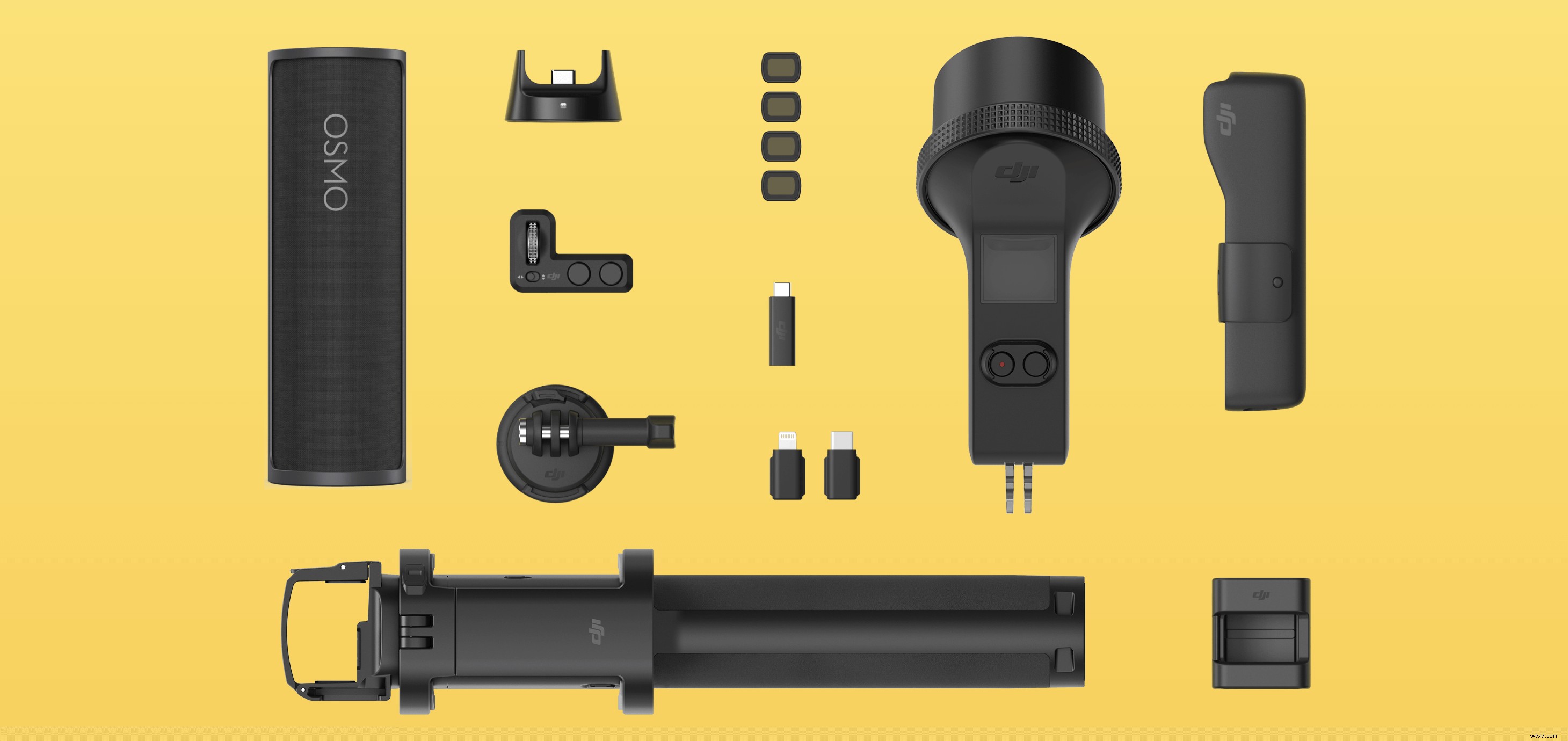
Osmo Pocket accessories give you more creative filmmaking possibilities to take your footage to another level. The Osmo Pocket Expansion Kit includes a Controller Wheel, Wireless Module, and more tools that provide you with the ultimate control for professional footage. For more awesome filmmaking possibilities, check out our recommended Osmo Pocket accessories.
Osmo Pocket Hollywood Shots
Osmo Pocket is an incredible filmmaking tool that makes it easy to capture Hollywood-style shots without investing a small fortune on traditional DSLRs and gimbals. With just a few simple tools and your imagination, you can capture Hollywood-style shots easily. Try your hand at these creative tips and unleash your creative potential with Osmo Pocket!
Buy Now
You May Also Like
How to Set up Your Osmo Pocket in 2 Minutes
Top 10 Quick Tips – Unleash Osmo Pocket’s Full Potential
How Portable Osmo Pocket Really Is
9 Accessories Every Osmo Pocket User Needs
Osmo Pocket In-Depth Review: The World in Your Hands