
Aerial videographers are always looking for ways to improve their shots, and performing an orbit is a relatively simple way to do exactly that. This powerful cinematic effect can quickly push your cinematography from beginner-level to advanced.
What is an Orbit?
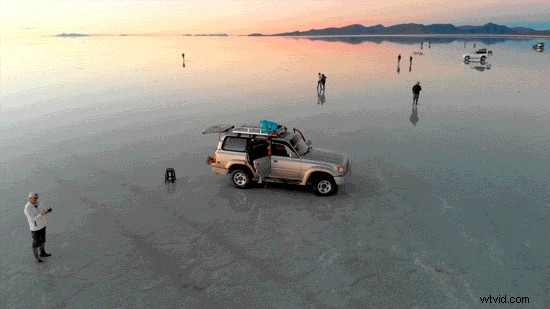
As you might guess from the name, an orbit is a circling motion around a point of interest.
To achieve this shot, the camera moves around a subject while shooting, keeping the subject in the same position within the frame as the background changes. This is a great way to highlight any subject, as the dynamic movement between the subject and the background creates a strong sense of the spacing and environment.
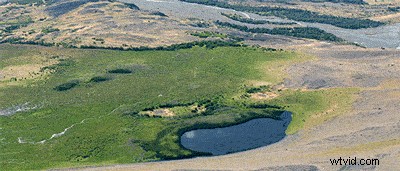
While a standard orbit is relatively straightforward, users can get quite creative by adding additional movements and features. For example, they can zoom in or move forward or backward while rotating around the subject, creating a fade-in or fade-out effect.

In aerial videography, you can lock the gimbal on your subject and descend or ascend during an orbit to create a greater sense of depth by changing shooting angles.
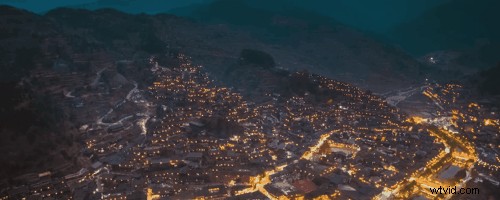
Probably the most jaw-dropping use of Orbit is when you combine it with Timelapse. As you can see above, the results are simply stunning.
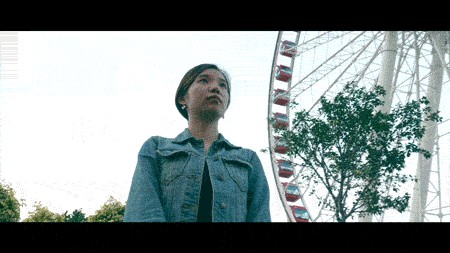
However, an orbit shot isn’t only for drones. You can also use handheld stabilizers (for example, Osmo Pocket or Ronin-S) and walk around your subject to achieve this shot. Try tilting the camera upwards to create a unique and cinematic angle.
Orbit Skills
What are the mechanics behind the motion of an orbit?
Let’s say you want to use a drone to orbit around a subject. First, move the right control stick to the right, and the drone will fly to the right. While the drone is circling, move the left control stick in the opposite direction to turn the drone’s camera to the left. (By the way, we’re assuming here that you are using Mode 2 and you want to film your orbit in a counterclockwise direction.) This is the essential motion of an orbit.
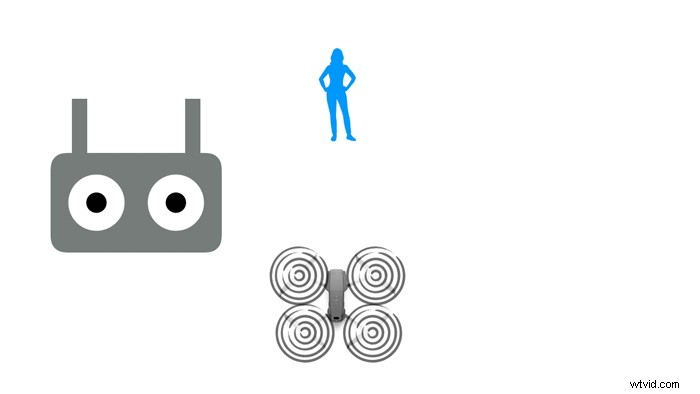
However, this movement is not quite as easy as it sounds. The distance between the drone and the subject, the size of the subject, or even the drone’s flight speed are all factors that can increase the difficulty level. You’ll have to constantly adjust both control sticks to keep shooting as smoothly as possible.
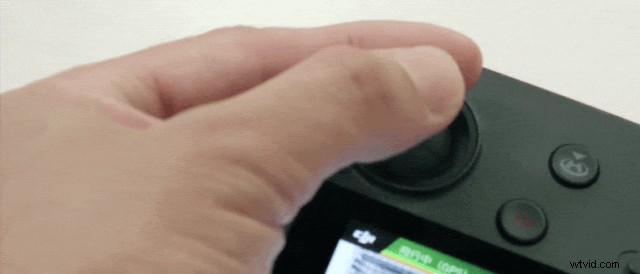 Holding the control stick with two fingers is suggested for movements like an orbit that require a high level of precision.
To truly master shooting an orbit, you have to practice and learn some savvy skills. We recommend beginners use two fingers to hold each control stick (as shown above), which provides the extra precision required for this maneuver.
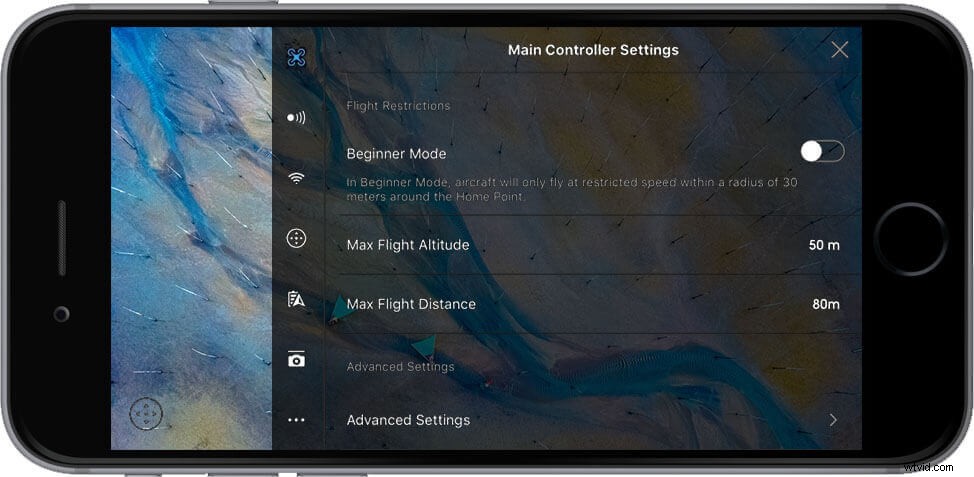
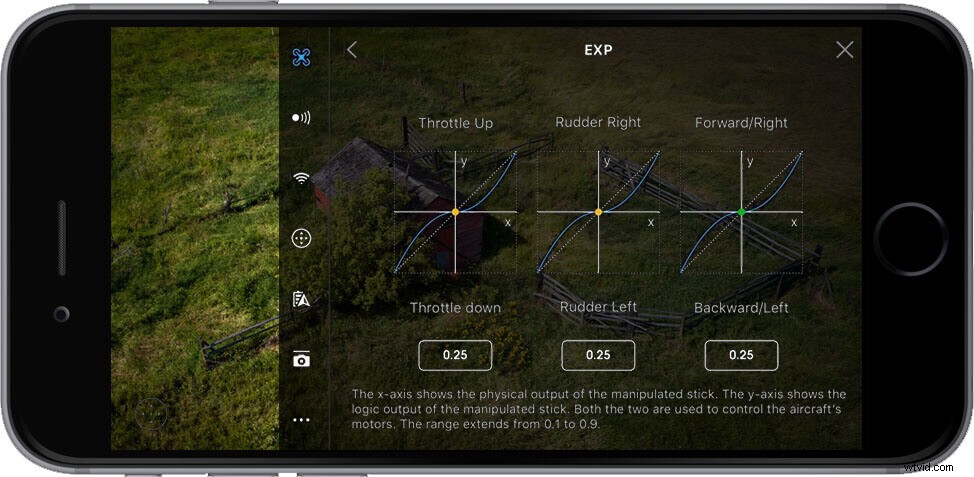 Users can adjust control stick sensitivity in the DJI GO 4 app.
One more skill is to slow down the control stick responsiveness in DJI GO 4. Open the app, go to MC SettingsAdvanced SettingsEXP, and decrease the value of Rotate Right by 0.1-0.15. As a result, the control sticks will be less sensitive, resulting in less sudden or jerky movements during flight.
Is There an Easier Way to Orbit?
A manual orbit is indeed a bit difficult, but we have great news: there’s a much easier way to do it!
Simple select Orbit from the intelligent flight modes available in the DJI GO 4 app.
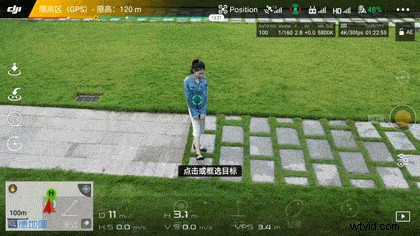
Open the DJI GO 4 app, tap QuickShots, and you can choose Circle, Helix, Boomerang or any other mode you want. Tap the subject to lock on, and you’re ready to shoot a cinematic clip.
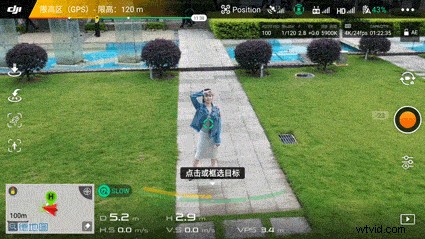
If you think QuickShots are too restrictive, or you want to get more creative with your orbit, try using ActiveTrack. Tap to choose your subject, wait for the camera to lock on, set a circling speed, and then the drone will follow your command and start orbiting at the preset speed.
During Orbit, you can still control the drone to have it fly upward, downward, closer, or farther away from your subject, giving your video a dynamic and unbelievable perspective.
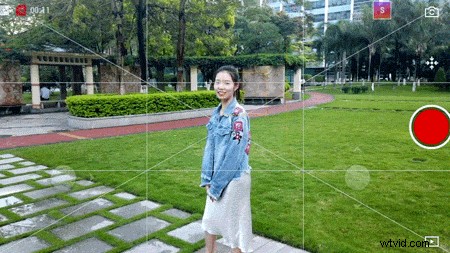
Osmo Pocket also features the ActiveTrack function, which comes in handy when filming an orbit on the ground.
Safety Reminders
Safety tips for users performing an orbit manually or automatically:
When the drone is circling, obstacles in front cannot be directly seen on the screen. Therefore, users must check the surrounding environment carefully before flight, and choose to perform this maneuver in an open space.
You must always make sure not to fly over people who aren’t involved in the creation of your video.
You must always stay in control of your drone. Even when your drone is flying an automated flight path, keep your hands on the controller and know how to stop the pattern and descend if an airplane or helicopter approaches.
You must always keep your drone in sight at all times, so you can see any approaching obstacles and take action to avoid them.
If you are using handheld gimbals, always pay attention to your movements as you circle your subject and be careful not to trip.
Always remember, safety is the top priority when performing an orbit. These precautions are required by law in some places, and they’re common sense everywhere. Fly safe and have fun!